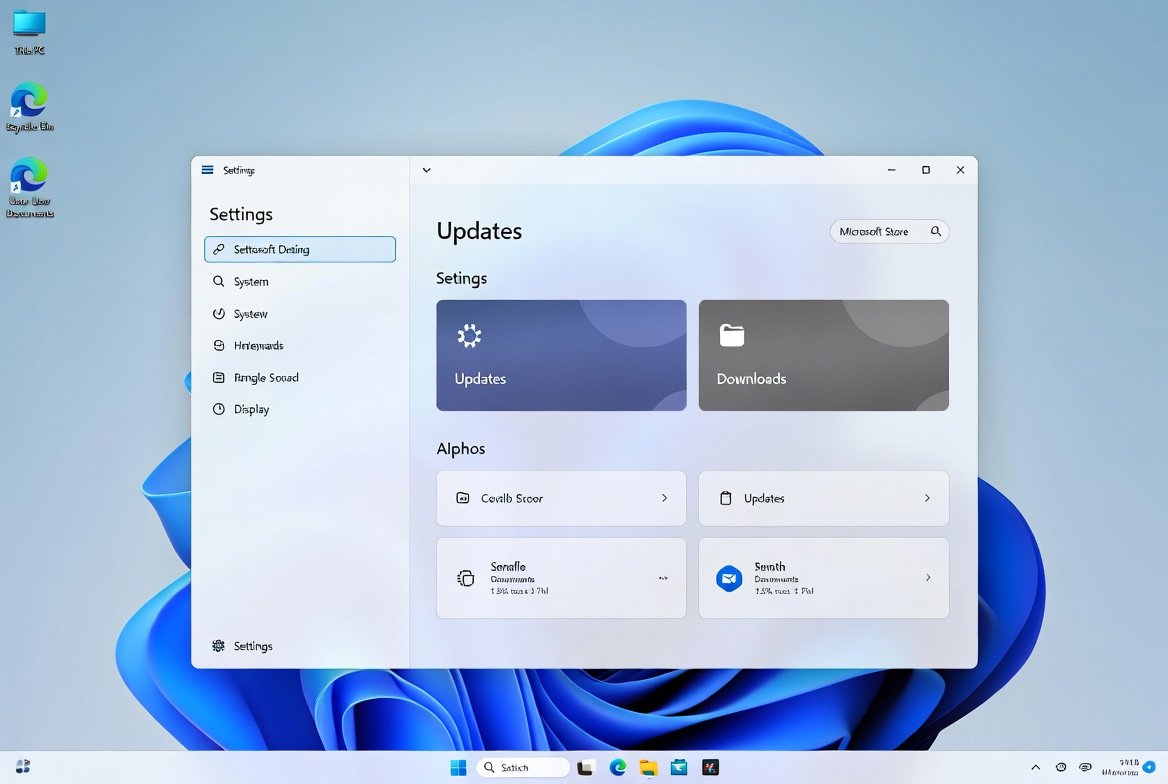
Windows 11 looks really clean and modern when you first get it. The settings that come with it are not always what is best for you. You might want to make a change to Windows 11 as soon as you set it up. This can make your computer feel nicer to use. You can make these changes to Windows 11. It will make a big difference in how you use your computer every day.
Review Privacy Permissions

Doing this will make you feel more in control of your Windows 11. It also reduces the background activity on your Windows 11 that you may not want to happen.
Adjust Display Scaling
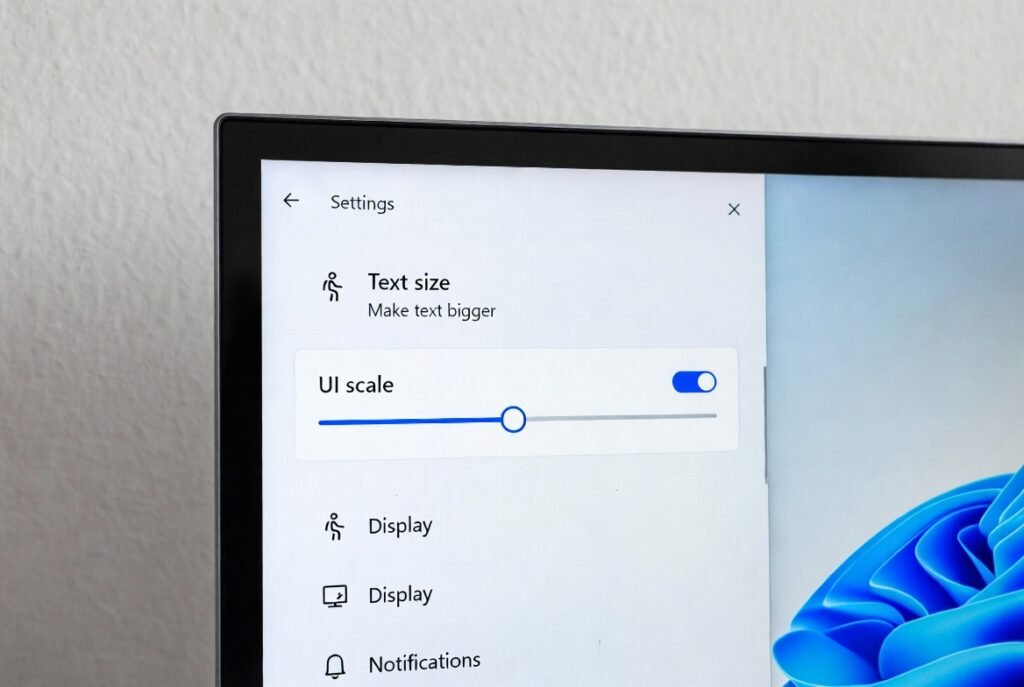
The text and the icons on your screen may seem small or they may seem too large. The display scaling is what helps to make the text and the icons look comfortable for your eyes.
Turn On Night Light

The Night Light feature makes the screen colors a bit softer in the evening. This is really good, for your eyes because it helps them feel less tired especially when it is night time.
Check Startup Apps

When you turn on your computer a lot of apps start up too.. The thing is, you do not need some of these apps. So if you turn off the startup apps that you do not need Windows will load faster.
Customize Notifications

A lot of alerts can be really annoying. You should open the notification settings. Switch off the apps that you do not really need. The notification settings will help you stay focused on the things that matter.
Enable Find My Device

You should enable the Find My Device feature so that you can find your device if it gets lost. Basically this feature is really useful which enables Find My Device to keep track of your device.
Adjust Power and Sleep Settings
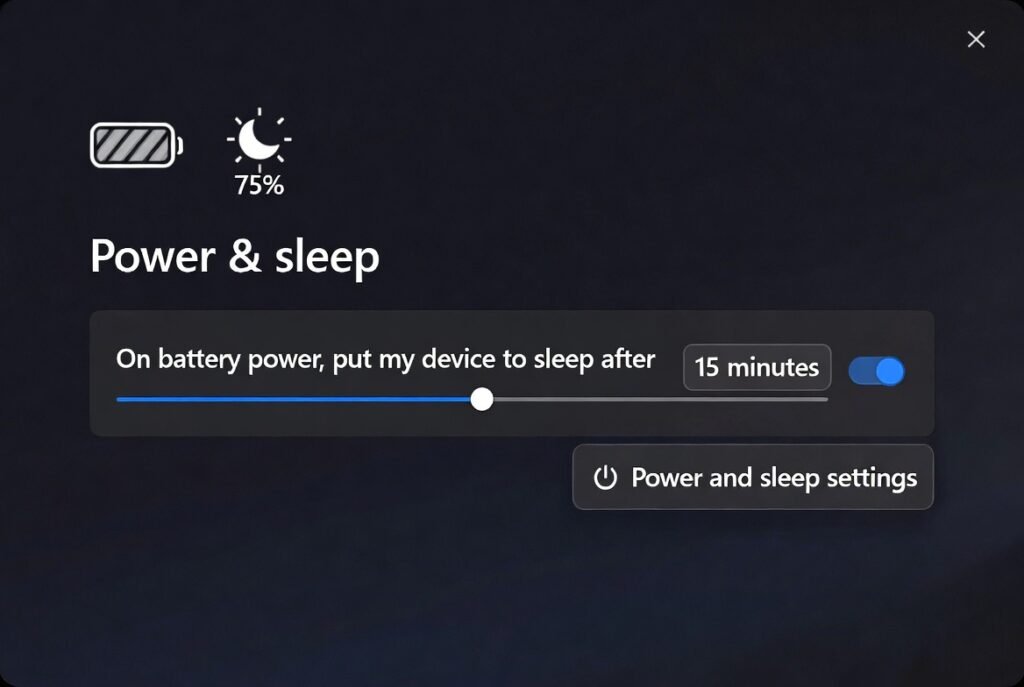
You can decide when your screen goes black and when your PC goes to sleep. If you get the settings right it helps to save energy. It stops your computer from falling asleep too fast when you are using it.
Set Default Apps

When you use Windows it might pick apps that you do not like to use. You should pick the browser, media player and email app that you like. This makes the things you do every day feel like what you are used to.
Create a Restore Point

Many windows users don’t know about it but this feature allows you to undo changes if something goes wrong later. Creating one early gives peace of mind and can save time if problems appear.
