
A lot of people who use Windows are still doing things that they do not need to do. New versions of Windows are really good at taking care of things on their own without you having to do anything. Windows can handle things by itself in the background. If you stop doing these things you will have more time and you will feel better. Here are ten things that you used to have to do to take care of Windows. You do not have to do them anymore.
Defragmenting Modern Drives

Older computers had a problem. They needed to have their disks cleaned up a lot. This was called disk defragmenting. Nowadays Windows takes care of this problem by itself. It does this when we are not using the computer.
Using Registry Cleaners

People used to think registry cleaners were an idea but now Windows takes care of the registry by itself. The thing is cleaning the registry does not really make your computer run faster.
Running Daily Disk Cleanup Tools

Windows gets rid of temporary files on its own. You do not need to run cleanup tools every day. It is okay to check every then but Windows and its performance will not get any better if you clean it every day.
Shutting Down All Background Services
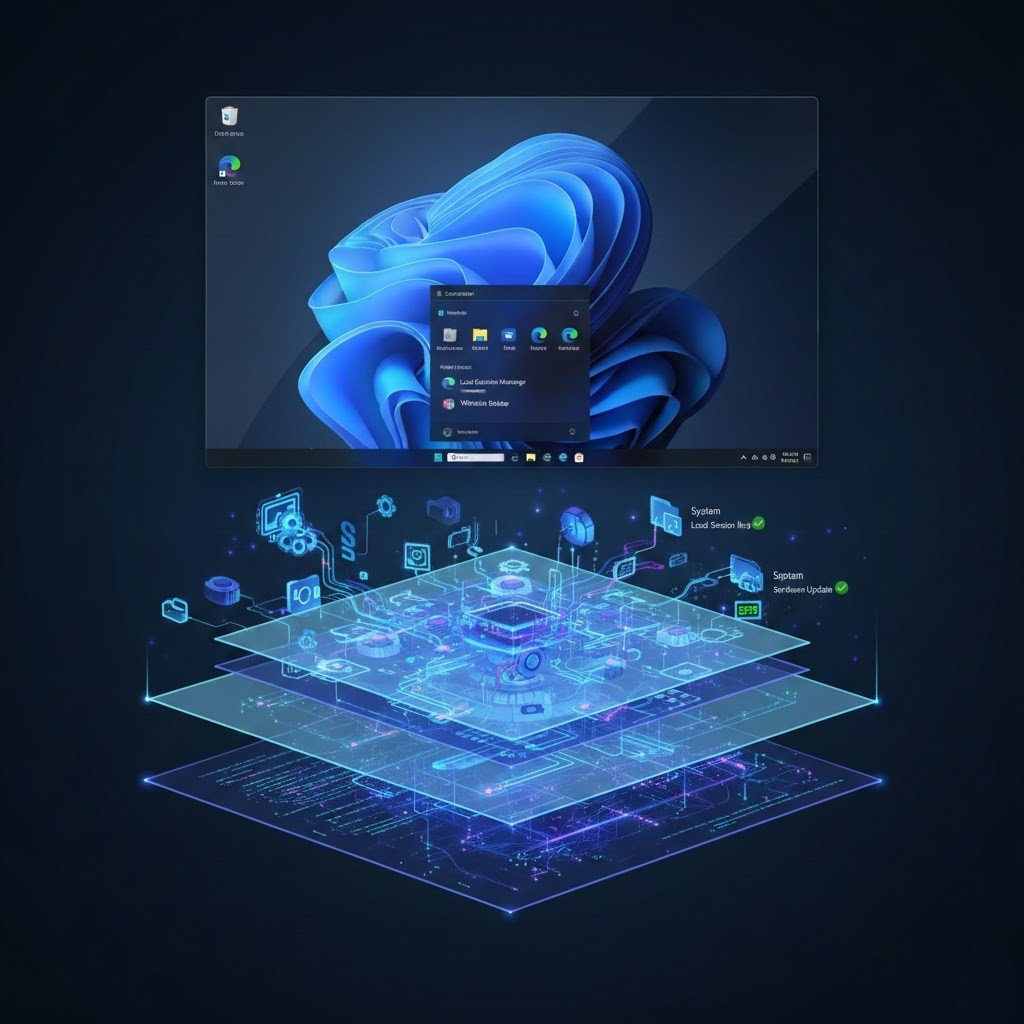
There are a lot of things that happen in the background of our computer system. These background services are really important, for everything to work properly.
Constantly Updating Drivers Manually
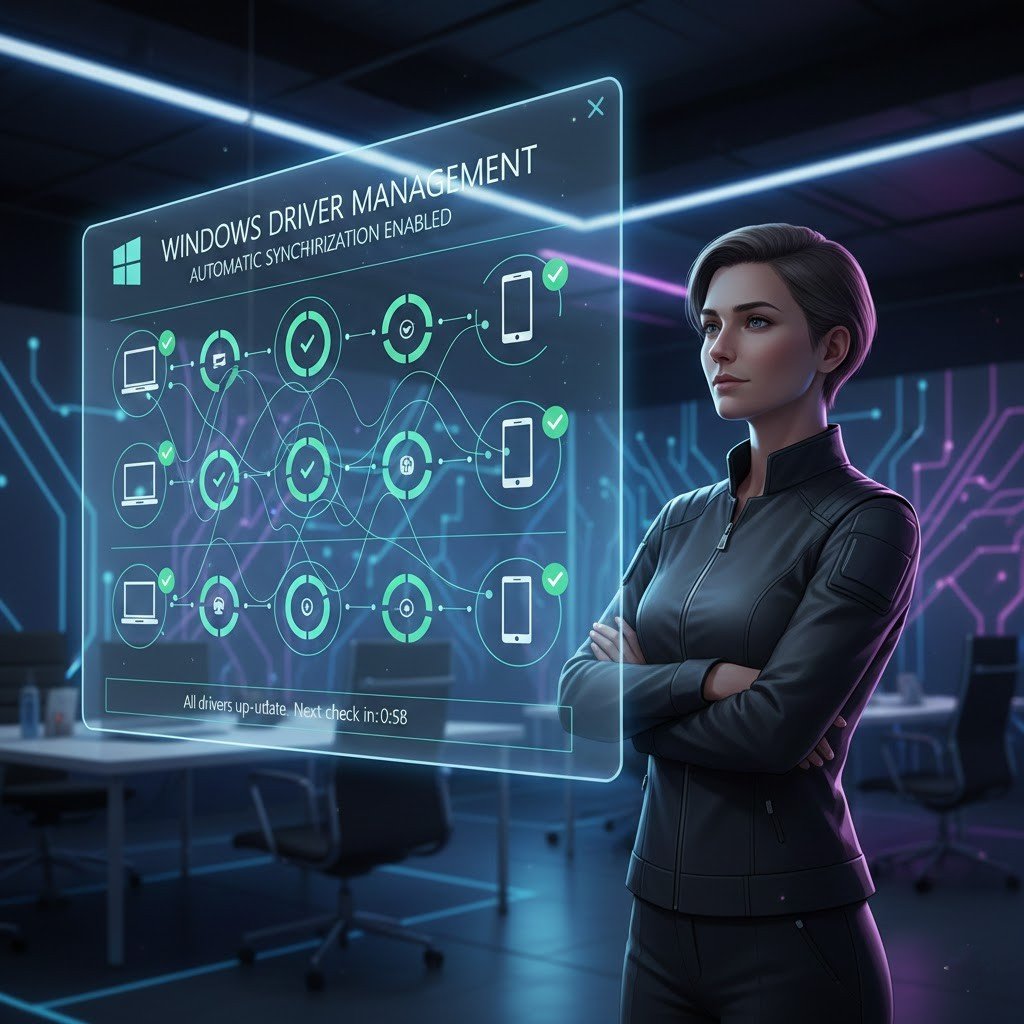
You do not have to look for drivers on your own because that can be confusing. Windows Update and drivers work together. Unless you have a problem with a device you usually do not need to update the drivers for that device.
Clearing RAM With Booster Tools

They say they will make things faster. They usually make things slower. Windows is actually pretty smart, about how it uses memory. When you use a RAM booster tool to free up memory it can make your apps reload.
Disabling Visual Effects

Turning off all the effects of the computer rarely makes the computer go faster. The Windows system balances the effects and how well the computer performs for most of the computers.
Running Antivirus Scans
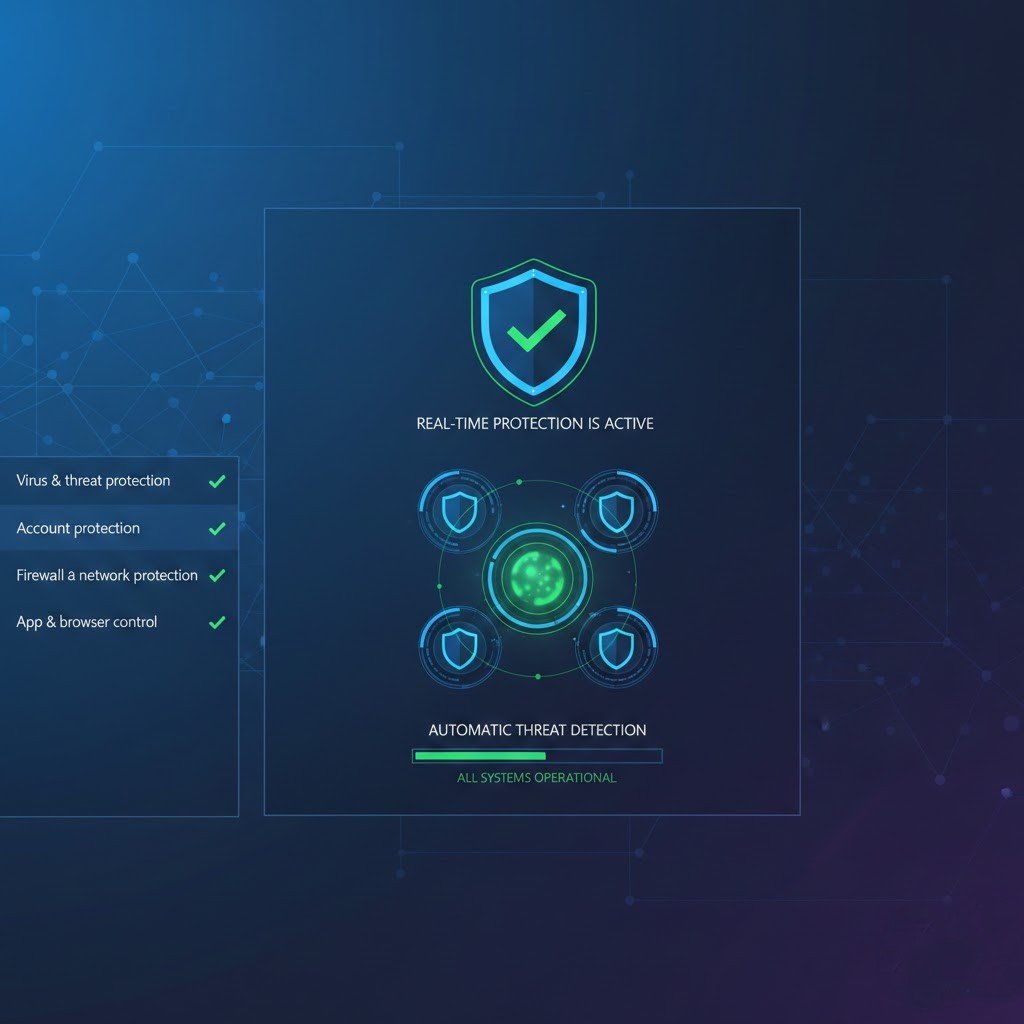
You do not need to do a scan of your computer every day. This is because the automatic protection that comes with Windows security can deal with problems that might come up.
Clean Recycle Bin
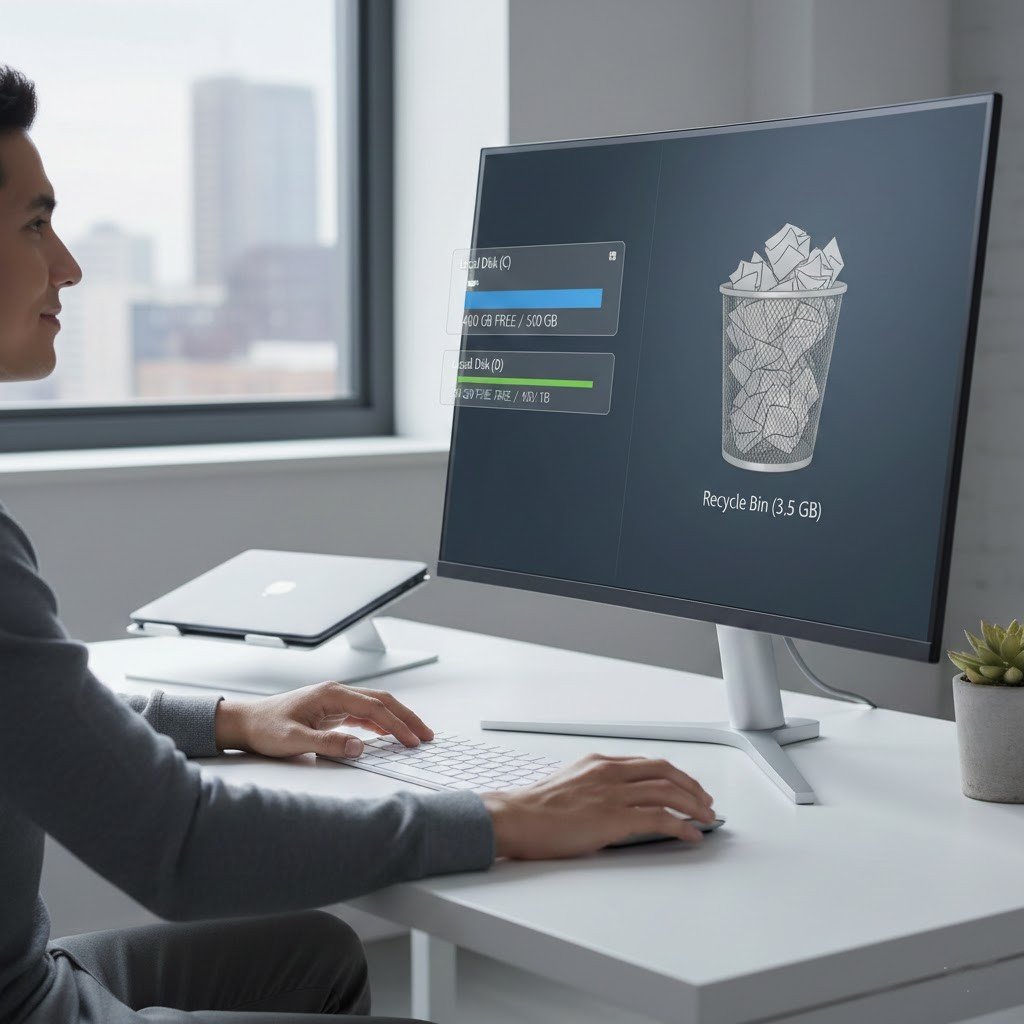
Emptying the Recycle Bin all the time does not make your computer work better. You can go ahead. Clear the Recycle Bin when you actually need the space on your computer.
All in One Optimization Software
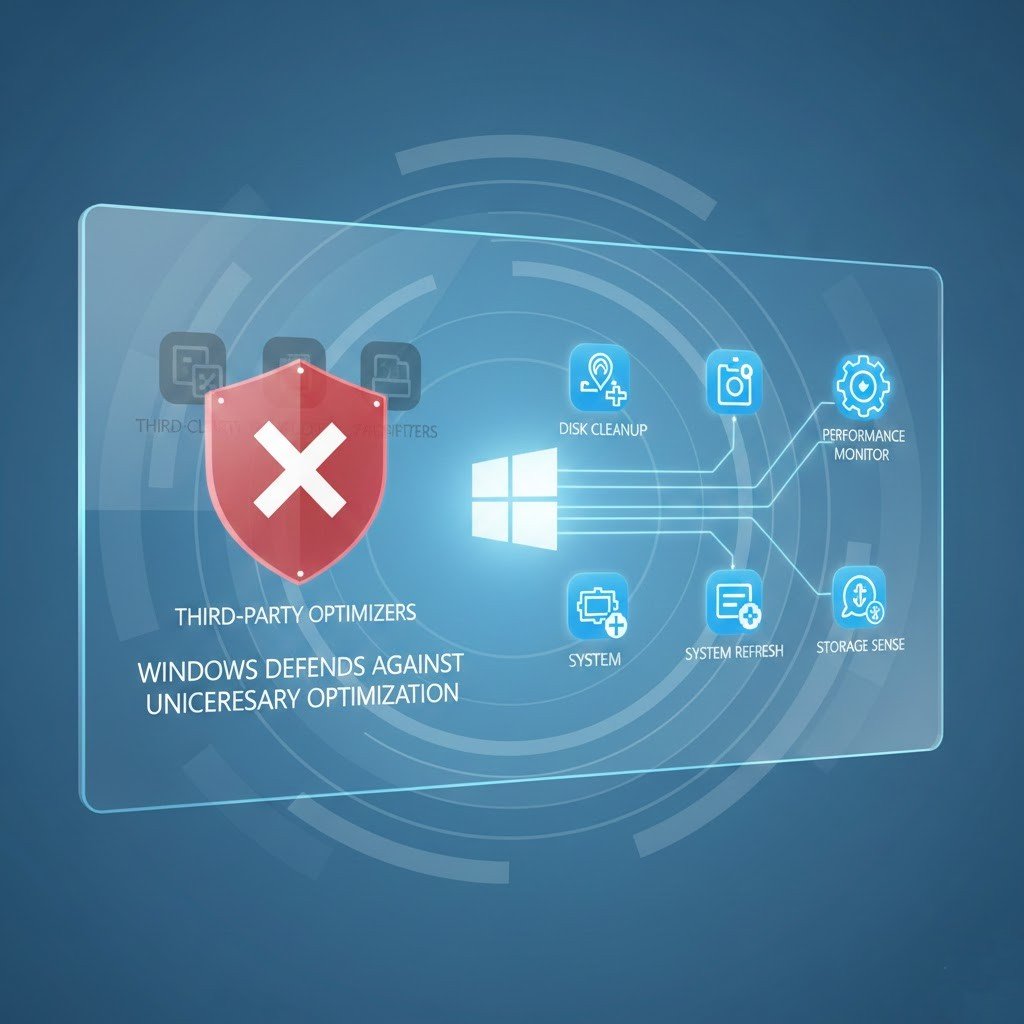
Many optimization programs duplicate Windows tools. They rarely add value and sometimes cause issues. Built in Windows features are usually enough for everyday use.
