
People now need to maintain digital privacy awareness because it has become essential for their online activities. The selection of social media content which people make as they use various applications and cloud computing services establishes the path that their personal data will follow on the internet. The good news is that people can adopt privacy-protecting actions without needing specialized technological abilities.
Review App Permissions Regularly

Apps establish contact with users by requesting their permission to access contacts, location information, and media files. Users can maintain correct access rights when they take time to review permissions because this process helps them match their current needs. Users who permit only essential functions will achieve better understanding which will enable their apps to work according to their primary function.
Use Strong, Unique Passwords
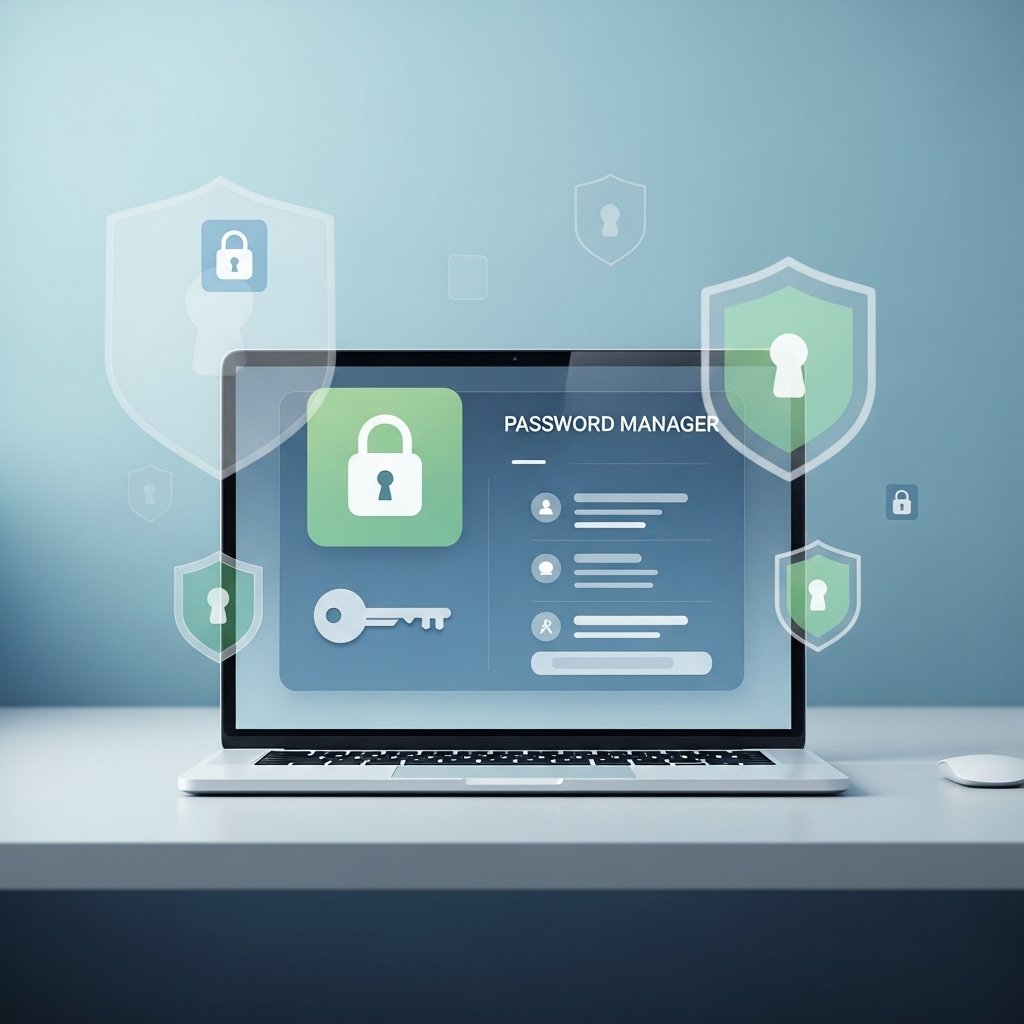
The use of separate passwords across multiple accounts establishes a security boundary which protects user information. Password managers make this easier by storing credentials securely. This habit keeps logins organized while reducing the need to reuse familiar combinations everywhere.
Enable Two-Factor Authentication
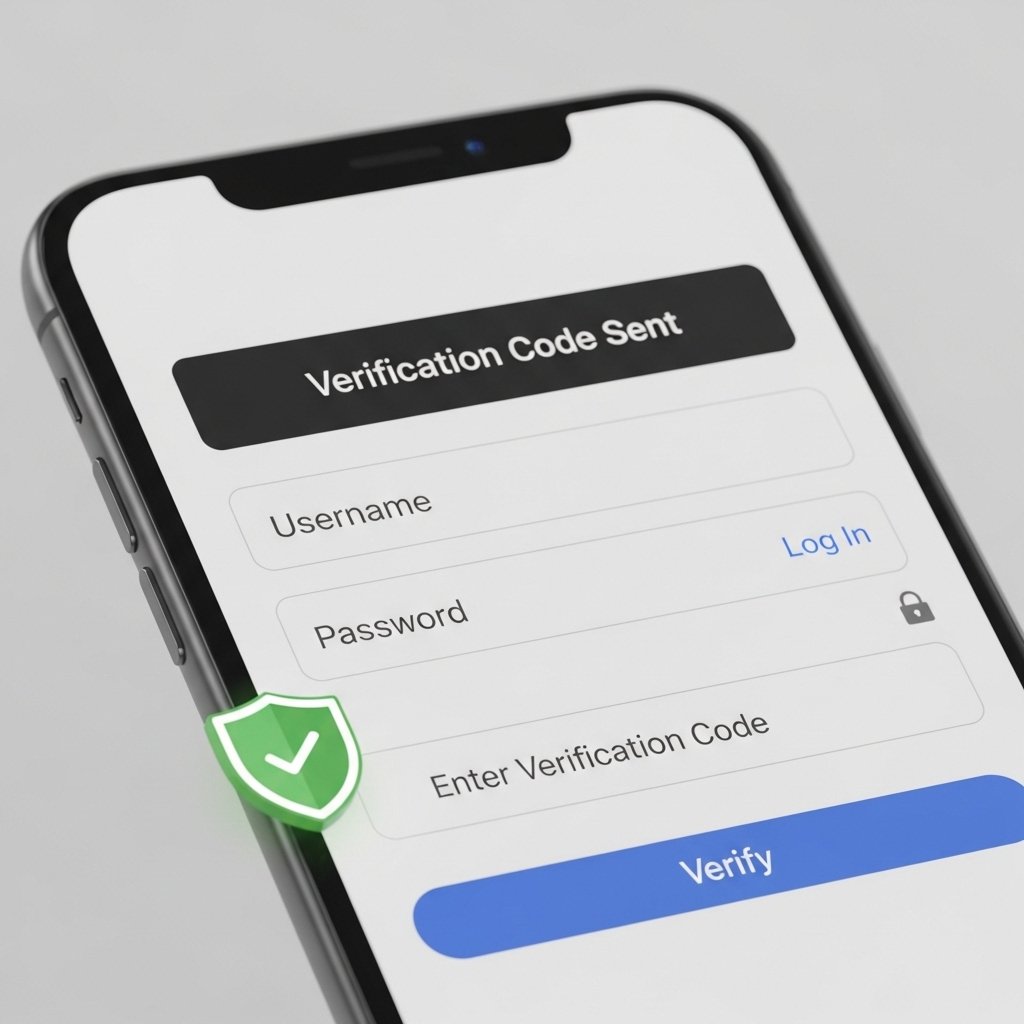
Two-factor authentication adds a second step during sign-in, such as a code or app prompt. This simple feature creates an added checkpoint that supports account access management across email, social platforms, and financial apps.
Keep Software Updated

Software updates improve both software performance and data management capabilities. System updates become automatic when users permit their devices and applications to receive new updates which maintain optimal performance according to current standards.
Adjust Social Media Privacy Settings

Social media platforms provide users with tools to control who can access their content and profile information. Users can adjust their content visibility through these settings. This enables users to share content more comfortably while maintaining their regular platform usage patterns.
Use Secure Wi-Fi Connections

Using trusted Wi-Fi networks allows users to experience consistent internet performance. Public networks require users to establish virtual private networks which create a secure connection that protects their online activities.
Clear Cookies and Browsing Data

Websites use cookies together with browsing history to create personalized user experiences. Users need to delete their information periodically because it enables them to start fresh sessions while decreasing saved user data. Users can quickly access this feature through most browsers which enables them to build a simple daily practice that requires minimal effort.
Be Mindful with Email Subscriptions
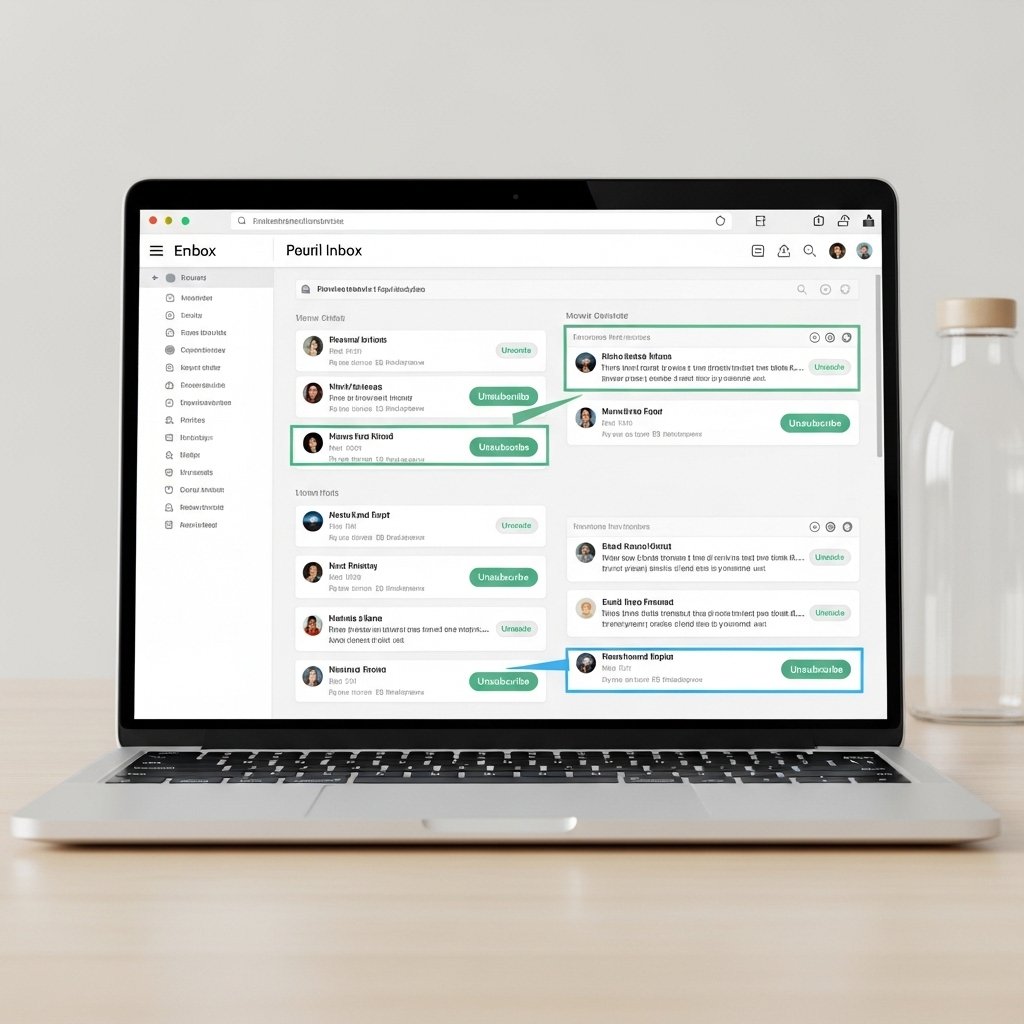
People who receive emails to get updates about promotional materials should sign up for these programs. People should use a secondary email address when subscribing because it helps them maintain a more organized main inbox. People need to unsubscribe from all email lists which they no longer use because it helps them create a tidy digital environment.
Lock Devices with Biometrics or PINs

The use of fingerprint, face recognition and personal identification number (PIN) screen locks enables users to protect their devices from unauthorized access. Basic security locks provide daily protection because they secure devices which users leave unattended during work, travel and social situations.
Review Privacy Policies Occasionally

Privacy policies explain how platforms handle data. Users learn about platform services through key information sections which they need to read during sign-up and account update processes. Users can make educated decisions through this practice which does not demand advanced technical expertise or extensive reading time requirements.
