
Users of smartphones need to understand that their devices now handle all their daily activities instead of their original functions. The device provides users with tools to discover secret features and lesser-known shortcuts which enable time savings of several hours while increasing equipment durability.
The “Back Tap” Shortcut

The back tap feature allows users to use their phone’s back surface as a large button which both main smartphone operating systems now support. The back glass can be used to double-tap for taking screenshots and turning on the flashlight and opening the camera when users activate Accessibility options.
Custom “Text Replacement”

Use text replacement to avoid typing your long email address and home address and common phrases multiple times every week. The shortcut “@@” will automatically reveal your complete email address which will help you save thousands of keystrokes during the next month.
Native Document Scanning

The ability to scan documents does not require any external application because you can perform this task natively. The scanning function becomes available when you long-press the Notes or Files icon that exists on your home screen. The program uses the camera to create a PDF document through auto-cropping and perspective correction of your paper document.
Background Sound Masking

People working in noisy environments achieve better focus because most mobile devices include built-in background sound functionality. The system enables users to listen to white noise and rain and ocean sounds through the Hearing section of settings without needing any extra application or subscription payment.
Medical ID and Emergency Bypass

Your “Medical ID” needs to be configured for first responders to access your blood type and allergies without needing your phone’s passcode. Emergency Bypass helps your essential contacts such as your spouse or parent to reach you through loud phone calls even when your device operates in silent or Do Not Disturb mode.
The Spacebar Trackpad

The process of moving the cursor to correct a spelling mistake becomes annoying. Holding the Spacebar button down allows you to move the cursor instead of tapping the screen. Your thumb controls the cursor position after emptying the keyboard space because this feature lets you move your thumb like a laptop trackpad.
Limit “Charging to 80%”

The “Battery Health” setting should be accessed to extend your battery life from months into multiple years. The battery lifespan improves when you establish a charging limit that stops the battery charge at 80% because this method avoids the chemical damage that occurs during nighttime charging at full capacity.
Offline Maps for Travel

You need to type “OK Maps” into the navigation app search bar or choose “Download Offline Map” before entering an area with weak network coverage. Your GPS system will work perfectly because it can operate without any active cellular connections.
Notification “Summaries”
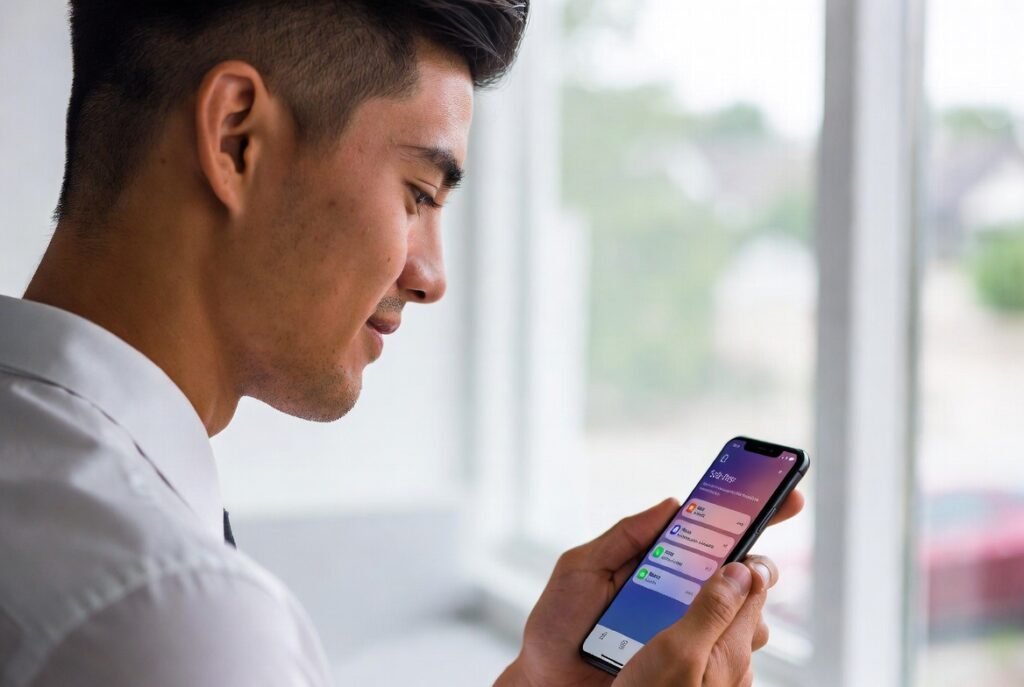
The Scheduled Summary service enables your phone to deliver notifications at specific times which replaces the current system that interrupts you with multiple notifications each hour. The social media and shopping applications will send you non-urgent notifications at times you select, such as 8:00 AM and 6:00 PM.
Automated “Wind Down”

Your phone will switch to Grayscale mode automatically one hour before your scheduled bedtime. Your phone becomes less appealing after you remove all colors from application icons and videos, which makes it easier to stop using your device and sleep.
