
You may find these keyboard shortcuts helpful to work faster without getting upset. Rather than searching through many menus, these keys may keep you focused. Most Windows computers allow this and practice helps. Here is a guide with ideas for your daily office tasks.
Windows + D – Show Desktop

This special button combo to hide your open folders quickly. It helps clear your messy screen so you can see the background. If you tap the keys again, your work should pop right back up. It might make finding files much easier.
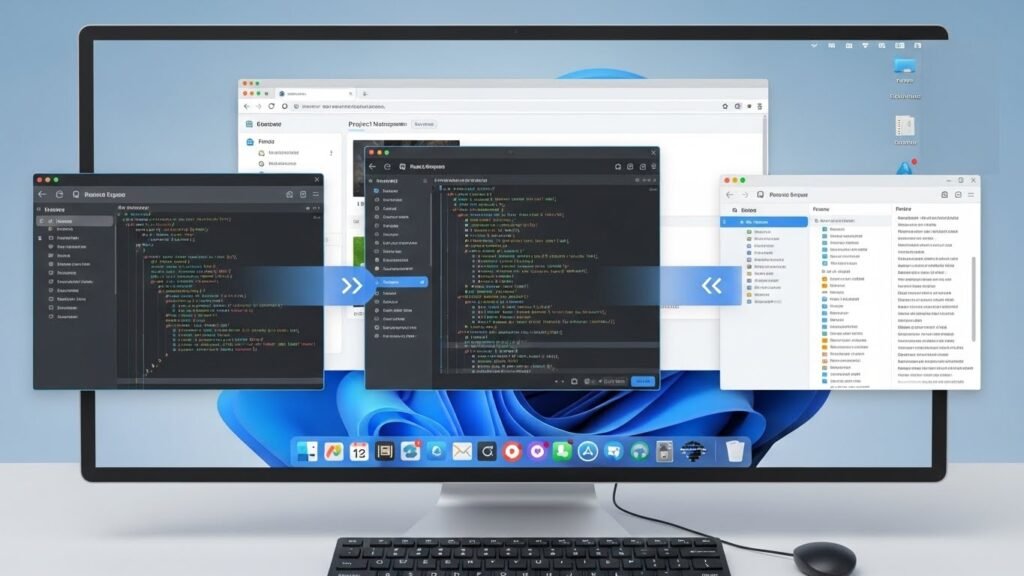
Alt + Tab – Switch Between Open Apps

Pressing Alt and Tab might help you switch between your open programs very fast. You just hold one key and tap the other to see your apps. It seems like a nice way to work on many things without ever touching your gray computer mouse.
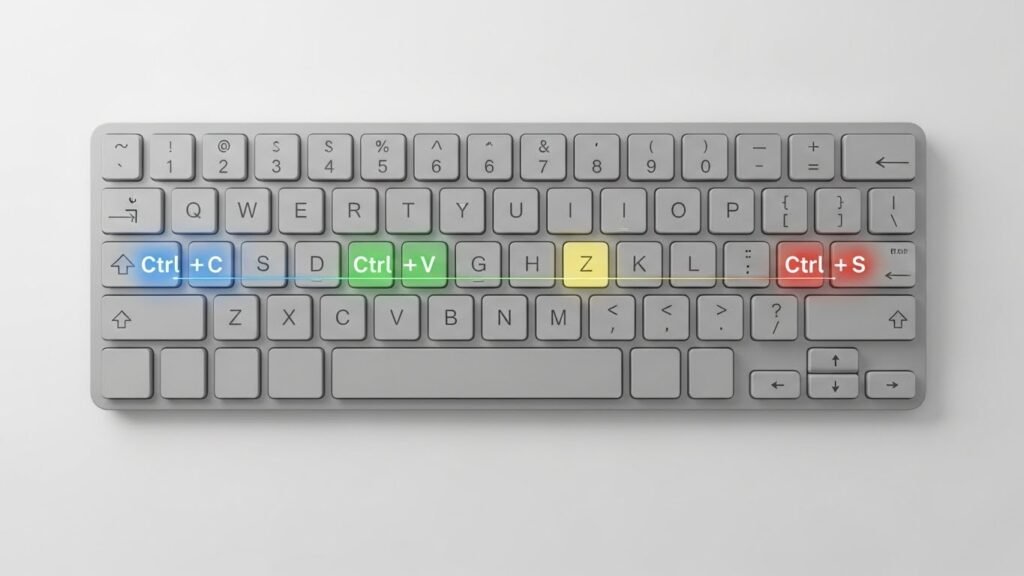
Ctrl + C / Ctrl + V – Copy and Paste

You could use these buttons to grab a copy of your text or files. It seems simple to put them somewhere else after that. This might be a great way to handle your daily computer work. Using these handy keys could save you lots of time.
Ctrl + Z – Undo Last Action

Errors might happen sometimes while you are typing or clicking. You could use this special shortcut to go back a step. It seems to work in most mail programs or documents. This tip might help you fix a small slip without feeling any worry today.
Ctrl + A – Select All
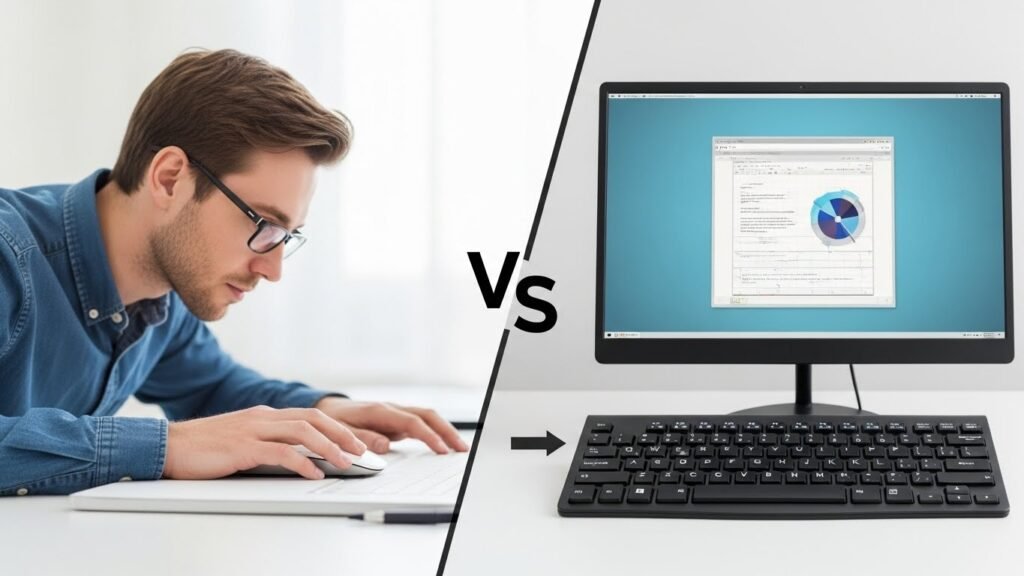
Try this shortcut to grab every bit of text at once. It might help you save time when you are working on your files. You could avoid using your computer mouse for long clicks. It seems like a simple way to highlight everything quickly.
Windows + L – Lock Your Computer

You could use these keys to hide your screen if you step away for a moment. It seems to help keep your personal work private from others. This might be a nice suggestion for a busy office. Using this trick could help protect your digital folders.
Windows + E – Open File Explorer
You could use these buttons to look at your hard drive right away. It seems to be a quick way to reach your saved pictures or notes. This might save you from searching the main menu. It could make finding your digital work feel much easier.
Ctrl + Shift + Esc – Open Task Manager

Try these three keys to open your computer manager very fast. It might help you close a program that is stuck or frozen. This seems like a smart way to check your PC speed. It could be a very helpful trick for slow moments.
Windows + Arrow Keys – Snap Windows

Try this shortcut to move your active window to one side very quickly. It might be an easy way to organize your messy desktop. This seems like a helpful tool for work. It could let you see your files and your typing at once now.
Ctrl + F – Find

You could use this shortcut to search for a name or date in your files. It seems like a quick way to skip reading every single line yourself. This might be a nice suggestion for busy people. It could make your daily typing tasks feel easier.
Windows + Shift + S – Take a Screenshot
You can use this helpful shortcut to grab a snapshot of your current work. This might be a great tool for your projects. Using this trick could help you save important data very fast.
