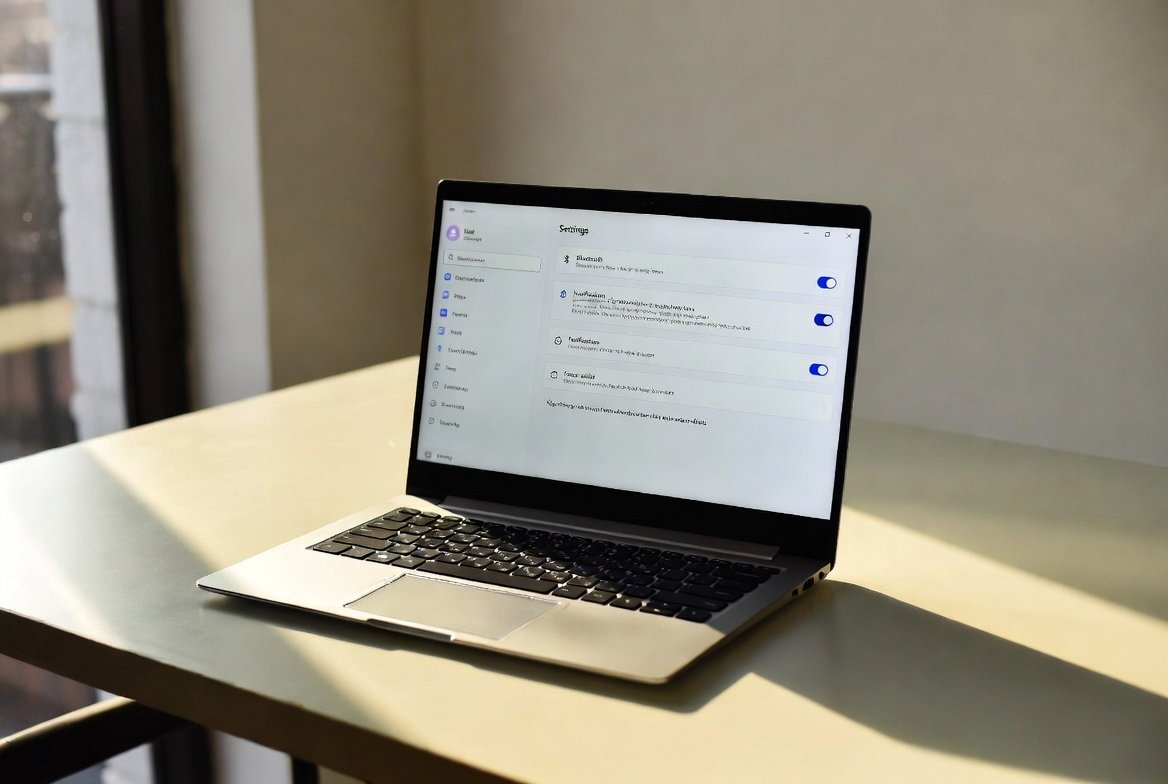
Installation of a new Windows computer should be a joy, and it is usually accompanied by unwarranted clutter. Windows is provided with a number of default features that can deliver convenience, personalization, or productivity. As a matter of fact, a significant number of them sluggishly slow down, intrude on personal privacy, or introduce distractions that a majority of users did not request. It is possible to disable several features that are not essential to the work and make performance and background noise significantly better. With time, these minor changes cause windows to become cleaner, faster, and more deliberate.
Background Apps
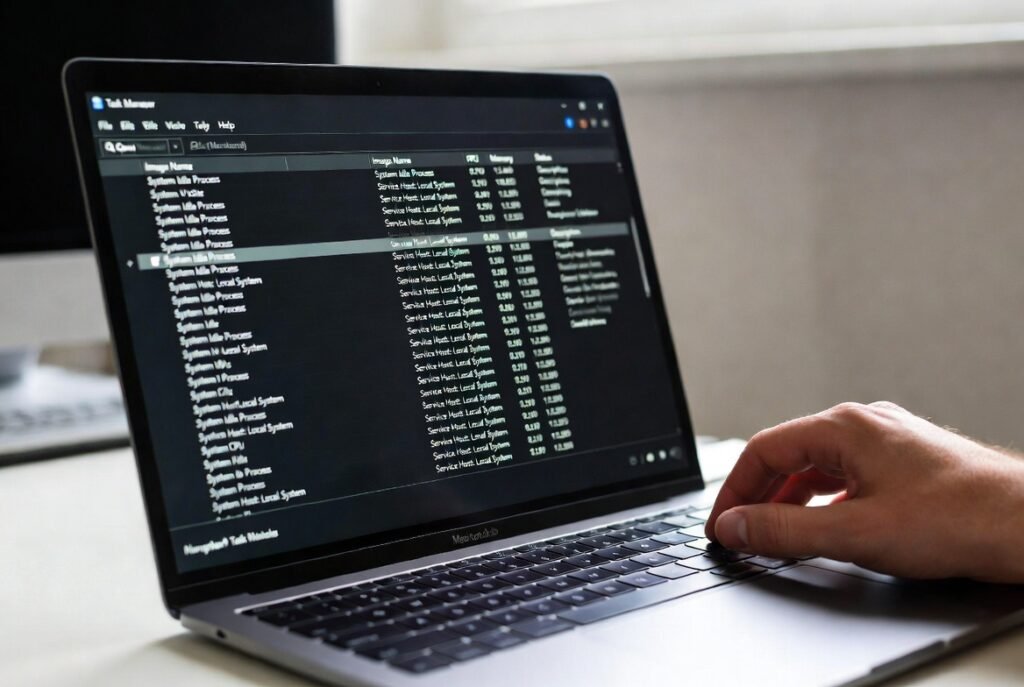
Most applications keep running when you are not using them and this is in the background. They are memory hogs, battery hogs, and data syncers. Switching off background applications when other activities are not necessary enhances the responsiveness of the system, particularly when using mid-range laptops.
Startup App Overload
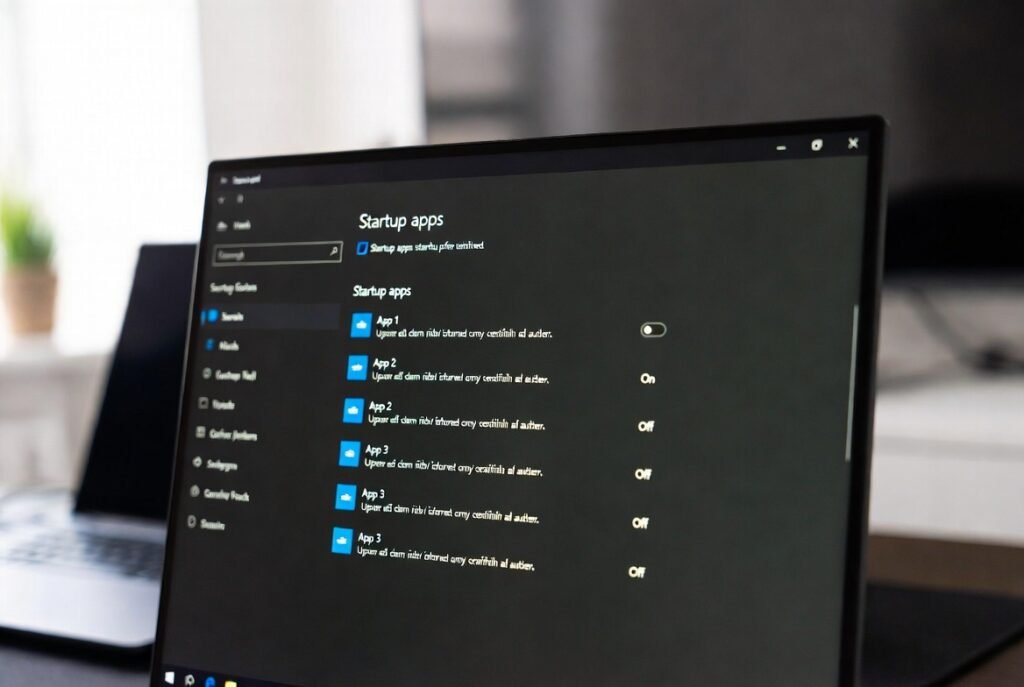
Windows enables many applications to start automatically, and they are not always explicitly authorized. This greatly makes the time taken to boot up. Turning off programs that are not necessary causes the startup process to be quicker and less noisy, and immediately liberates the system resources.
Live Tiles and Widget Feeds
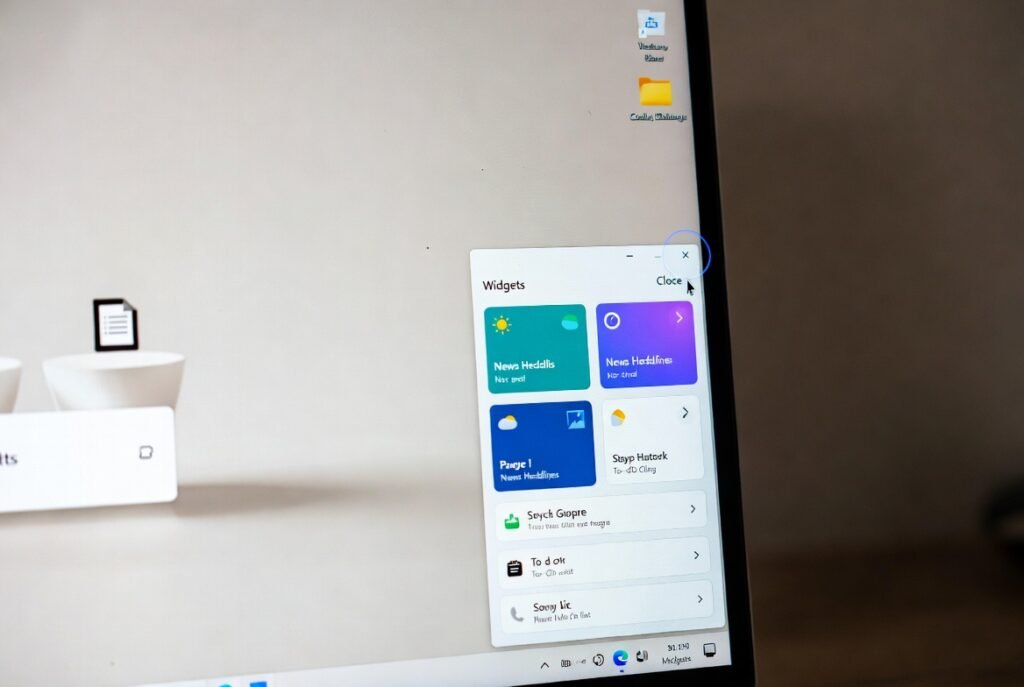
The background is constantly updated with dynamic tiles and widget panels. However, they appear useful, yet they are not used by the majority of users. Turning these parts off minimizes the amount of visual burdens and narrows the background processes to a minimum.
Telemetry and Diagnostic Data Sharing
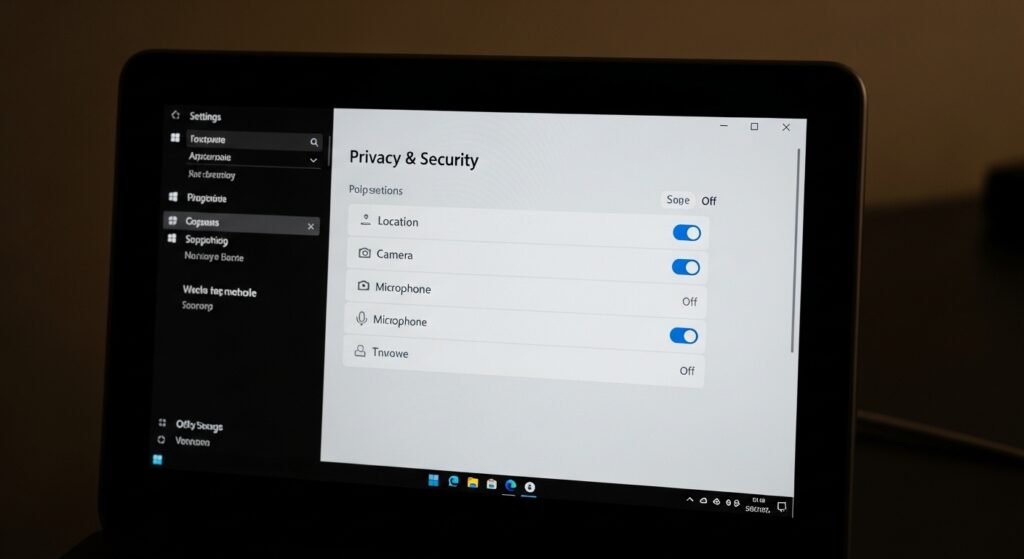
Windows gathers usage history to enhance the experience; however, not every user is at peace with the massive tracking. Setting diagnostic data restrictions inhibits the extent of sharing of information. It is a little step in the right direction with regard to improved digital privacy.
Cortana Integration

Voice assistants can be handy in principle and are frequently not used either on the desktop or the laptop. Cortana has background services which the majority of people do not benefit from. This process of turning it off makes the system simpler and consumes less.
Search Indexing for Everything

The Windows indexing may come in handy, but indexing all types of files may slow the system. Indexing only important folders makes the system faster, particularly those with old hard drives.
Unnecessary Notifications

Windows notifications may easily be overwhelming. There are numerous applications where notification does not need urgent action. Switching off unnecessary notifications will make the working environment more calm and more focused.
Automatic App Suggestions

Windows also promotes applications, services, and offers by providing system notifications and menus. Most of the users do not benefit from these recommendations. The fact that they are disabled makes the interface distraction-free.
Preinstalled Apps You’ll Never Use
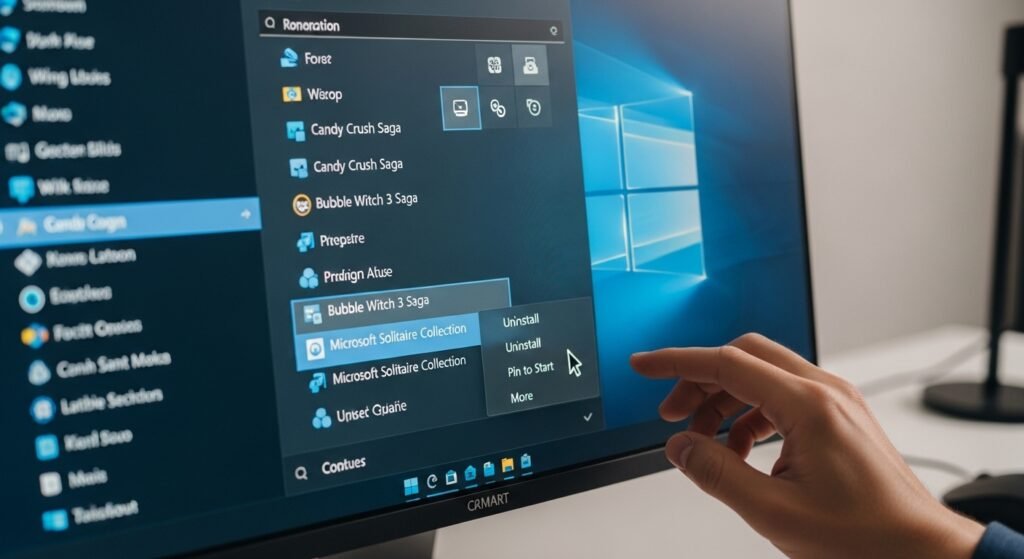
New computers usually include applications that have no use to the customer. Such apps consume memory and, at times, update automatically. Their elimination will aid in streamlining the system.
Game Bar and Game DVR

These features are not needed unless you are active in recording gameplay. When gaming is not a priority, they have background services running. They can be disabled to give the performance a slight boost, especially in lower end systems.
Location Tracking
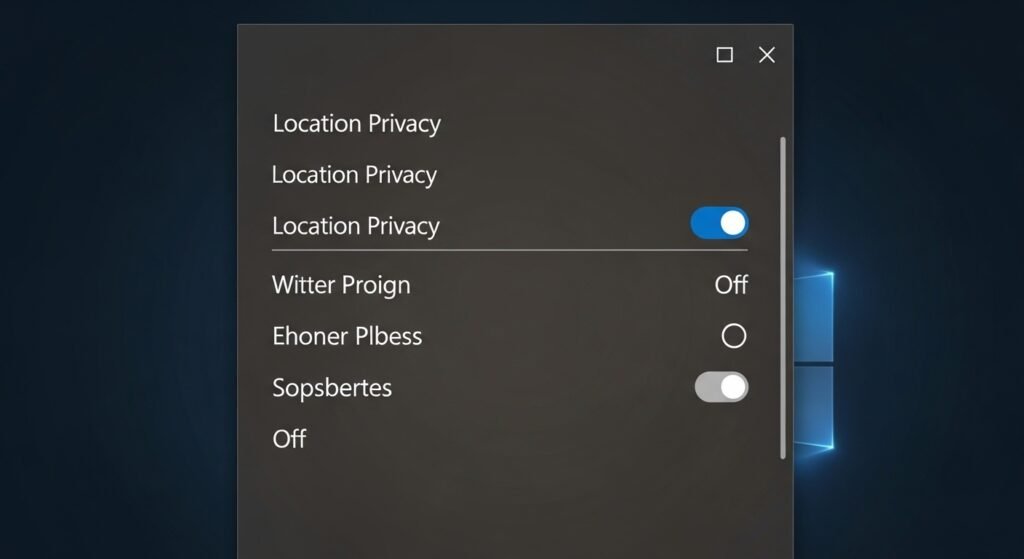
Location service works well with mobile devices, but is hardly mandatory with desktops. It is not necessary to leave them on, as it exposes apps to location data. Switching them off enhances privacy without compromising the normal usage.
A More Intentional Windows Experience
Windows has default settings to automatically synchronize settings, browser data, and preferences. Although it is convenient for others, it may create confusion and privacy issues to others. Selective sync will be disabled, and you will have greater control over your data.
Why These Changes Matter
In themselves, these features may appear innocent. They combine to form lower performance, increased distractions, and a lack of control. Turning off what you do not need enables Windows to be more specific in what it should be, and that is, speed, stability, and usability.
