
Many find this interesting but computer problems always seem to appear at the worst time. It may include performance issues, the internet not working, or worse windows stops responding. These issues feel serious but often have simple solutions. Here are common problems that happen to almost everyone and quick steps to fix them at a glance.
Computer Running Very Slow
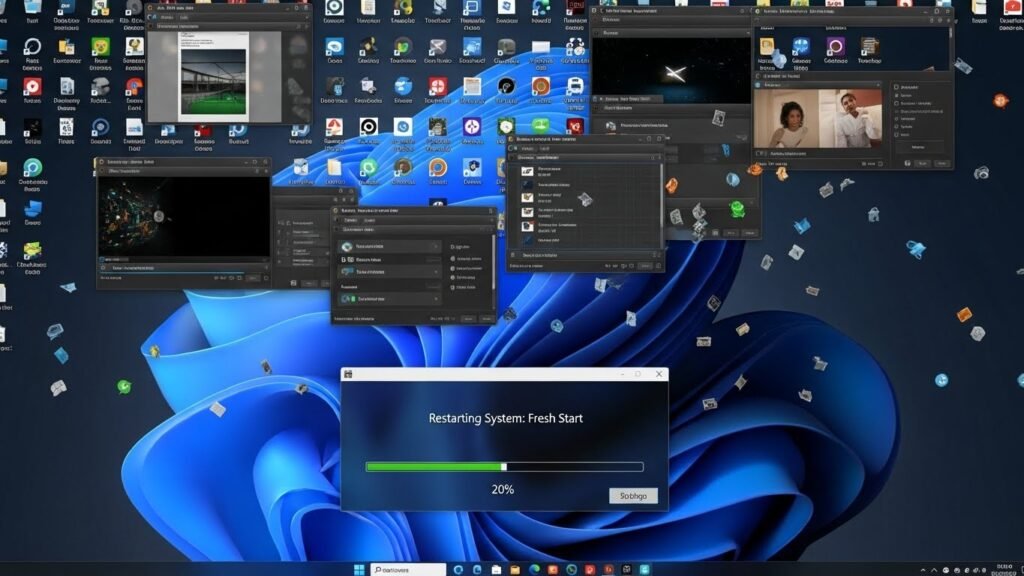
There are many reasons that may slow your computer performance. Primitively, too many apps running in the background may slow down. Giving your system a fresh restart may close unused programs and improve memory usage.
Internet Suddenly Stops Working

You may also notice frequent internet drops which may create disturbed connectivity. Check Wi-Fi is turned on and airplane mode is off. This simple reset fixes many connection issues within minutes.
Windows Stops Responding
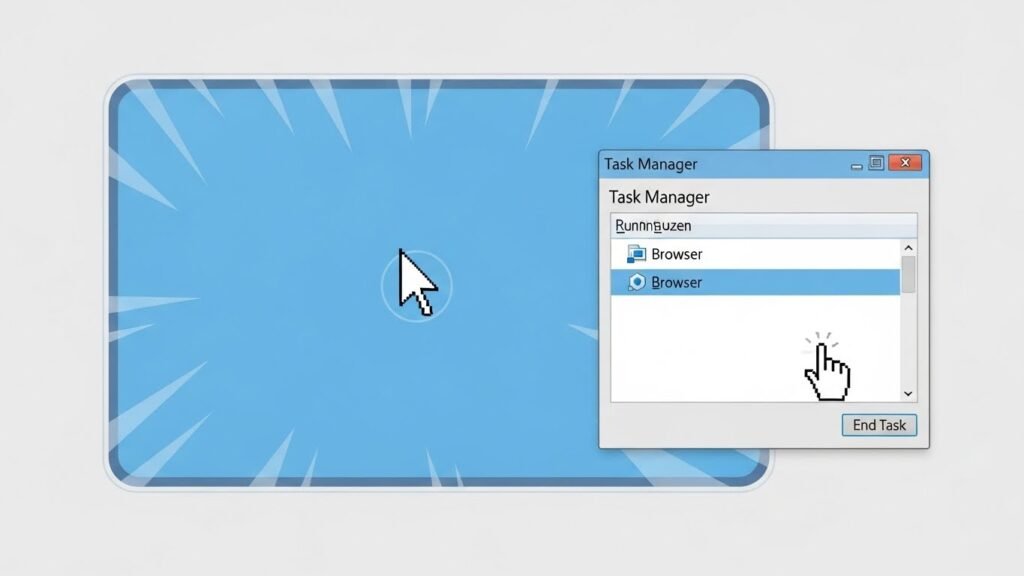
If the screen freezes and nothing changes, open Task Manager and close the frozen app. Restart the computer as well to clear any invisible interruption happening in the background. Restarting the computer to clear memory and give a fresh start.
Apps Crash Without Warning
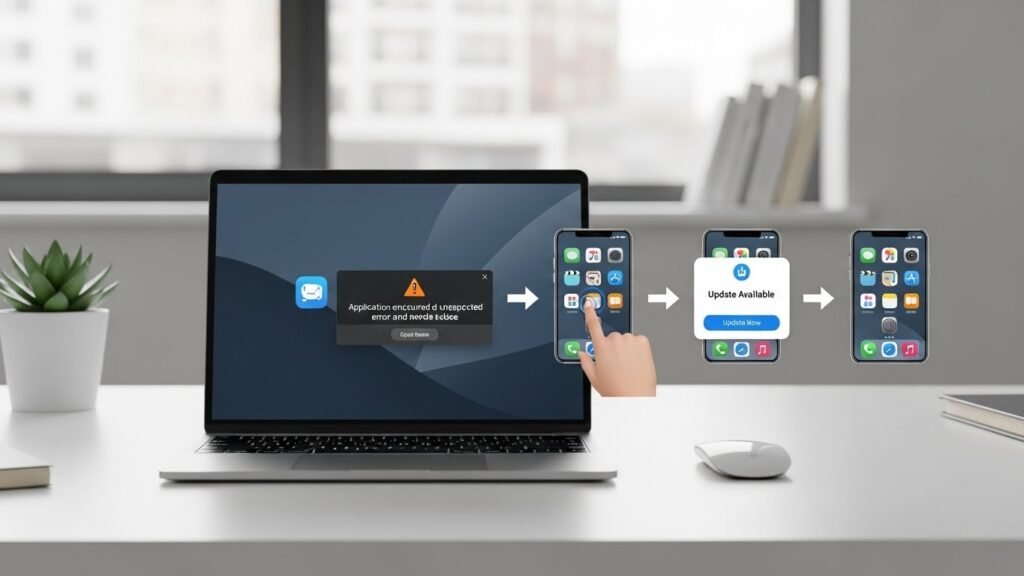
Apps may crash due to updates or low memory. In this situation, restart the app first and if it keeps happening, update the app or reinstall it. This often solves repeated crashes.
Storage Space Is Almost Full

Low storage slows everything down. Delete temporary files, old downloads, and unused apps. Clearing space helps the system run smoother and prevents errors.
Computer Takes Too Long to Start

Slow startup usually means too many apps launch at boot. Disable unnecessary startup programs in settings. This reduces load and speeds up startup time.
Keyboard or Mouse Stops Working
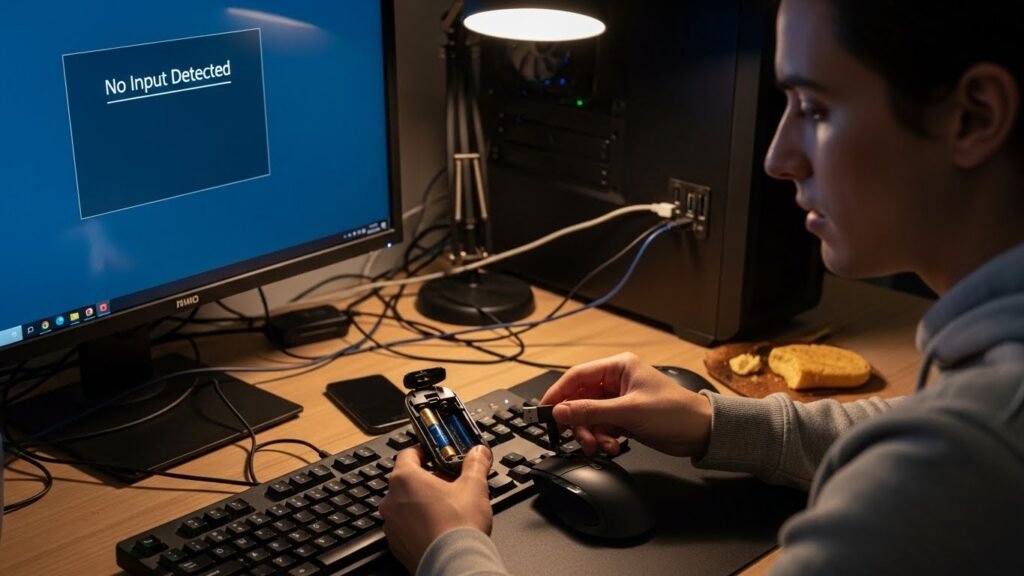
Check the connection or batteries first. Try plugging into another port. Restarting the computer often restores basic input devices quickly.
Screen Looks Too Bright

Display issues often come from brightness settings. Adjust brightness manually or check display settings. This helps reduce eye strain and improves visibility.
Sound Suddenly Stops
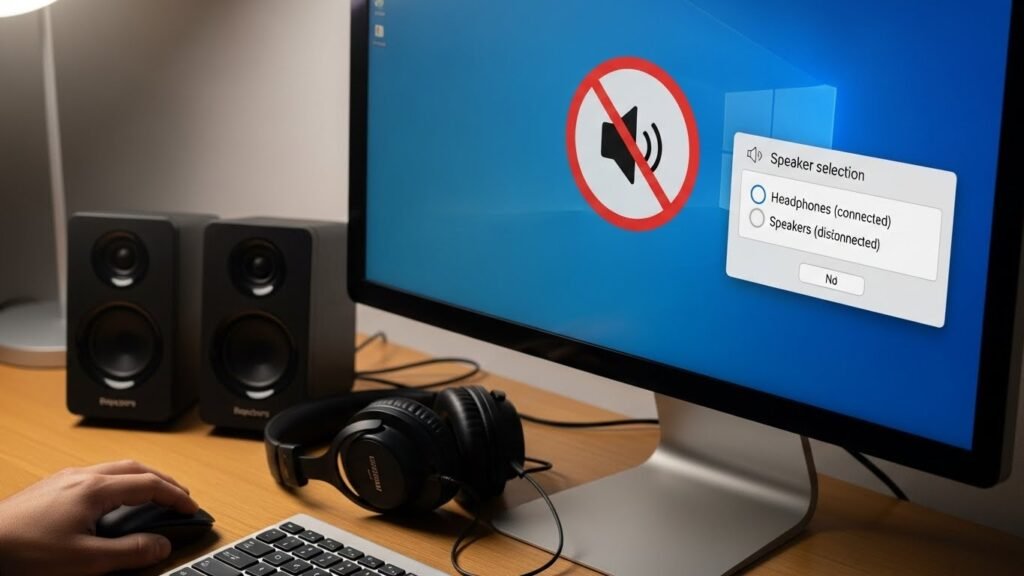
Check volume levels and mute settings. Make sure the correct speaker is selected. Restarting audio services or the system often fixes sound problems.
System Updates Keep Failing
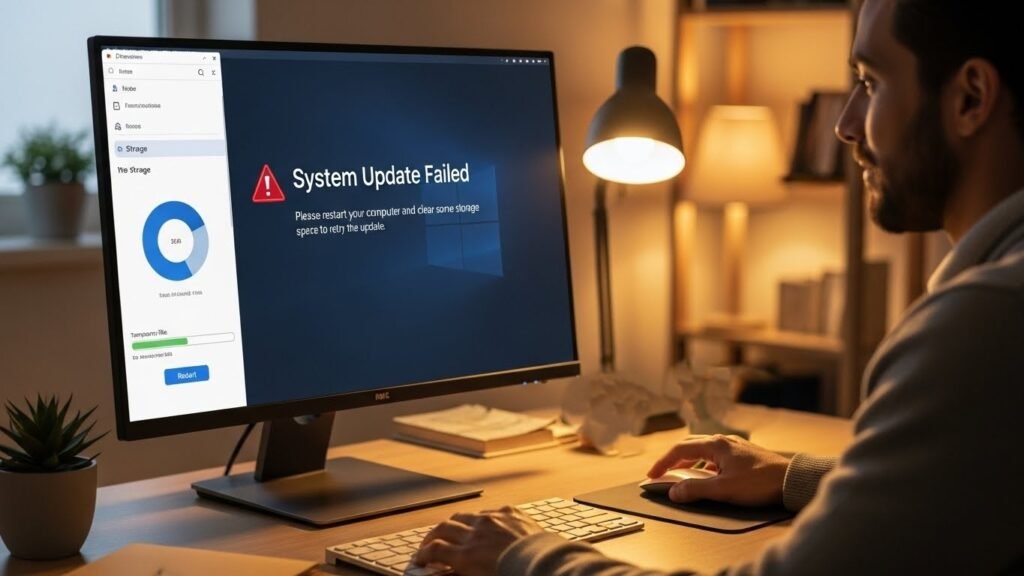
Failed updates can cause errors. Restart the computer and try again. Free up storage space if needed. Updates usually install smoothly after a clean restart.
Computer Overheats
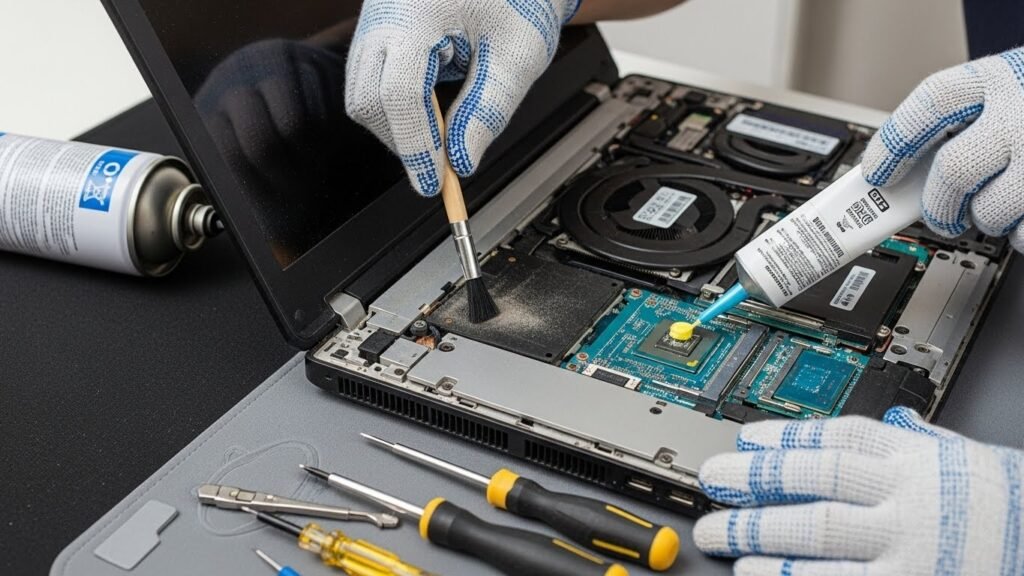
Not because your system gets old, but due to dust and blocked vents, computers may start overheating. Clean the air vents carefully and apply thermal paste to the CPU, GPU, and their heatsinks to reduce heat and sudden shutdowns.
