Do you ever think that you have the most secure Wi-Fi in your home or office? Knowing your internet is safe is very important for your privacy. We all use the internet every day for various reasons but often check their settings. It is a good idea to look at your router and see how it works because it helps you keep your personal information away from strangers. Let’s find out whether your internet is secured or not.
The Router Password
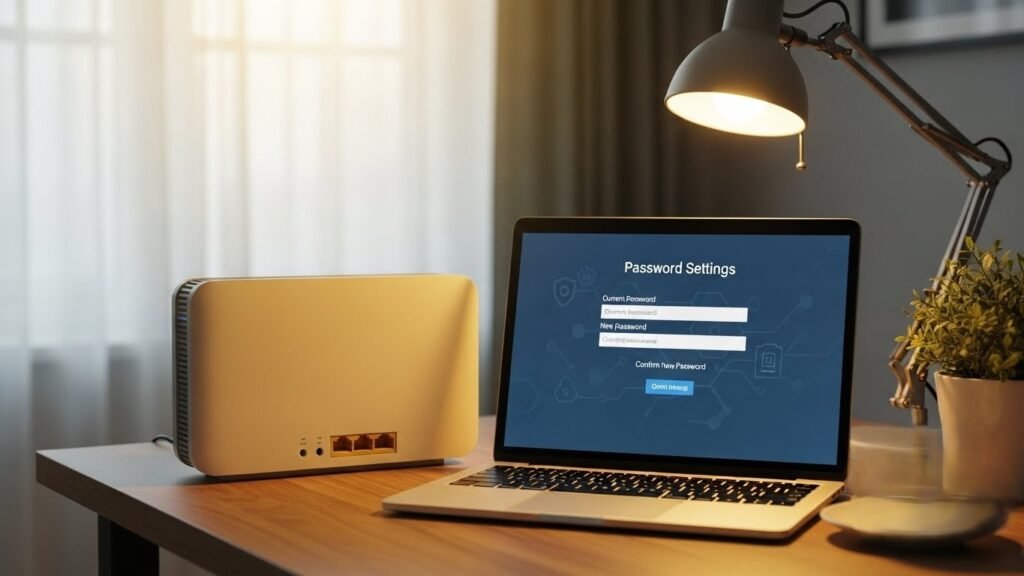
A strong password has many different letters and numbers in it. It is hard for other people to guess it. Changing this code makes your home internet much more private for your family. You should do this now if you still use the old factory settings.
Network Name
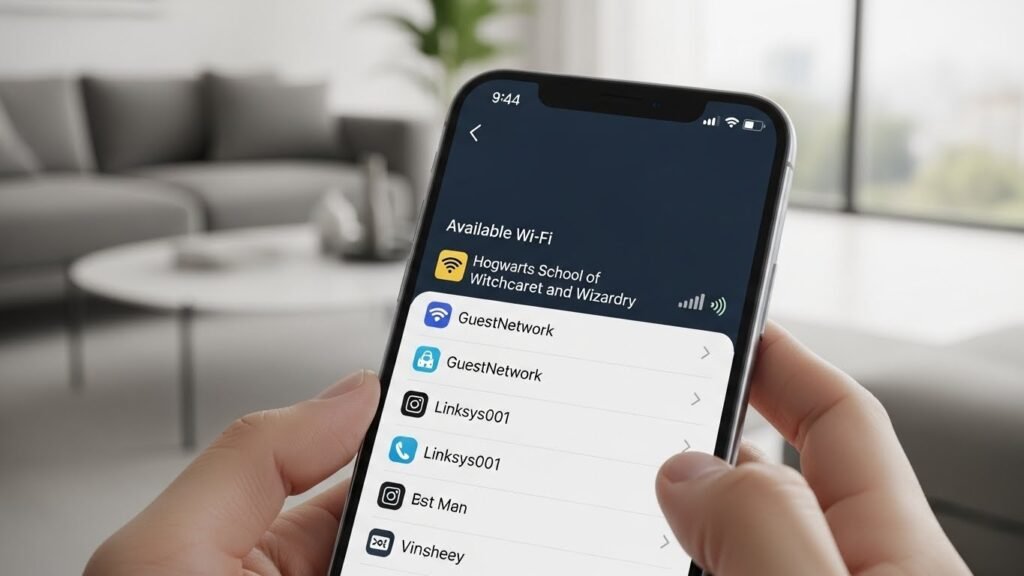
The name of your network is visible to everyone who lives near you. This name is sometimes called an SSID. You should not use your full name or your home address in this title. Using personal details makes it easy for strangers to know which house the signal belongs to.
Security Protocols
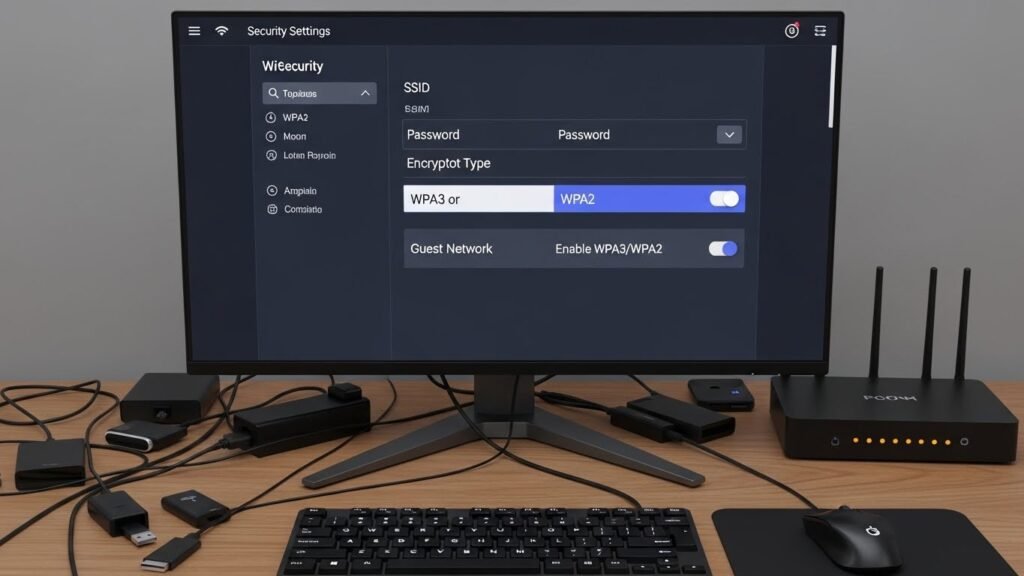
Your router uses special rules to keep data safe while it travels through the air. These rules are known as security protocols. You can find these settings by logging into your router account on a computer. The best choice for most homes is called WPA3 or WPA2.
Software Updates
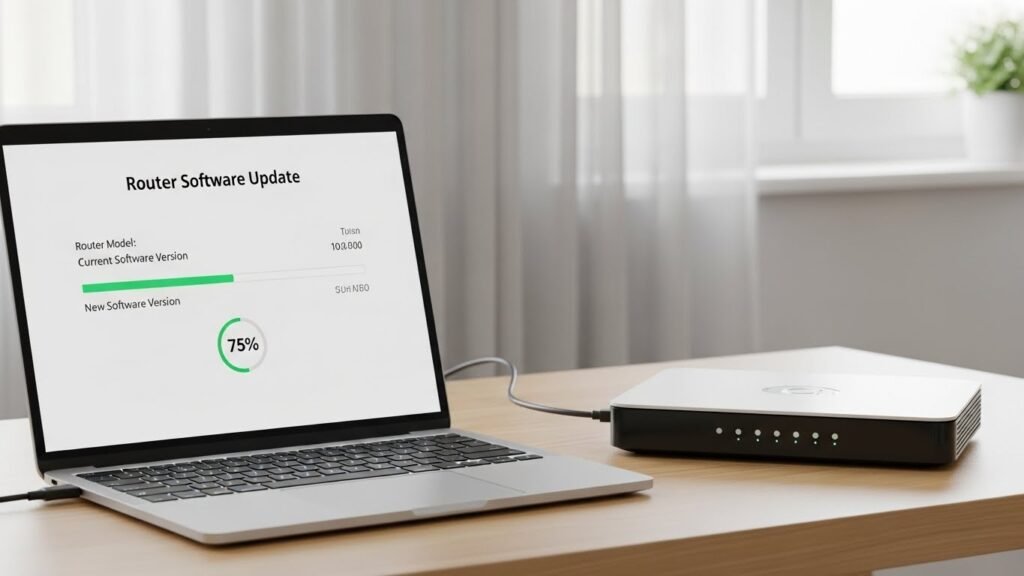
Software updates are important for keeping your internet connection working well. These updates fix small holes that bad people might try to use. Most modern routers can check for these updates on their own.
Guest Network
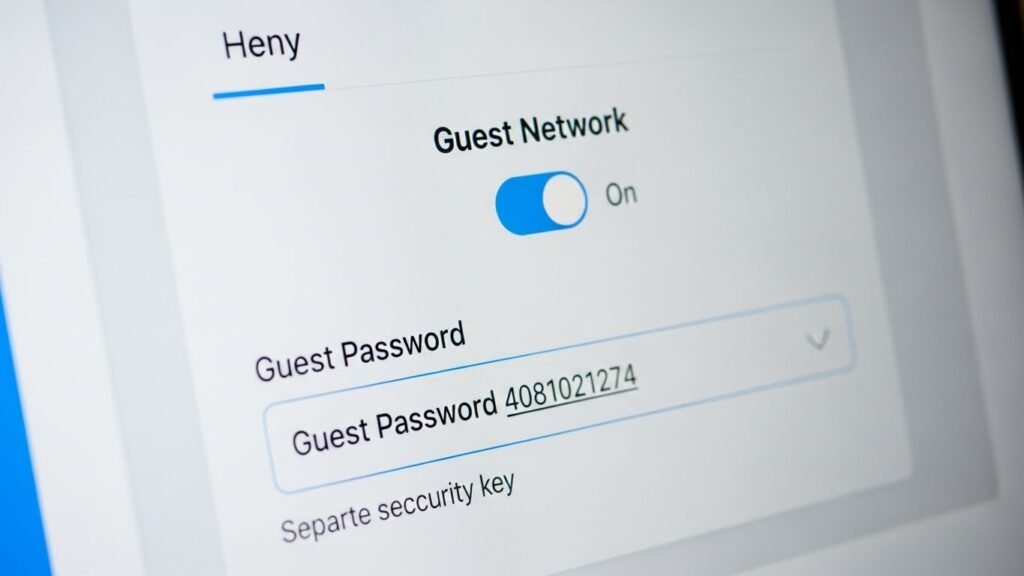
This keeps your main password private and safe. Visitors can still use the internet without having access to your personal files or printers. You can set a different password for this guest account.
List of Devices
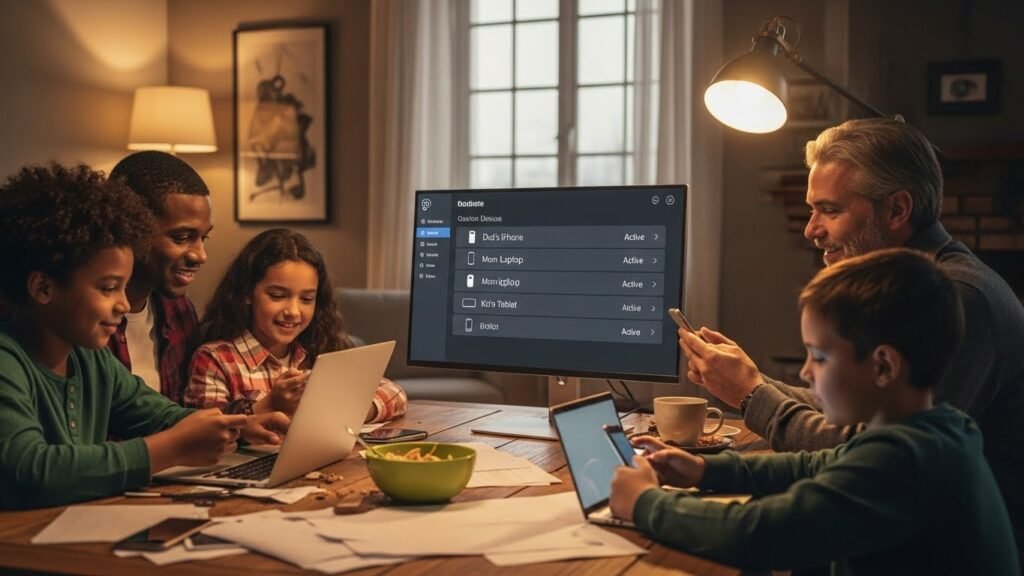
You can see a list of every phone and computer using your internet right now. This list is found in the management area of your router settings. Checking this list regularly helps you stay in control of your own home network.
Router Placement
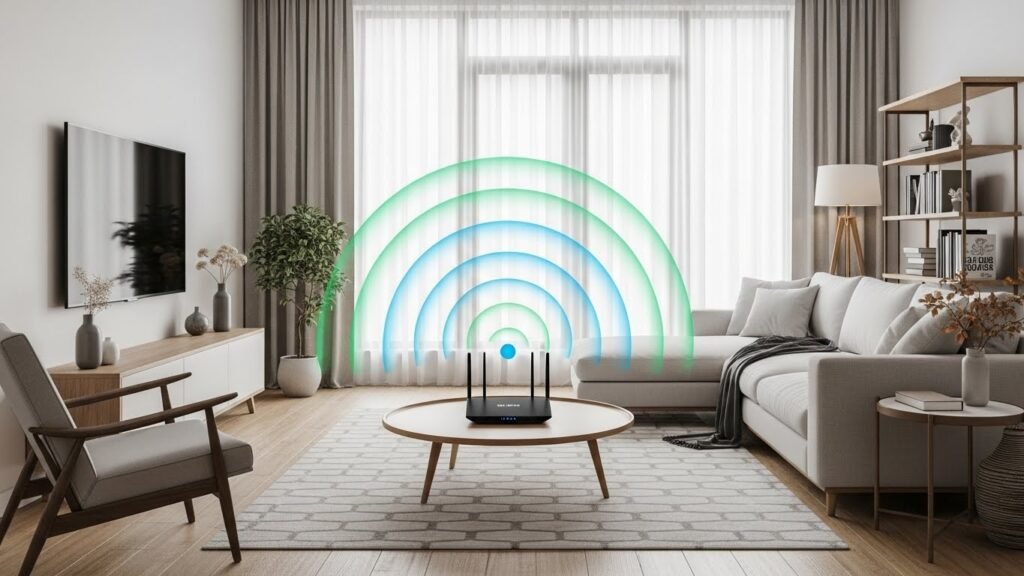
The place where you put your router in your home matters a lot. Putting it near a window can let the signal travel far outside your house. This makes it easier for people on the street to see your network. It is better to place the device in the middle of your home.
The WPS Feature
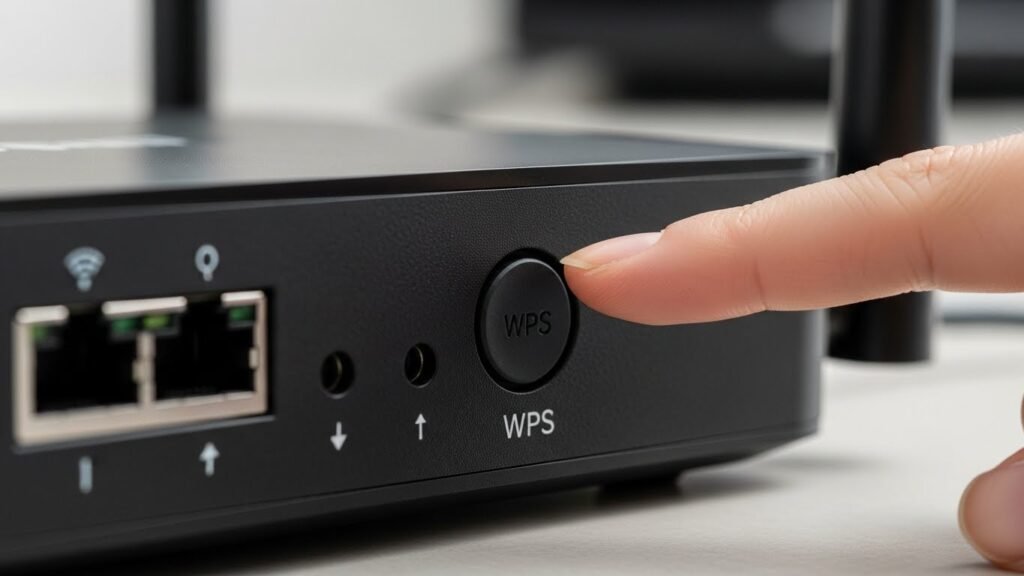
There is a feature on many routers called WPS that lets people connect without a password. This is done by pressing a small button on the back of the box. While this is convenient it can also be a weak point in your security.
DNS Settings
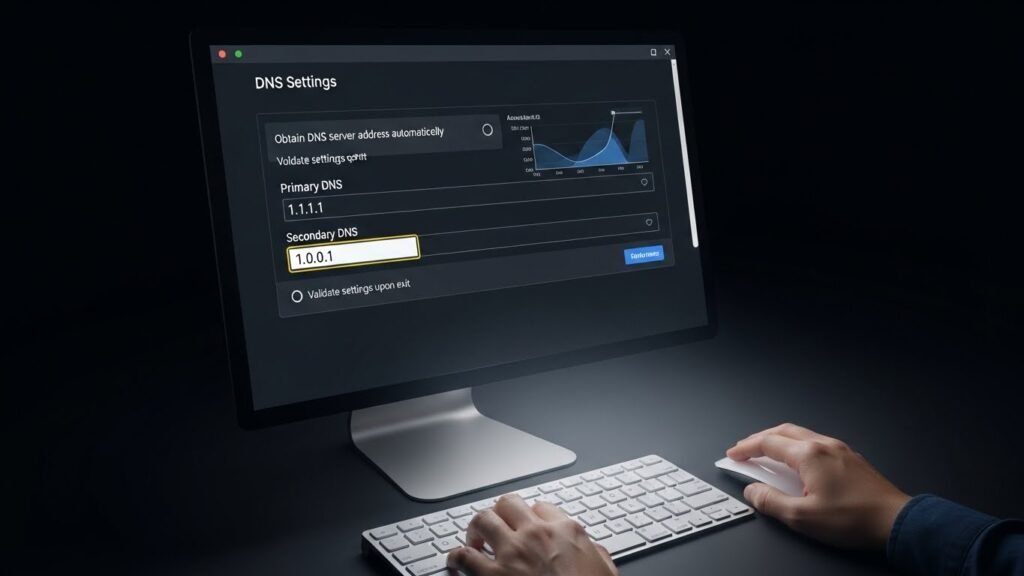
DNS acts as a phone book for the internet that translates names into numbers. There are many companies who provide stronger DNS services than your internet providers. These private services can block dangerous websites before you even click on them.
Using a VPN
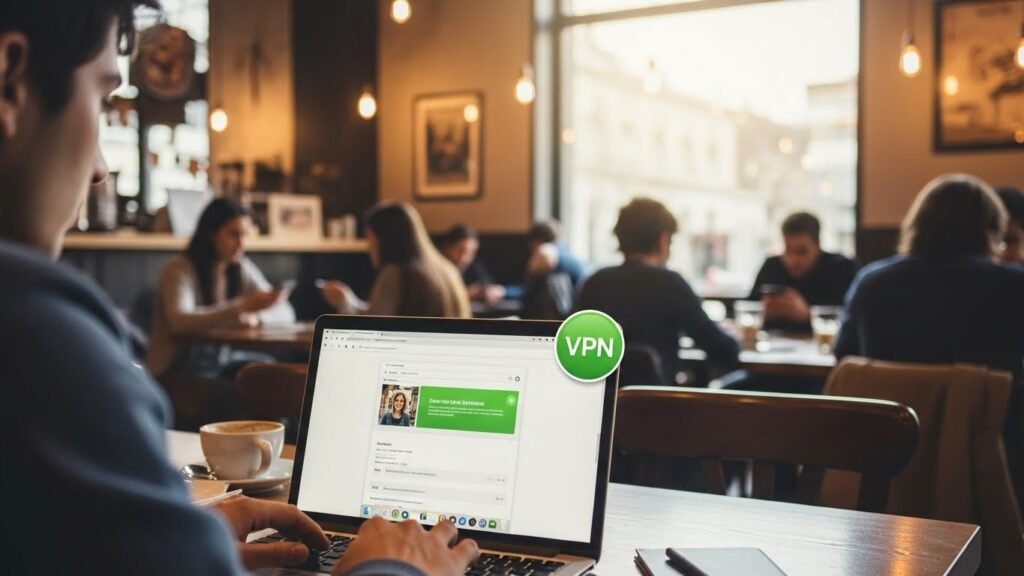
A VPN is a tool that hides your internet activity from the rest of the world. It creates a private tunnel for your data to travel through. This is very helpful when you use public internet in places like cafes or airports.
