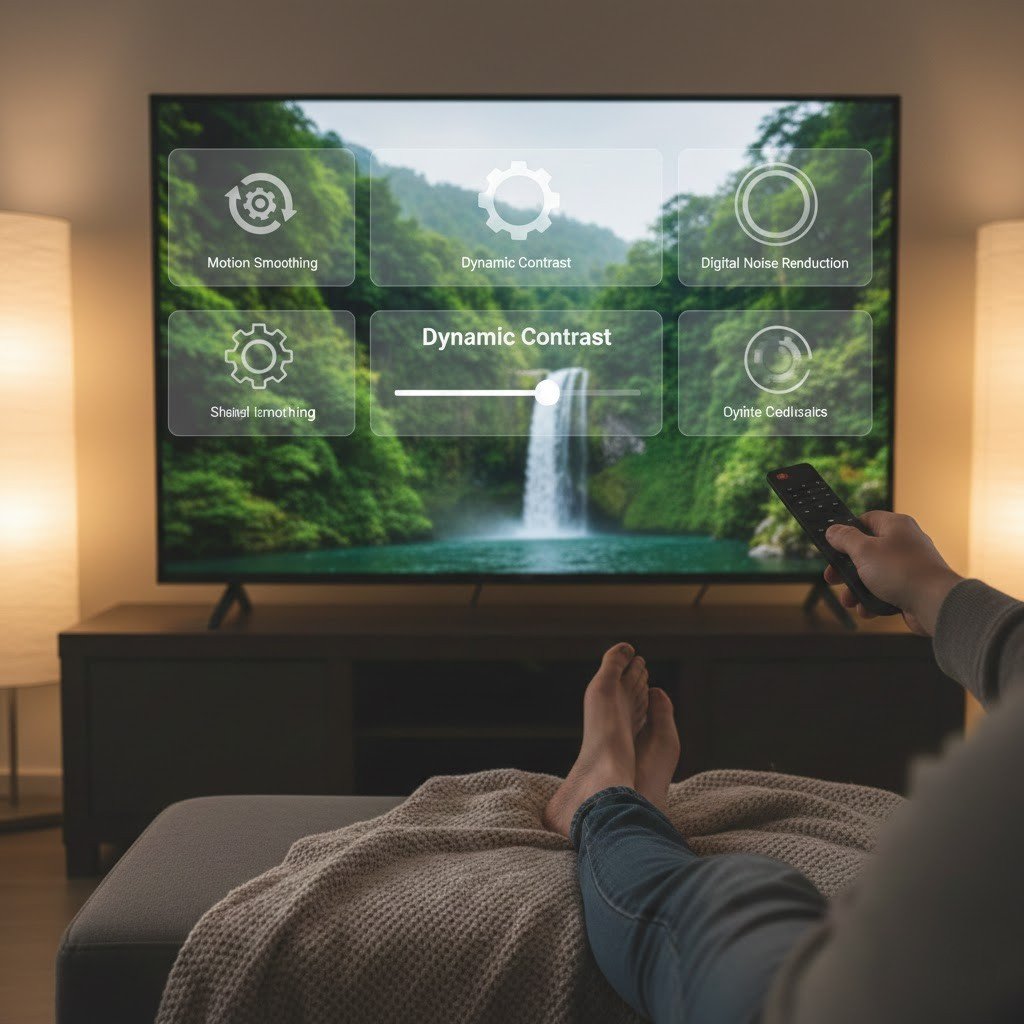
Features in smart TVs often start enabled. While handy for some, they sometimes blur images or drag down speed. Disabling a couple might improve clarity and reduce clutter. Watching could become less awkward without them. Comfort matters most when choosing a screen. Tips like these come straight, no jargon needed. Viewing ease stands at the center of each point.
Motion Smoothing
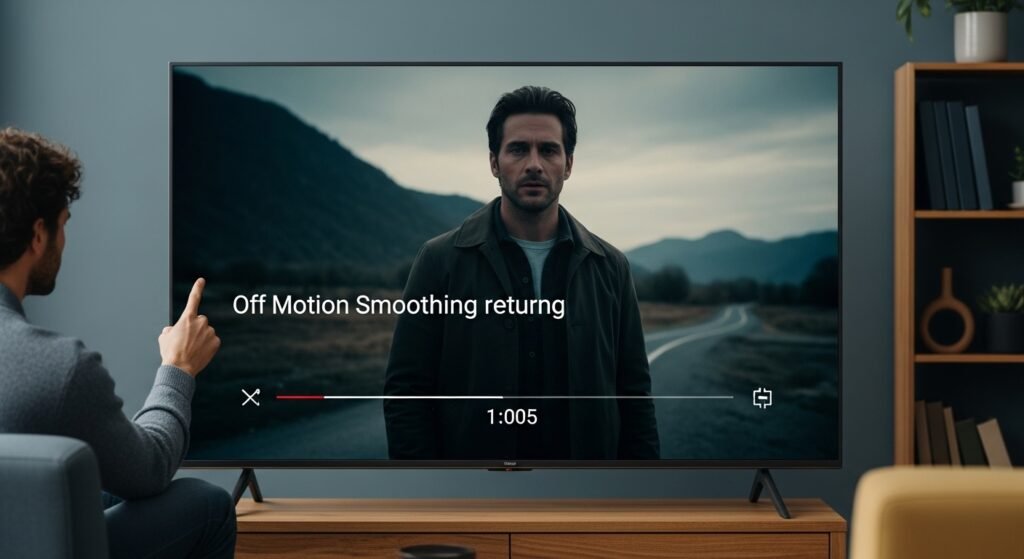
Sometimes things appear too slick when this is on. Movies might seem less real, almost like drama shows. Without it, the image returns how creators meant it to stay.
Dynamic or Vivid Picture Mode
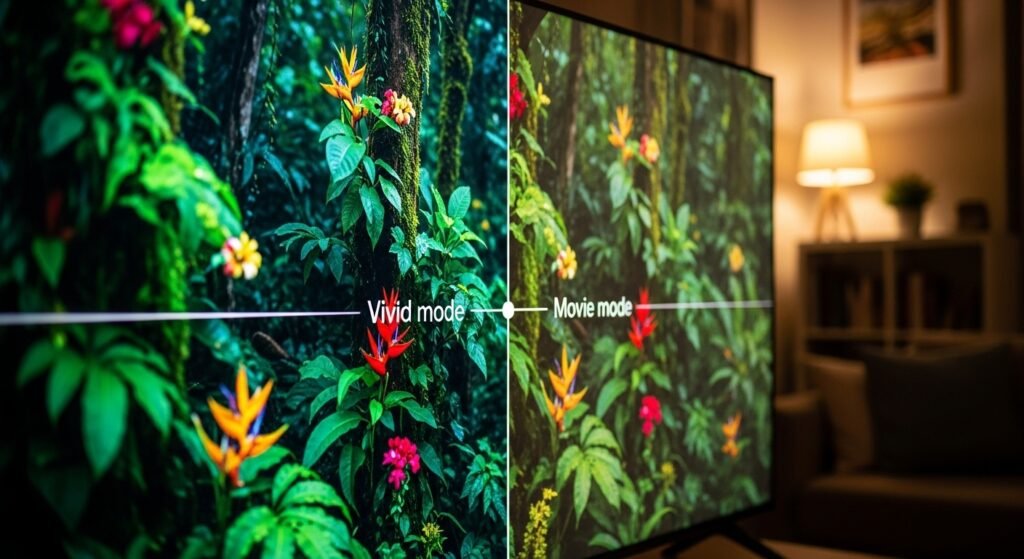
Too much force in coloring makes scenes feel strained. Brightness and contrast sometimes jolt the eyes. Changing to Standard or Movie softens the look, bringing calmer, earthier hues.
Automatic Brightness Control
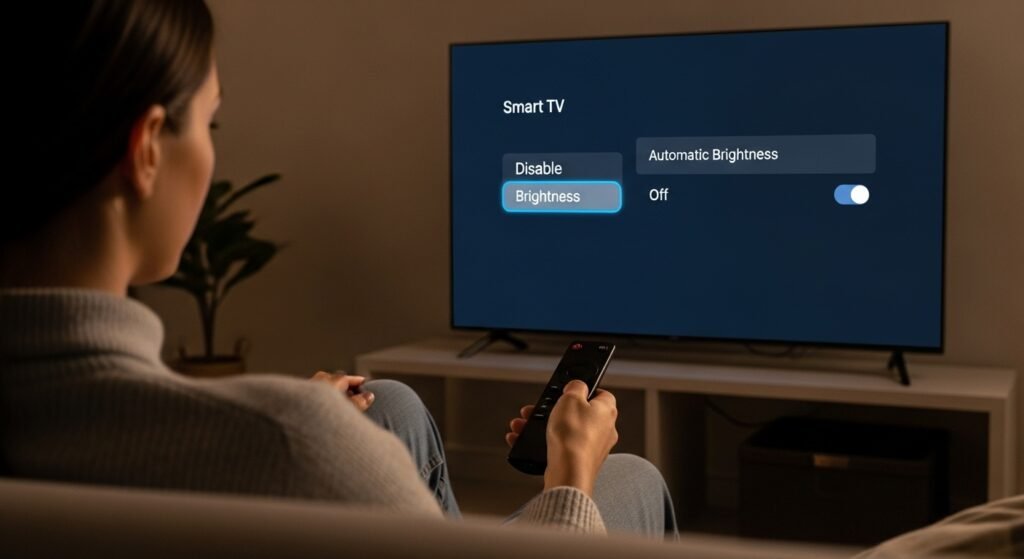
Light in the room now adjusts how bright the screen is. Sudden jumps happen often, which can feel jarring. Disabling this function means shading stays constant, less straining sightlines.
Noise Reduction

Blurred images might lose clarity, particularly when watching classic series or films. Switching noise reduction away helps retain soft details that feel real.
Sharpness Enhancement
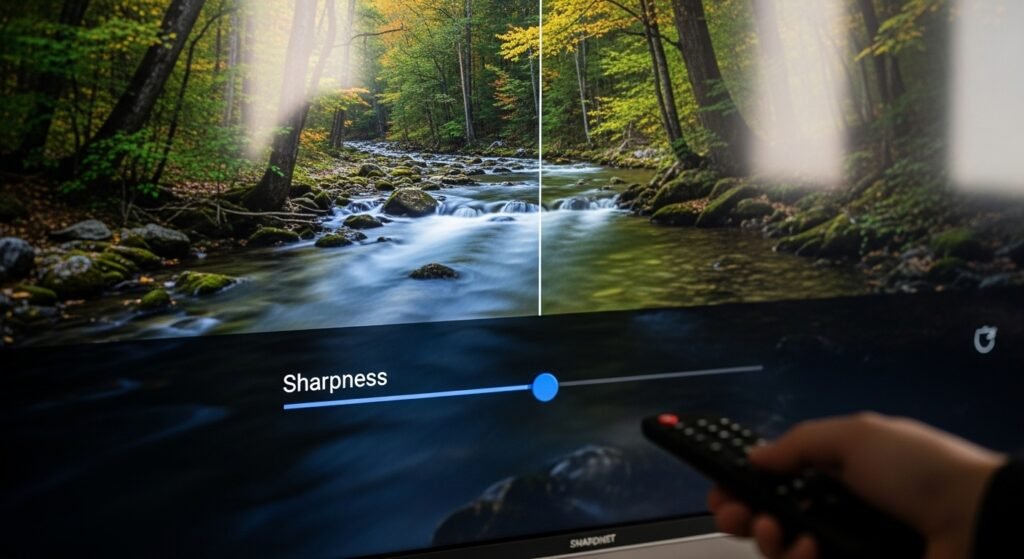
A crisp edge can trick shadows into looking like separate things. Turn that feature down or switch it entirely, and details sit easier in their place. The scene breathes without artificial lines telling it where to breathe.
Power Saving Mode
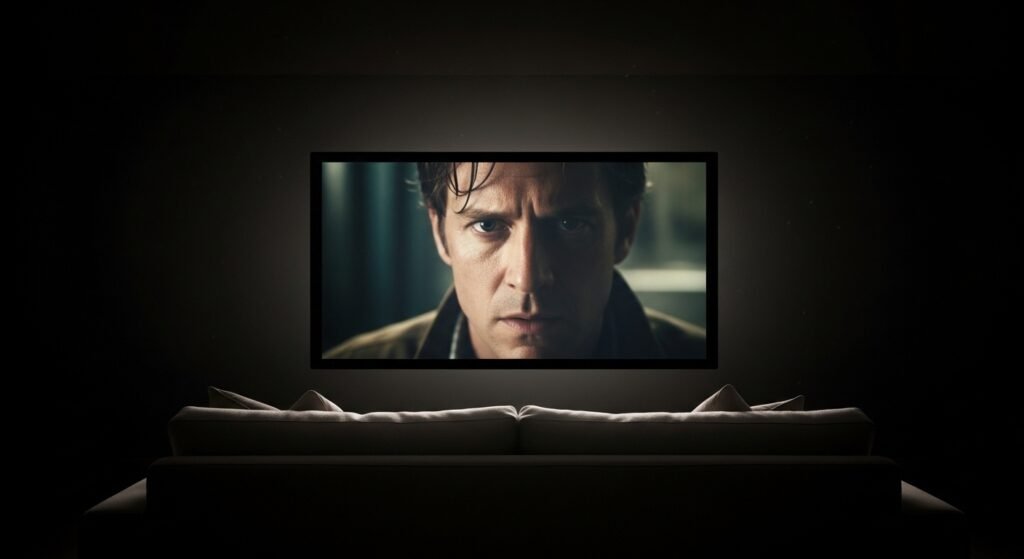
When low power mode is active, the screen fades too brightly. This reduces visibility during shadowy moments. Disabling this feature helps clear up images, bringing sharper details into view.
Auto Picture or AI Picture Mode

Settings shift nonstop during operation. Watch closely and light may streak or tilt. When adjusted by hand, images tend to stay steady.
Background App Refresh
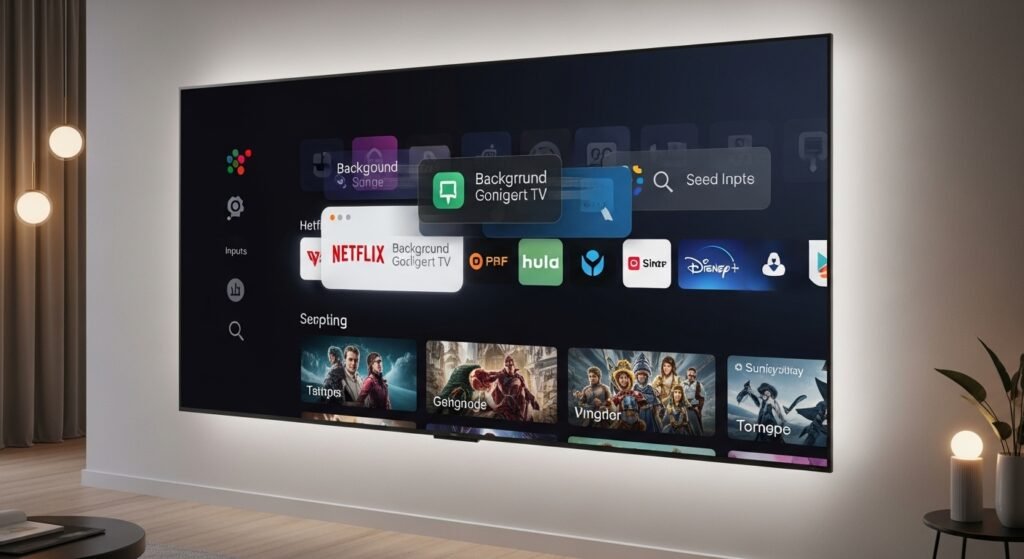
Apps might keep running on certain TVs without notice. When they do, the device often moves slower. Disabling background app activity gives the TV a quicker wake-up, and feels snappier overall.
Personalized Ads or Tracking

Watching gets harder when ads track every move. Shutting that down means fewer interruptions, also stronger control over personal details.
Audio Enhancements You Don’t Use

Sound often feels flat when virtual surround tricks the ear. Cutting back on extra audio processing helps voices stay sharp and true. What stays is clarity, nothing more.
