
Peek around on laptops or small keyboards – you’ll spot one button tagged “Fn.” Usually tucked into a corner, it hides in plain sight but feels odd at once. That little switch? Made so a single press can trigger different actions, letting compact setups pack in variety instead of piling extra keys.
It Activates Secondary Key Functions

Pressing Fn changes what happens when you click a button. Holding Fn and then tapping another opens extra options shown below the keycap. Each key can act differently based on which press comes first. How something works depends entirely on sequence and key role.
It Controls Screen Brightness

On some keyboards, the Fn button controls how bright your screen is. Pressing certain keys along with Fn makes the screen shine brighter or grow darker right away. Laptops often run short on extra switches because they need to save room. That shortcut steps in where there is no room for extra keys.
It Manages Volume and Sound
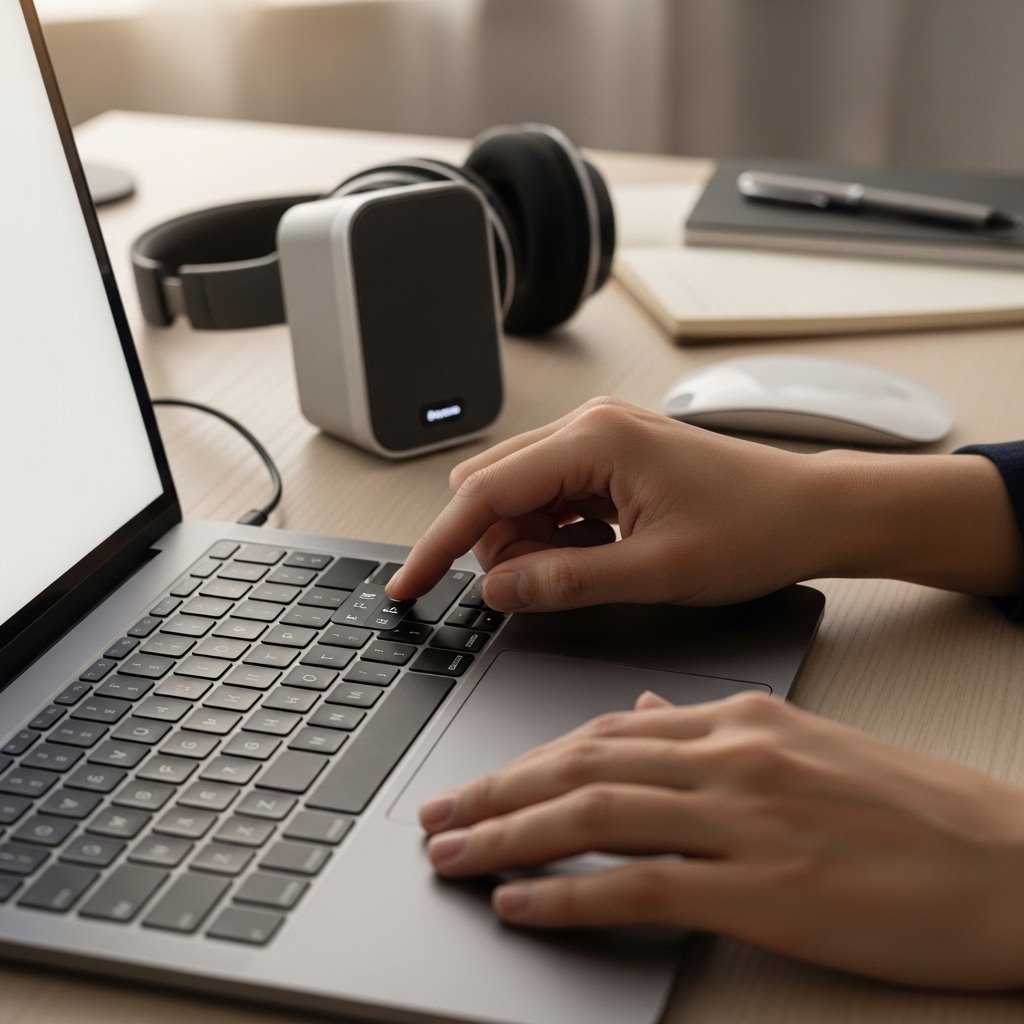
Pressing Fn changes how loud the sound is. It can also stop audio completely, adjust a mic, or shift levels down. Without launching apps, people tap it to tweak settings fast. Many caregivers and workers appreciate the simplicity.
It Helps Toggle Wireless Features

Often, the Fn button teams up with extra keys to activate wireless functions – like Wi-Fi or Bluetooth. Instead of digging into settings, users just press those combined keys to switch things on or out. When moving around or keeping devices charged, such controls come in handy.
It Supports Media Playback Controls

Pressing Fn alongside media controls – like play, pause, or skip – simplifies handling of audio or video. When juggling open tabs, shifting these functions easily cuts down interruptions.
It Assists With Power and Sleep Settings

On certain keyboards, the Fn button activates functions like sleep or turning off. Shortcuts tied to power allow people to save energy while switching between running and paused states.
It Makes Compact Keyboards More Functional

Even though laptops and tiny keyboards run low on room, the Fn button helps pack in useful functions without piling them too high. That setup maintains a mobile typing surface yet includes smart input options anyway.
Its Function Can Vary by Brand

What the Fn key does varies by brand and device type. Even though the idea stays clear, actual shortcuts shift around. Look at the labels on the keys – they often show what functions trigger through that button. Though it works the same way overall, how it acts can change quite a bit.
