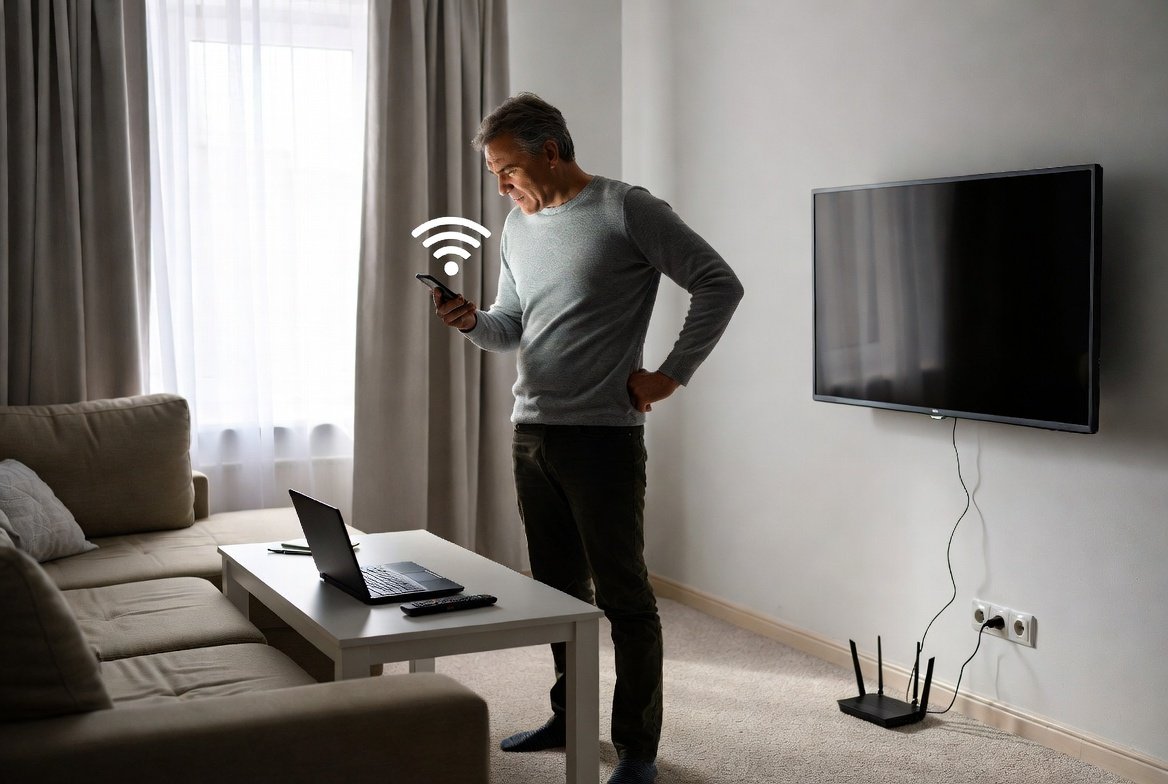
People using slow internet will first contact their internet service provider to request a faster internet package. People experience internet slowdowns because their internal network distribution system causes the issue while their incoming internet speed remains intact. The basic router management adjustments you implement will enhance your network performance by decreasing lag and removing dead zones without requiring any extra expenses from you.
The “Center of the World” Rule
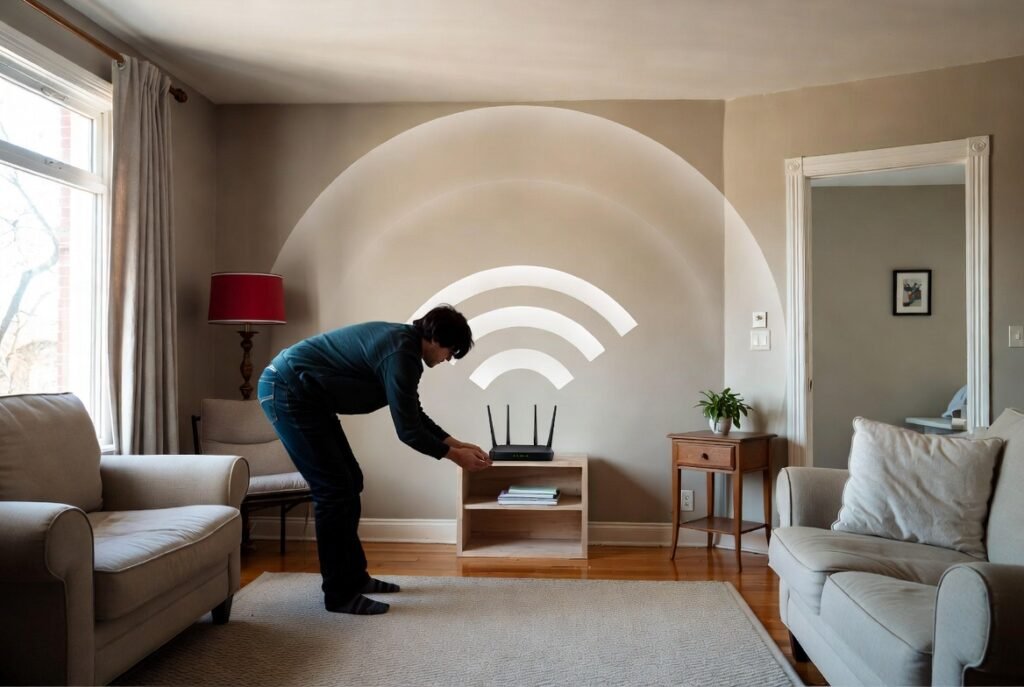
Most people hide their router in a corner or under a desk to keep it out of sight and your home center location enables Wi-Fi signals to reach every section of your house because Wi-Fi signals broadcast their signal throughout all directions. All dead zones in your home will disappear when you move it closer to the center of your home.
Height is Your Best Friend
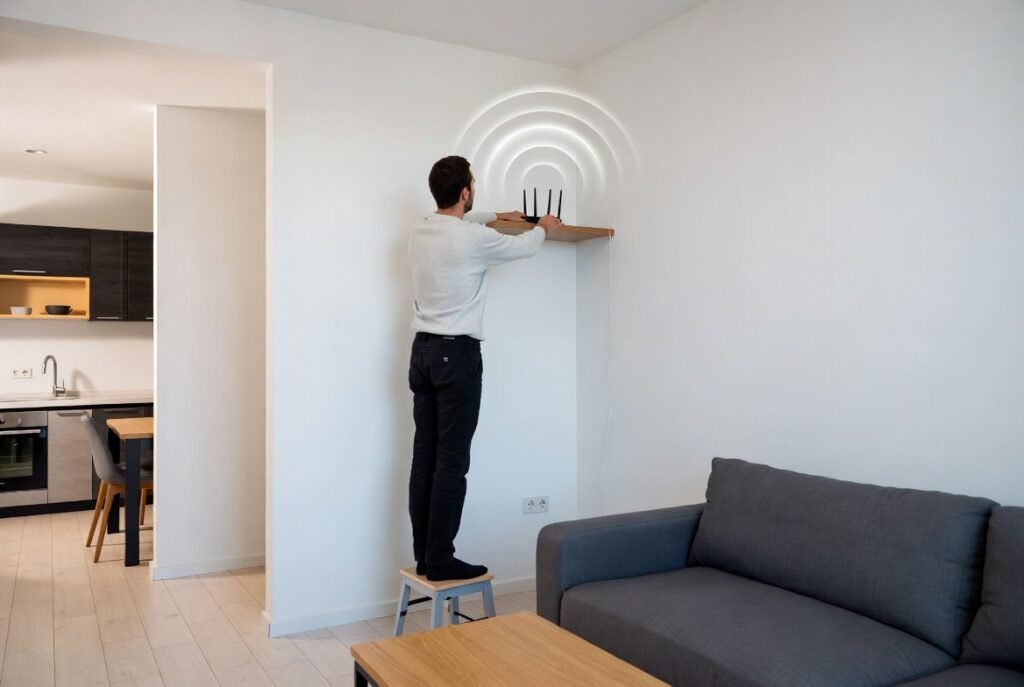
Wi-Fi signals travel downward and outward from their source. Most of the Wi-Fi signals which come from a floor router get absorbed by ground surfaces. Your devices receive better signal strength when you position the device on a high shelf or wall because the signal path avoids obstacles created by furniture.
Clear the Obstacles
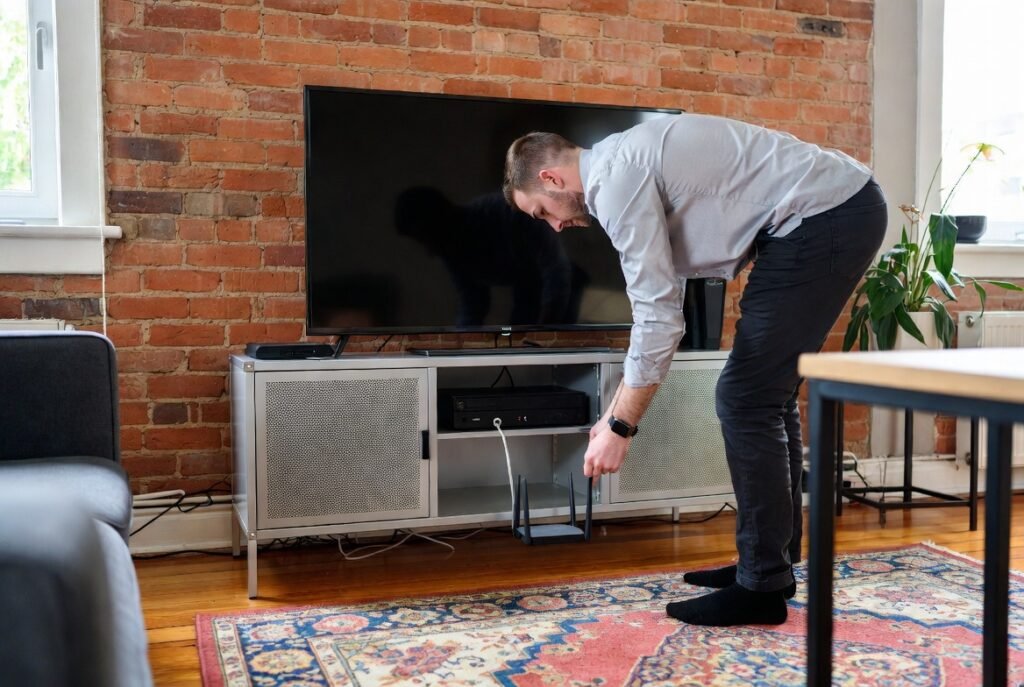
Wi-Fi signals face complete blockage when brick and concrete and metal materials create barriers. The signal strength decreases when your router is located behind a TV or inside a metal cabinet because those objects block the signal. The device needs to be maintained in an area which provides “clear line of sight” to all spaces you need to access with your laptop or phone.
Avoid the Kitchen
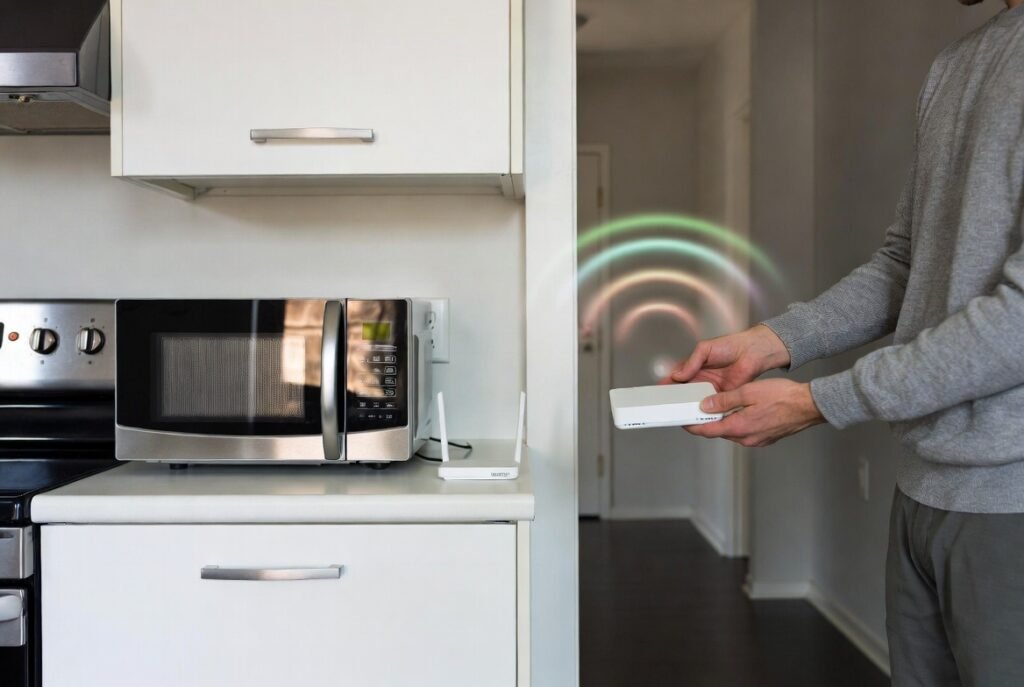
Microwave ovens create Wi-Fi interference because both devices operate at the same 2.4GHz frequency. The establishment of a stable connection becomes possible when you maintain the router at a distance from both large kitchen equipment and heavy mirrors which have the ability to reflect and distort signals.
Point the Antennas
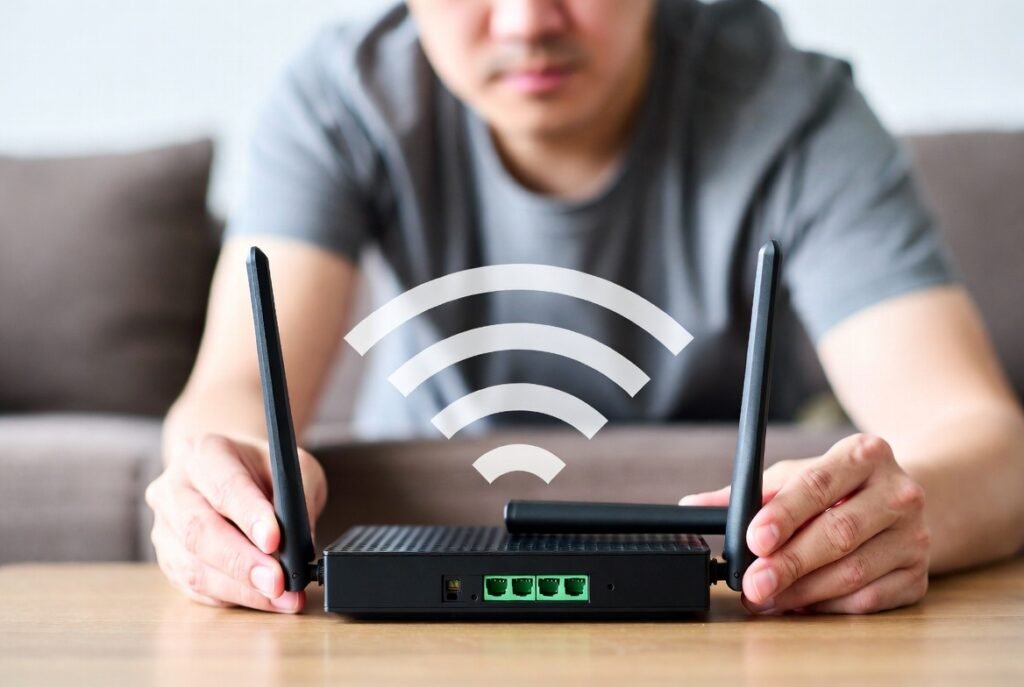
Your router requires external antennas to be positioned in different directions. The antenna system needs one antenna to face upward while the second antenna should point toward the side. The system enables devices to receive signals from all antenna directions.
Change the Channel
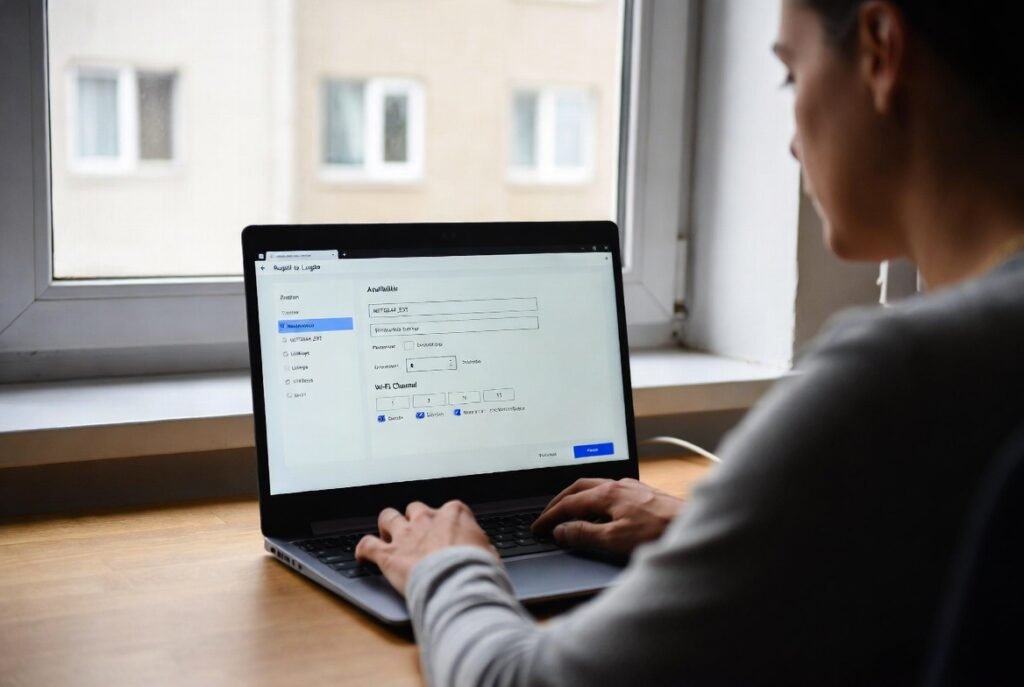
The Wi-Fi networks of nearby apartment residents compete for the same airspace which creates a crowded network environment. The router settings should be used to select a channel with fewer users since the 2.4GHz band works on channels 1 6 and 11. The experience allows users to transition from a street which has heavy traffic to an empty highway.
Unplug Unused Devices
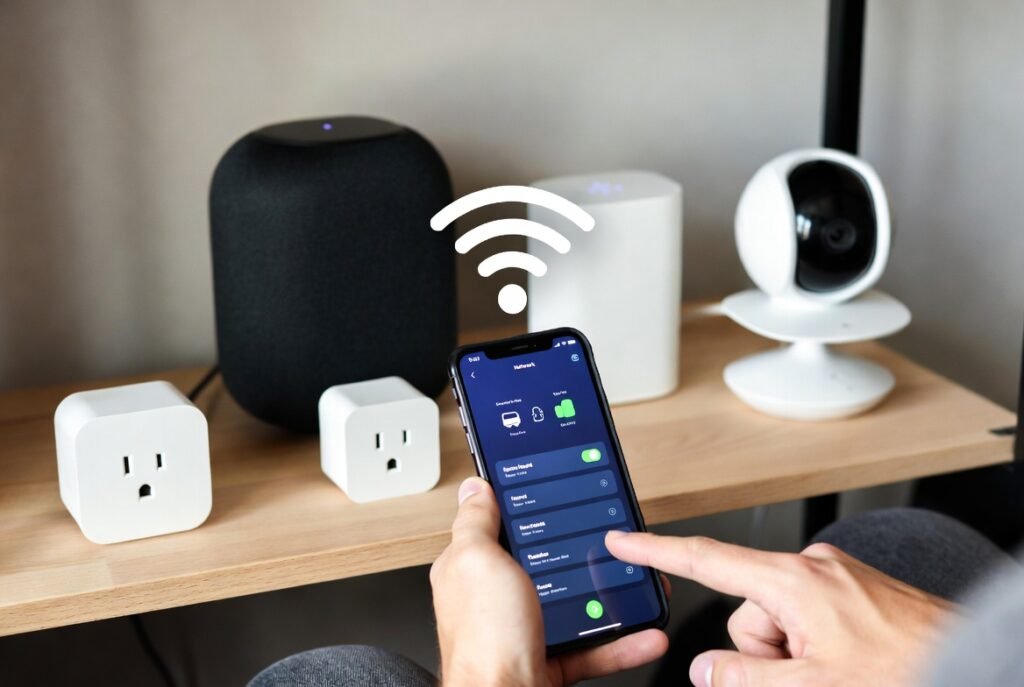
Your network connection gets used by every Wi-Fi device which connects to your network including phones and tablets and smart speakers. You should turn off all your old devices which you don’t need anymore while you should disconnect the networks from those devices.
Use an Ethernet Cable for Gaming

Wi-Fi connections provide better wireless network coverage than using physical wire connections for stationary devices such as PCs and gaming consoles. Ethernet cable delivery systems enable users to access all benefits of wired connections while maintaining the lowest ping rate which prevents wireless interference during online gaming.
The Weekly Reboot
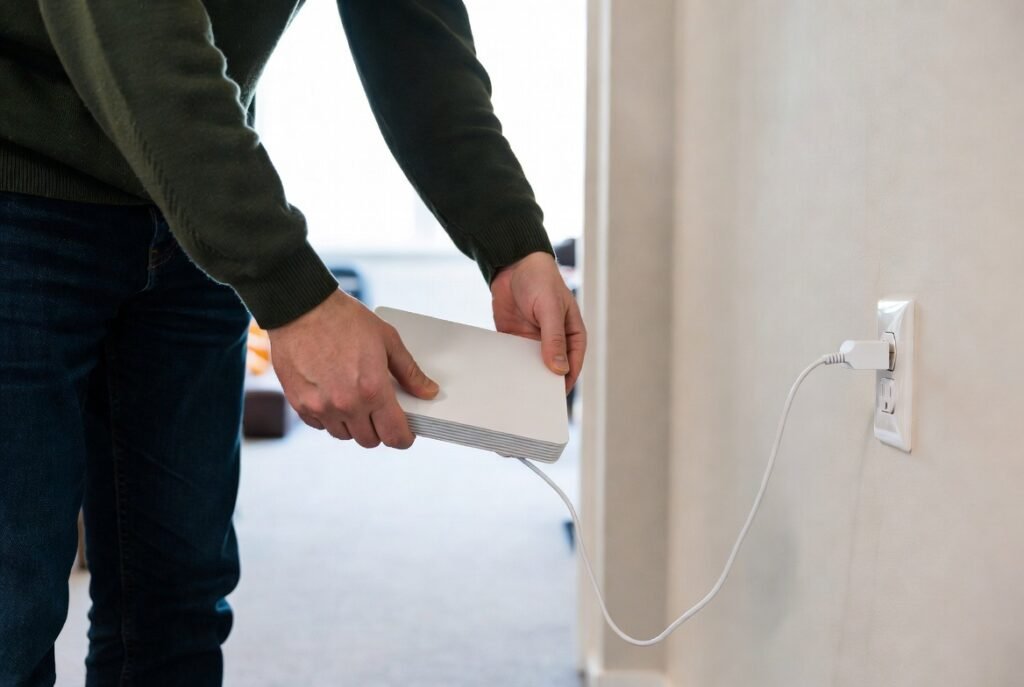
Routers operate as basic computers which become overloaded when they accumulate excessive temporary data. Your internet speed improves when you unplug your router for 30 seconds each week because this process clears its memory and establishes new connections with your service provider.
