
Have you ever noticed that your neighbor seems to have lightning-fast internet while your connection struggles to load a simple video? the internet speed between people who live on the same street or within the same apartment building can show large differences, the speed you receive depends on a series of elements which create a complete system so one system component failure will cause all parts to function at reduced speed.
The Type of Connection Technology
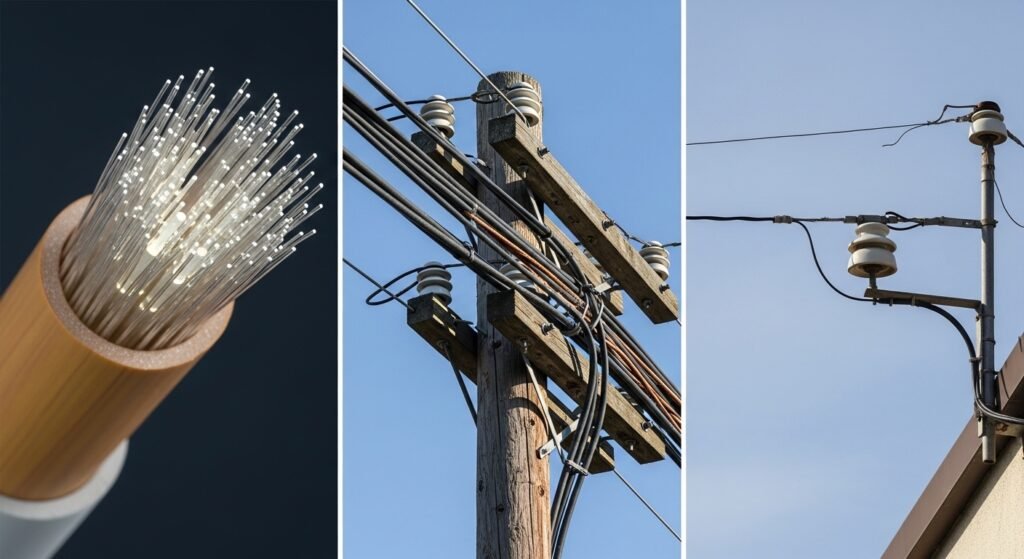
The actual method for bringing internet service to your residence stands as the primary element which affects your internet access. Fiber-optic cables use light technology to send data at extreme speeds which makes them the most advanced transmission system available. DSL operates through outdated telephone lines which achieve slower speeds while cable internet uses copper wires whose performance declines when multiple people in the neighborhood access the network at once.
The Distance from the Provider

Internet connections depend on distance for most systems, especially DSL and certain cable configurations. The signal strength decreases as you move away from the provider’s central hub which functions as the switching station. A rural house located at the end of a long road will always experience lower internet speeds than a home which stands next to the provider’s equipment.
The Age of Your Modem and Router
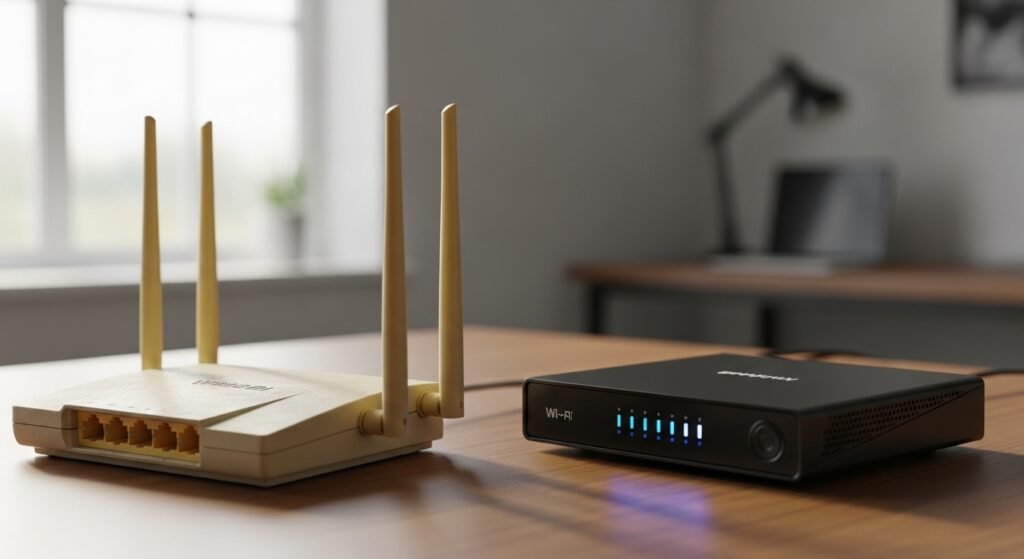
Internet technology undergoes rapid development throughout time. Your router will struggle to manage your provider’s full internet capacity if it is currently 5 to 6 years old. The latest routers enable users to connect multiple devices while handling increased data throughput.
Router Placement and Obstacles
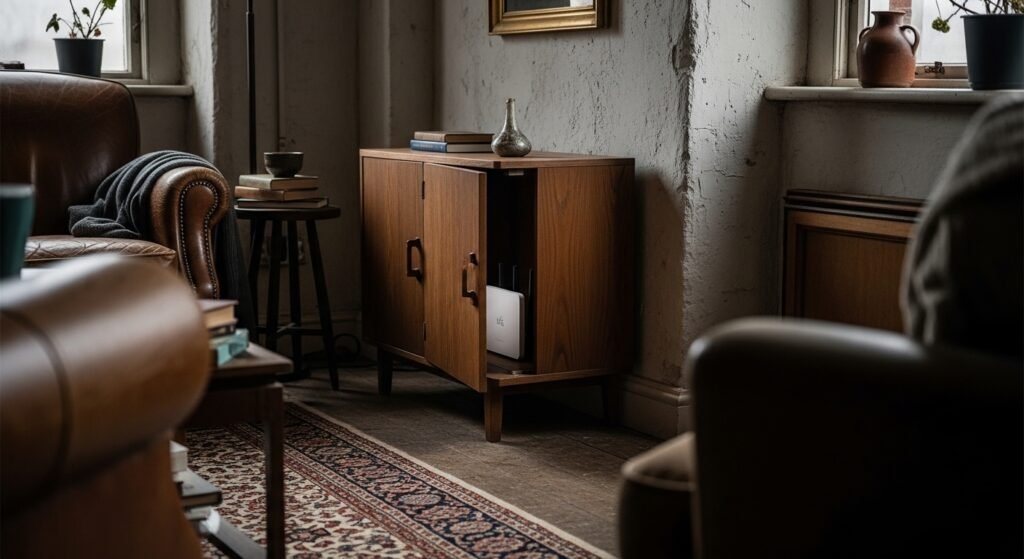
Wi-Fi signals function as radio waves which encounter difficulties when they need to overcome barriers. The signal must struggle to reach its destination when your router is hidden in a closet behind a TV or in the basement. A home with an open floor plan and a centrally located router will always have better speeds than a cluttered, multi-story house.
Interference from Other Electronics
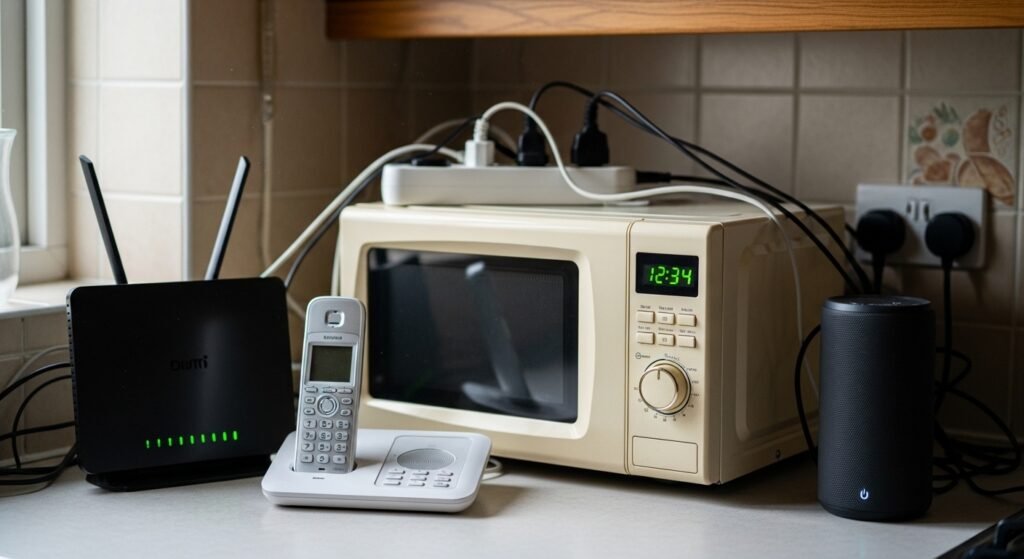
Many household items create interference with your Wi-Fi signal which leads to Wi-Fi signal problems. Mikrowaves, baby monitors, cordless phones and Bluetooth speakers for example broadcast on frequencies that match those of older Wi-Fi bands. Your internet connection will experience slowdown problems if your home contains multiple devices which emit electronic noise.
The Number of Connected Devices

Your home network bandwidth gets divided among all smart devices including smartphones, smart TVs and laptops plus smart lightbulbs. When one person plays games while another watches 4K video three others use social media the network speed will decline for all users.
Congestion in the Neighborhood
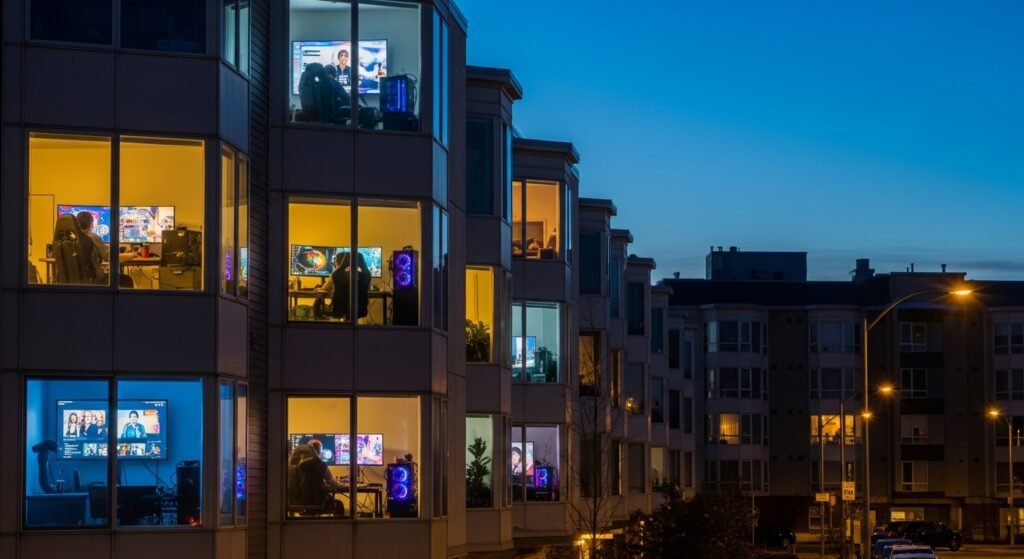
Cable internet users share a connection pipe with their nearby residents. The local network becomes congested during peak hours which occur between 6:00 PM and 10:00 PM because so many users access the service at the same time.
The “Quality” of the Wiring
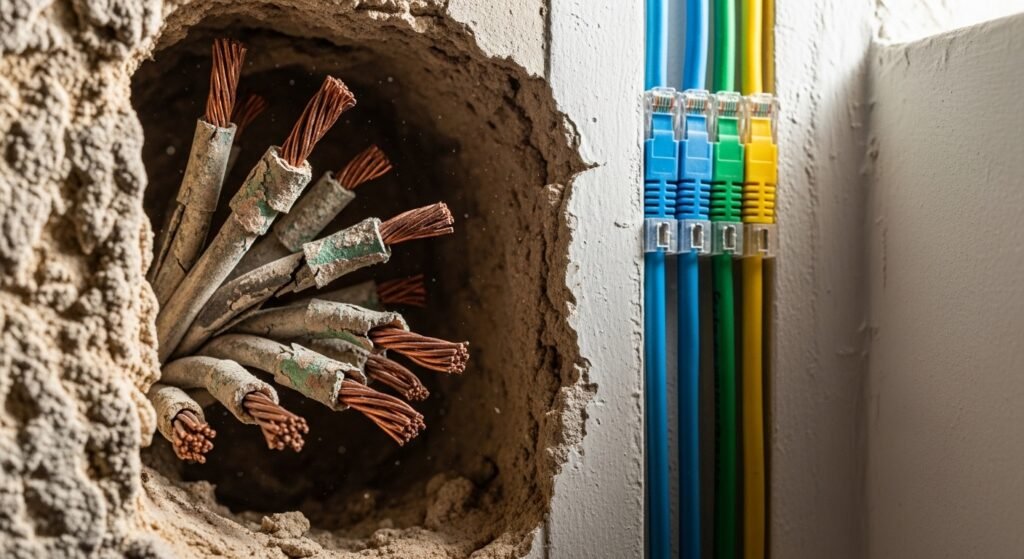
The wiring system inside your walls determines how the internet functions in your space. Signals get transmitted through the air when copper cables become old and damaged or they provide poor shielding. Modern homes equipped with high-quality Ethernet or coaxial wiring achieve better connectivity than vintage homes which still use their original wiring systems.
Background Software and Updates
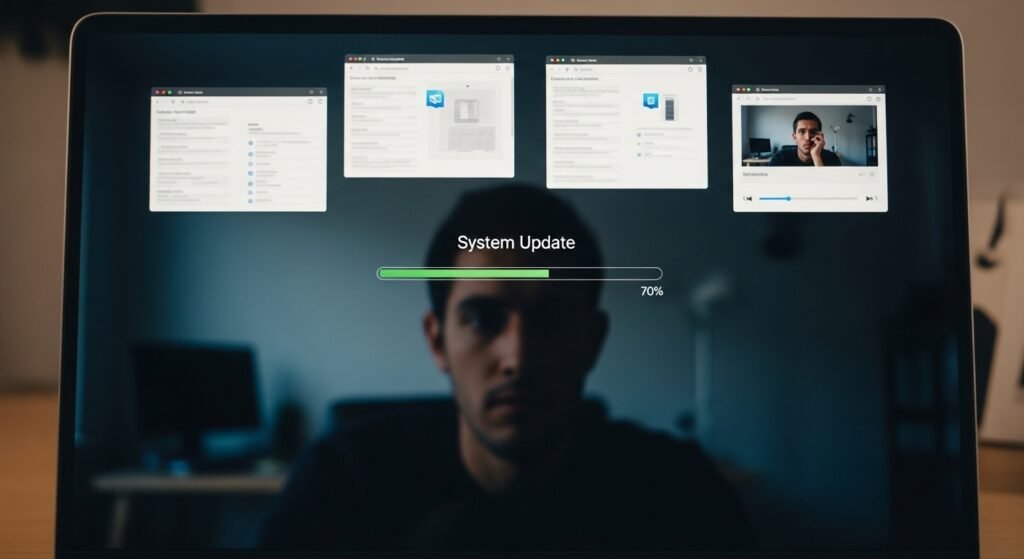
Device slowness problems occur when the device itself creates performance issues instead of the internet connection problem. Your computer brings down your internet browsing speed because it downloads an extensive system update while various background applications connect to the internet.
The Limitation of Wi-Fi vs. Ethernet

Wireless technology provides users with convenience but users will experience better speed through direct wired connections. The router connects directly to the computer through an Ethernet cable which establishes a protected data transmission route. Wi-Fi dependent homes experience greater speed fluctuations compared to homes which connect devices through cables for their heavy usage.
