
The Apple users who fall victim to this new email phishing scam face an operation which aims to illegally acquire their Apple ID details together with App-Specific Passwords. The current phishing attempt which employs fake Apple security alerts to extract user credentials shows greater danger than previous attempts because it displays real Apple security alerts with frightening accuracy which enables users to be deceived into losing their account access.
The Fake Security Alert
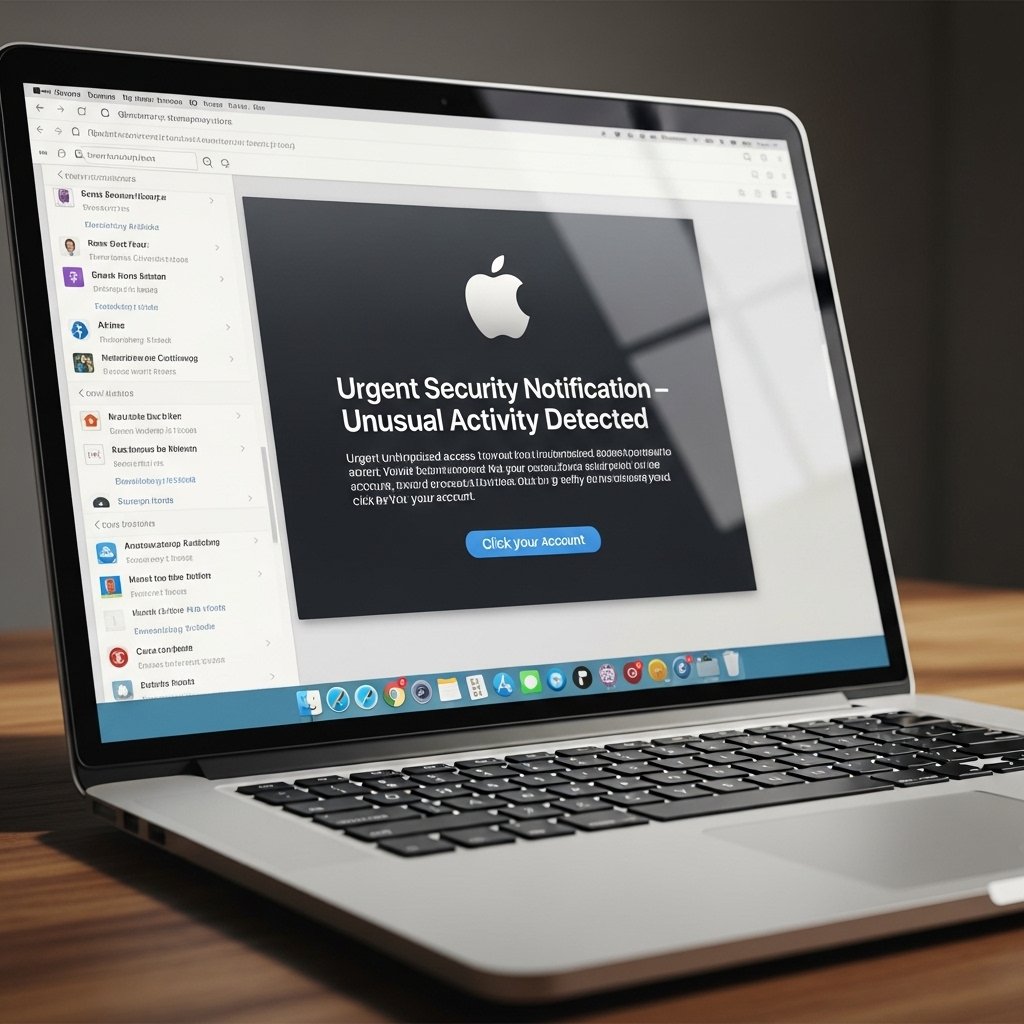
The scam begins with an email that replicates an official Apple Support notification and in the subject line typically states that your App-Specific Password has been used to access a different device or that your account will be suspended because of suspicious login attempts.
Creating a Sense of Urgency

The scammers use fear tactics to create panic which prevents you from making sound decisions and the scammers want you to click their links right away because of this urgent situation they have created.
The “Cancel Request” Trap

The email will provide a large, official-looking button that says “Cancel Transaction” or “Secure Your Account.” The button directs you to a fake login page which hackers designed to look exactly like the real Apple website.
Stealing the Apple ID

The fake website will prompt users to enter their Apple ID and password as part of the identity verification process. The site uses a realistic appearance which deceives users into thinking they are on the official site when the URL in the address bar shows a slight variation from the actual address.
Targeting App-Specific Passwords

This scam specifically asks for “App-Specific Passwords.” These unique codes enable third-party applications to access your iCloud content. Hackers who acquire this information can bypass security systems through which they will reach your personal emails and contacts without using your primary password.
Bypassing Two-Factor Authentication

Some versions of this scam will even ask for the six-digit code sent to your trusted devices. The hackers will use the code you entered at the fake site to access your Apple account and change your recovery details.
Avoid Clicking Links in Emails

The safest rule is to never click a link in a security email, you should manually type icloud.com or https://www.google.com/search?q=appleid.apple.com into your web browser to reach the site if you suspect an issue with your account access. You will receive a notification about any actual account problems after you complete your secure login.
The “Direct Download” Threat

Some of these emails may contain an attachment, like a “PDF Receipt” for a fake purchase. Never open these attachments. The files contain malware which will capture your keystrokes and take your data from your computer or phone.
Use a Password Manager
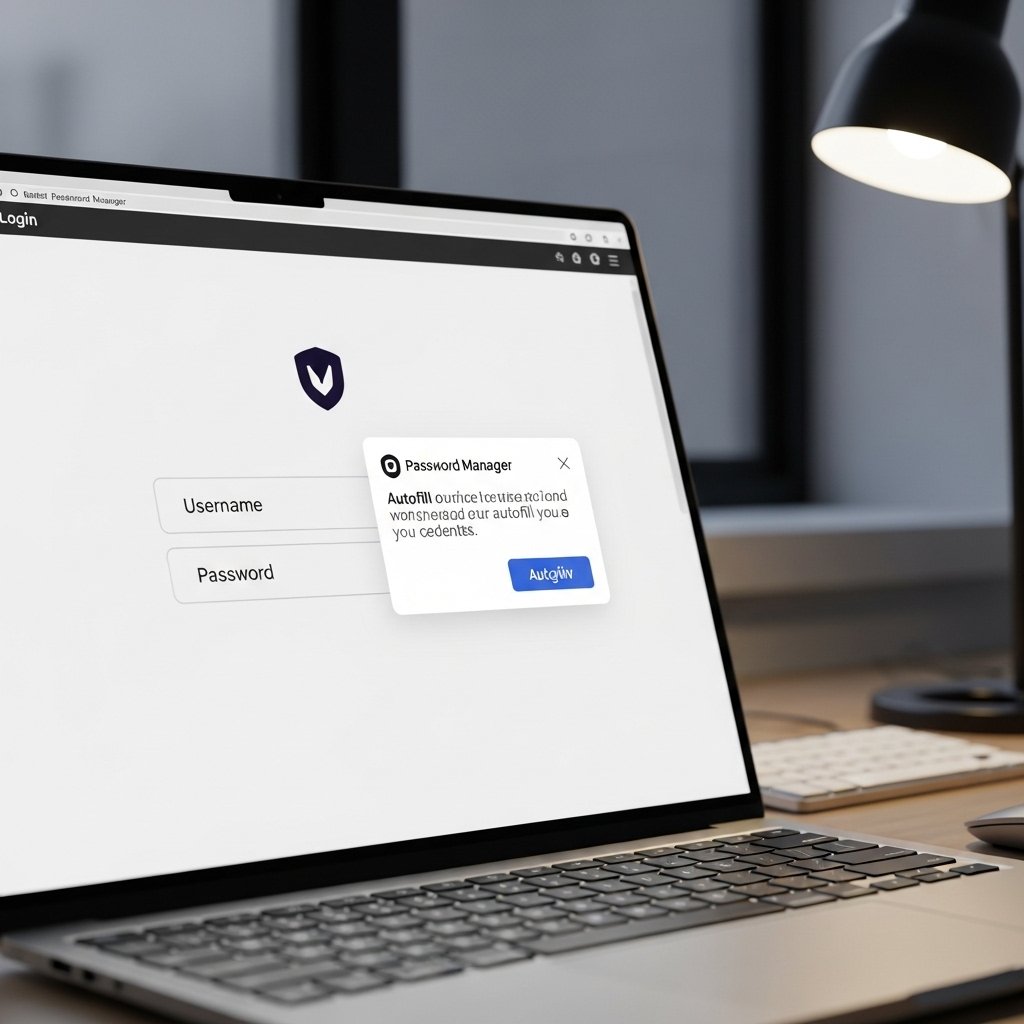
Password managers work effectively to protect users from phishing attacks. Password managers will not automatically complete your password entry on fake scam sites because they know the authentic website address. The site will be identified as fake if your password manager does not prompt you to complete your login details.
Report and Delete

You need to forward the email to reportphishing@apple.com and then remove it from your inbox after receiving one of these messages. The email confirmation which you handle through “unsubscribe” or “reply” actions enables scammers to determine that your email account is being used.
