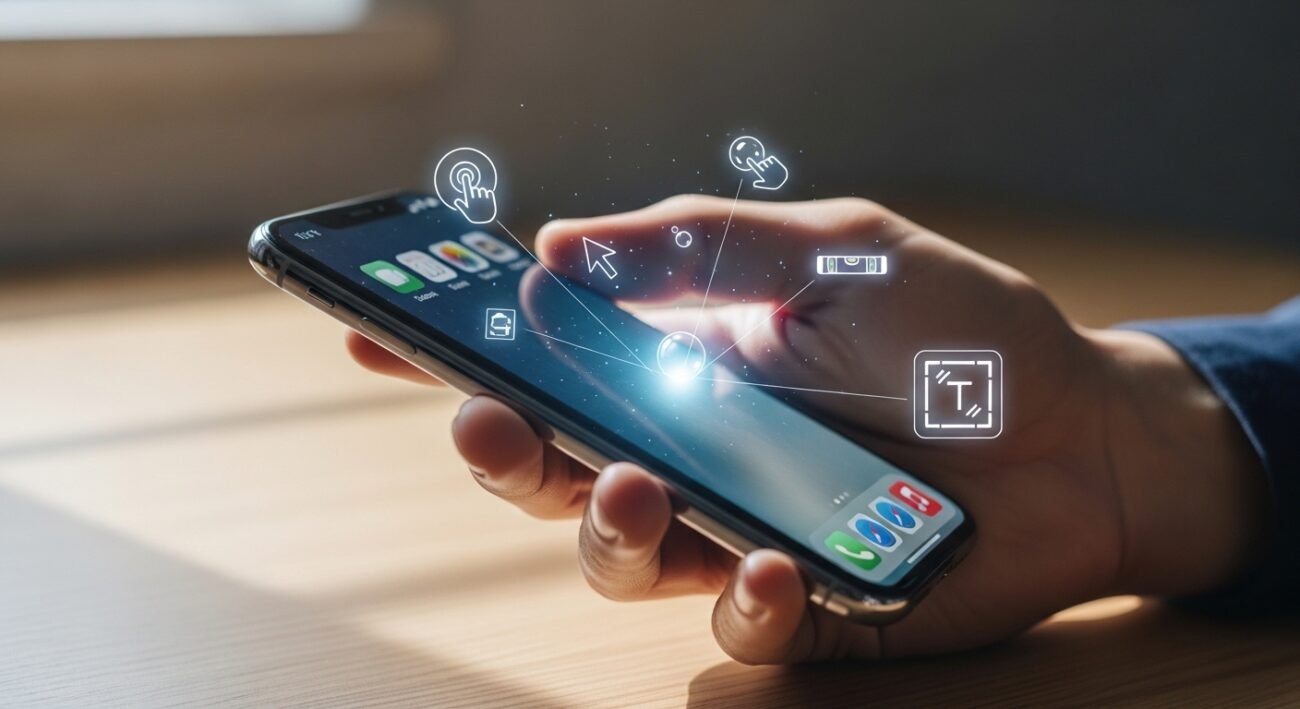
You can operate an iPhone through instinctual movements because its interface shows basic functions. The user interface contains hidden shortcuts which can help users accomplish their tasks more quickly while they create personalized user experiences. You can change your phone into a powerful productivity device through the implementation of basic phone tricks.
Back Tap Shortcuts
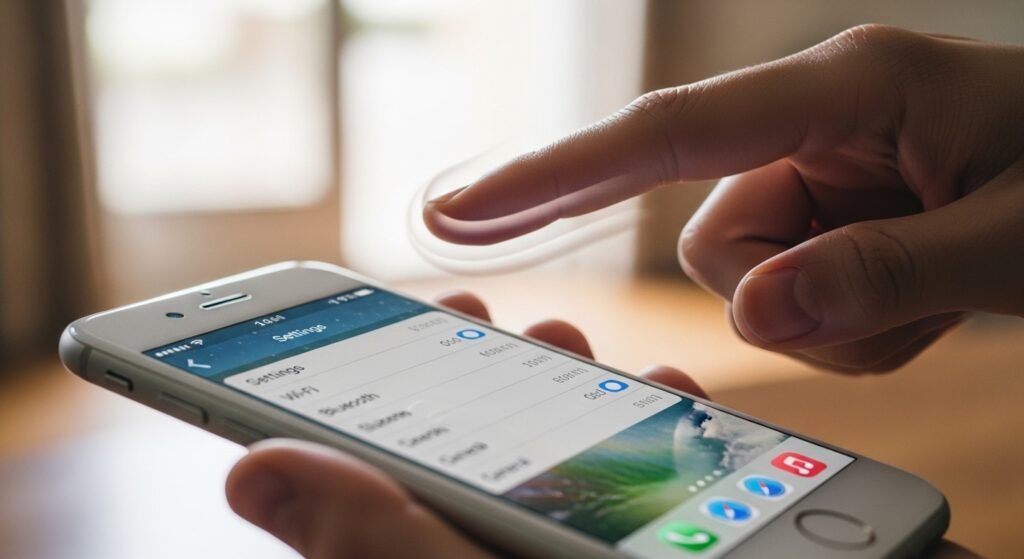
The back surface of your iPhone becomes a hidden button through this feature. Users can configure their phone’s double and triple tap functions to record a screenshot and activate the flashlight and launch their preferred application through the accessibility settings.
Spacebar Trackpad
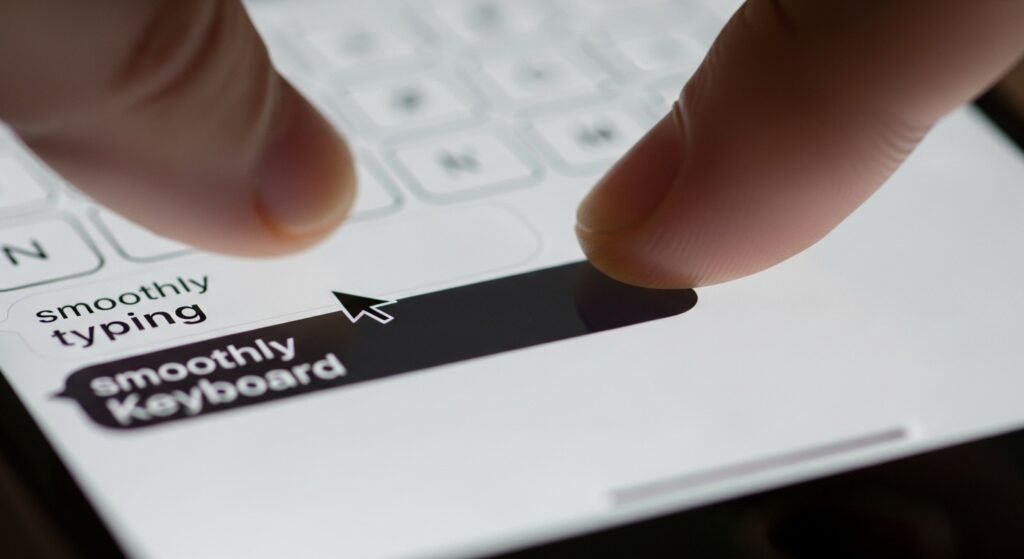
The process of moving the cursor to correct a spelling error turns out to be extremely difficult because of its lack of accuracy. The spacebar lets users turn off all keyboard letters and use the entire area as a trackpad which allows them to move their finger and select any spot for cursor positioning.
Hidden Spirit Level
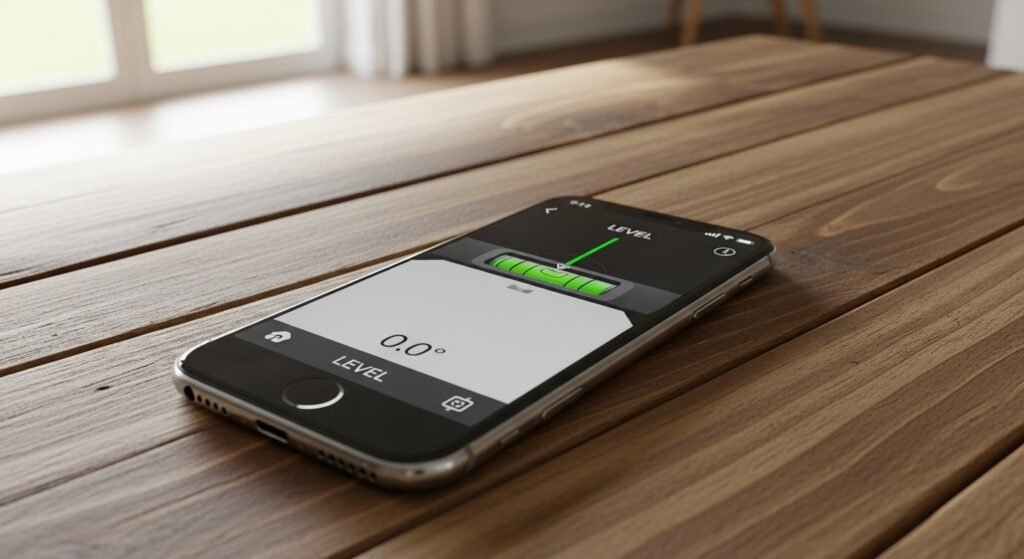
The Measure app enables people to measure distances but its built-in level feature remains unknown to most users who need to install pictures properly. Users of the Measure app can access its level function by tapping on the level tab and placing their phone on any surface to check the exact angle of tilt in all directions.
Text Replacement Shortcuts
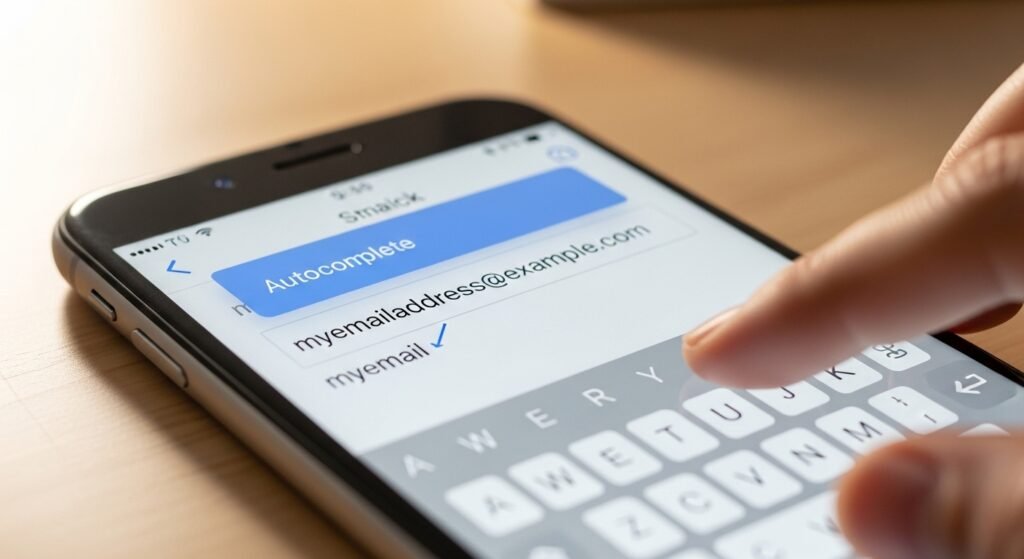
You can make short codes to use instead of your email address and home address when you need to type them repeatedly. The text shortcut function lets you create an automatic email address expansion through the use of “@@” which eliminates the need to enter your full email address for every form you complete.
Screen Recording With Audio
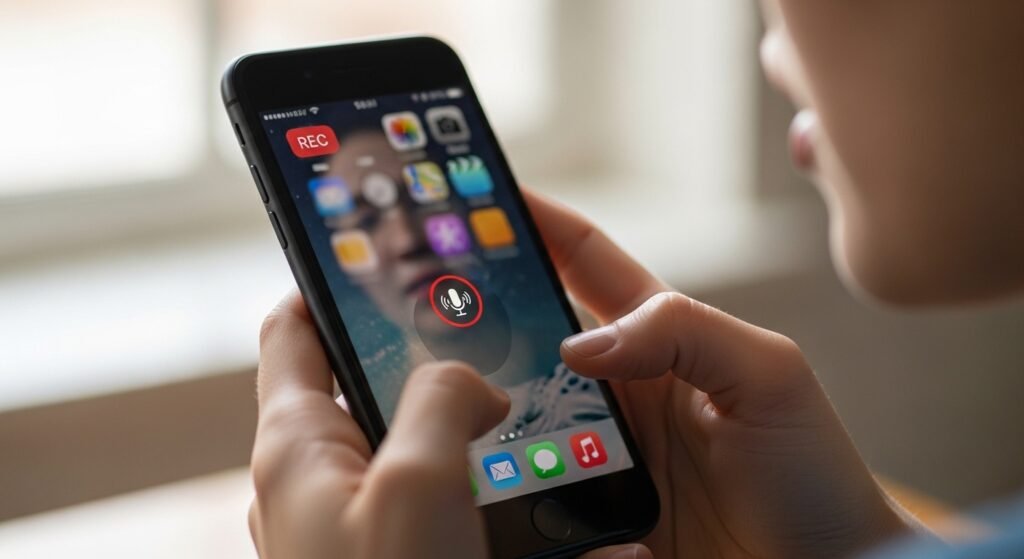
The majority of users know how to record their screen but most of them do not understand that they can simultaneously record their voice. Users can activate the microphone function through a long press on the Screen Record button located in the Control Center to create voiceover videos for their friends to use as quick tutorial material.
Live Text from Video
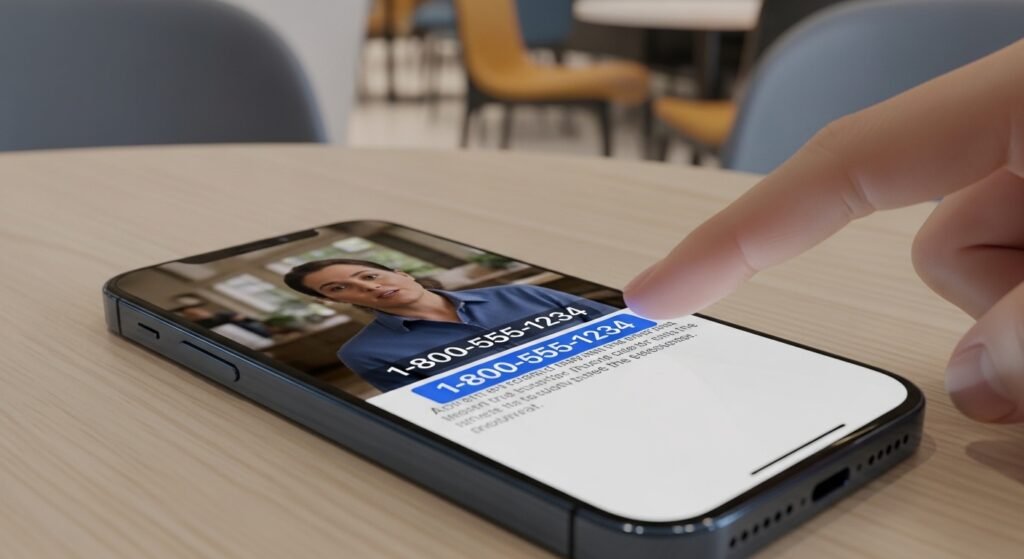
You can extract text from a video in the same way that you extract text from a photo. The video lets users call the displayed phone number and open maps to view the location while they use the text selection feature to copy the information.
Reachability Gesture
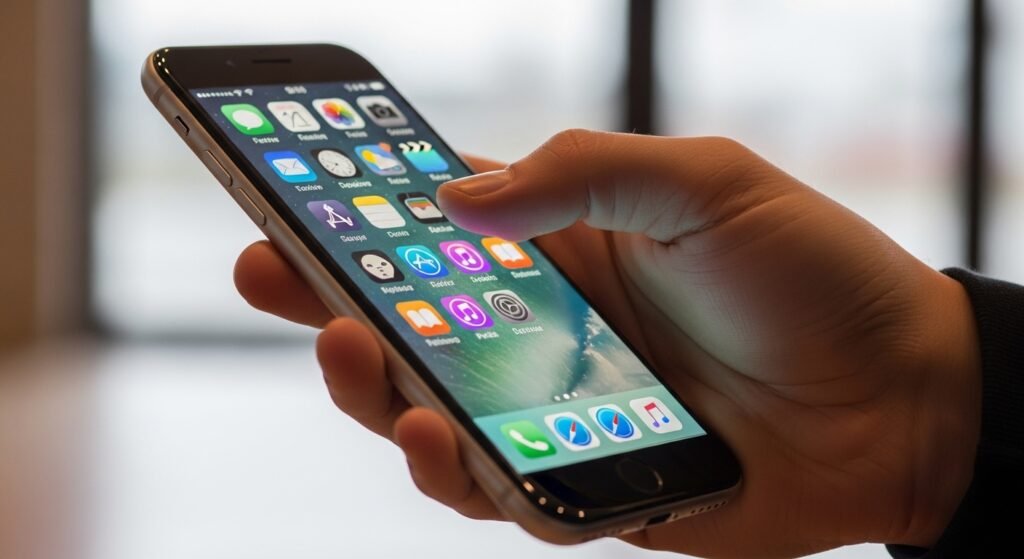
You can pull down the display from its bottom edge to reach the screen’s upper section when you use a large phone with one hand. The system moves all display elements downwards so users can reach buttons which were previously difficult to access through their thumb.
Scientific Calculator Secret
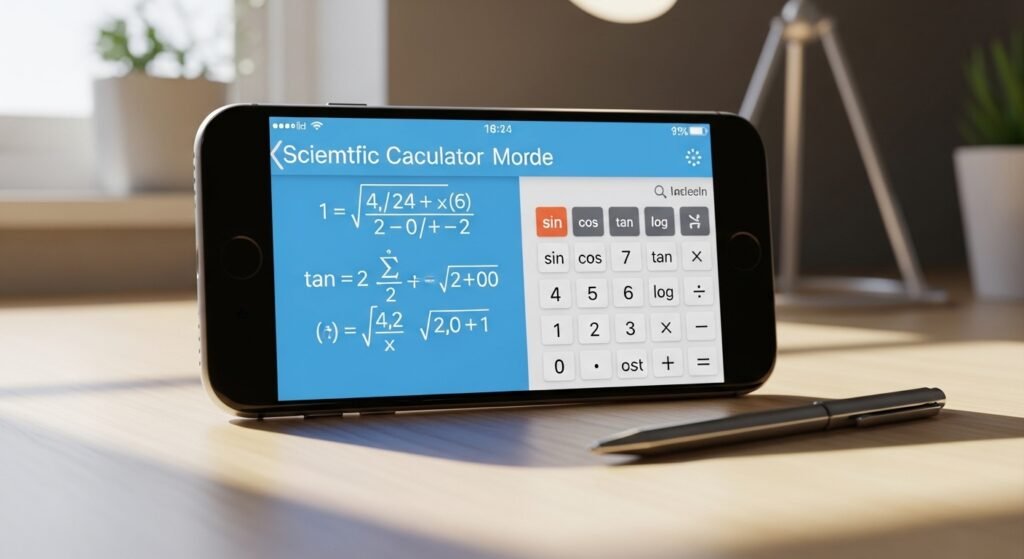
The basic Calculator app contains a major improvement which users can find without needing to search. The iPhone goes into landscape mode to change into a complete scientific calculator which includes advanced mathematical features like square root calculations and logarithmic function calculations.
Visual Look Up
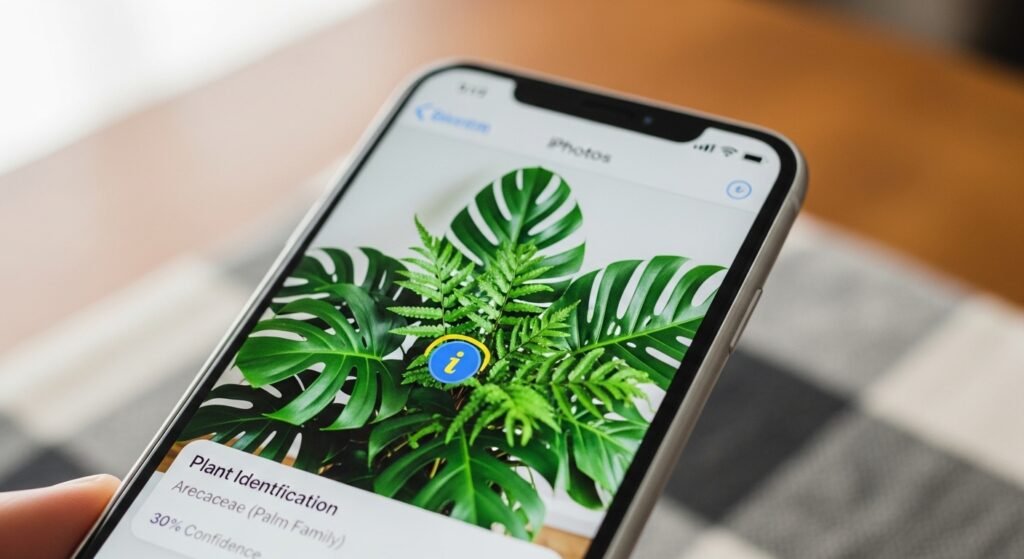
The Photos app functions as a knowledge base which stores information about everything in your environment. Users can identify an object through the small “i” star icon after taking a photo of a plant or landmark or particular dog breed to get detailed information about that object.
Custom Vibration Patterns
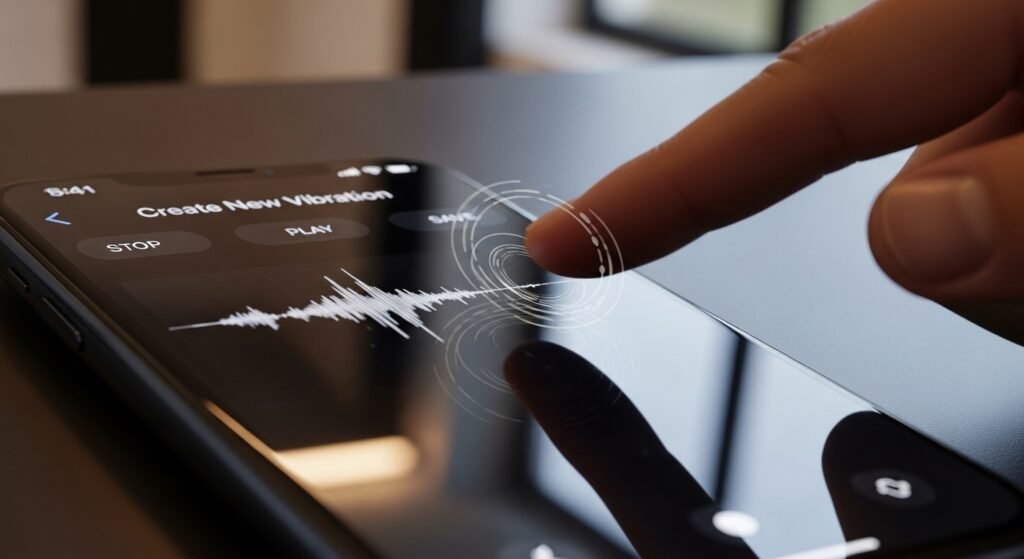
You can know who is calling you without even taking your phone out of your pocket. A contact’s ringtone settings let you record custom vibration patterns through screen tapping which creates a special “rhythm” for your most important contacts.
