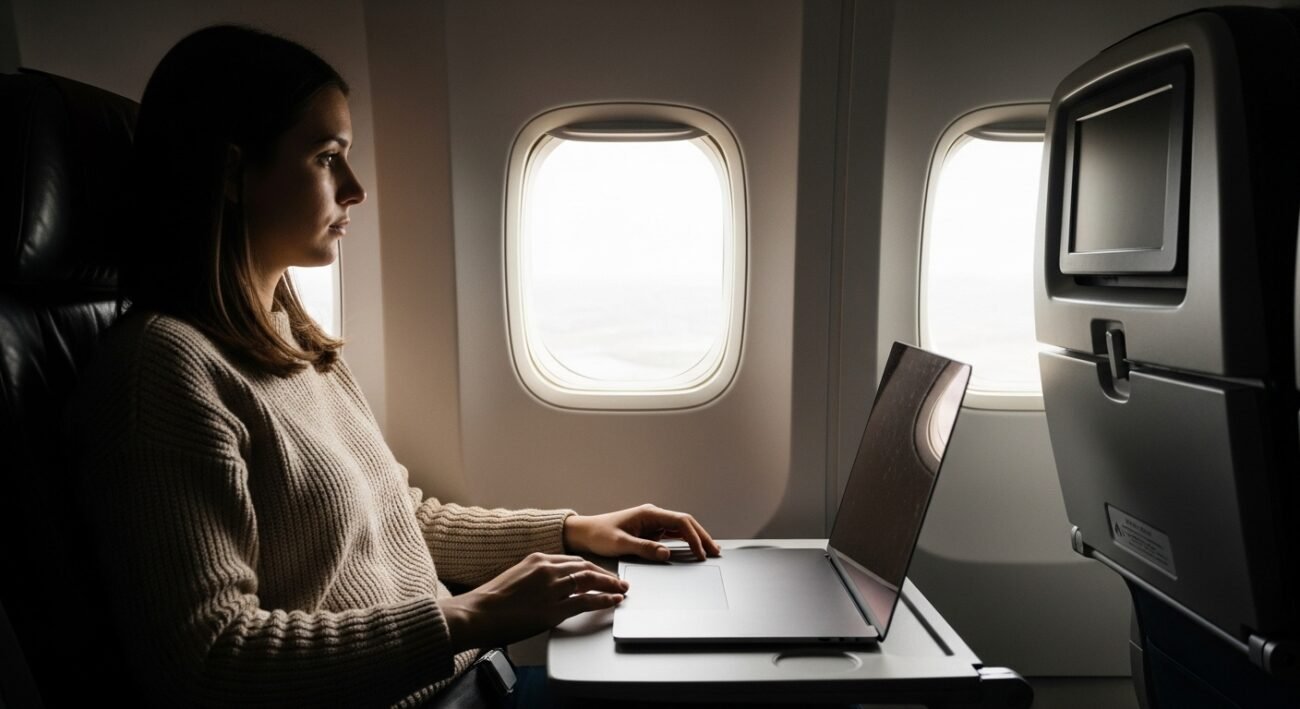
The majority of airplane passengers who use laptops on their flights experience operational problems because they make minor errors that result in equipment failures and lost information and personal discomfort. The following points demonstrate common problems which people encounter together with their corresponding solutions explained through straightforward yet understandable language which people can easily comprehend.
Opening During Takeoff or Landing
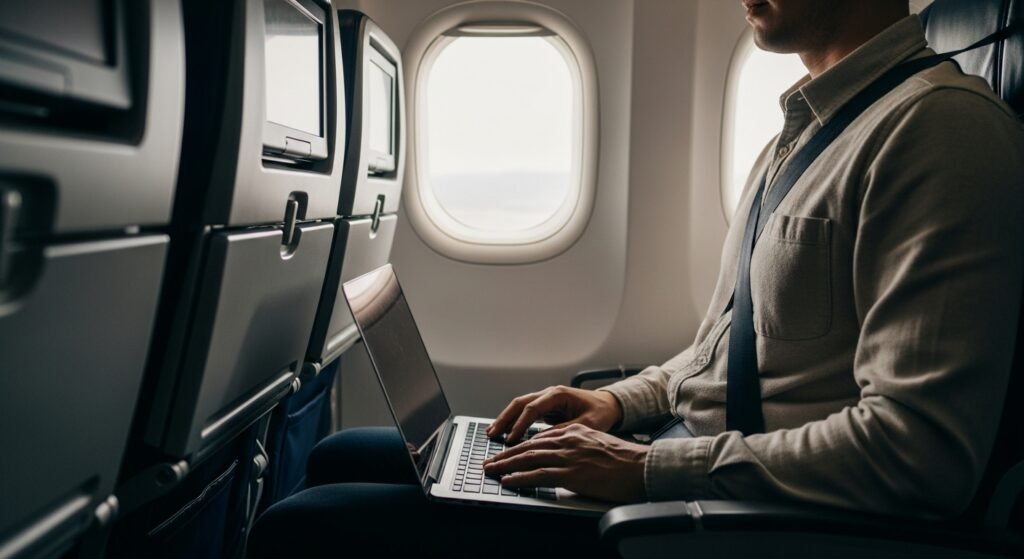
Airlines request their passengers to maintain closed laptops from the time of takeoff until landing because this procedure enhances safety. The laptop becomes susceptible to sliding or falling when the plane experiences sudden movement or turbulence and this leads to equipment damage. The closed laptop position prevents nearby passengers from sustaining injuries.
Without Proper Support
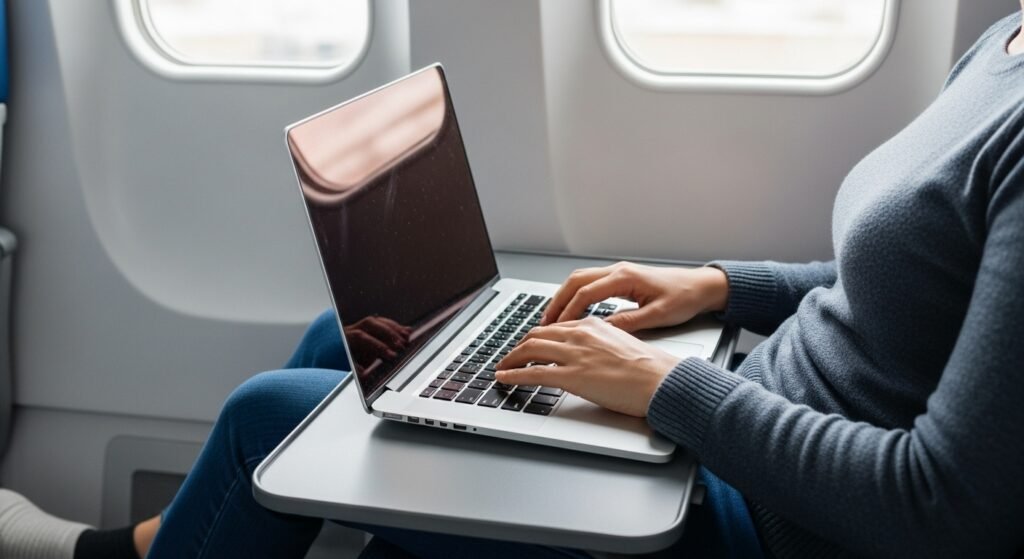
People who use laptops directly on their laps throughout extended times develop poor body alignment and their bodies become too hot. The device becomes unstable because it lacks a proper surface which leads to risk of sliding and excessive pressure on your wrists. Better balance and comfort between the body and the device become possible when using a tray table or any other solid surface.
Forgetting to Enable Airplane Mode
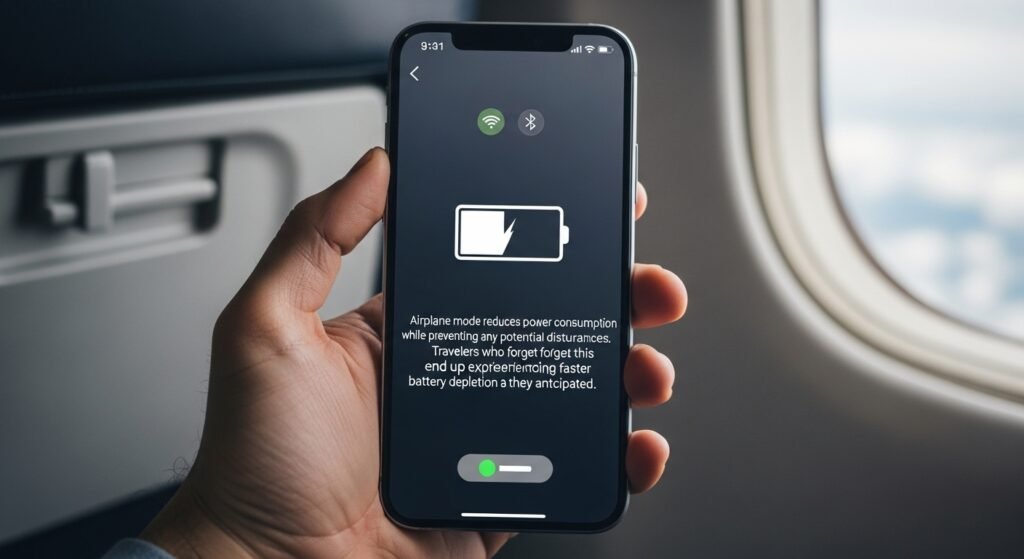
Wireless connections should be turned off because their continuous operation will deplete battery power and increase the chance of connection problems. Airplane mode reduces power consumption while preventing any potential disturbances. Travelers who forget this procedure end up experiencing faster battery depletion than they anticipated.
Ignoring Battery Levels
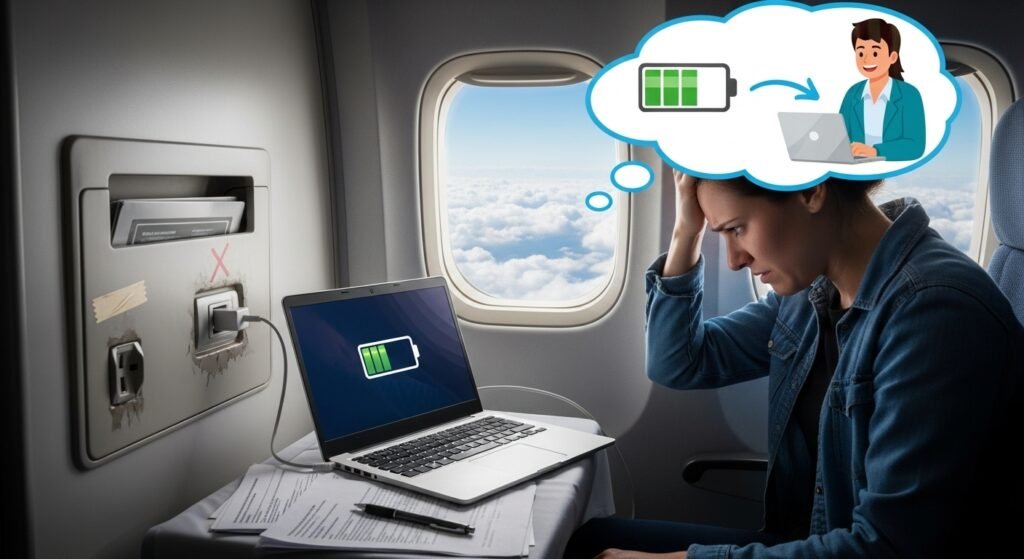
Airplane power outlets fail to function at all times. The combination of low battery power and the demands of work leads to both productivity decline and increasing anxiety. Charging your laptop to full capacity before boarding enables you to use your device throughout the entire flight.
Blocking Ventilation

Airflow becomes obstructed when soft materials such as blankets or clothing cover a surface. This leads to overheating problems which result in decreased performance capability. The laptop power system maintains functionality because users keep all vents unblocked.
Leaving on the Tray During Turbulence
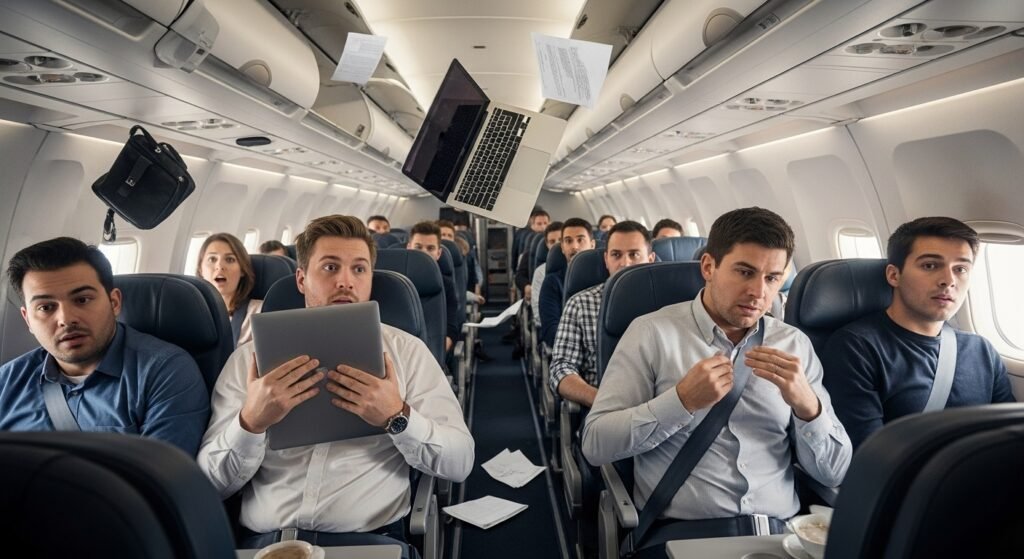
The arrival of turbulence happens without any prior warning. A loose laptop becomes capable of moving through the air and dropping to the ground. The process of closing and holding a laptop during turbulent times protects both the device from damage and the user from potential hazards.
Using During Drink Service

The liquids that spill onto keyboards and internal components cause permanent damage to electronic devices. The best way to prevent accidents which lead to significant expenses occurs when people close their laptops during food and drink service.
Forgetting Privacy in Public Spaces
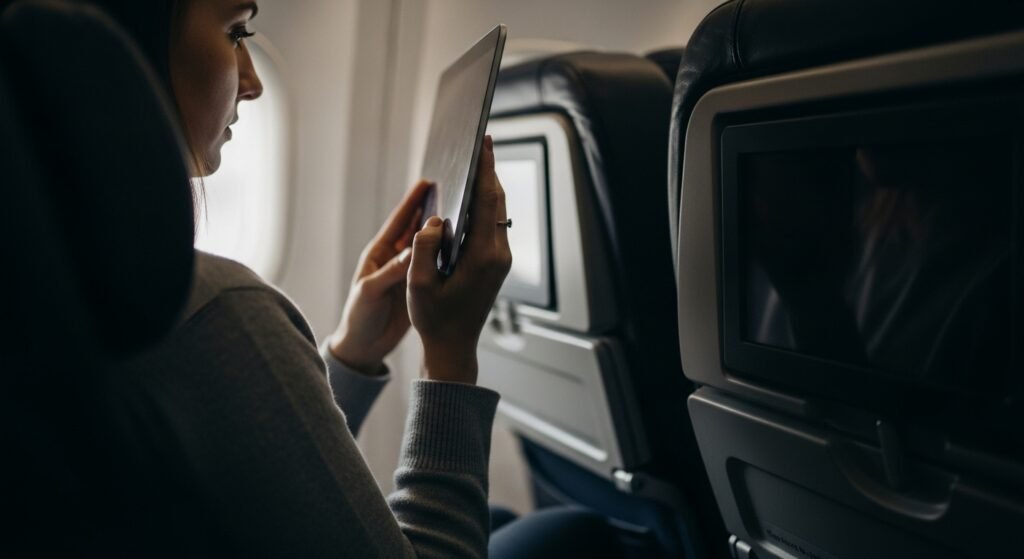
Your screen display becomes visible to everyone who occupies space near you. The display shows sensitive work materials together with personal emails and private information. People can safeguard their personal information through screen visibility awareness because it shows how visible their screen content becomes to others.
Laptop Without Protection

Many people often place a laptop directly into a bag without padding which increases risk at a glance. Movement during travel can cause scratches or damage. Carrying a padded sleeve provides laptop simple protection and saves from damages.
Not Backing Up Important Files
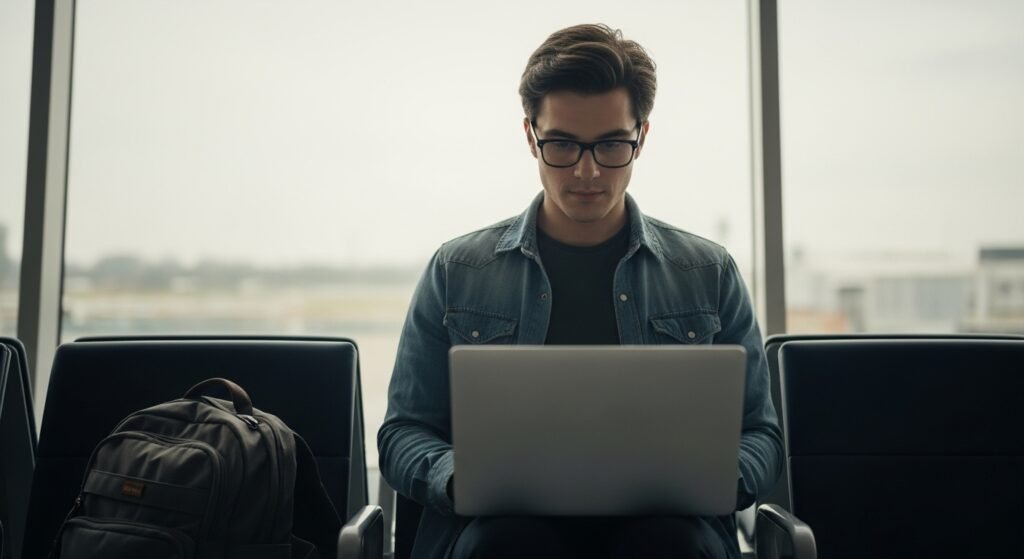
You don’t know what will happen next. Travel adds risk of loss or damage. Without backups, important files may be lost permanently. Backing up before flying adds peace of mind and protection.
