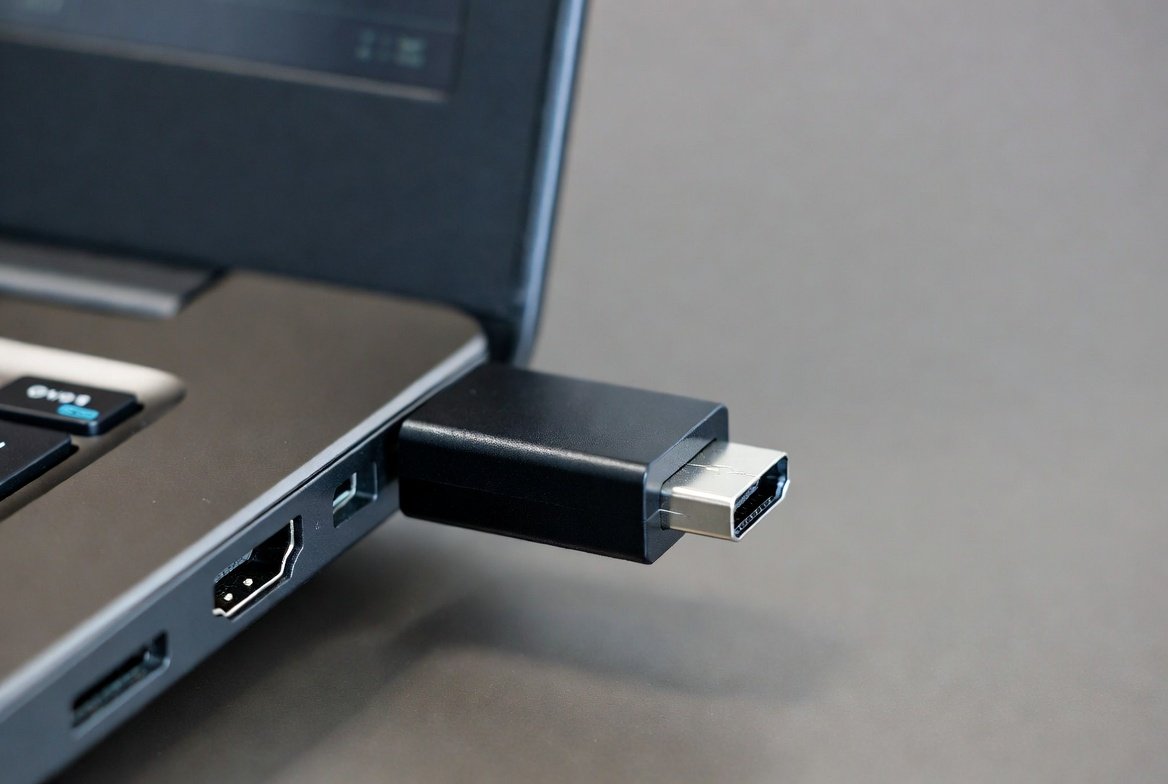
An HDMI dummy plug is a device the size of a USB flash drive with an HDMI port instead of a USB connector that simply plugs into an HDMI port and makes the computer think there’s a screen connected. Without a screen to speak of, it transmits a signal that tricks a computer or media device into thinking there’s an available display. This simple function solves several everyday problems faced by home users, professionals, and offices. It enables systems to remain active, maintain chosen screen resolutions, and be able to run certain software that requires a working monitor. Small, inexpensive, and easy to use, HDMI dummy plugs have become handy for those who want a remote access tool, an automation script solution, or a hardware testing device that requires a screen for your entertainment devices, where you don’t need or have access to one!
Remote Desktop Support
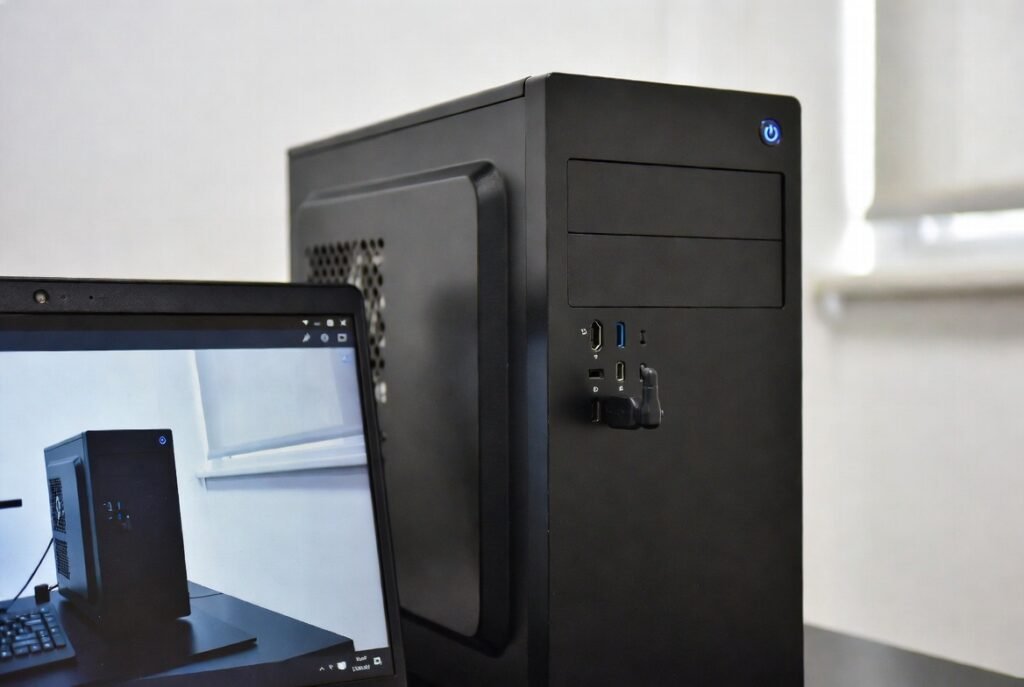
Remote Desktop Support ensures computers remain accessible when no monitor is attached. The dummy plug maintains active display output, allowing stable screen resolution, smoother connections, and reliable performance while managing systems from another location using remote access software tools.
Headless Computer Operation
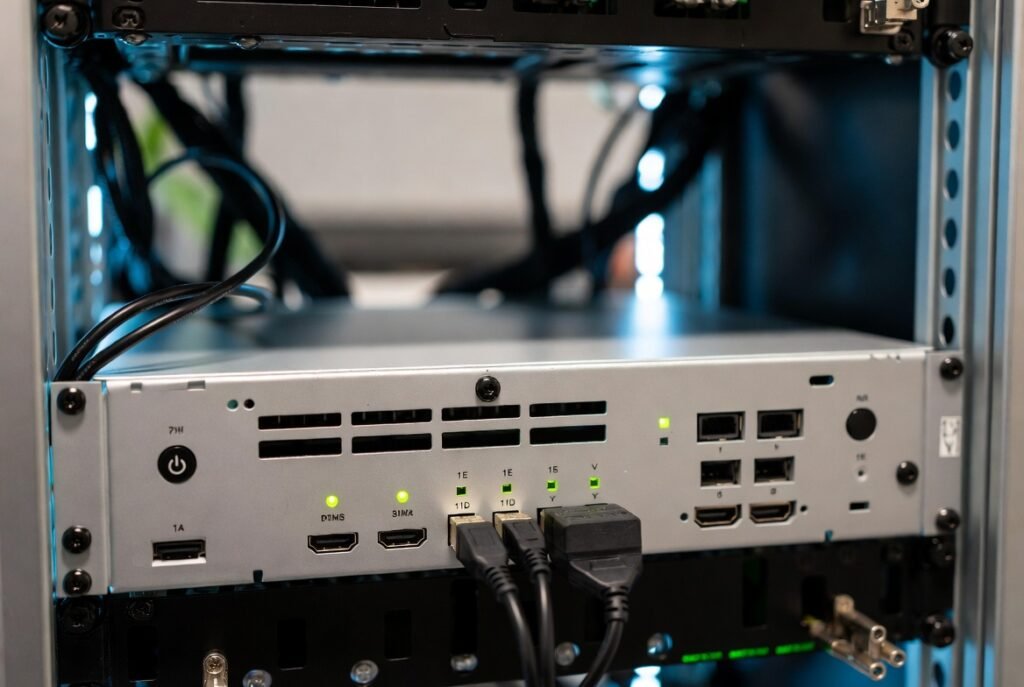
Headless Computer Operation allows servers or compact computers to function without screens. A dummy plug provides the expected display signal, preventing startup errors, enabling graphics acceleration, and keeping software that requires a display running smoothly.
Stable Screen Resolution
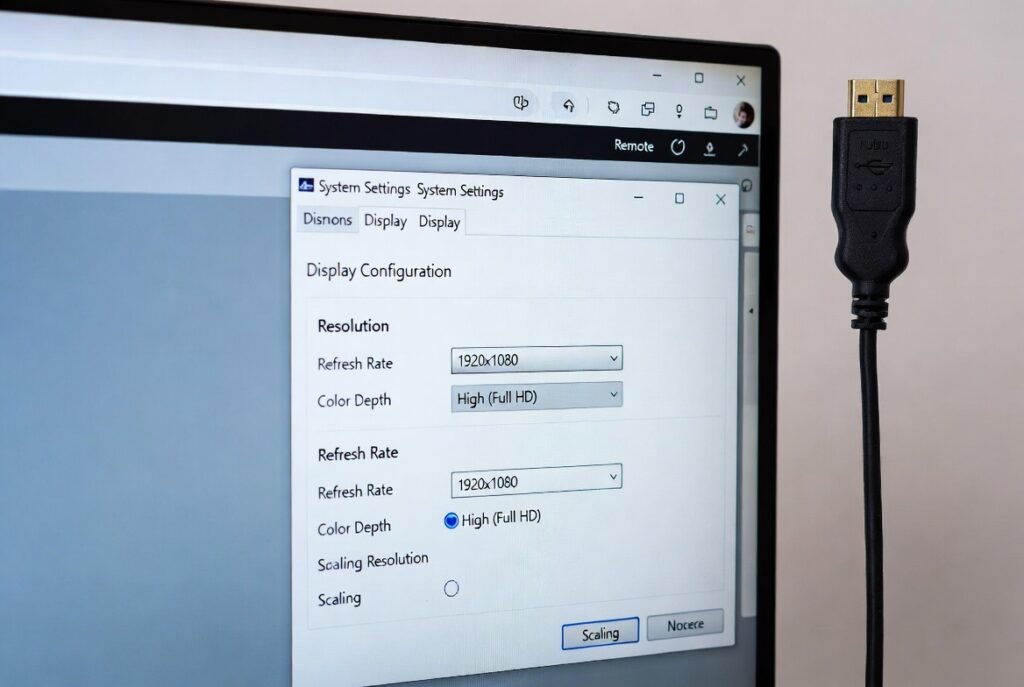
Stable Screen Resolution keeps display settings unchanged after reboots. The dummy plug preserves selected resolution values, preventing automatic downgrades that can affect readability, window placement, and application layouts during unattended system operation.
Virtual Machine Display
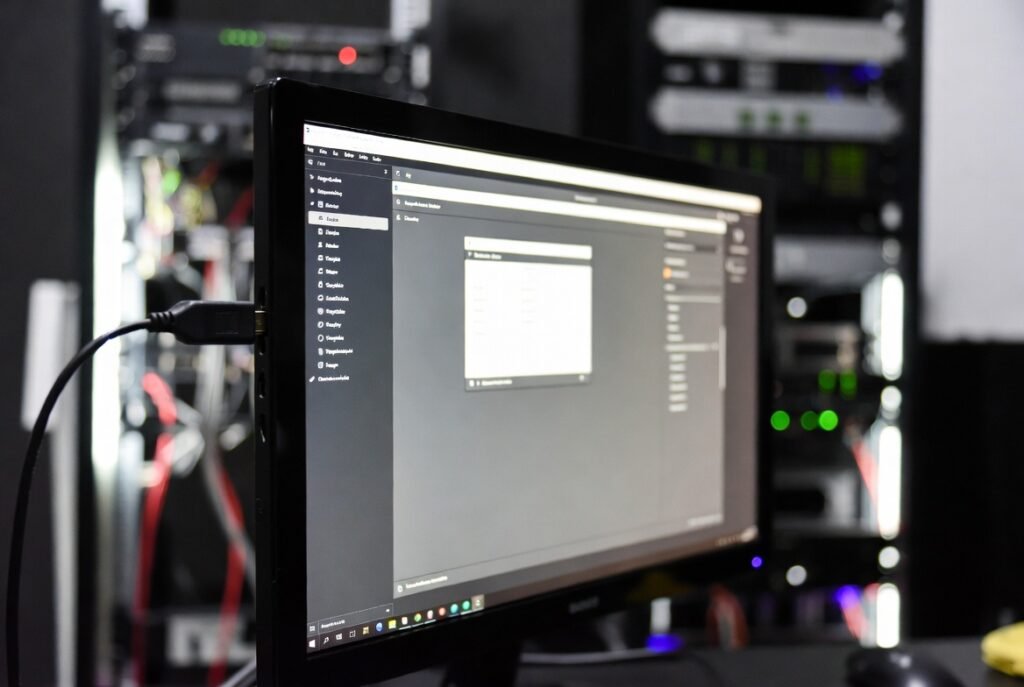
Virtual Machine Display support helps virtual systems recognise a monitor. Dummy plugs ensure graphical environments load correctly, allowing administrators to access full desktop views rather than limited command-line interfaces when managing virtual machines.
Media Server Performance
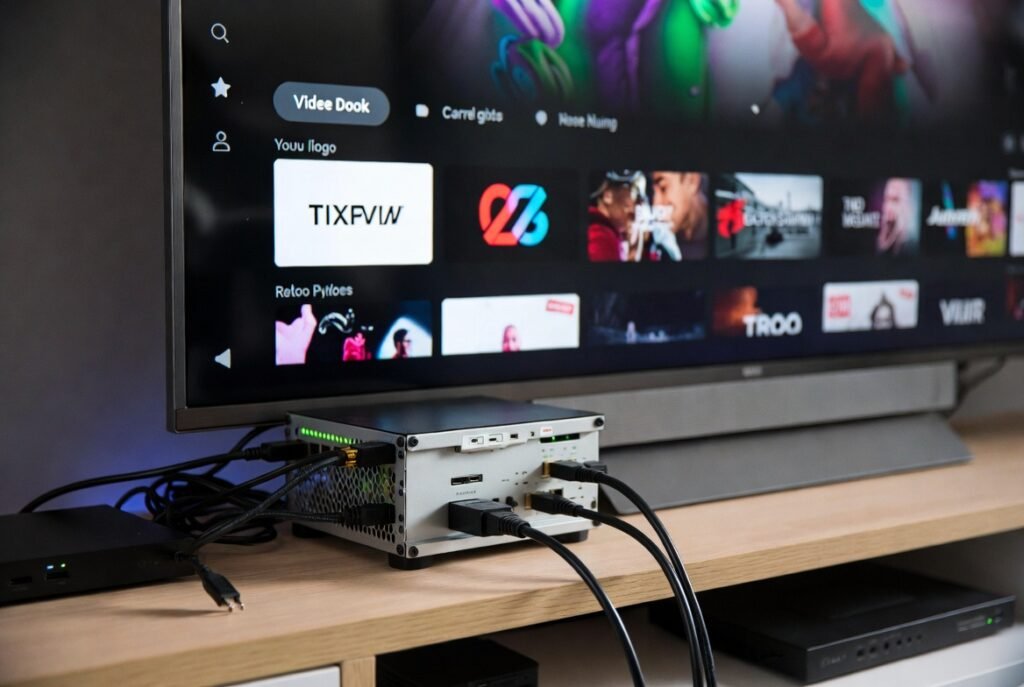
Media Server Performance improves because some streaming platforms require an active display signal. Dummy plugs maintain playback stability, prevent service interruptions, and help servers continue video processing even when no physical screen is present.
Graphics Card Activation
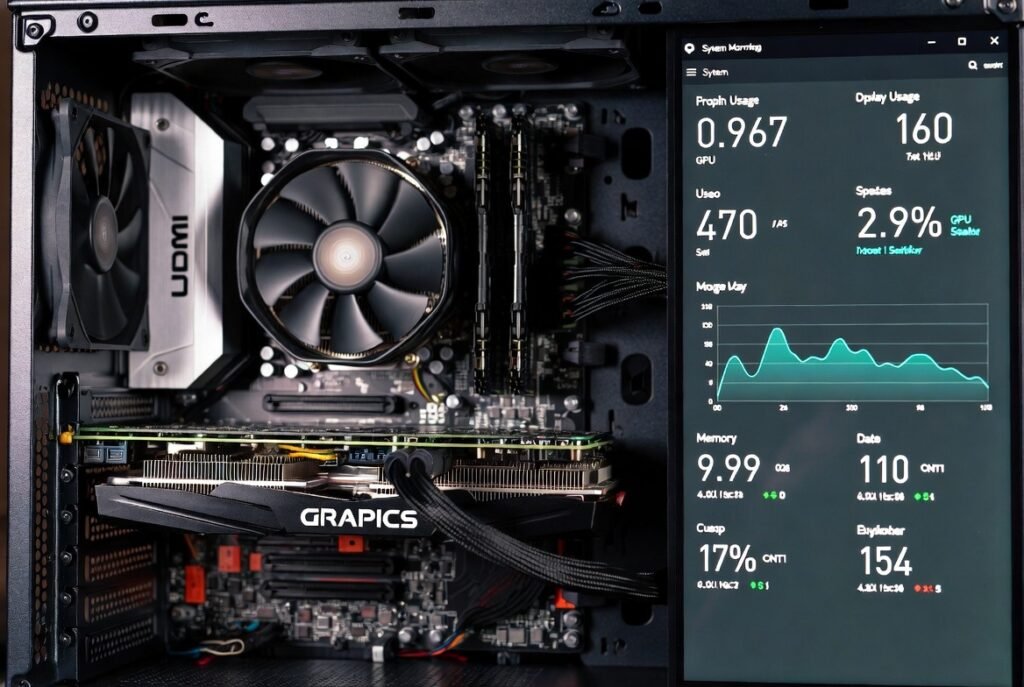
Graphics Card Activation ensures dedicated graphics hardware stays enabled. Without a display, some systems disable advanced graphics features. Dummy plugs keep drivers active, allowing better rendering, video encoding, and smooth operation.
Software Testing Environments
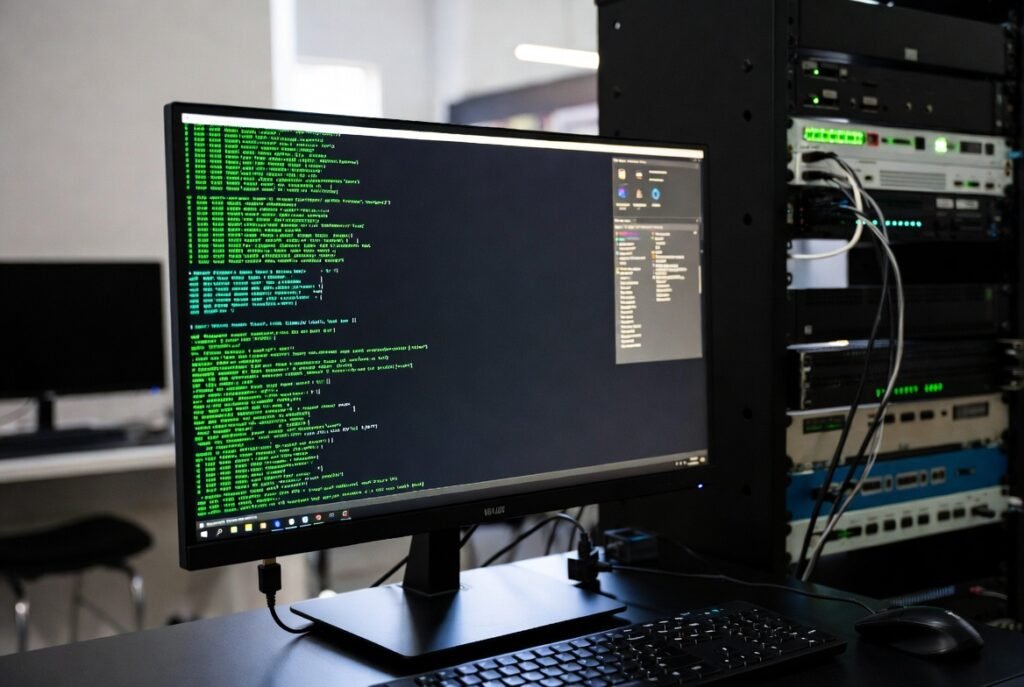
Software Testing Environments benefit from dummy plugs because automated testing tools often require a graphical interface. The plug ensures consistent display availability, allowing test scripts to run reliably without human supervision.
Digital Signage Preparation
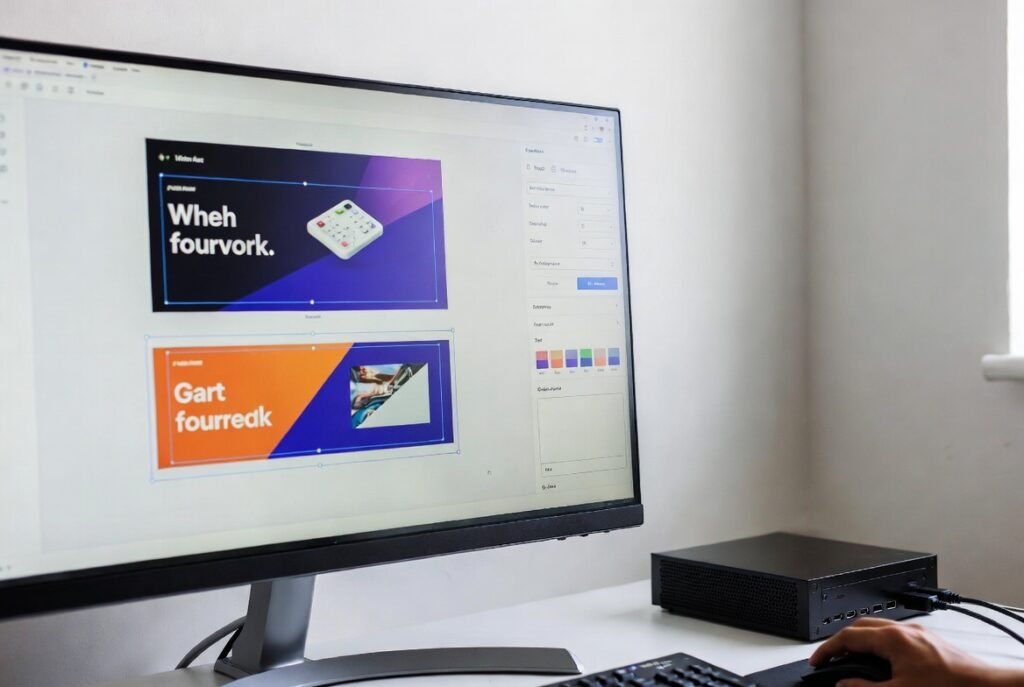
Digital Signage Preparation becomes easier when systems are configured before deployment. Dummy plugs simulate connected screens, allowing designers to set layouts, adjust resolutions, and preview content without installing full display panels.
Power Management Stability
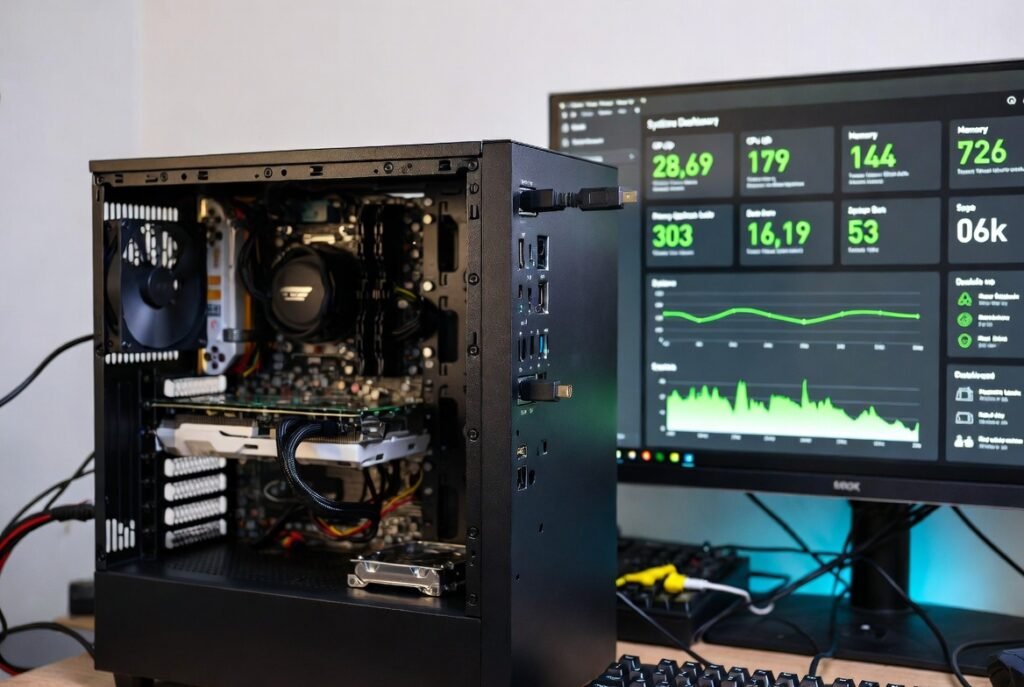
Power Management Stability improves as dummy plugs prevent systems from entering unintended sleep modes caused by missing displays. This ensures continuous operation for long tasks, backups, and automated workflows.
Home Automation Systems
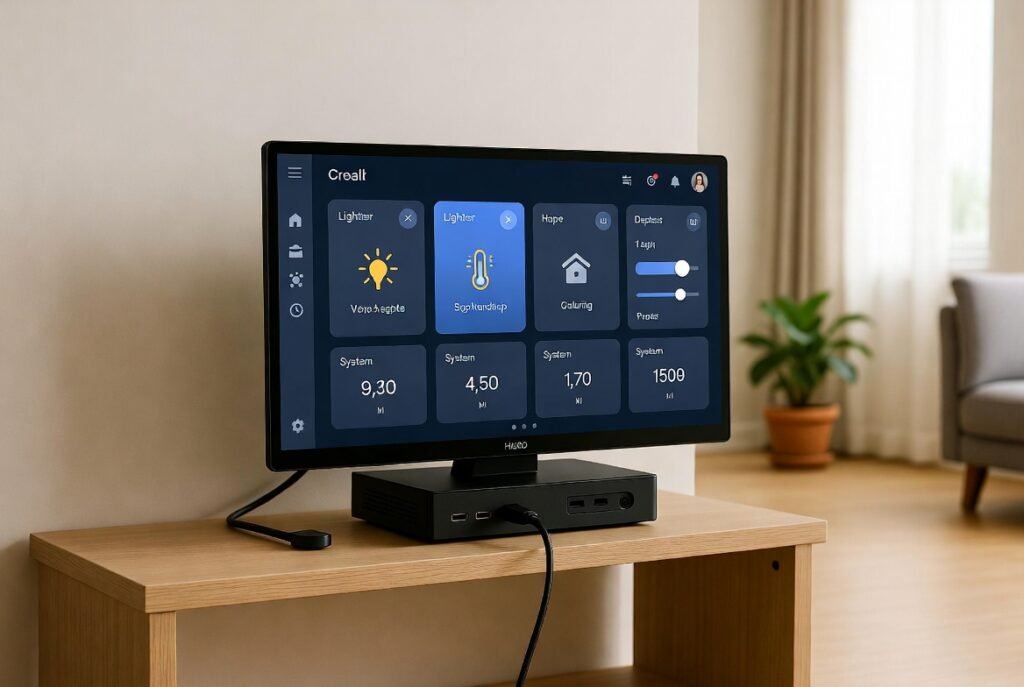
Home Automation Systems often rely on compact computers running quietly in the background. Dummy plugs allow these devices to operate normally, maintain graphics output, and remain accessible for remote configuration and monitoring.
