
Looking at a grimy screen? That glow might push your eyes too hard, turning basic steps into real headaches. Start down the wrong path – scrub too hard, wipe with random tools – and streaks stick around, glass gets scratched, spots blur the view. Take it slow instead, nudge carefully, follow clear moves; shine returns without effort.
Turn Off and Unplug the Monitor First

First, shut off the monitor entirely. When the display goes black, dirt shows up more clearly. Pulling out the cord stops shortfalls that might happen if it turns back on mid-cleaning. As heat fades, moisture moves faster – this slows those annoying stripes that jump up when surfaces dry too fast.
Use a Soft Microfiber Cloth Only
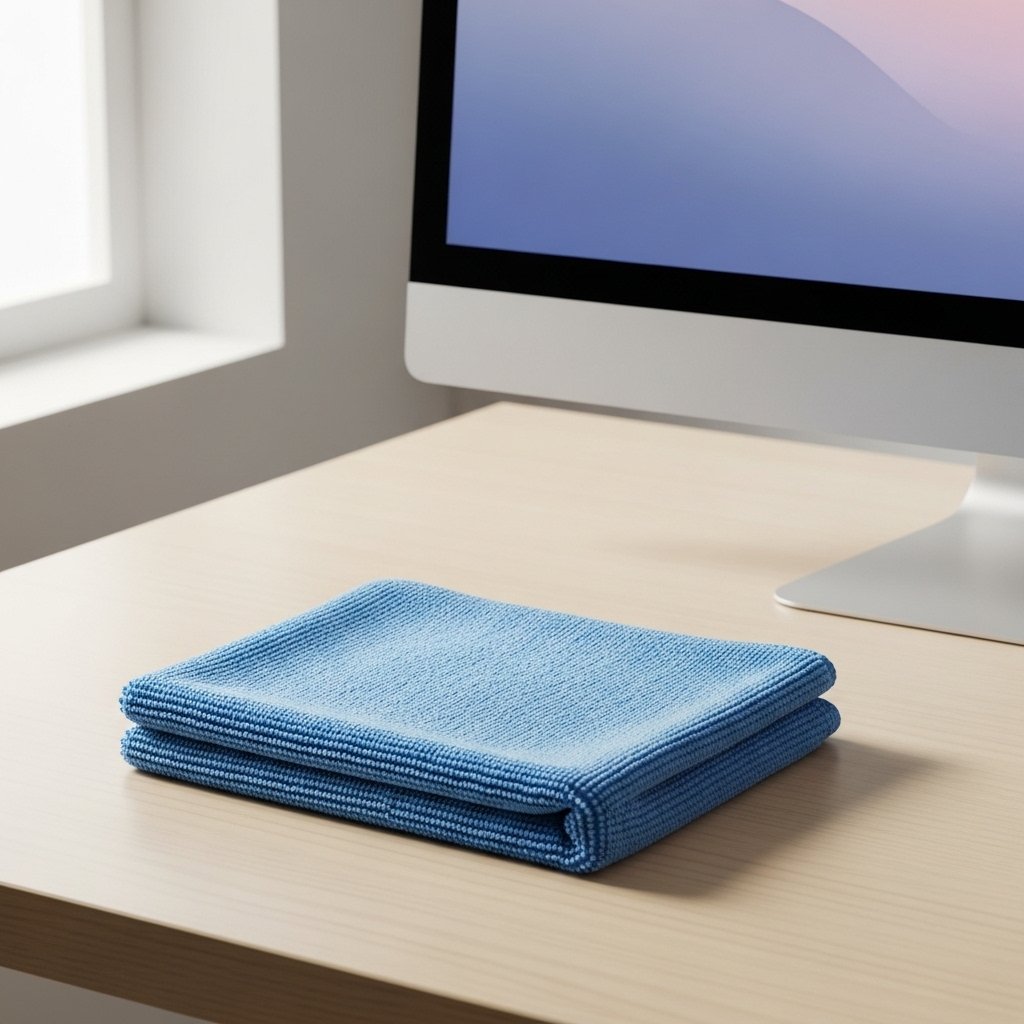
Forget paper towels, tissues, or harsh textures. They might scratch the screen or drop fibers where you don’t want them. A well-cleaned microfiber cloth moves dust and oil quietly, avoiding harm to thin coatings on displays.
Start With a Dry Wipe to Remove Dust

Start by gently swiping a dry microfiber cloth across the screen – just enough to clear any loose dust. That step stops particles from getting in the way when wet methods come into play. Any remaining specks might spread or scratch the surface after fluids enter the picture.
Dampen the Cloth, Not the Screen

A drop might fall where it shouldn’t if you go too far. Get the cloth just wet enough, nothing more. Too much water risks trickling behind the bezels, where it might never dry out. That quiet seepage often ends in hidden harm or marks that won’t vanish.
Use Gentle, Circular Motions

Slide the glass gently at first, curving paths or flat lines, using barely any push. Heavy pressure might break it or create lopsided streaks. The fabric should move on its own instead of being pushed too hard.
Avoid Household Cleaners and Alcohol

Folks who clean windows might also erase the shield meant to protect your glass – ammonia or alcohol mixes do the job but leave surfaces vague after a while. Harsh chemicals like these tend to strip what you want instead of helping, while their aftermath sticks around and blurs your view through time.
Tackle Stubborn Smudges Slowly

Fingerprints or oil stains? Try dampening the cloth just enough to wet the spot slightly. Wipe slowly back and forth – a few calm strokes do more than hard rubbing ever could. Pushing too hard tends to spread things worse.
Finish With a Dry Buff

Once cleaned, wipe the screen softly with a non-wetted part of the microfiber cloth. Any last traces of dampness vanish here, along with faint lines, when done right.
Clean the Frame and Stand Separately

Dust tends to pile up where parts meet, like the base and sides of the monitor tray. A distinct cloth helps – keeping specks from jumping back to the glass. Cleaning one section without spreading others keeps things clear.
Clean Regularly to Prevent Buildup

Every week, just a fast wipe stops smudges from building up. When cleaning feels light, smears take longer to tackle. The screen stays clear easier each time.
