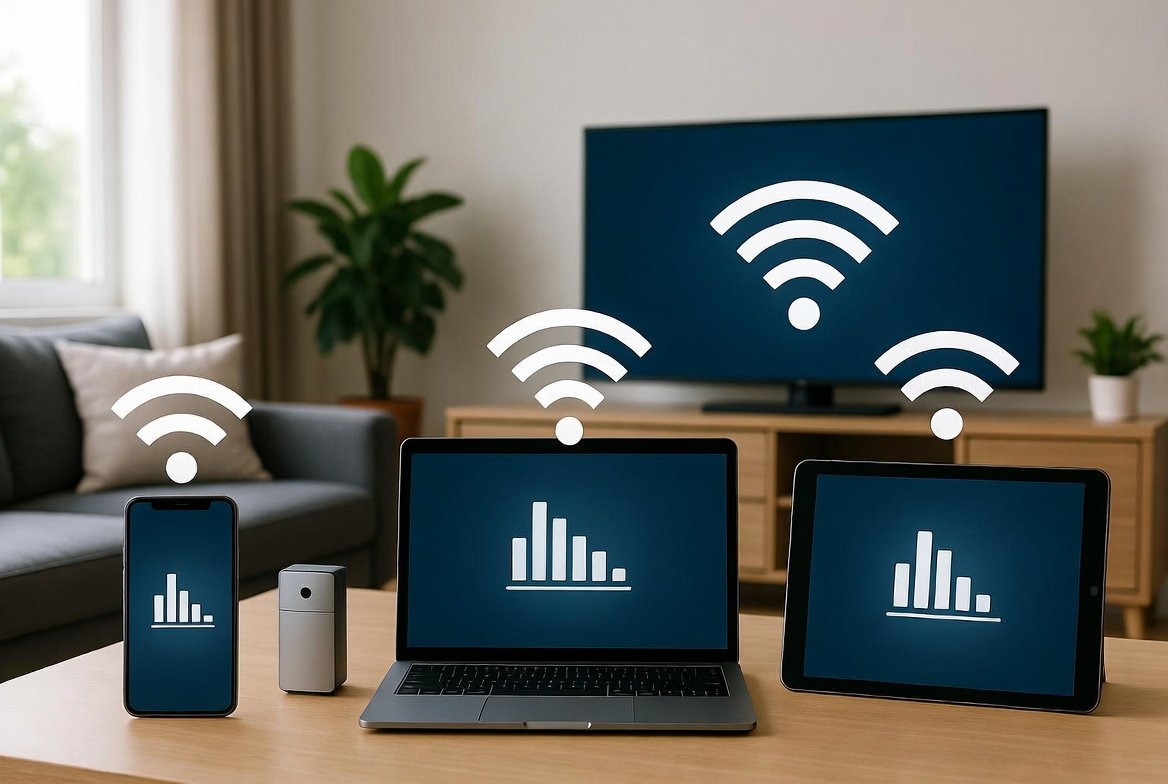
Your home Wi Fi network is used by a lot of devices every day. Sometimes devices you do not know about might be using your Wi Fi network without you realizing it. This can make your internet really slow. It is not good for your privacy. The good thing is that finding devices that you do not want on your Wi Fi network is not that hard to do. You do not have to be good with computers or anything, you just have to do simple things to check your Wi Fi network.
Check the Connected Devices
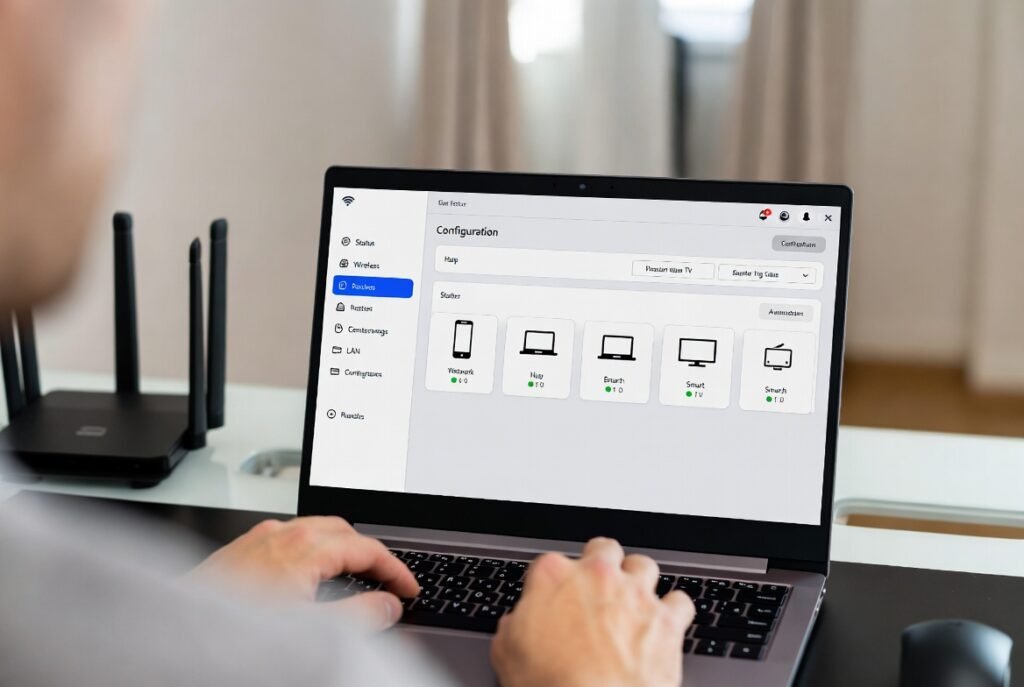
To get into your Wi Fi router settings you need to use a browser. When you do this most routers will show you a list of all the devices that are connected to it. You should look at this list. Find names or devices that you do not know.
Count All Devices You Own

Make a list of all the devices you own like your computer and your phone and your tablet. Count them. Count all the devices you own including the devices you use every day and the devices you do not use often.
Look for Strange Device Name
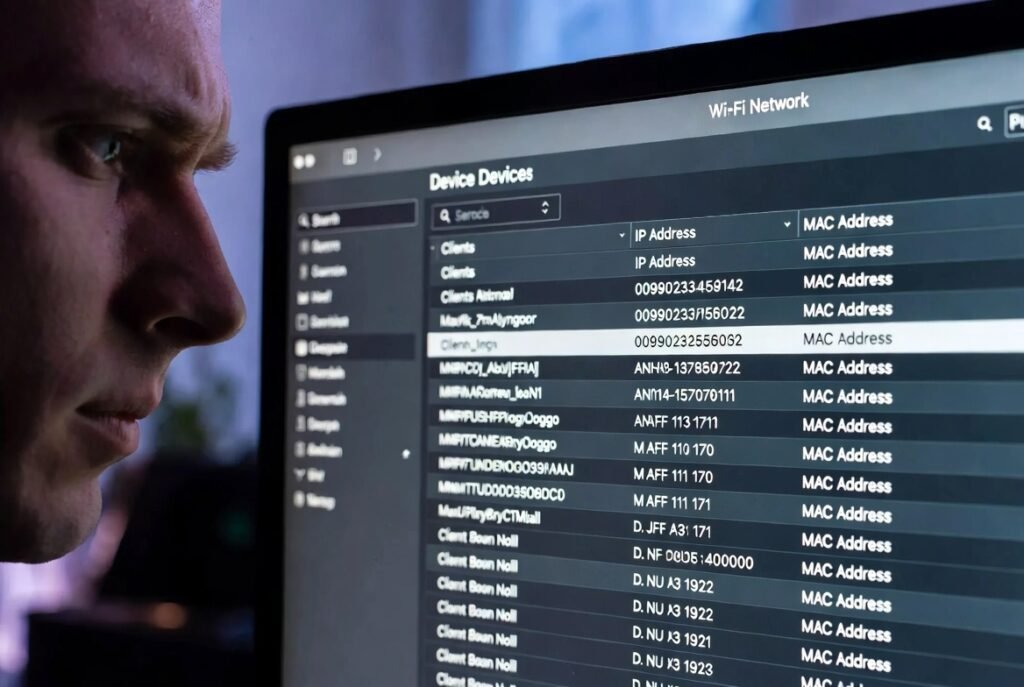
Some devices show up with basic names. For example you might see something like a phone or a weird code. If you see a device that does not match anything that belongs to you then you should take a look at the device.
Sudden Internet Slowdowns
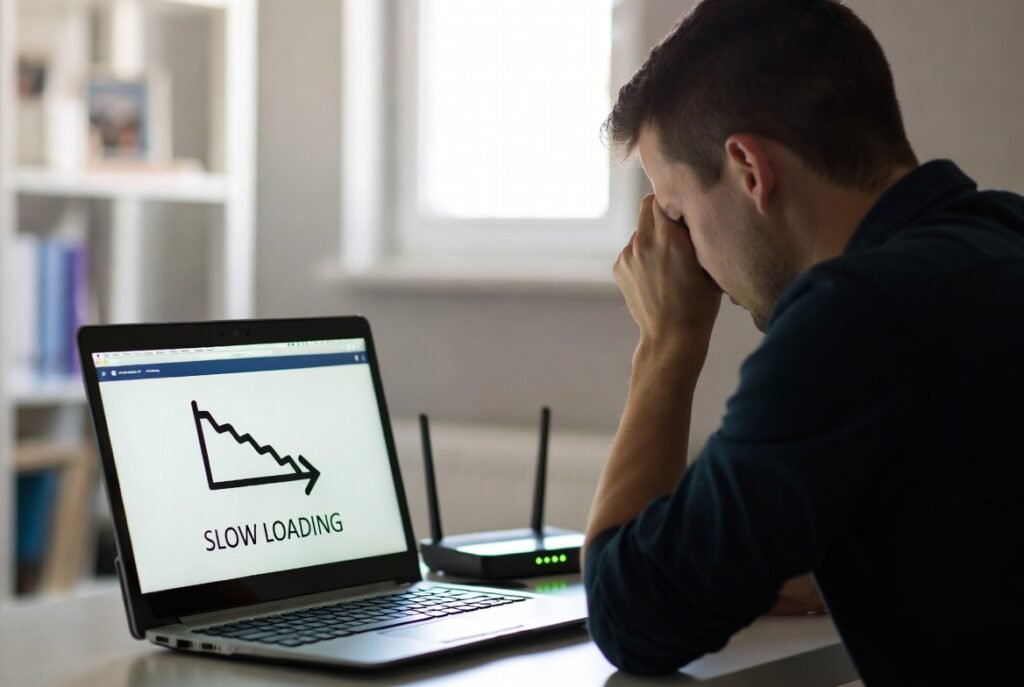
There are many reasons for this.. When you have problems with your internet it is a good idea to check for unknown devices that are connected to your internet.
Wi Fi App or Router App
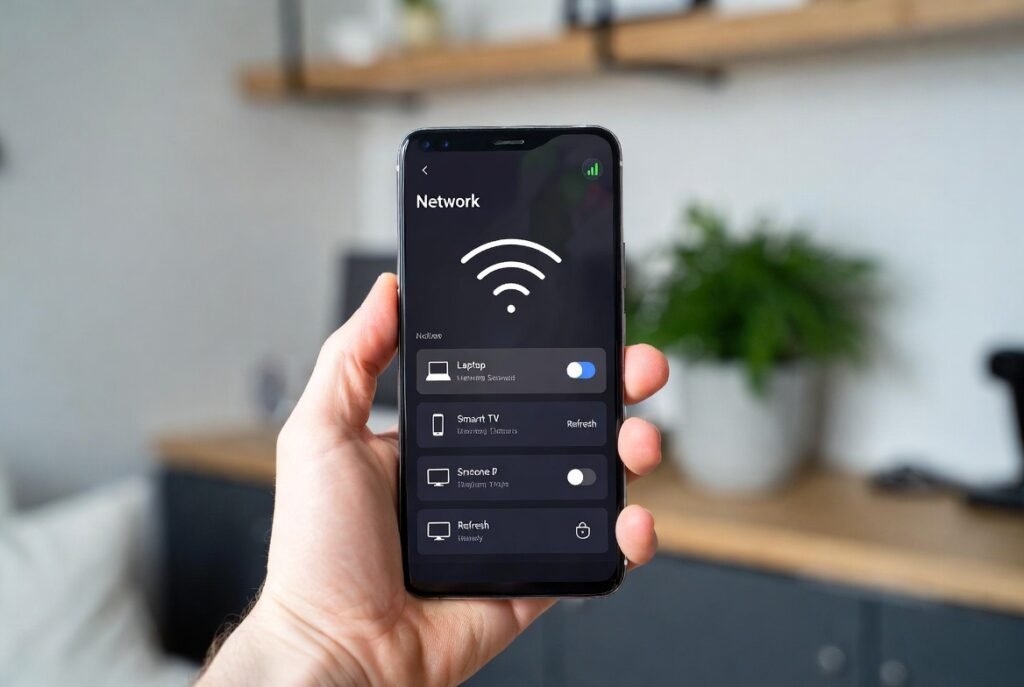
Lots of internet providers have apps that show you what devices are connected to your internet. These apps are really easy to understand more than the pages on your router.
Devices Connecting at Odd Times
If a device shows up online when everyone in your house is sleeping or not at home then it is probably not something that belongs to your household. Checking out connection times may provide you something that is using your internet when they should not be.
Devices Without Clear Icons
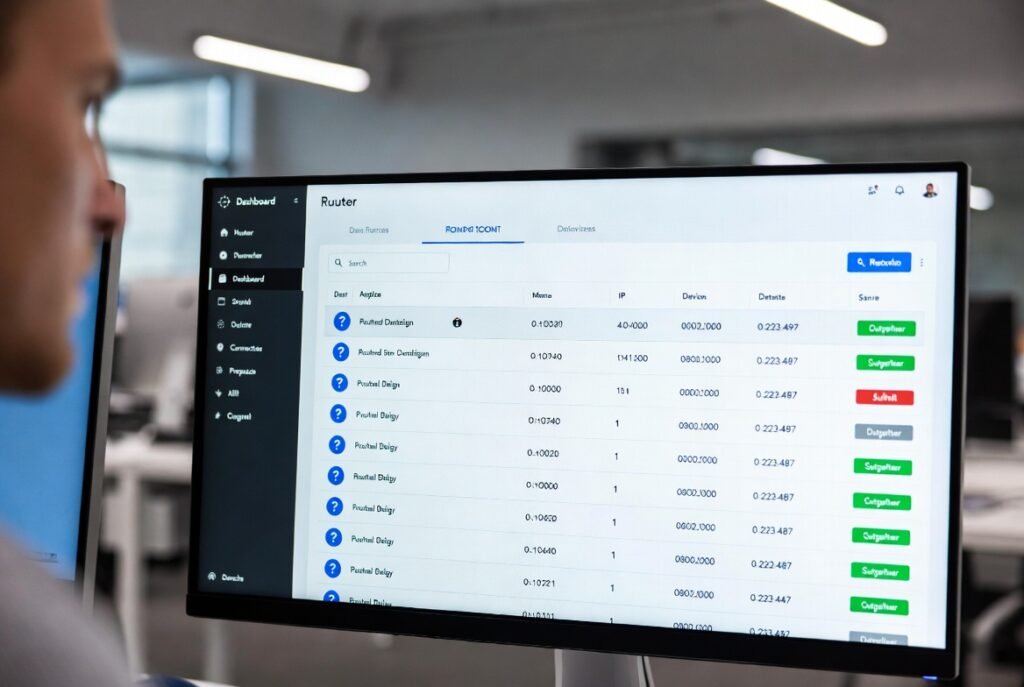
Sometimes you will see devices that you do not know and they do not have any pictures or information. You should really look into these devices like phones or computers because they can be a problem.
Block a Suspicious Device

If you block a device and it does not make any difference, in your home then the device was probably something that you did not authorize to be using your internet.
Change Your Wi Fi Password
If you think someone is using your Wi Fi without your permission you should change your Wi Fi password. This is an idea because it will disconnect all devices from your Wi Fi.
Turn On Network Notifications
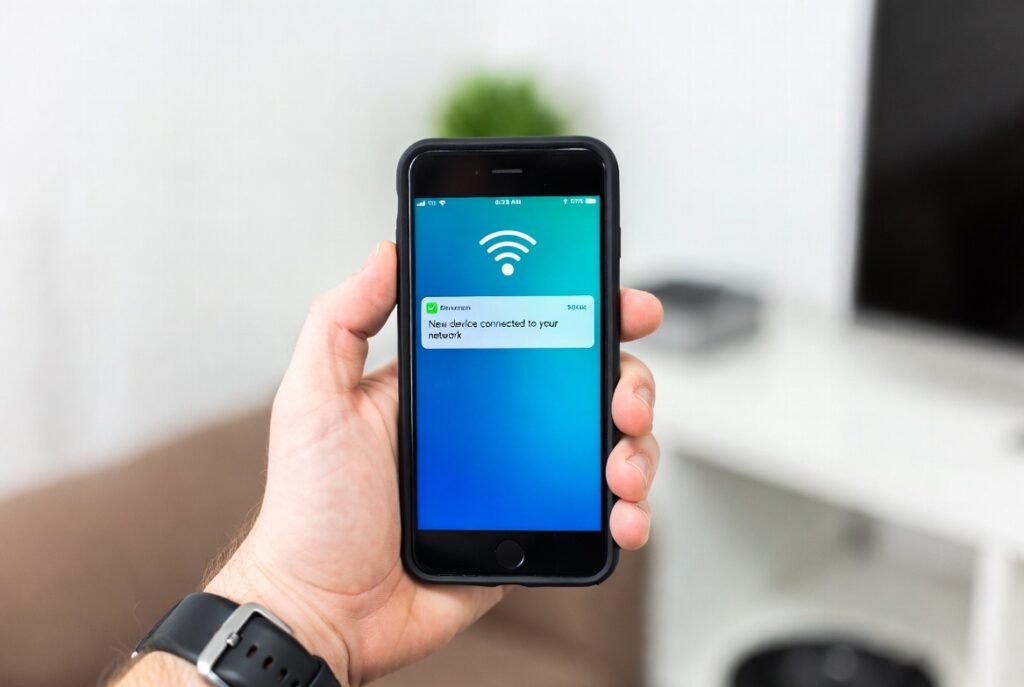
Some routers can alert you when a new device connects. Use good brands of routers and their services. Turning this on helps you notice unknown access immediately instead of discovering it later.
