When the internet moves too slowly, blame isn’t only on the service provider. Issues often pop up right where you least expect them. If another person connects to your network without asking, chaos follows – slower browsing, weaker safety nets, stolen private details slipping through cracks. Signs show when things unfold naturally. Finding out means looking closely at each step.
Your Internet Is Suddenly Slower Than Usual
When loading slows down, even if nothing changed, it might be because someone else is using your internet on a device you did not see. That delay happens when parts of your network show up that should not be there.
Devices Disconnect or Lag at Peak Times

Midway through typical use, some users might leave without warning. It could be several hidden gadgets vying for access at once. Network strain often shows up then.
Your Router Lights Are Always Flashing
Lights flashing steadily on your router hint at hidden data flows, despite everything being switched off over there.
Check the Connected Devices List
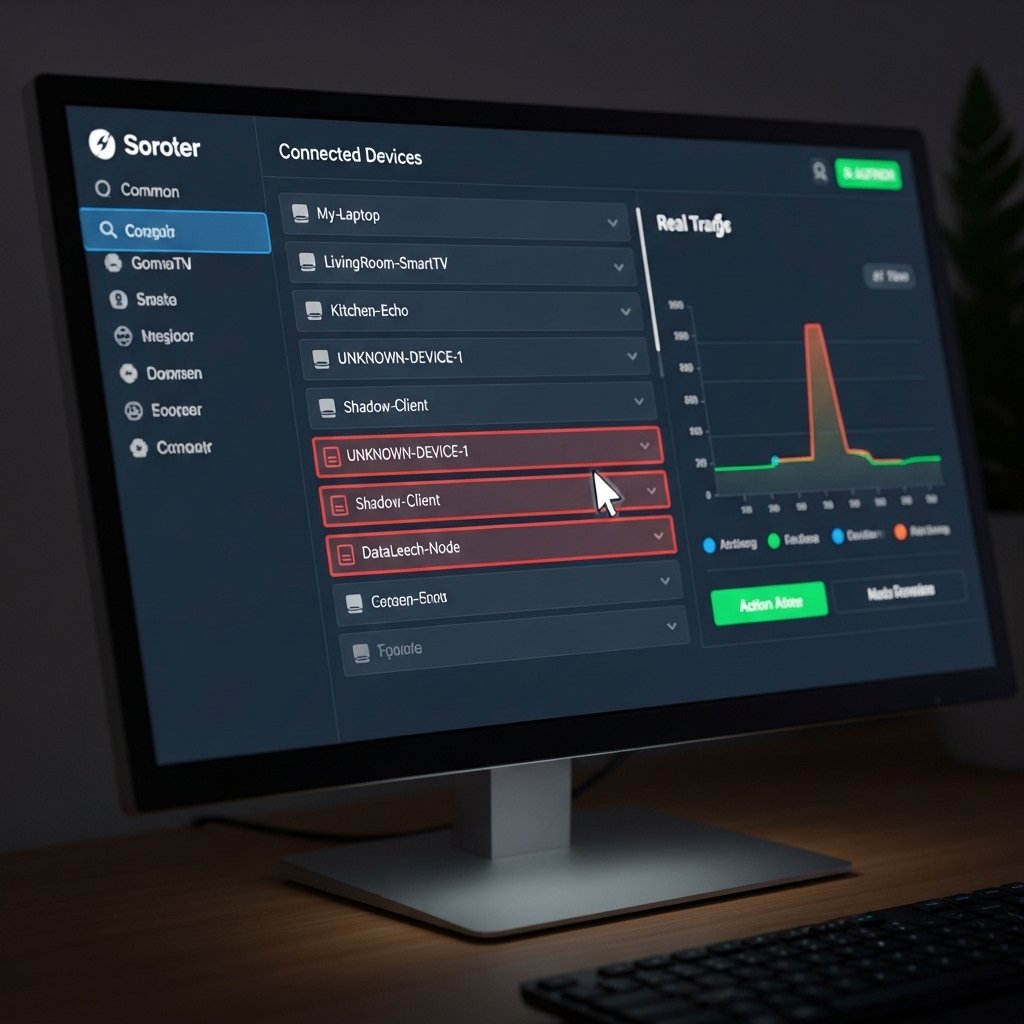
A look inside your router’s control panel might show gadgets you did not set up. Devices listed that you never owned suggest something is active without your awareness.
You Notice Unrecognized Device Names
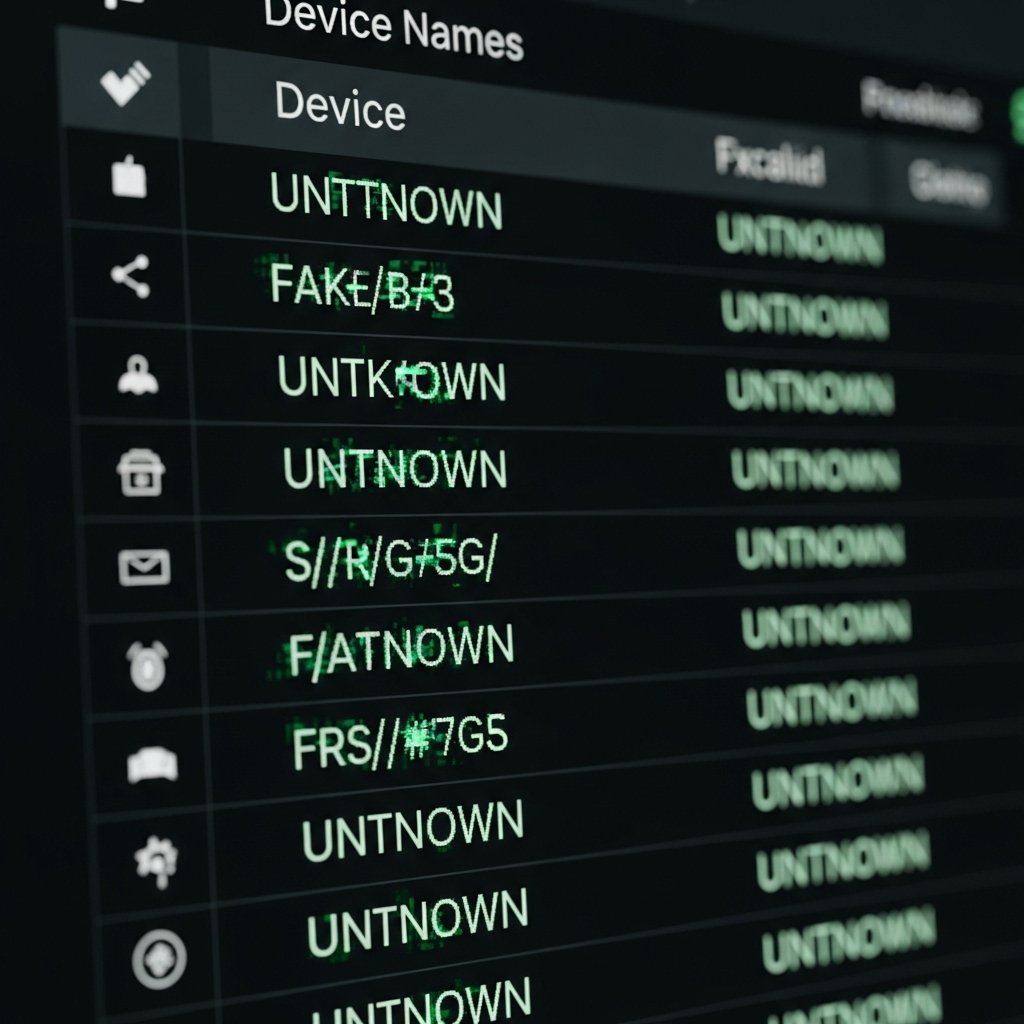
Odd names pop up now and then – like Unknown Device, Android, or jumbled strings that don’t line up with your gear. These weird tags? Sometimes hackers hiding in plain sight.
Your Data Usage Is Higher Than Expected
Heavy data use in your plan could hint at another user streaming, downloading, or surfing online through your connection.
Your Wi-Fi Password Suddenly Stops Working
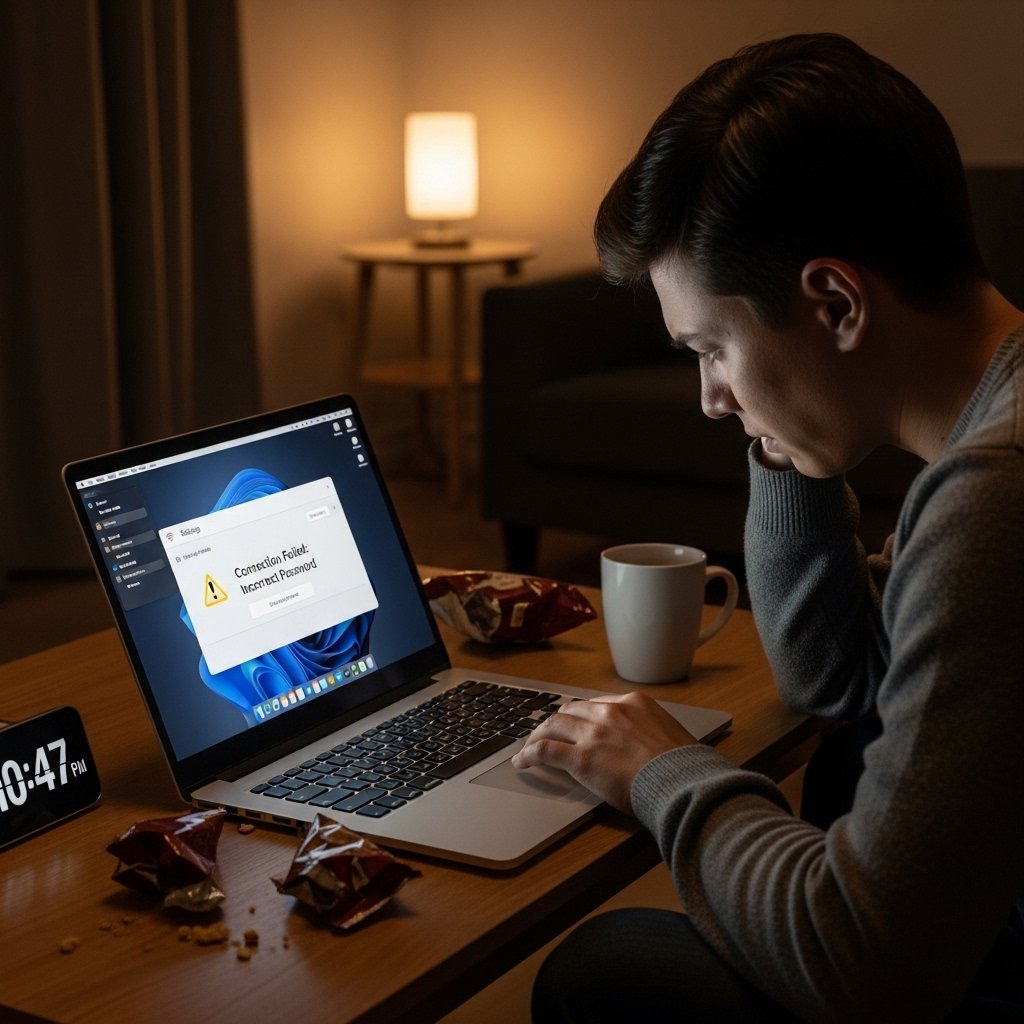
A locked router might signal that someone stepped into your admin panel, swapped passwords without warning. That kind of shift? Not normal.
Smart Devices Act Unpredictably

A sudden glitch on your smart TV could hint at too many devices vying for bandwidth. Maybe someone sneaked their gadget onto your network without asking. When unknown eyes lurk in corners, odd behavior from speakers or voice assistants often follows.
Run a network scan

Every gadget linked to your network shows up through no-cost scanning software or what your device already offers. Spotting odd connections becomes faster because of this setup.
Your Router Settings Have Changed
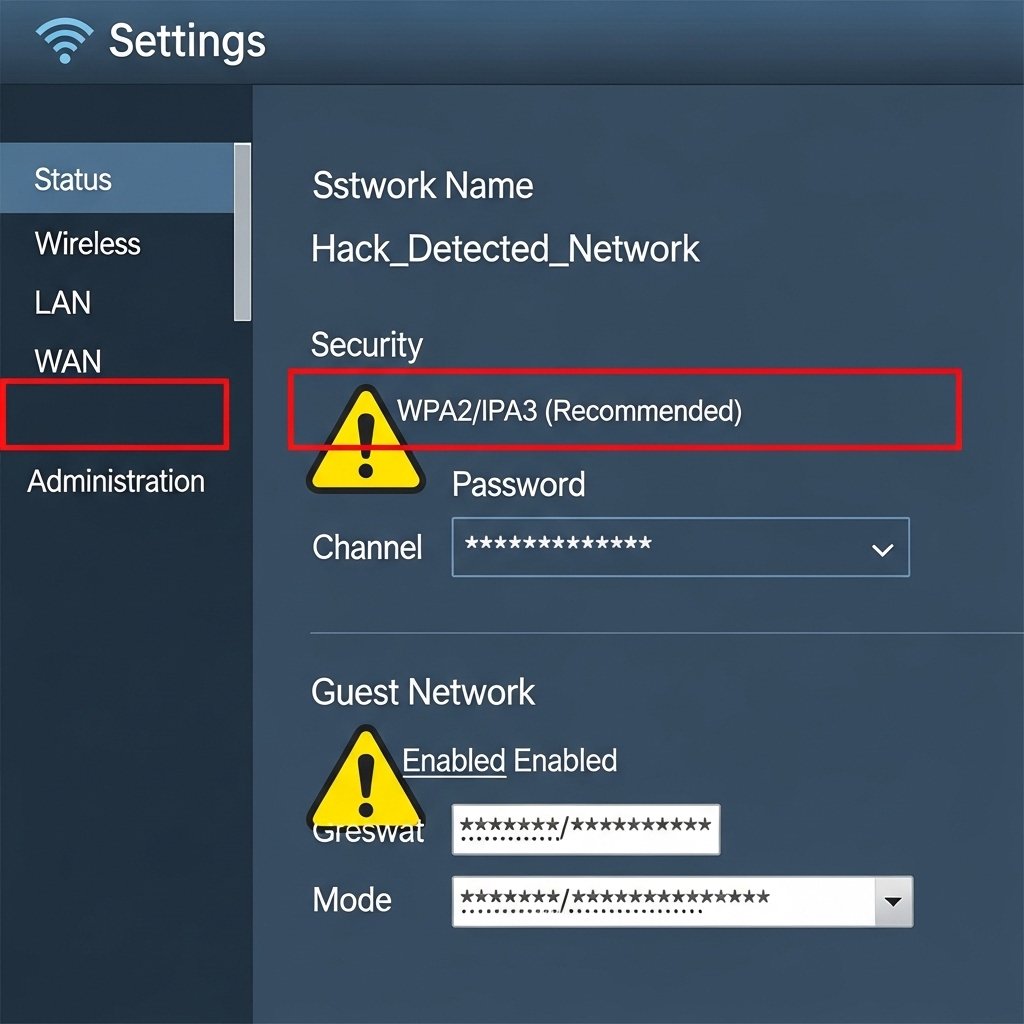
Your network name might seem unfamiliar. The password could be altered by another user. Security options appear off track too. Access to the router happened from outside. Not a usual case yet possible anyway.
You Receive Security Alerts or Warnings
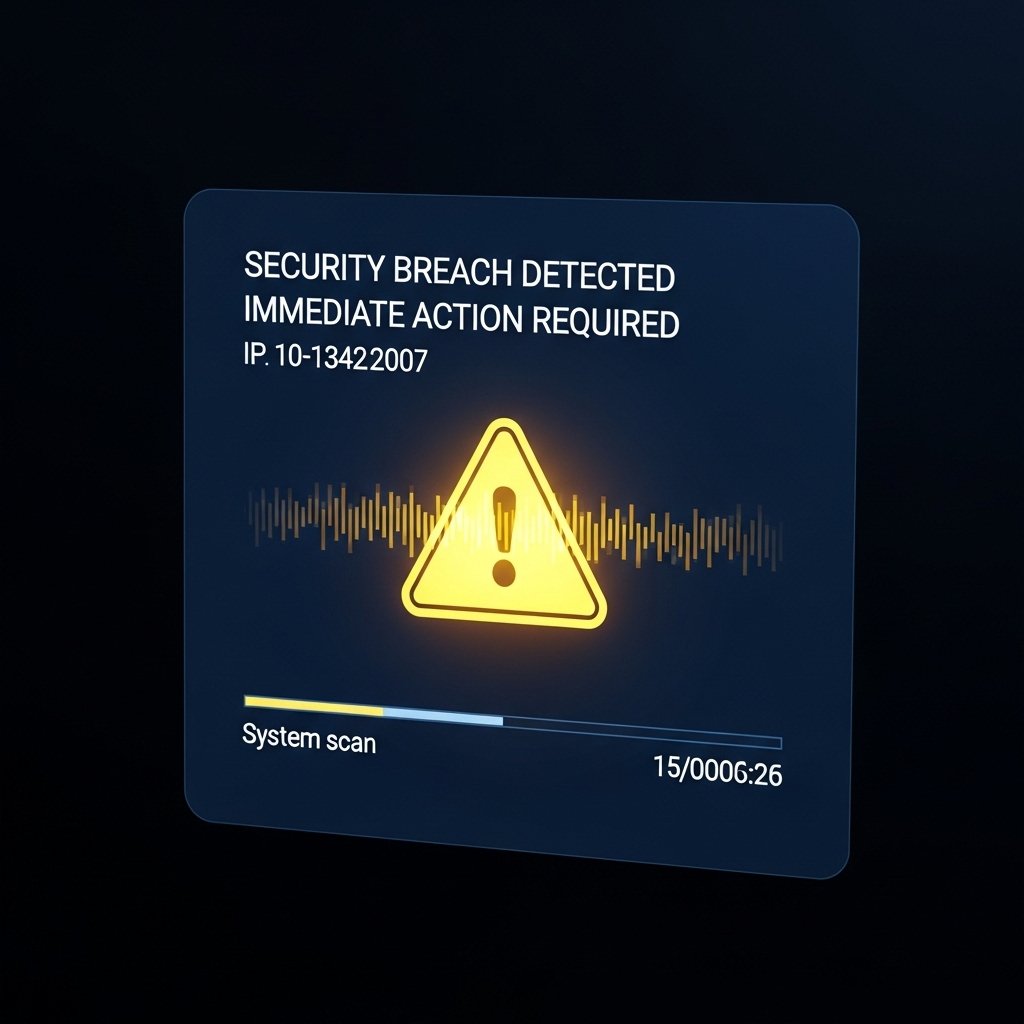
A sudden alert from your security system might point to odd happenings online – something worth checking right away.
What to Do If You Find an Unknown User
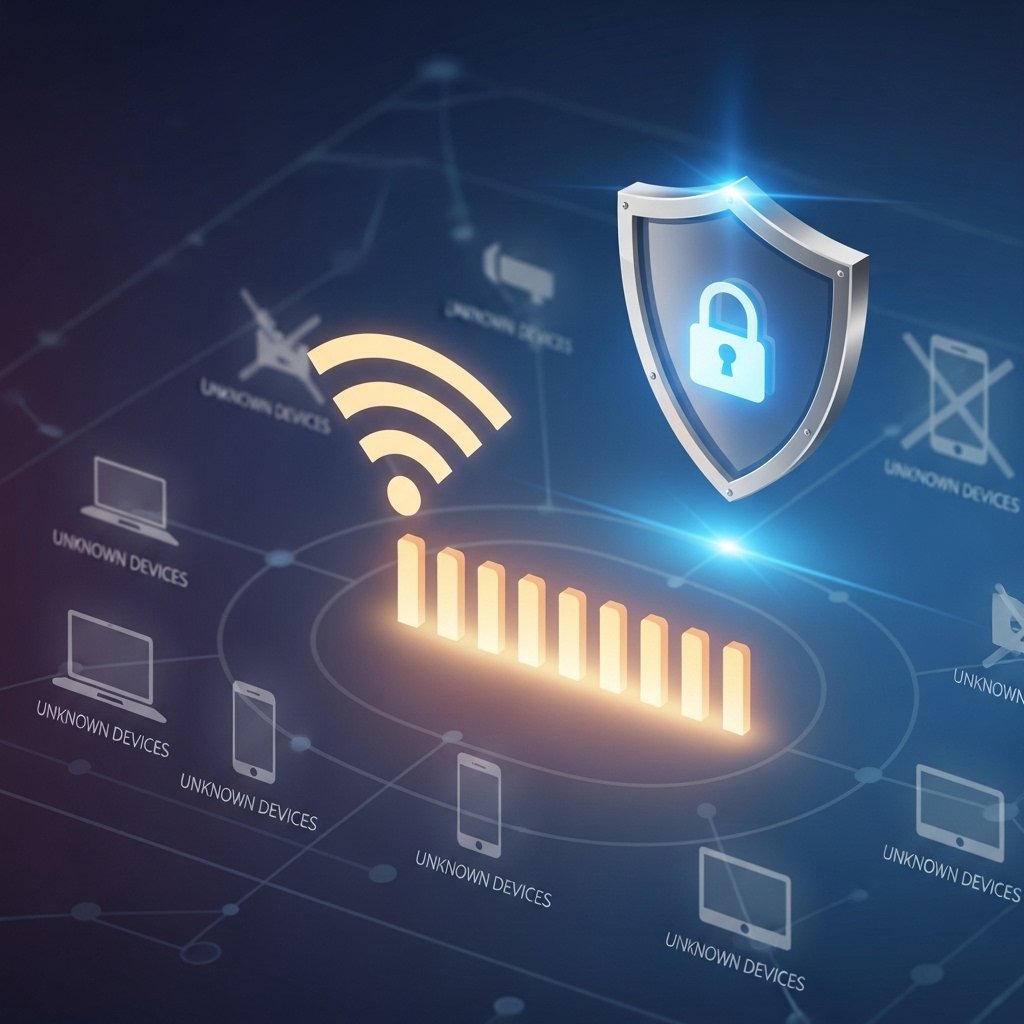
Right now, change your Wi-Fi password – it needs to be tough to crack. Use tight encryption while you’re at it. Check if your router has new firmware because staying current matters. Watch out for strange gadgets that might connect without permission. Each move pulls things back into place, locking down your information better.
