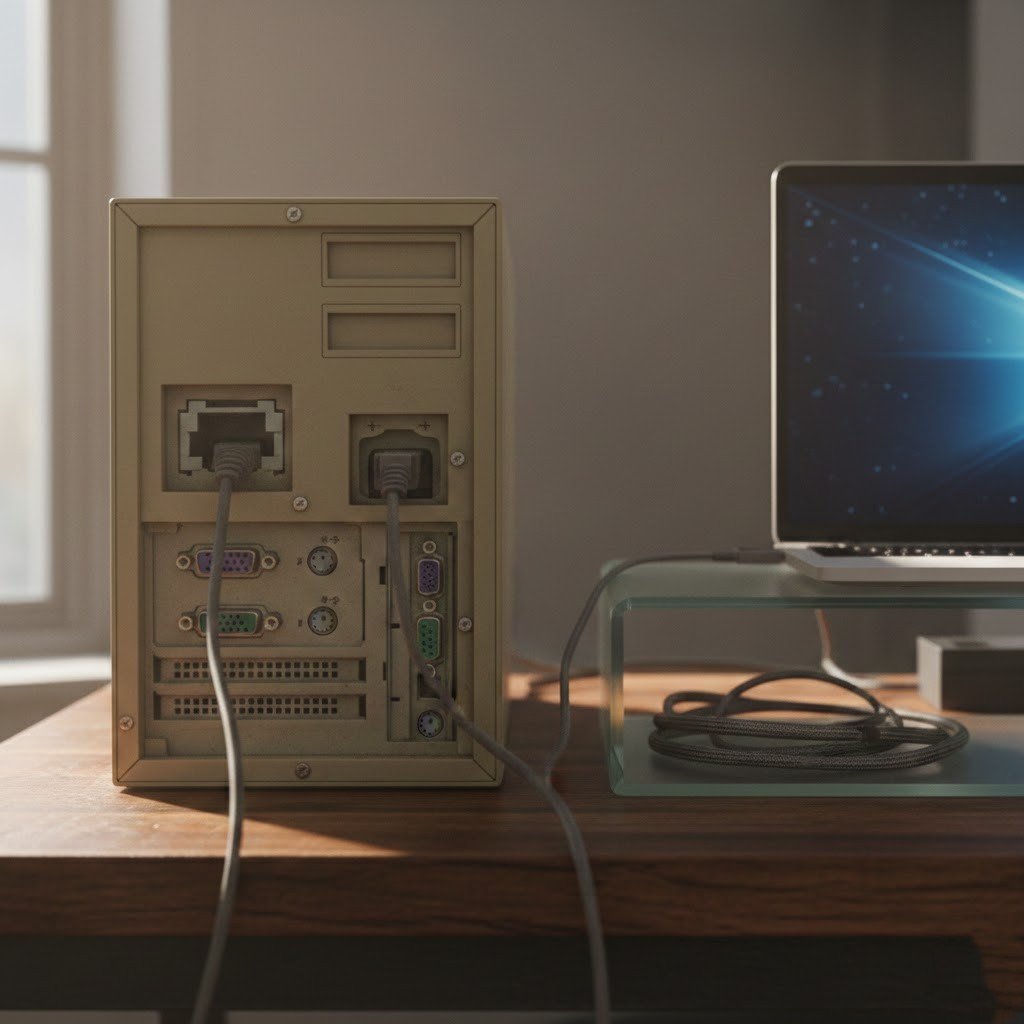
Computers will not mature like wine; instead, they age like milk. One day they run perfectly fine and the next needs special adapters to connect a USB mouse. If your PC has three or more of these, it’s not just old, it’s vintage. That doesn’t mean trash it, but adapters are your new best friend for modern gear. Deals on newer stuff are everywhere if you’re ready to upgrade. If your rig still has these ports front and center (or you’re actually using them), it’s probably been a solid soldier for longer than most. Here’s the ten ports that scream “pre-2015 build” in 2025.
VGA (the blue trapezoid with all the pins)

The traditional 15-pin video connector that was the source of power for CRT monitors and the earliest projectors. Being an analog connection only, it could reach only the lowest resolutions that are already considered outdated by today’s standards and produced chunky visuals.
Serial (RS-232, the 9-pin D-sub) and Parallel ports
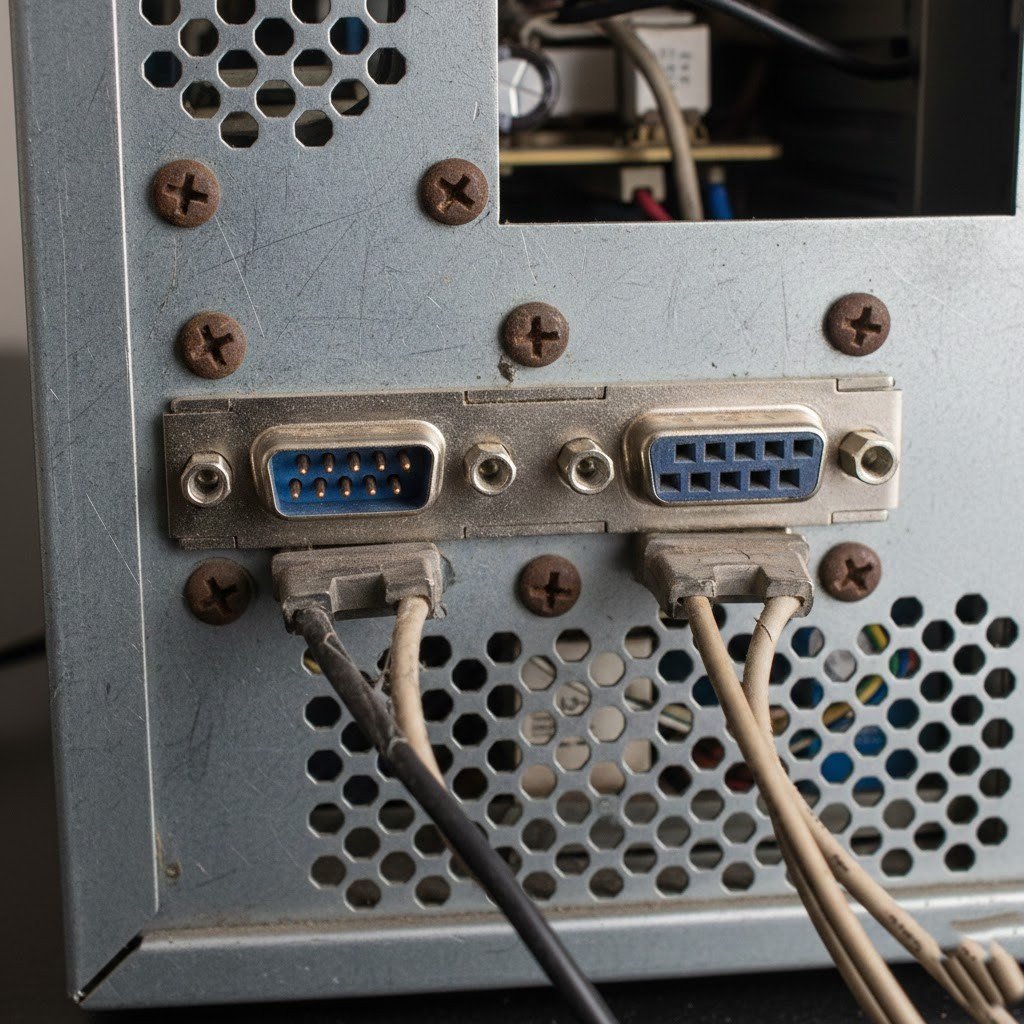
Serial for modems and old peripherals, parallel for printers were the workhorses of the 90s and early 2000s. Bulky, slow, and one-job-only. USB replaced them all. Spotting these on a desktop means it’s likely from an era when dial-up was king.
FireWire (IEEE 1394)
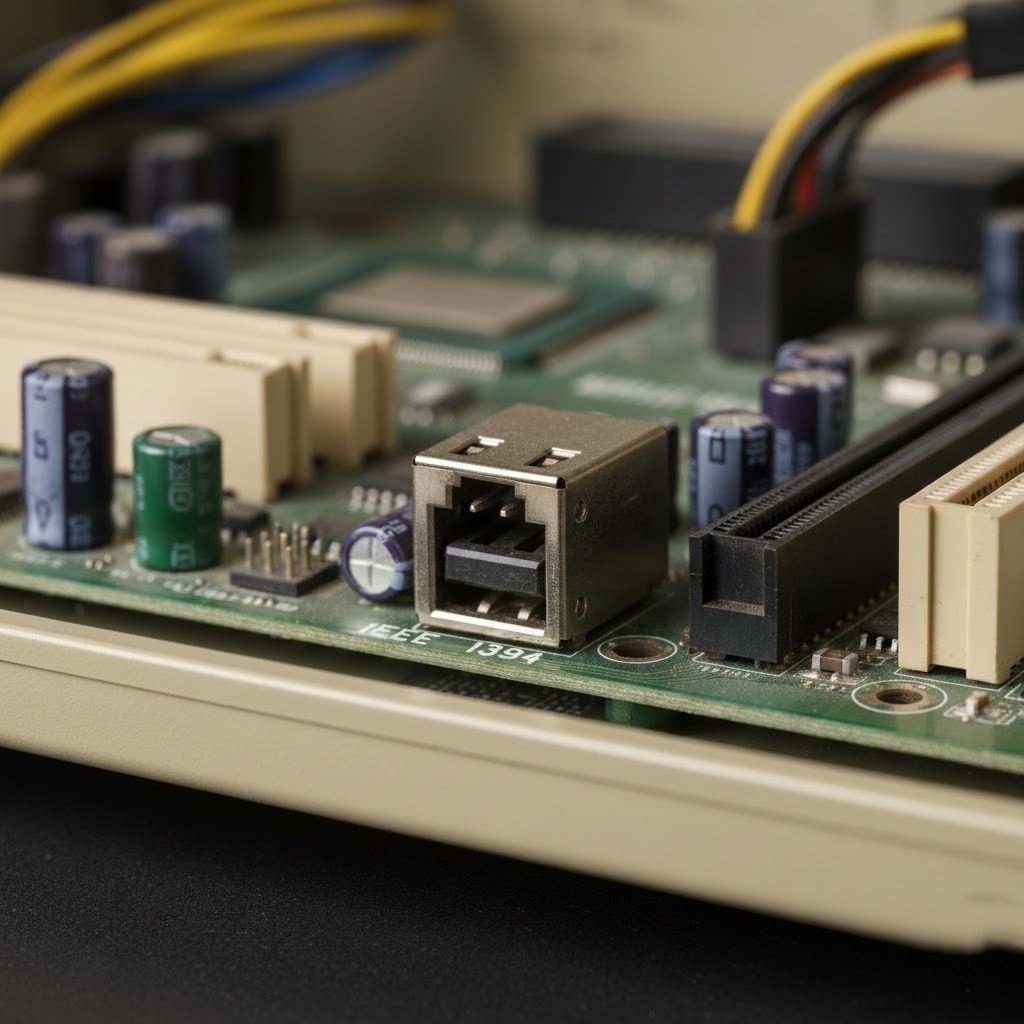
Apple had a great affinity for this port to connect video cameras and audio equipment, which was at that time a very fast method to transfer large files. But Thunderbolt and USB 3.0 blew it away. If you’ve got FireWire ports, your machine probably has a DVD drive too.
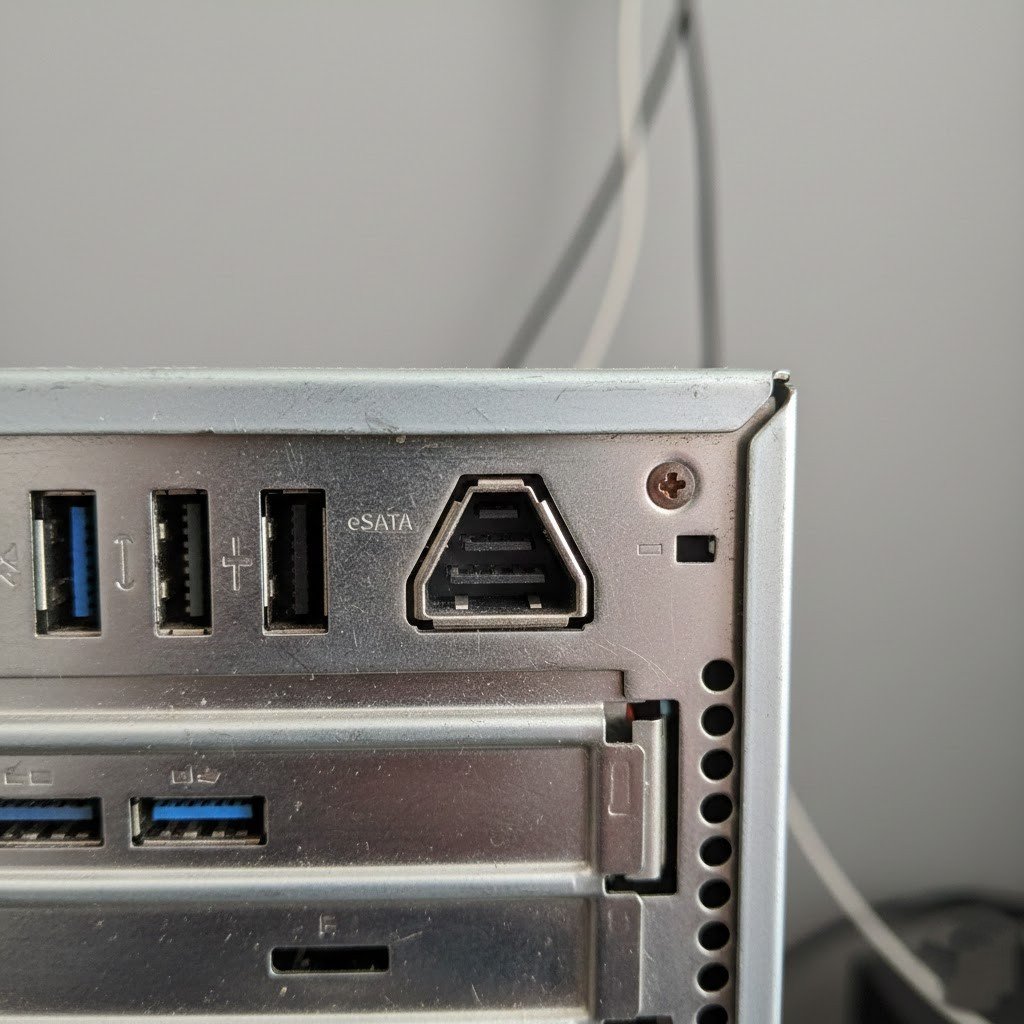
eSATA (external SATA for hard drives)
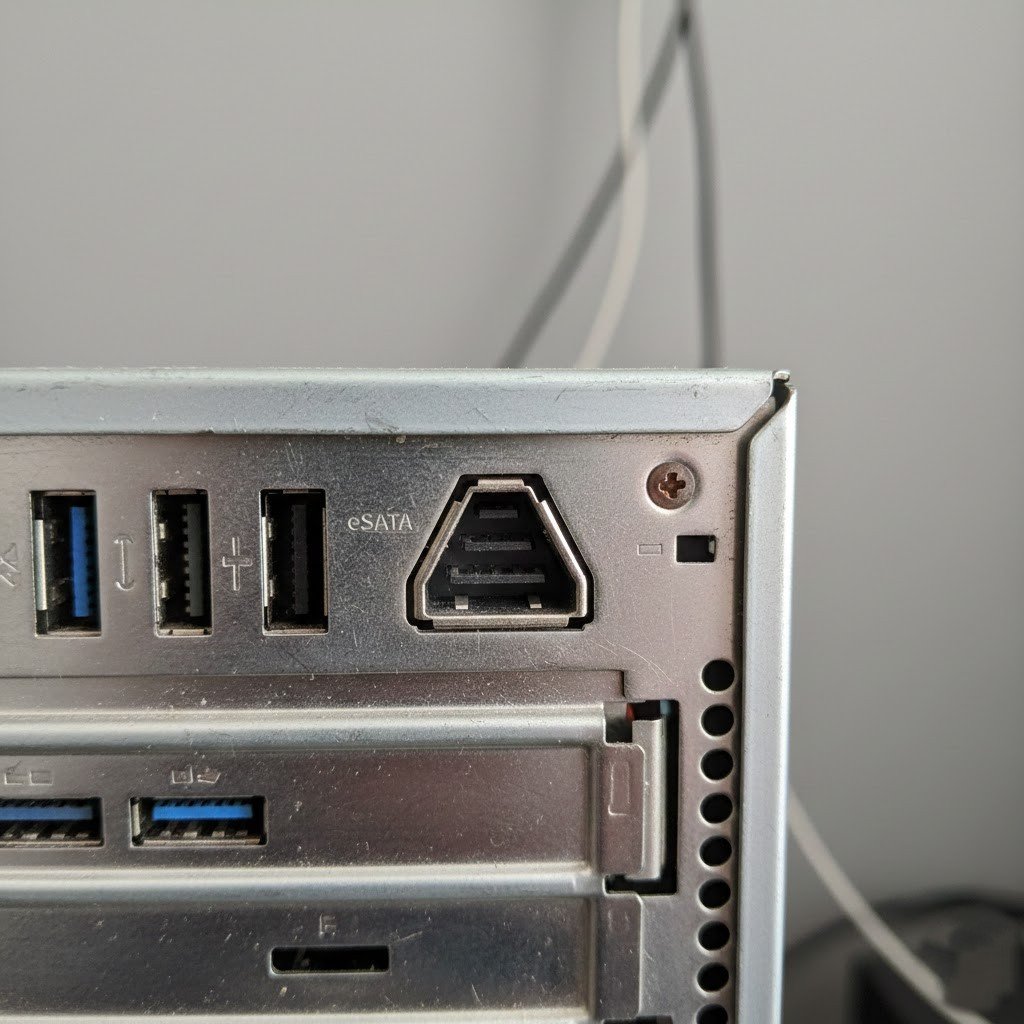
Promised fast external storage without USB’s overhead, but it never really caught on because you needed power separately and cables were stiff. USB 3.0 showed up and made it irrelevant overnight. Rare even on 2010s builds now.
3.5mm TRRS Headphone/mic Combo Jack (the old four-pole one)
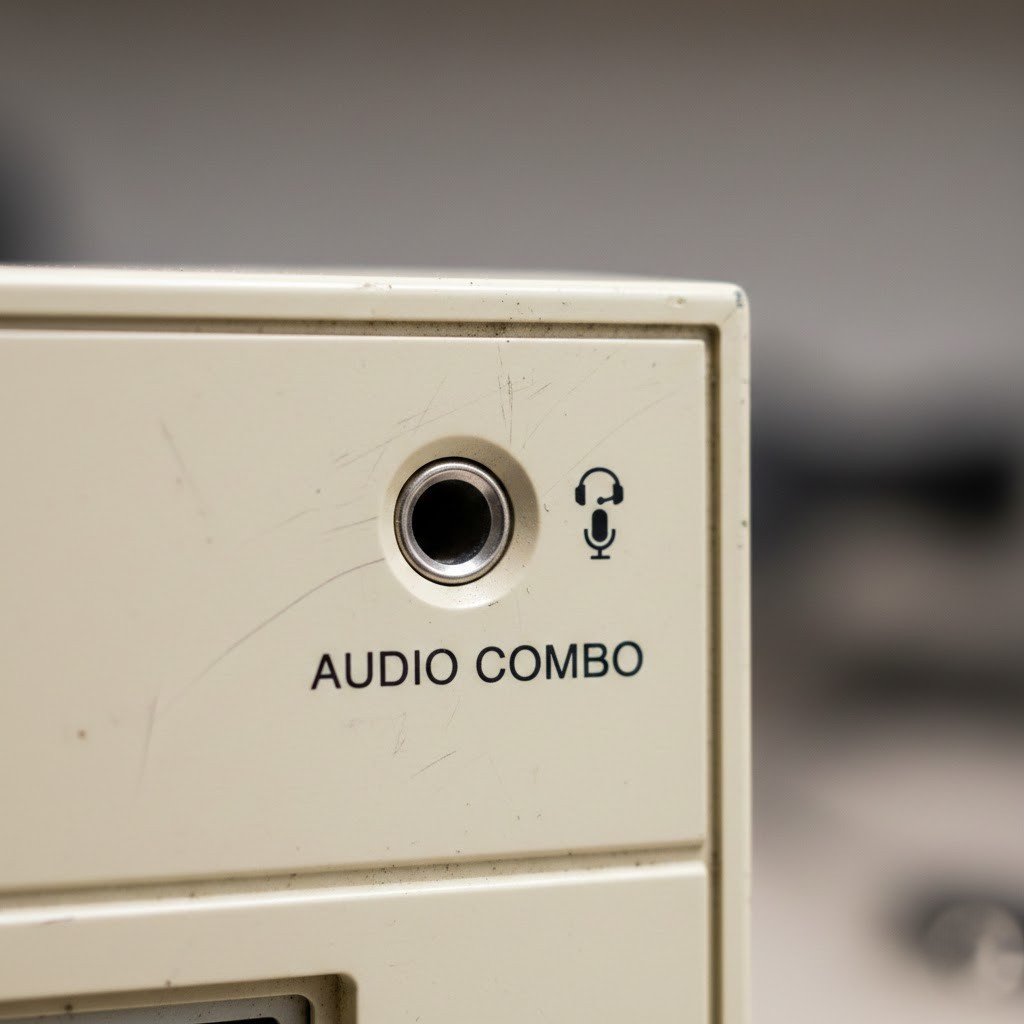
Separate headphone and mic jacks were standard forever, but the combo forced adapters for gaming headsets. Modern boards split them again or go USB/Bluetooth. Seeing the old combo means your PC predates the smartphone headset boom.
PS/2 Ports (those purple and green round ones for keyboard/mouse)
Back in the day, every PC had these little color-coded circles like purple for keyboard and green for mouse. They were reliable, but USB killed them off because you could hot-swap and use one port for everything. If you’re still plugging in a PS/2 keyboard than your PC is older than most high schoolers.
Ethernet RJ-45 Port

Gigabit Ethernet is already omnipresent, however, in case your built-in LAN is limited to 100 Mbps, you probably have a very old board from 2000’s. Streaming 4K or huge file downloads become a real struggle: Wi-Fi 6 usually offers faster speeds than that these days.
Built-in Card Readers (SD/MS/CF slots on the front panel)
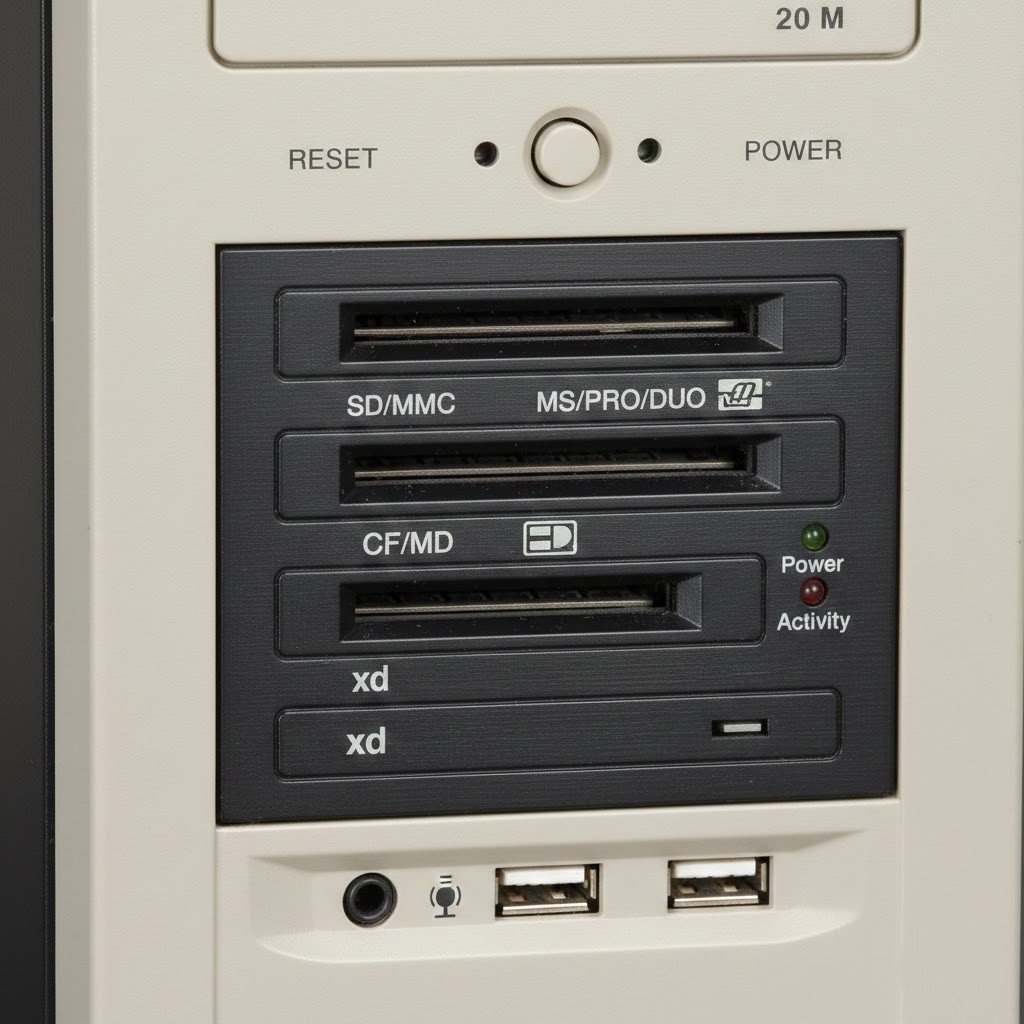
Cases used to have these for quick camera card dumps. USB readers are faster and more universal now, so front-panel slots vanished. If your tower has a whole bay of colorful slots, it’s definitely pre-smartphone camera era.
Floppy Disk Drive/Port
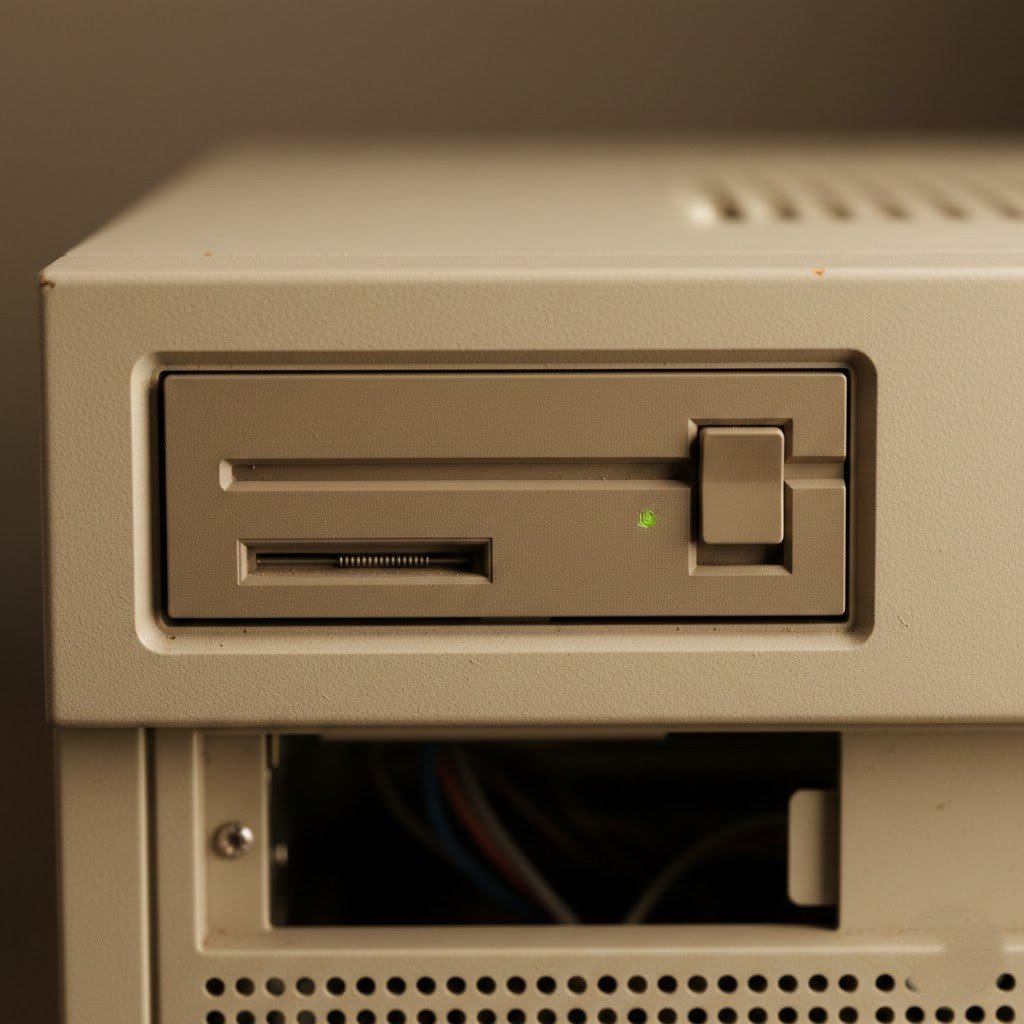
The iconic square bay with the eject button, the last real use of this port was in the early 2000s for boot disks or sneaking games at school. Most motherboards dropped support around 2011. If your PC tower still has one then you’re basically running a museum piece.
USB-A Port
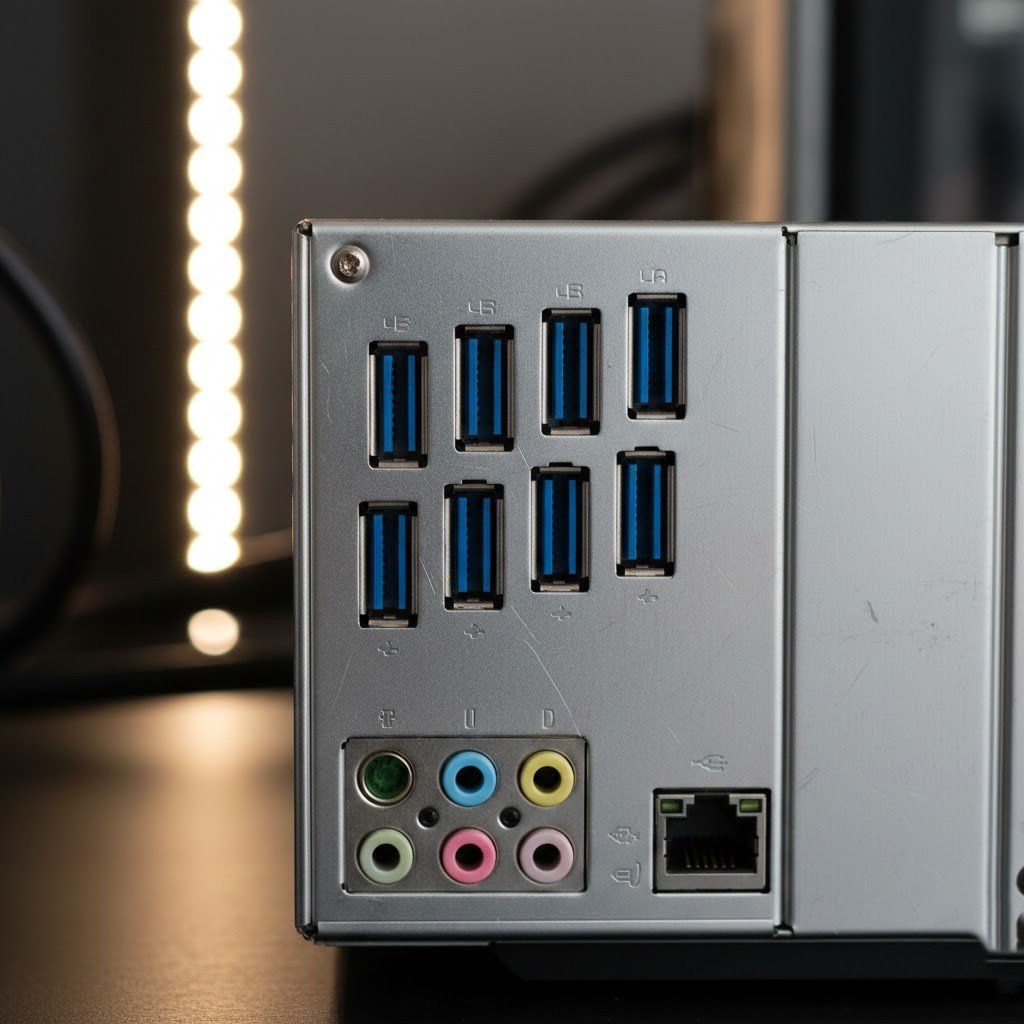
This is that classic blue or black USB 2.0/3.0 ports that powered everything for two decades. They’re still around, but new laptops and devices are USB-C only now. If your PC has a wall of USB-A and no C ports, it’s pre-2020 vibes and you’re flipping cables the wrong way half the time.
