
Let me ask you this… do you think that your phone is listening to you? Many people feel like their phone listens to conversations sometimes. But in reality phones don’t record or listen to audio or conversations. It means phone listening is just a myth but due to certain settings and permissions can make it feel that way. These simple tests help you understand what’s really happening, using easy steps anyone can try.
Check App Microphone Permissions
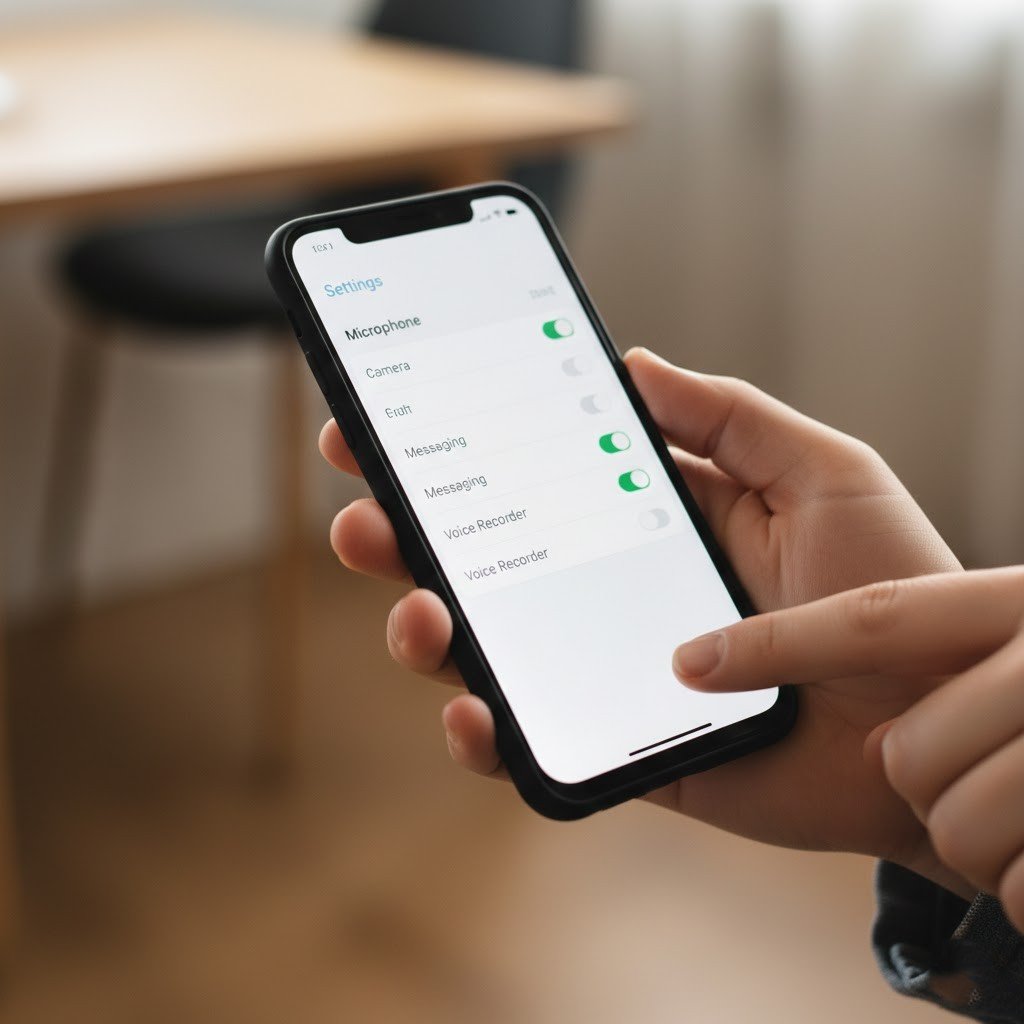
If you feel that your phone is really listening, instead of getting shocked, open your phone’s settings and review which apps can use the microphone. If an app does not need the microphone to work, turning it off can reduce background listening concerns.
Do a Conversation Test

Talk about a random product near your phone that you never search for. Avoid typing it or searching online. Over the next few days, watch for ads related to that topic. This helps show whether ads come from speech or other data.
Review Voice Assistant History
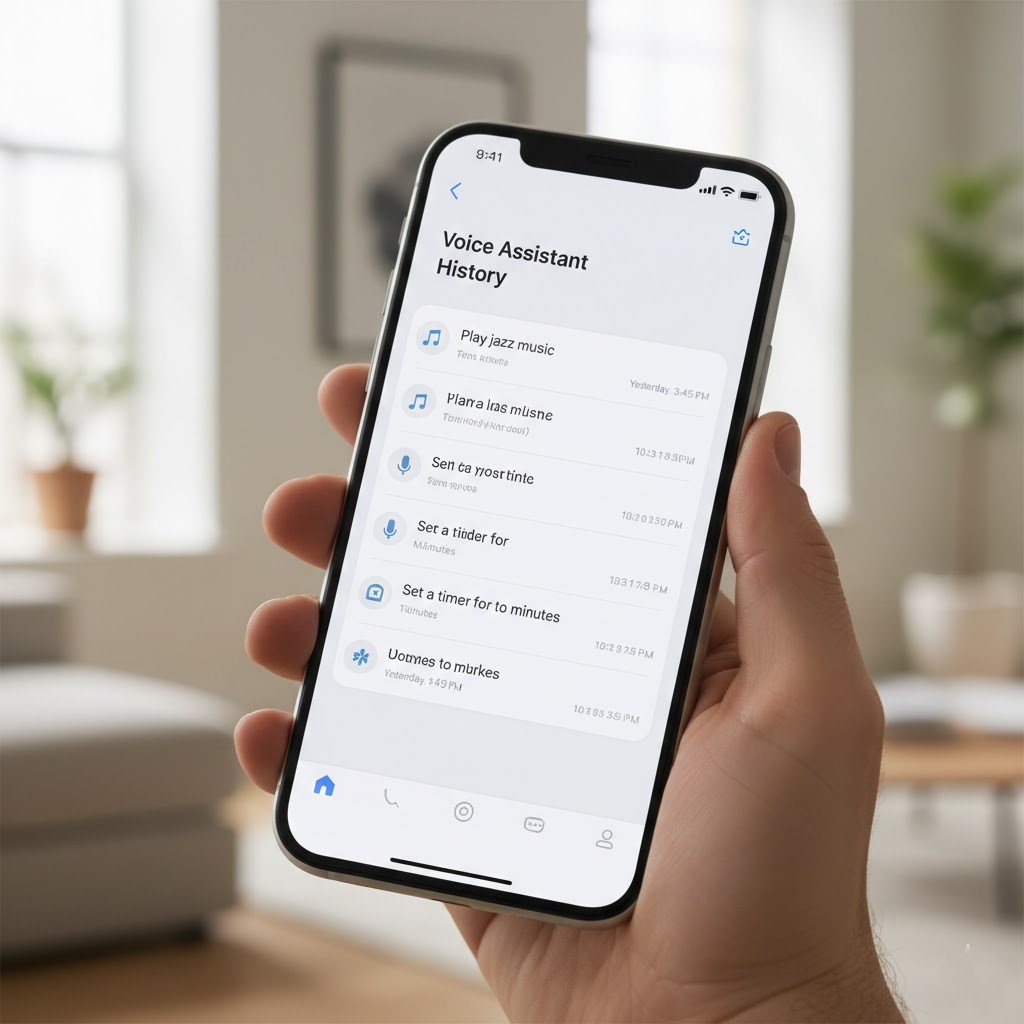
Voice assistants store recordings when activated. Check your Google Assistant or Siri history. You may notice recordings triggered by accident. This shows when audio is actually saved, instead of constant listening.
Turn Off Voice Assistants Temporarily
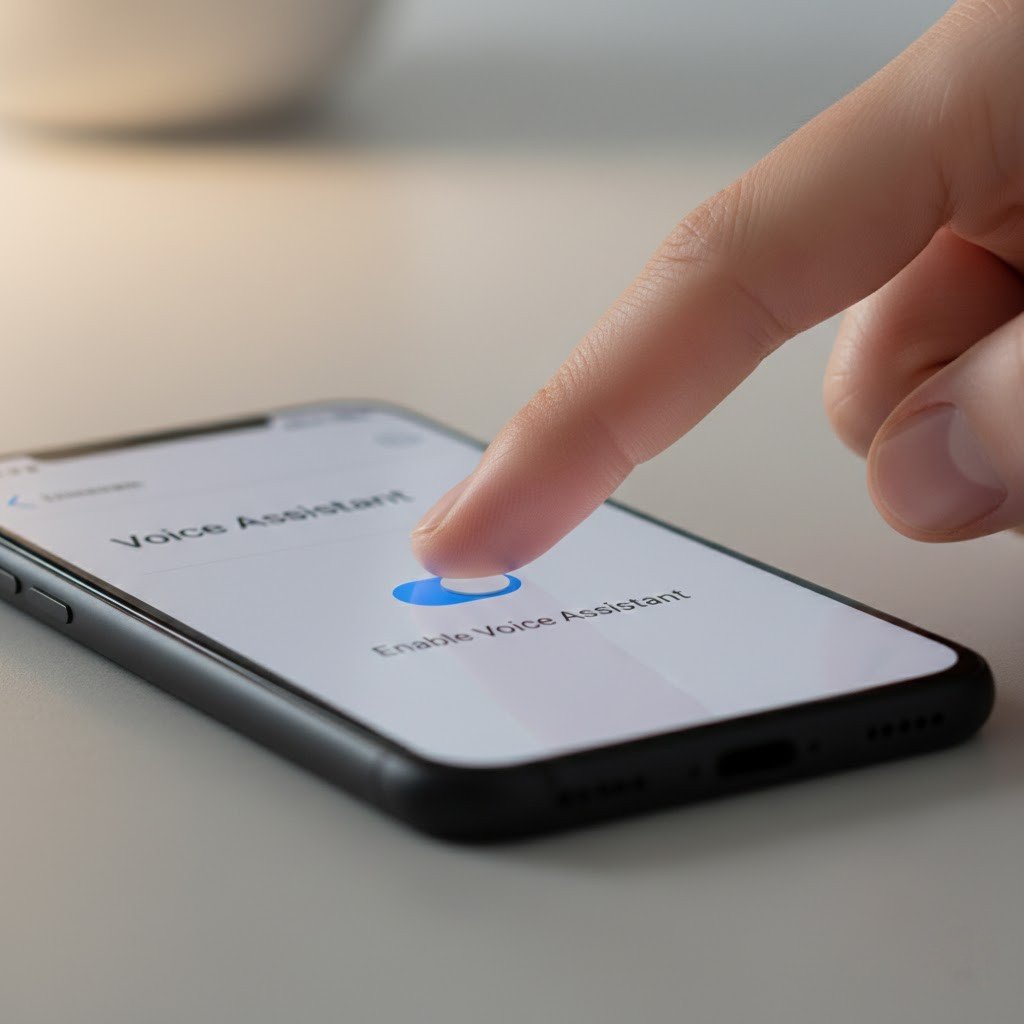
You can also disable voice assistants for a few days. In case you observe changes, continue with this trick. This test helps separate assumptions from real behavior.
Watch the Microphone Indicator
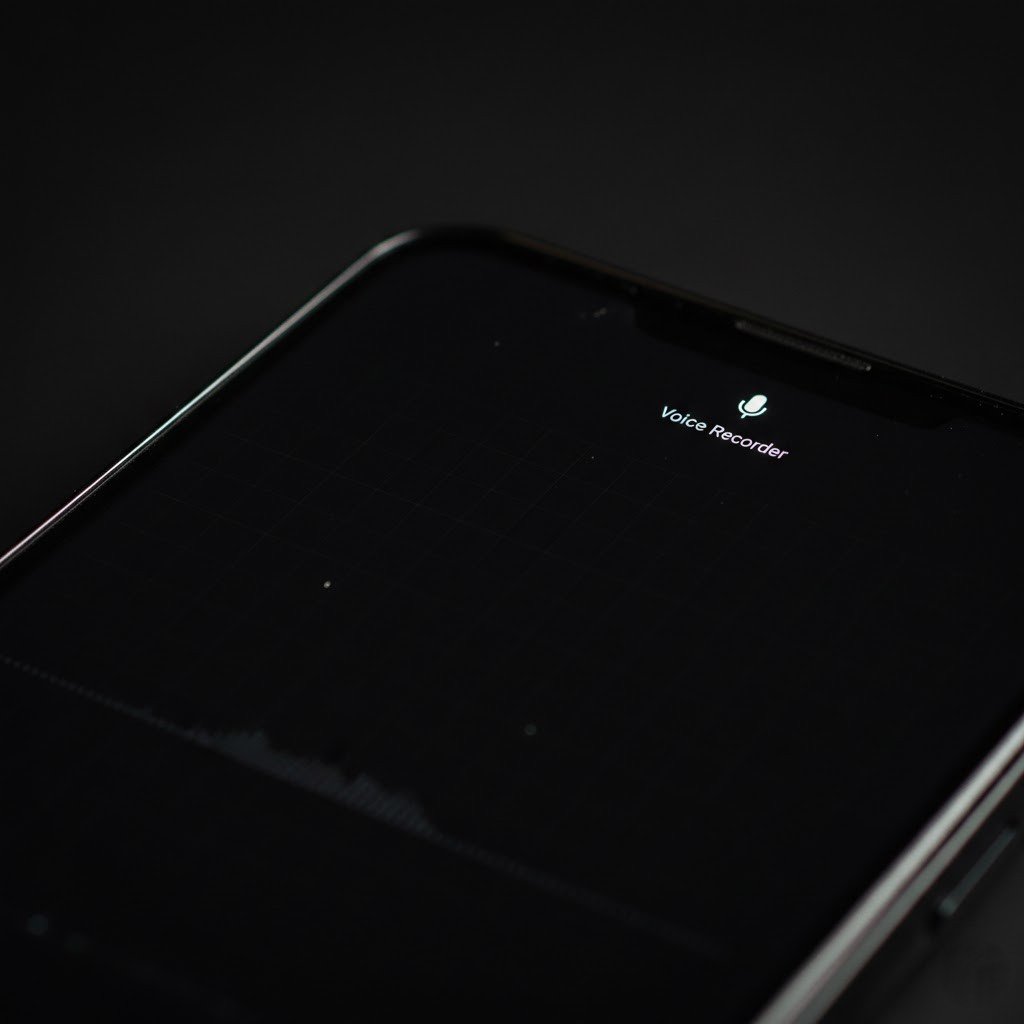
Most modern phones show a small icon when the microphone is active. Pay attention to this icon during normal use. It helps you see when apps access the mic openly.
Check App Activity and Data Usage
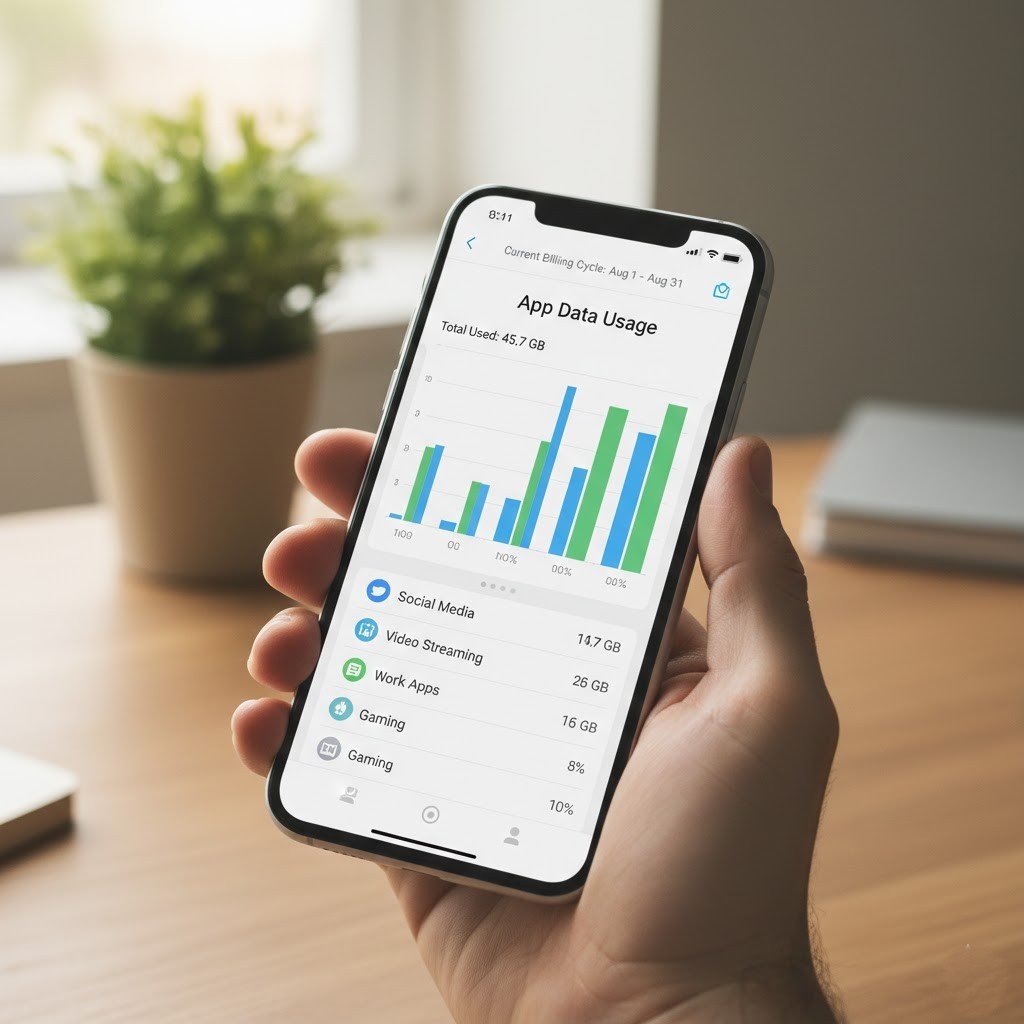
Go to app usage settings and review background activity. Apps that use more data may rely on browsing habits, location, or interaction patterns rather than audio recording.
Compare Ads Across Devices

Notice if ads appear on multiple devices logged into the same account. This often happens due to shared browsing data, not listening. This test explains why ads feel “too accurate.”
Turn Off Ad Personalization
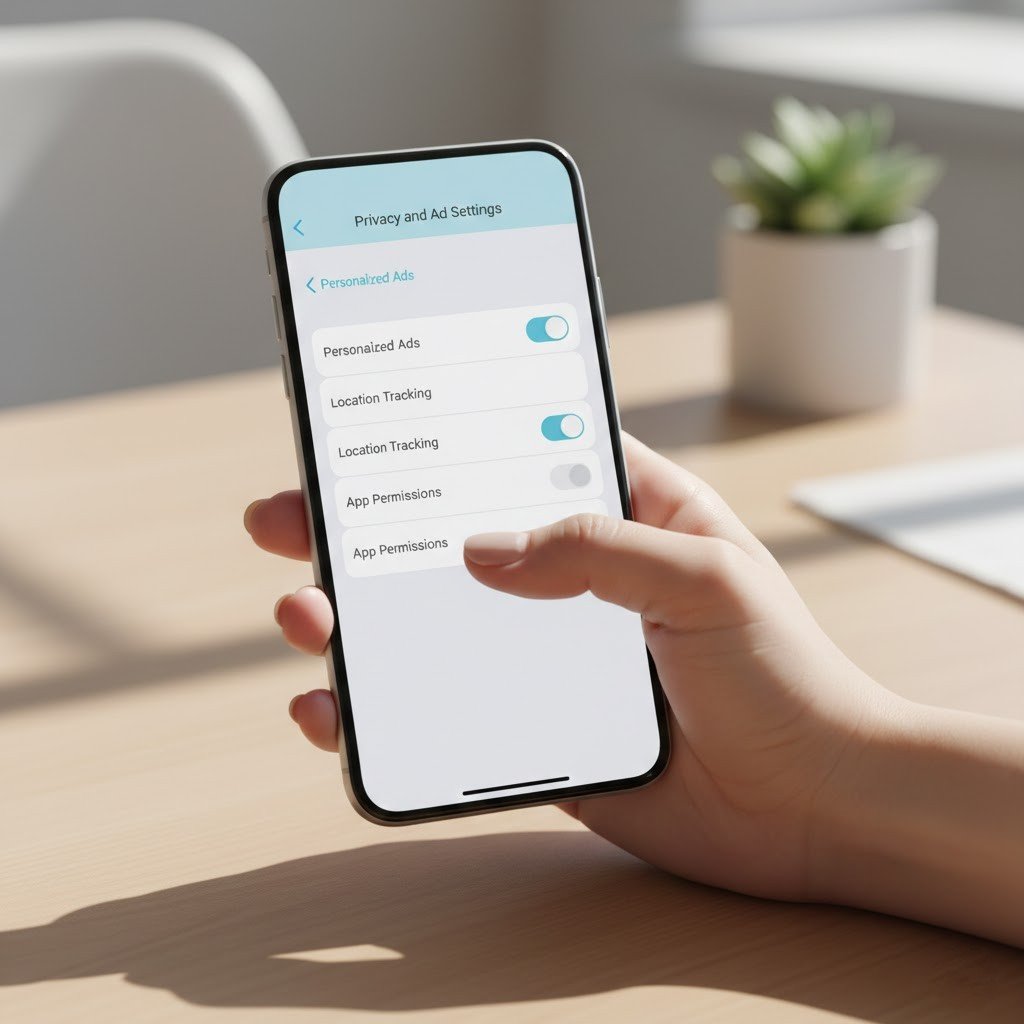
Disable ad personalization in your phone settings. Ads may still appear, but they become less specific. This helps confirm that targeting usually comes from data profiles, not eavesdropping.
Clear App Cache and History
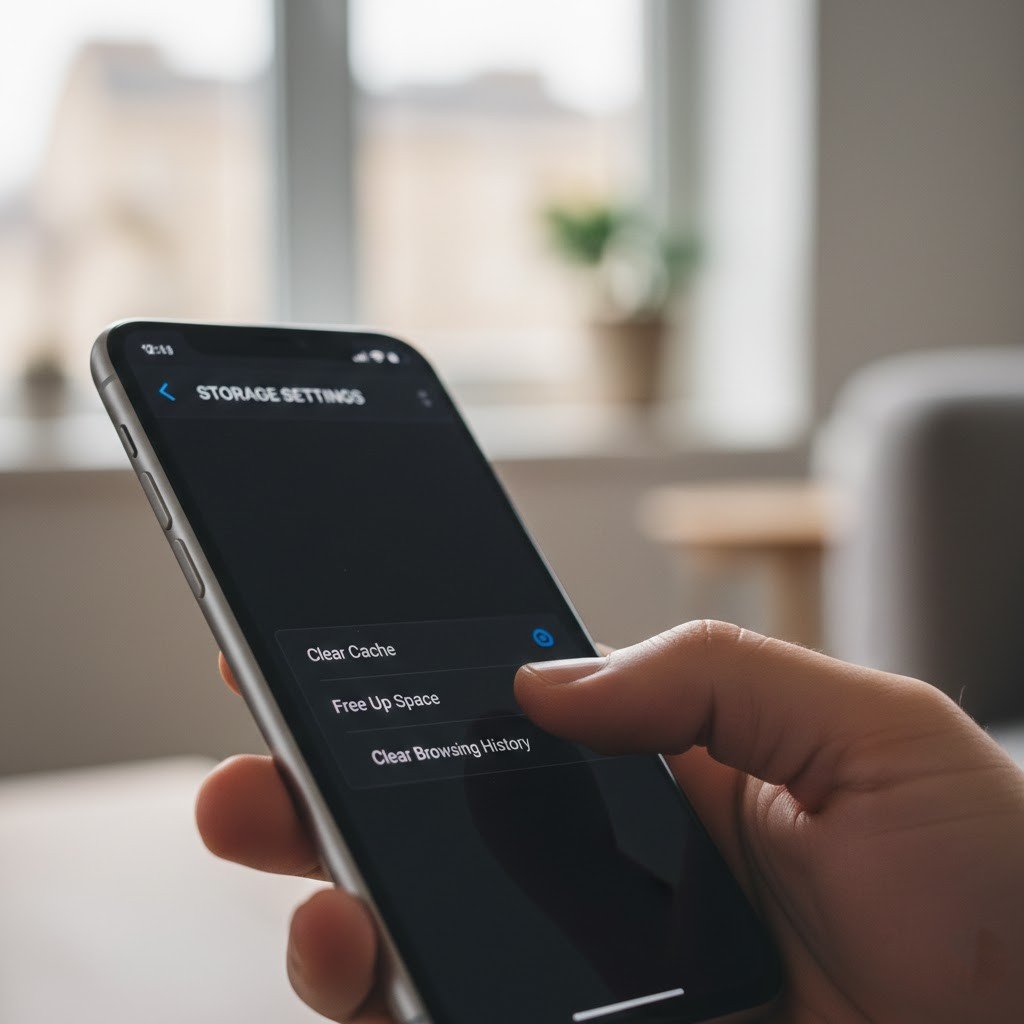
Clearing browsing history and app cache resets stored data. After doing this, ad suggestions often change. This shows how past activity shapes ads more than spoken words.
Read App Privacy Labels Carefully
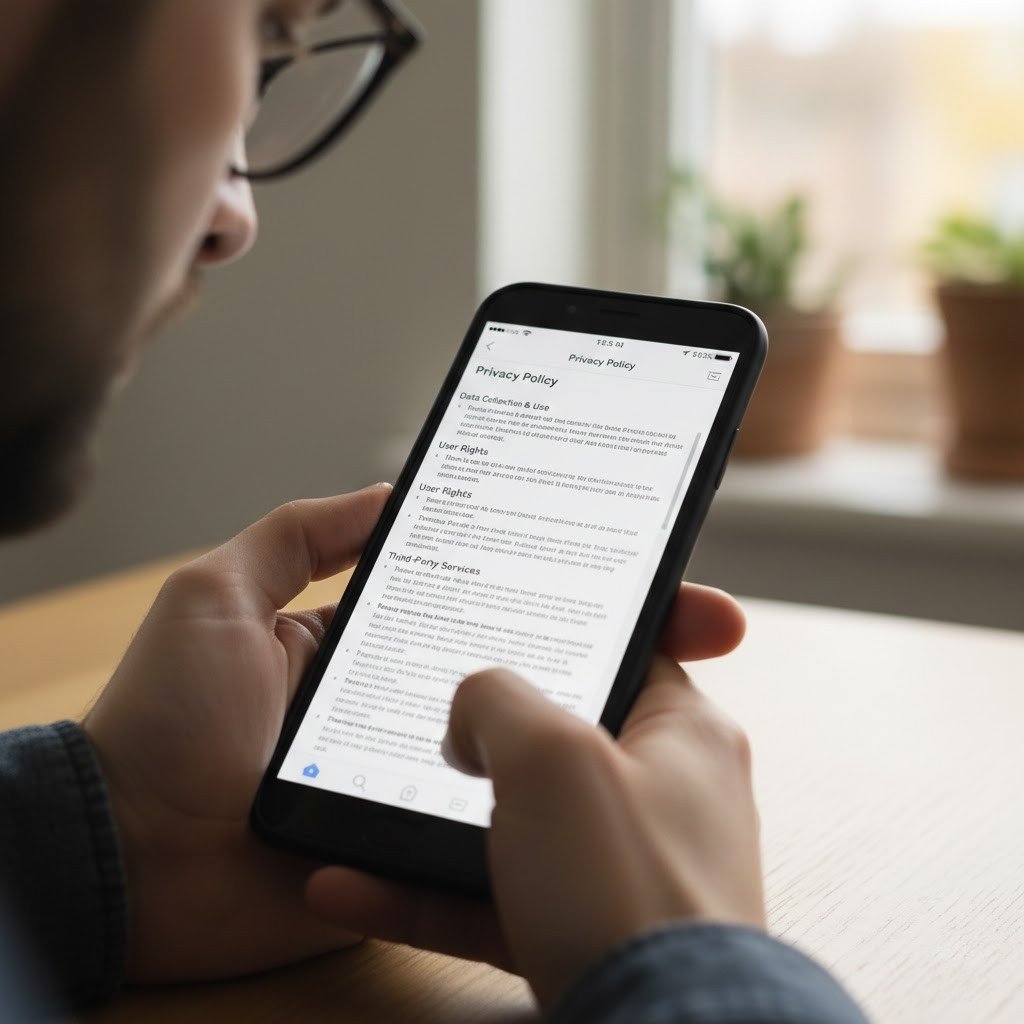
App privacy pages explain what data gets collected. Reviewing them helps you understand permissions clearly. Knowing what apps collect reduces fear and confusion.
