
Many apps send and receive data even when you’re not using them. This activity disrupts your privacy while consuming battery power and using your data plan. The steps provide you with information about current activities while you maintain control through basic methods.
Check App Data Usage in Settings
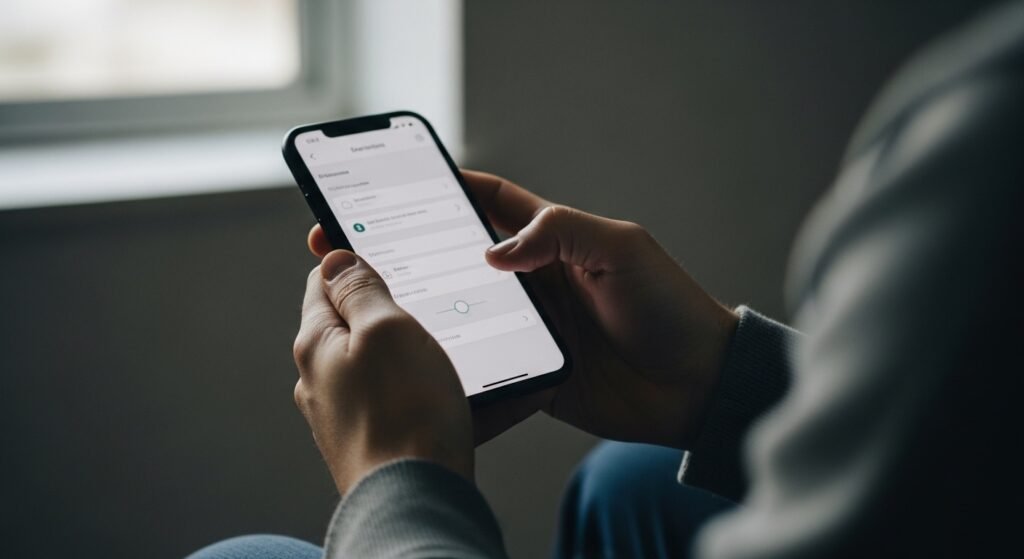
Access your phone’s data or network configuration settings. You need to check the data consumption of each application. The system shows which applications run background processes to maintain their functions. This method shows which programs continue working when you are not aware of their presence.
Review Background App Permissions

Applications need user authorization to operate their functions during background operation. You should examine the background activity configurations and block all applications which do not require permanent access. The process requires fewer hidden data transfers which result in better battery performance.
Turn On Data Usage Alerts

Create data alerts which will notify you when your usage reaches a specific threshold. Background sharing occurs when sudden data spikes happen. Alerts help you notice unusual behavior early, before it becomes a bigger privacy or cost issue.
Check Location Access Settings

Many applications transmit location information without users knowing it. You should check which applications possess location permissions and change their access level to “while using” from “always.” This process helps decrease unnecessary tracking that happens without user knowledge.
Review App Permissions Carefully

The system allows you to examine application access rights which include contacts and microphone and camera and storage. Applications that request excessive access rights will transmit more information to other parties than users realize. You should remove any access rights which do not serve a vital purpose.
Use Built-In Privacy Dashboards

Newer smartphones provide privacy dashboards which display the latest application usage information. The tools show you which applications conducted background access to data and sensors and location information.
Keep Your Phone Updated
System updates bring privacy control improvements which address various data security issues. The current version installation helps to minimize undesired processes that operate in the background.
Be Cautious With Free Apps

Free applications depend on data collection for their operation. You need to monitor their activities from all applications and uninstall those which consume excessive background data without valid reasons.
Turn Off Background Data
You should turn off background data for any application which you use infrequently. The procedure helps to decrease tracking activities while conserving data and minimizing phone background operations.
