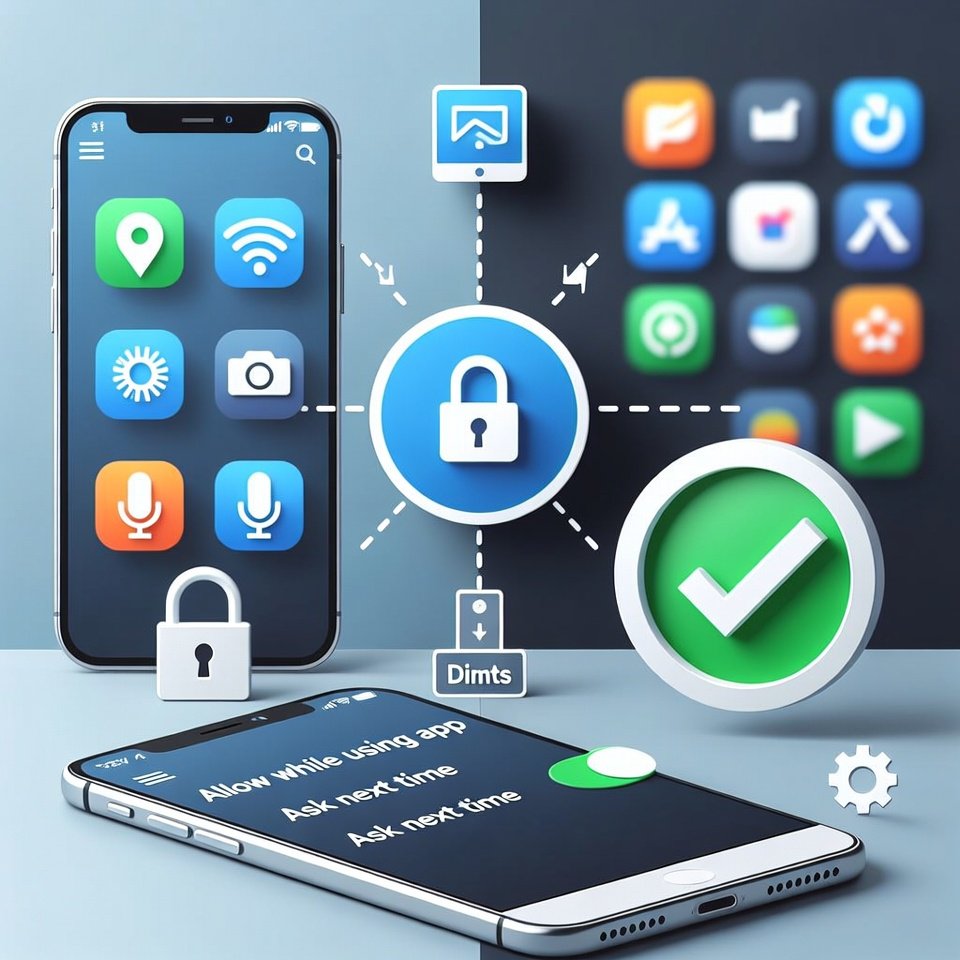
Modern devices collect data in order to make apps work better and offer personalized services at a glance. The majority of the applications are developed with privacy and safety concerts that always ask for specific permission. But some apps keep tracking quietly in the background. These simple checks help you see what your phone collects and how to limit tracking using everyday settings.
Review Location Access Carefully

Location sharing is an important feature so you need to be careful to whom you are sharing with. There are many apps that require location access to work better. Set location to “while using the app” or turn it off for apps that don’t truly require it.
Check App Permissions One by One
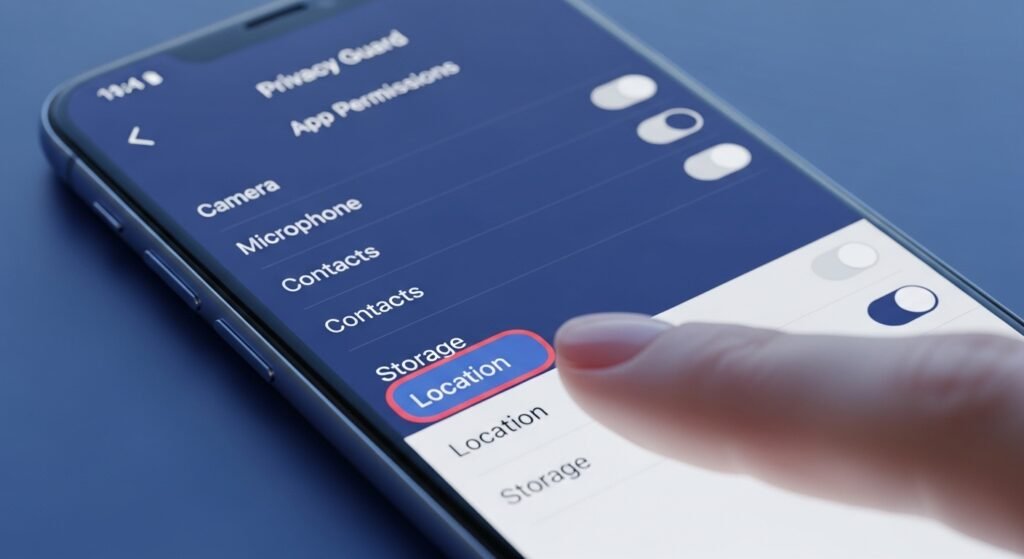
Mobile applications take a variety of permissions ranging from contacts and camera to microphone and storage. Review each application permission parameter and remove some in case you feel unnecessary.
App Activity and Background Use
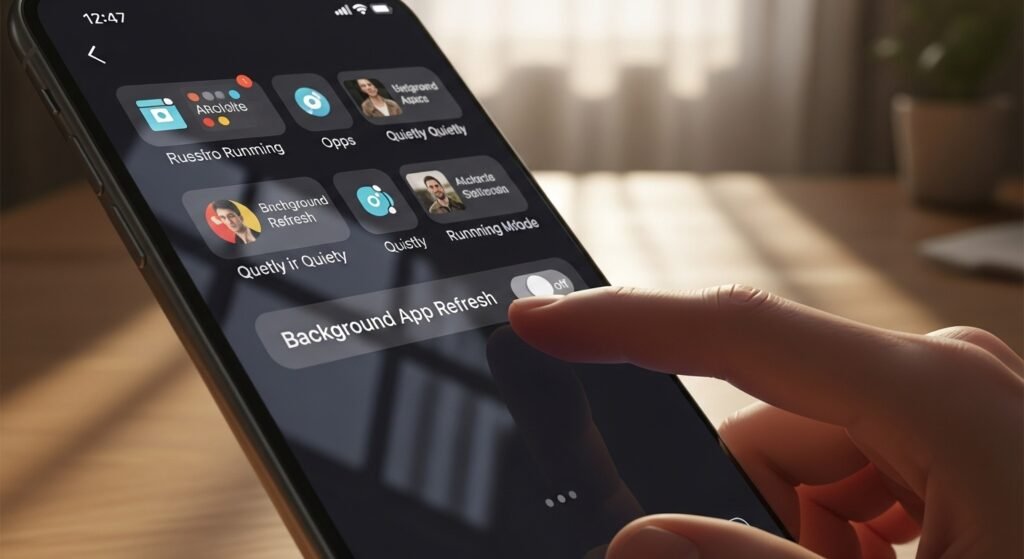
Some apps stay active even when you aren’t using them. Check background activity settings and restrict apps that don’t need constant access. This reduces silent data use.
Turn Off Ad Personalization
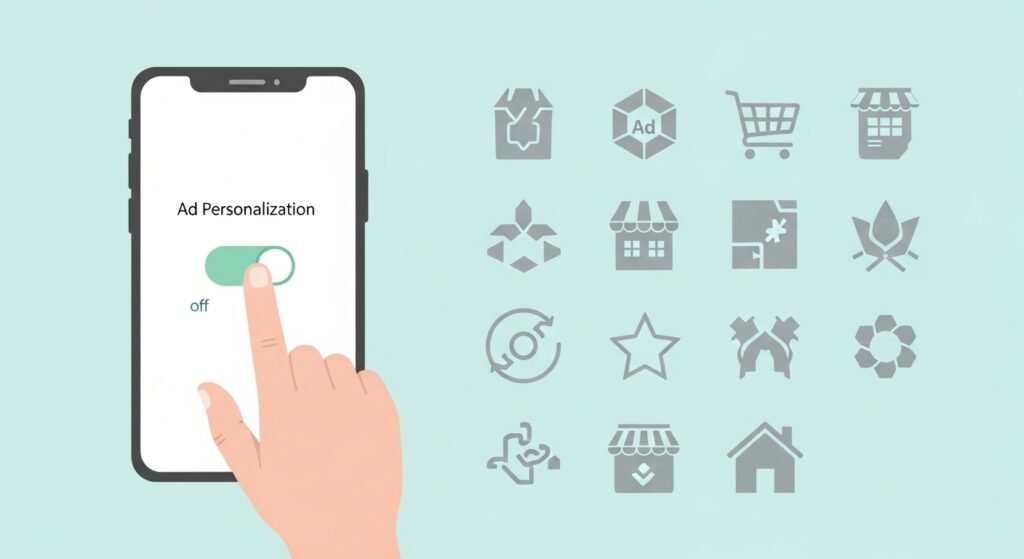
Your phone makes a list of things you like based on how you use it. If you stop this, your list goes away. You’ll still see ads, but they won’t feel like they are talking just to you.
Review Google or Apple Account Settings

Another criteria is to review Google or Apple account settings. Go to your account settings to see what your phone is tracking. You can stop it from saving your searches and your location.
Microphone and Camera Indicators

Watch the corners of your screen for small symbols. If a camera or mic icon pops up and you didn’t turn it on, an app is likely using it without you knowing.
Check Installed Apps
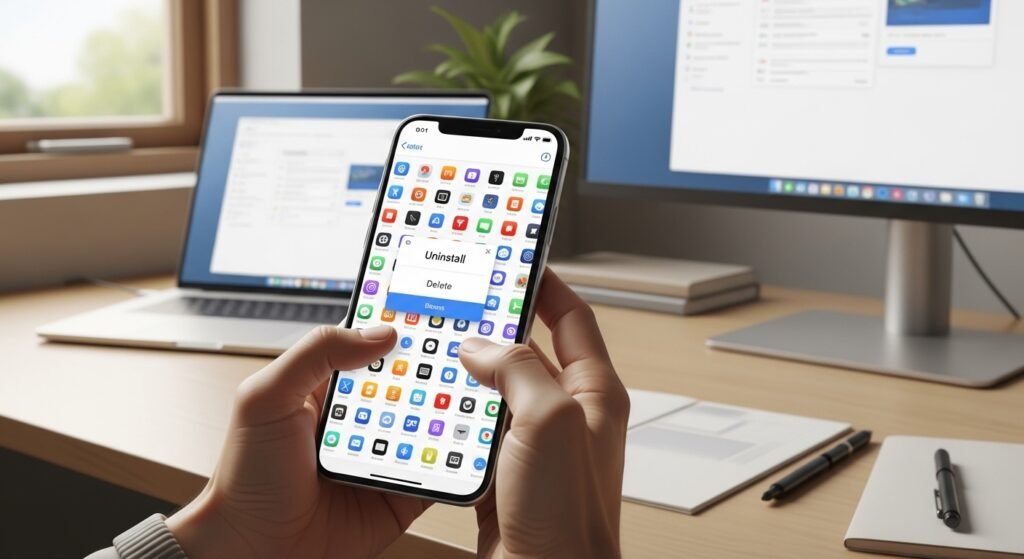
At times, you may install applications and forget to use frequently and may reside on your device for a long time. Scroll through all installed apps. Remove anything unfamiliar or unused.
Limit Bluetooth and Wi-Fi Scanning

Phones scan nearby devices and networks for sharing or connection establishment purposes. Turning off constant scanning helps reduce passive tracking, especially in public places.
Read App Privacy Summaries
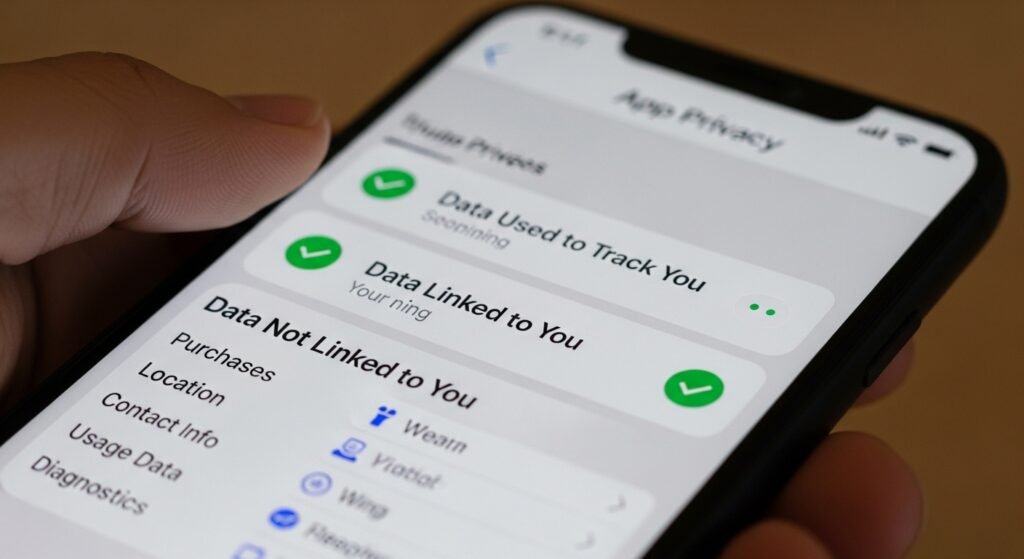
App store privacy sections explain what data an app collects. Skimming this information helps you understand what you agree to before installing or keeping an app.
Restart and Update Regularly

Indeed, installing updates in time keeps your device strong and protects from vulnerabilities. Updates often include privacy controls and fixes. Restarting clears temporary background activity. These small habits support better control over data use.
