
The process of laptop battery maintenance requires more than just charging when the red light indicates a need for power. Users typically treat their batteries in the same manner as they would treat a gas tank by filling it completely and using it until all power is exhausted. The modern lithium-ion batteries function as living organisms because they require particular environmental conditions to function properly and their performance capacity decreases when they experience extreme operational conditions.
The 80/20 Rule

The optimal battery life requires users to maintain their battery level between 20% and 80%. The batteries experience their highest physical stress levels when they reach their maximum capacity or their minimum capacity. Most tech experts never let their laptops hit 100% because “trickle charging” at the top end generates heat and wears down the battery chemistry faster.
The Silent Killer of Heat

Battery health suffers from heat as its main threat, your laptop battery overheats when you operate it on your pillow or blanket or on your lap because this position blocks the cooling vents, the excessive heat will permanently damage the battery’s ability to store energy. You need to operate your laptop on a surface that is both hard and flat to achieve optimal air circulation.
Avoid the “Deep Discharge”

Old-school batteries needed to be drained to 0% to “reset” them, but modern ones hate this. The battery chemical strain from allowing your laptop to die results in an irreversible state where your battery stops receiving power. Try to plug into the power source when your battery reaches 20 percent.
Identify “Background Vampires”

You can find the applications that consume the most power by accessing Task Manager (Windows) and Activity Monitor (Mac) to view their resource usage. Background processes are active for all applications including those you have not opened as well as the cloud storage services and unwanted communication programs. Your daily usage time will increase by one hour when you shut down these energy-sucking applications.
Lower Your Screen Refresh Rate

Many modern laptops feature screens with high refresh rates between 90Hz and 120Hz which deliver smooth movement but consume battery power at a rapid rate. The display settings allow users to switch from 60Hz to achieve energy savings which remain hidden from their daily operational activities.
Unplug Unnecessary Peripherals

Your laptop receives power from every device that you connect to it. The battery power is continuously consumed by every USB mouse and thumb drive and external keyboard which you connect. You should disconnect all devices from your laptop except for those which you absolutely need if you want to conserve your battery power.
Use “Airplane Mode” When Offline
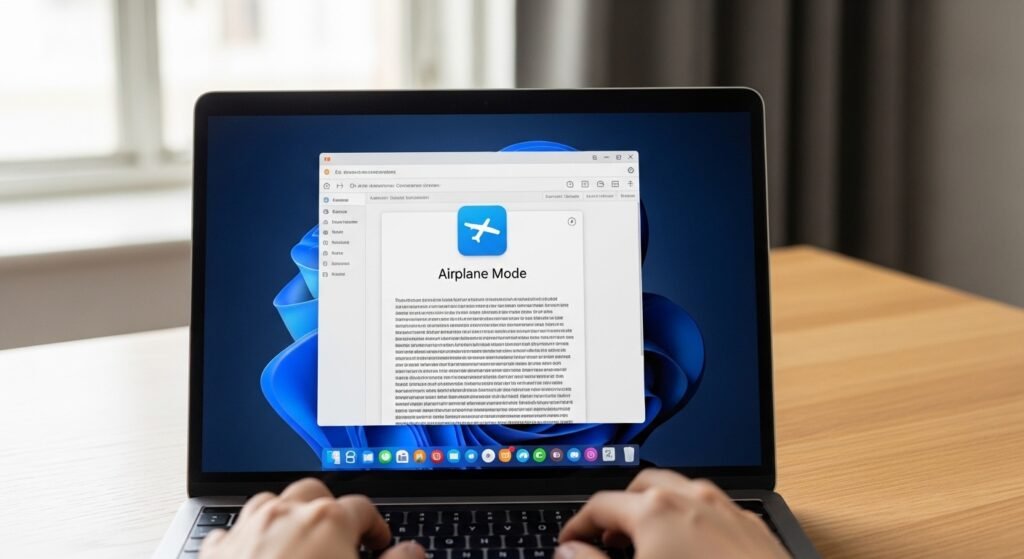
Airplane Mode prevents your laptop from searching for wireless networks and Bluetooth devices when activated from your laptop. You can save up to 15 percent of your battery life by using this battery-saving tip when you are writing documents or viewing downloaded movies.
Manage Your Browser Tabs

Modern web browsers require a large amount of electricity to function their best. Each tab that you open creates an individual process which consumes both memory and CPU processing power. Your processor will stop wasting energy and exhausting your battery when you utilize a “tab suspender” extension or close all unneeded tabs.
Calibrate Every Few Month

You should execute a full battery cycle every three months because this helps maintain proper operation of the digital sensor. The process of calibration enables the time remaining feature to show accurate results.
Store it at 50% for Long Breaks
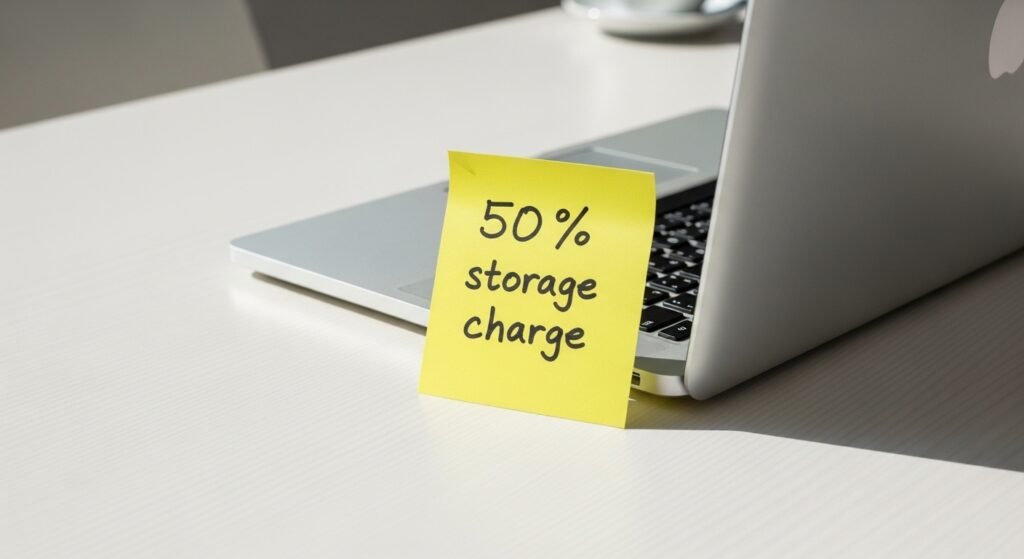
You should not leave your laptop at full charge or complete discharge when you plan to stop using it for seven days or longer. The optimal battery storage condition requires 50 percent charge for proper health maintenance. The method keeps chemical compounds in equilibrium which prevents battery expansion and death when the device remains inactive.
Use Original Power Bricks

The power delivery system of affordable third-party chargers delivers “dirty” electrical energy to connected devices. The devices create voltage fluctuations which cause micro-shocks to damage battery cells. The official charger guarantees that your battery will receive the precise stable energy flow which it was built to utilize.
