
The natural response to spam text messages involves sending the message “STOP” which people find annoying. The response appears correct to people yet it causes more problems. The article explains why you should stay away from that activity because it explains better methods to safeguard your mobile device while maintaining your privacy.
Confirms Your Number Is Active

The sender detects your active number when you answer back with “STOP”. Active numbers represent valuable assets for spamming operations. The spammers will actually send you more messages because they know your number exists.
Ignore “STOP” Completely

The rules do not apply to all senders which means they can choose to operate outside the system. Scam operations often ignore opt-out requests. Your response will not stop their activities because it gives them vital information about you.
Reply Can Be Logged

Spammers acquire your active phone number to include it in their distribution lists which they sell. Your direct phone number leads to higher spam calls from additional sources.
Don’t Reply at All
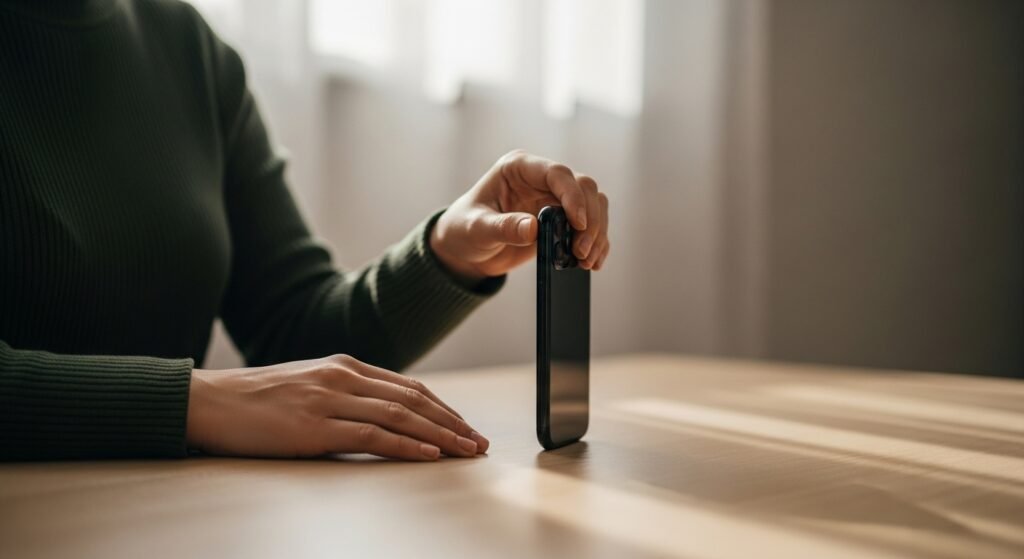
Not responding protects your safety. Spammers collect detailed information about their targets from people who do not answer their calls. The absence of a response prevents the confirmation that a real person exists at the other end of the communication.
Use Report Spam Feature

Most phones let you report messages as spam. Your carrier receives the message when you report spam which helps them create better spam filters. The method works better than replying to the sender.
Block the Number Immediately

Blocking the contact prevents that person from sending you future texts. The method enables you to decrease unwanted messages which helps keep your inbox organized even when spammers change their contact numbers.
Delete the Message After Reporting

The message should be deleted after you report it and block it. The process helps you avoid accidental link taps while maintaining a tidy message app that requires less effort to review.
Never Click Links in Spam Texts
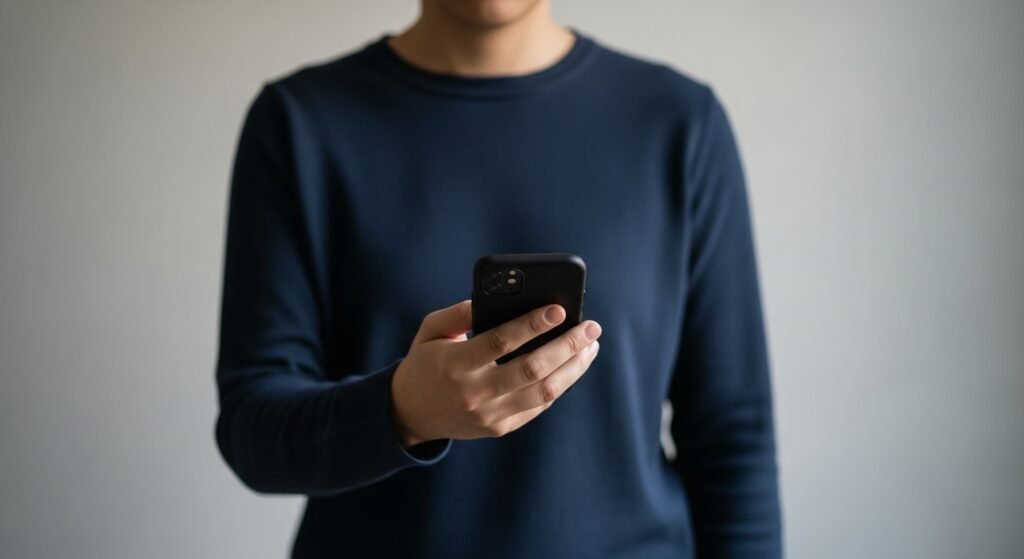
Links may lead to fake sites or trigger tracking. Even opening them can signal activity. Avoid tapping anything inside spam messages, including unsubscribe links.
Review Spam Settings Occasionally

Phone updates can reset settings. Check message filtering and privacy options from time to time to make sure spam protection is still active and working as expected.
