
A fresh preview of Windows 11 has landed with changes to how users take screenshots. This overhaul tries to mirror Apple’s iOS style, but it brings some messy side effects. Problems pop up where none were expected, drawing ire from those who just wanted to work. As things stand, people are watching discussion boards, support sites, and online communities. They wait to learn if fixes will come fast – or if these glitches stick around when the final version drops. What’s got everyone buzzing? The updated screenshot feature in Windows 11 borrows bits from iOS 26’s upcoming capture routine (first shown at WWDC 2025). Yet here we are – messy rollout, mixed reactions. Not quite the smooth sync fans expected. Here are 9 key details and issues surrounding the new Windows 11 screenshot bug alert that users are watching closely.
Redesigned Screenshot Interface Inspired by iOS
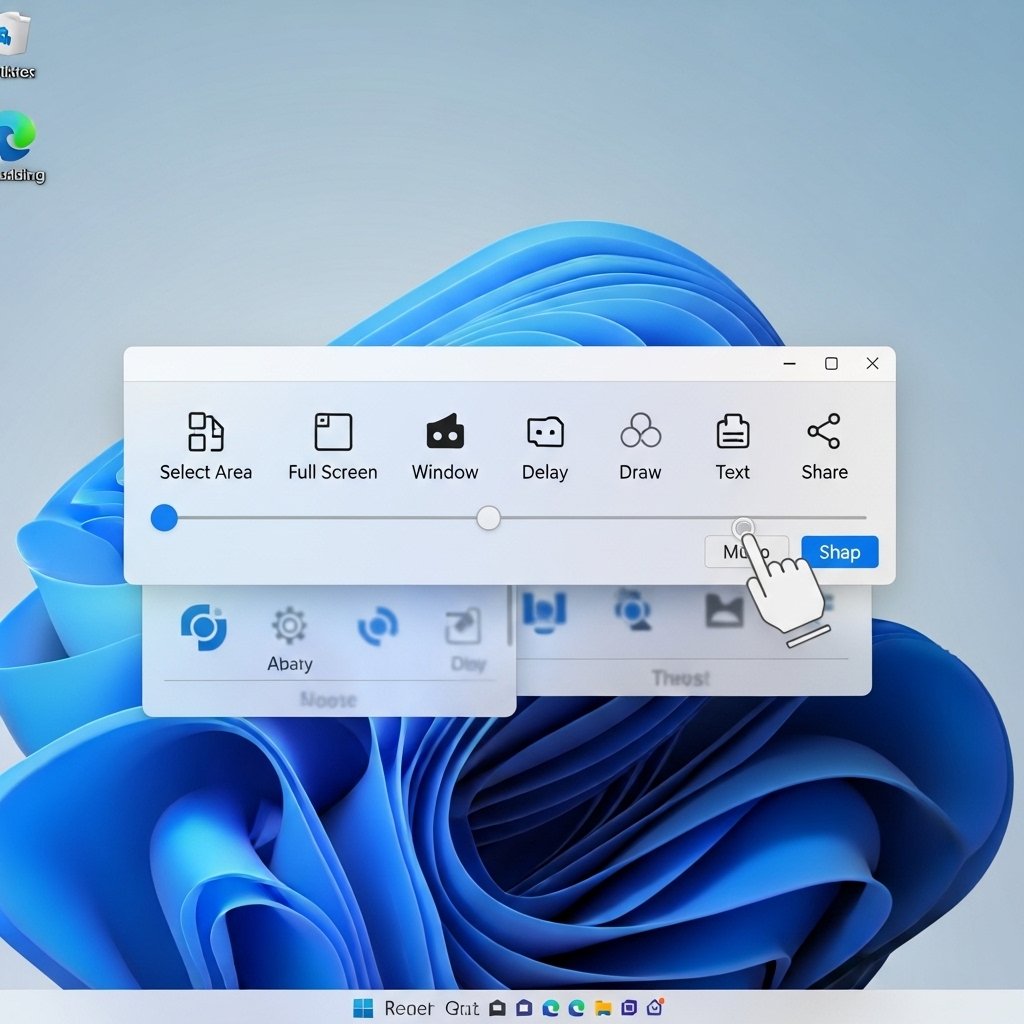
Out in the latest Snipping Tool or Print Screen setup, you’ll find a movable toolbar floating around. Markups appear right away, without having to hunt for them. The whole design feels easier to manage with touch inputs. Its look lines up close with what we see in iOS 26’s screenshot handling. Not coincidental – Microsoft said those mobile-style flows nudged their design choices.
Bug: Screenshots Not Saving Automatically
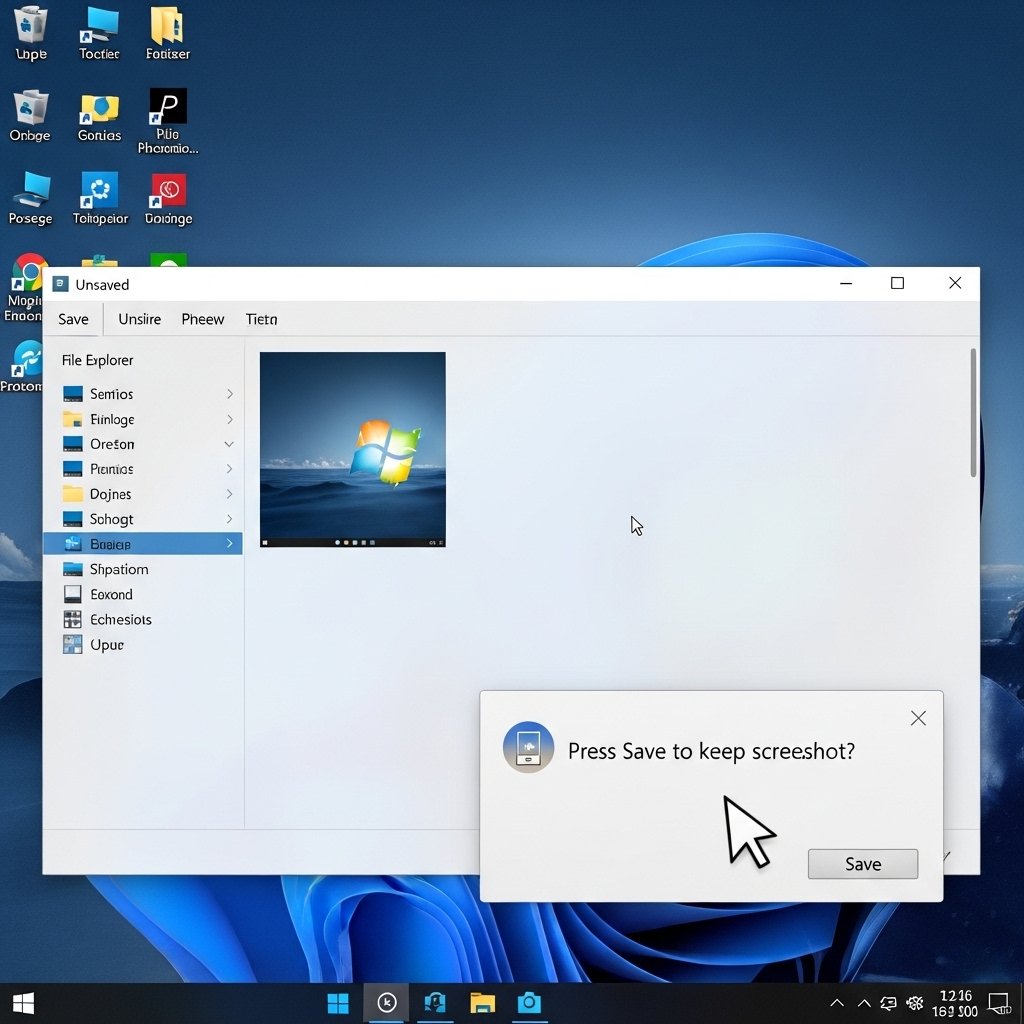
Some people using Windows say it now saves screenshots only after they press a button – no auto-save anymore. When you take one with Win + Shift + S or even Print Screen, files sit where they always did. Yet here’s the twist: each shot needs that extra step – selecting Save from the folder – or it just stays there. Long habit is starting to feel weird because of this small change.
Bug: Delay in Clipboard Copy
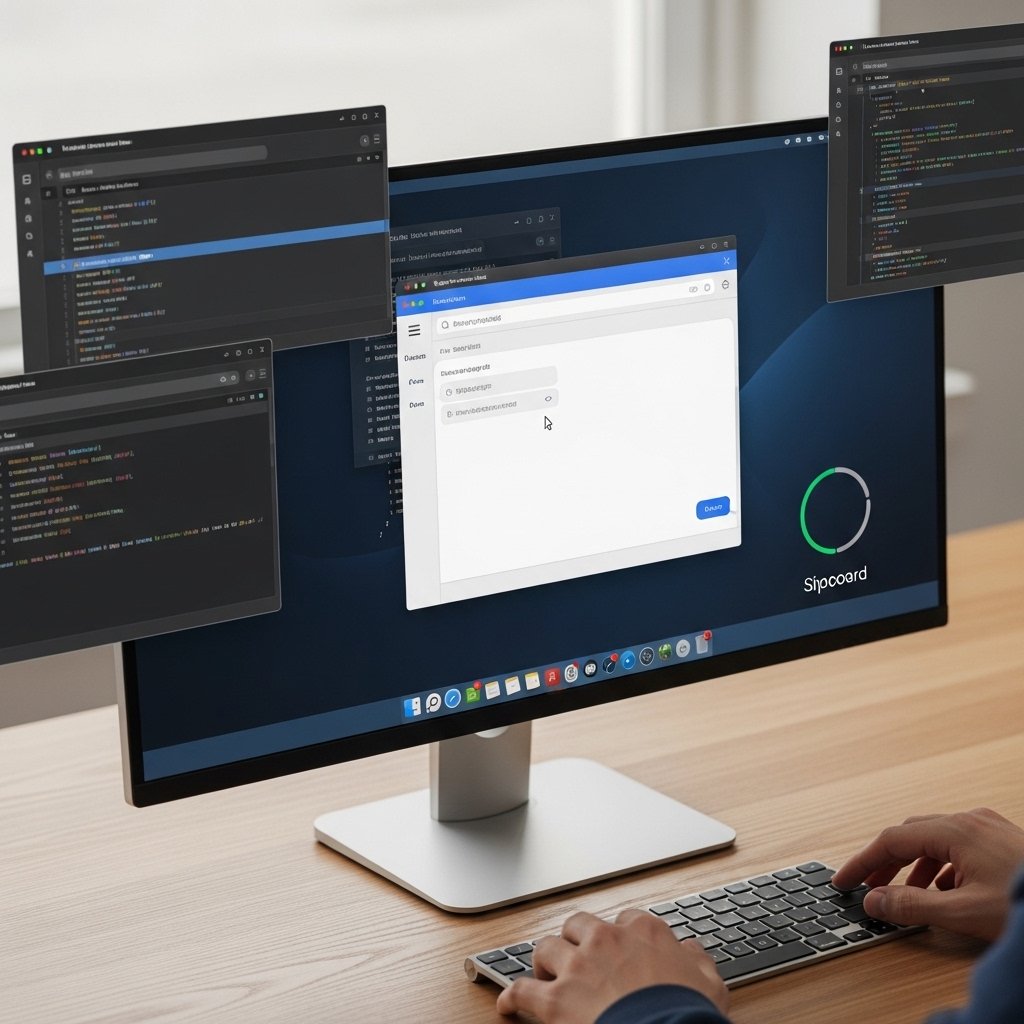
Sometimes copying a screenshot takes three to ten seconds. That lag means sharing images in places like Discord or web pages often feels slow or stuck.
Bug: Markup Tools Disappear or Freeze
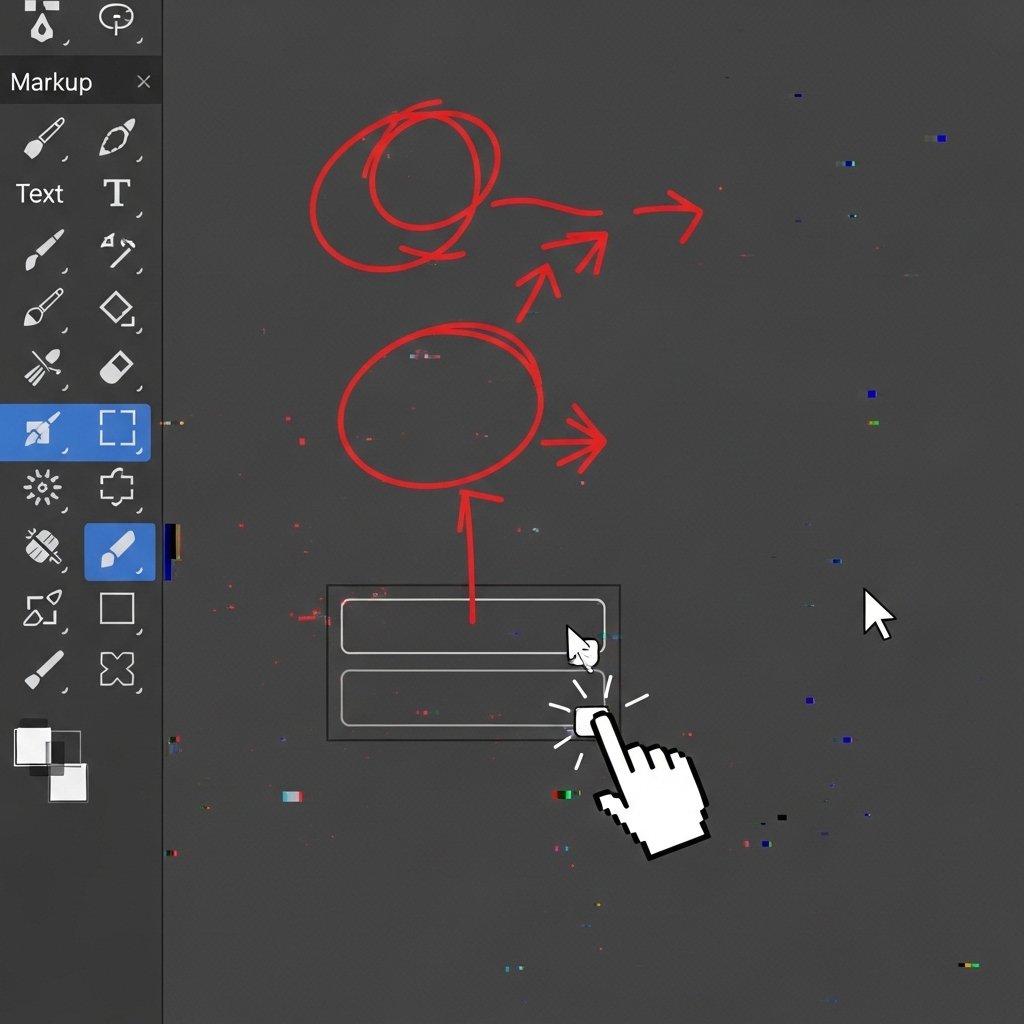
Once a screenshot is taken, the editing panel often vanishes without warning. It might stall, ignore mouse clicks, or just disappear. That leaves people scrambling – either starting over or wiping out all notes they made.
Bug: Wrong Region Selected on Multi-Monitor Setups
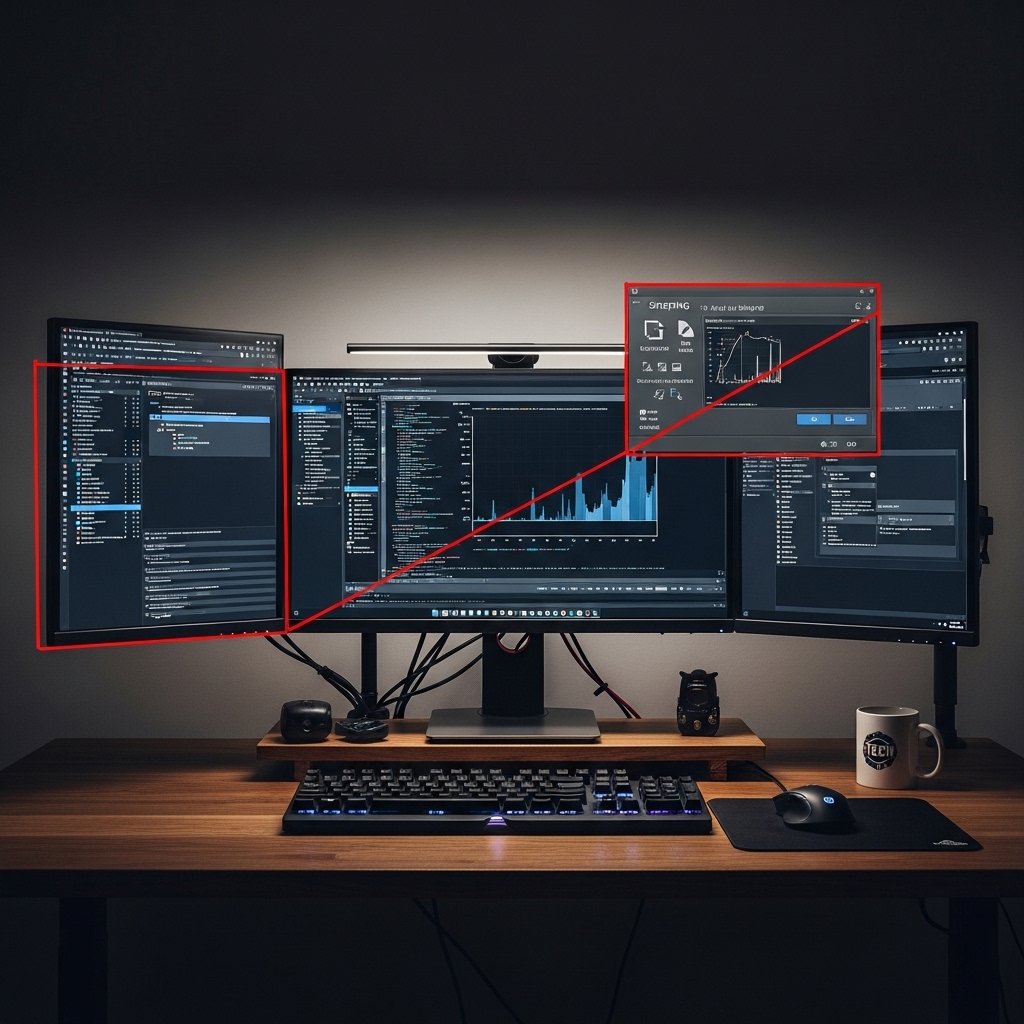
When using devices with more than one screen, the snipping tool might choose the incorrect display at times. Sometimes it picks up the wrong area too. What helps – choosing past picks – doesn’t work either, especially on several setups.
Bug: Full-Screen Snip Captures Black or Blank Images
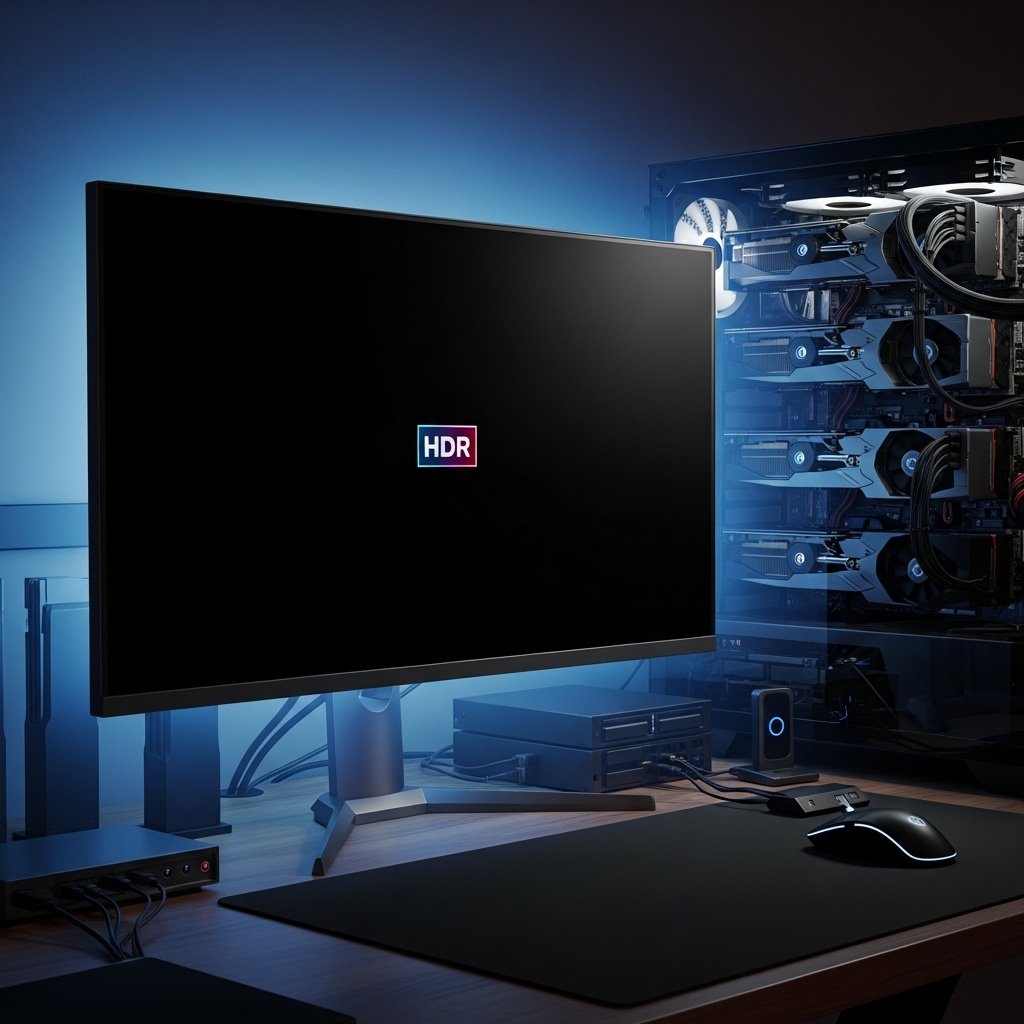
Now and then, things go dark – like when you snap a full-screen shot but get nothing but black pixels, especially on HDR screens or specific GPU setups. The result lands in the clipboard – empty. Or it saves to a file, just dark.
Performance Hit on Older Hardware
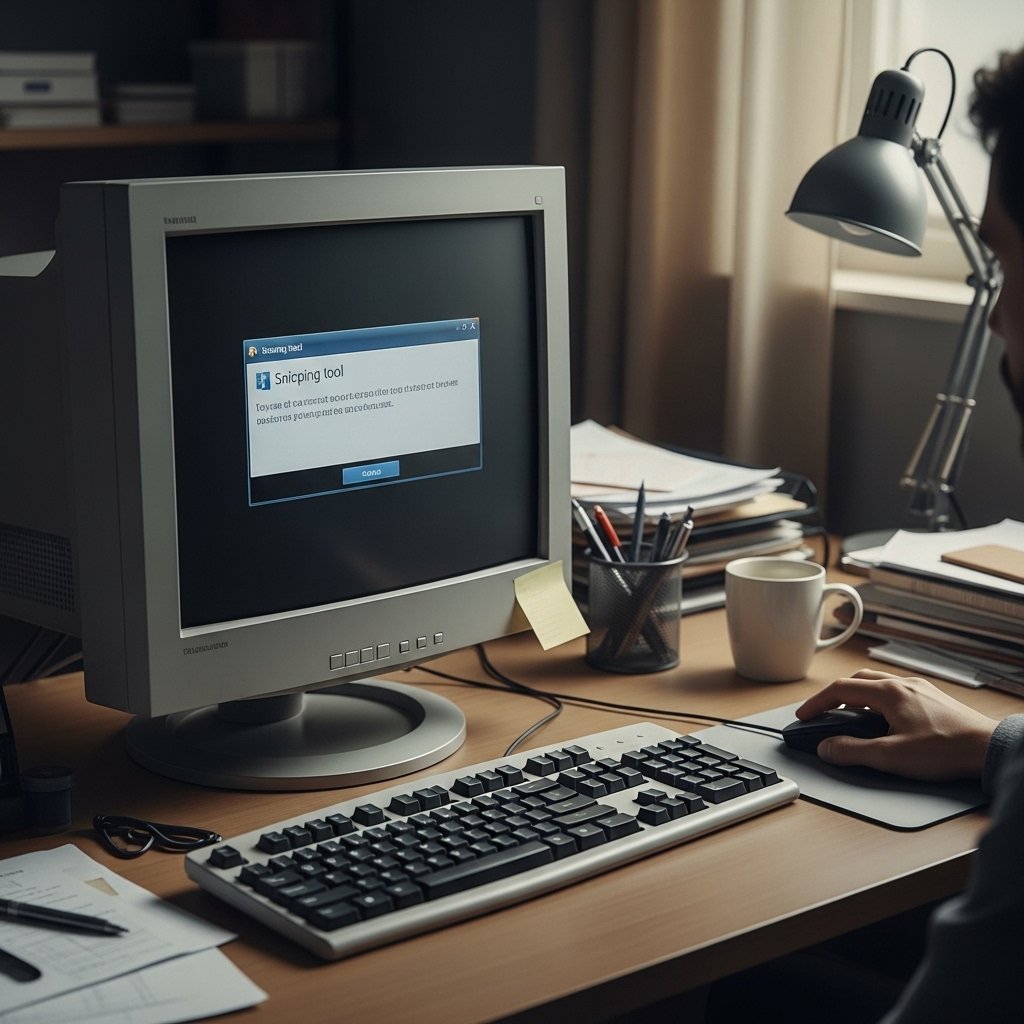
Some people using mid-level or older computers notice a pause – between 2 and 5 seconds – after opening the snipping tool before the screen overlay shows up. That kind of delay didn’t happen earlier in Windows 11.
No clear way to revert to old behavior

Right now, flipping back to how the Snipping Tool used to work isn’t as straightforward as before. That old version got yanked from most Insider versions by Microsoft, so folks are stuck with the shaky latest edition.
Microsoft’s Official Response So Far

Not everything is working smoothly for some people, according to notes in the Windows Insider blog and feedback hub. A new cumulative update will bring repairs soon, although details like a exact build number or arrival date remain missing. Doubt lingers among users since so many problems still linger after major updates rolled out.
