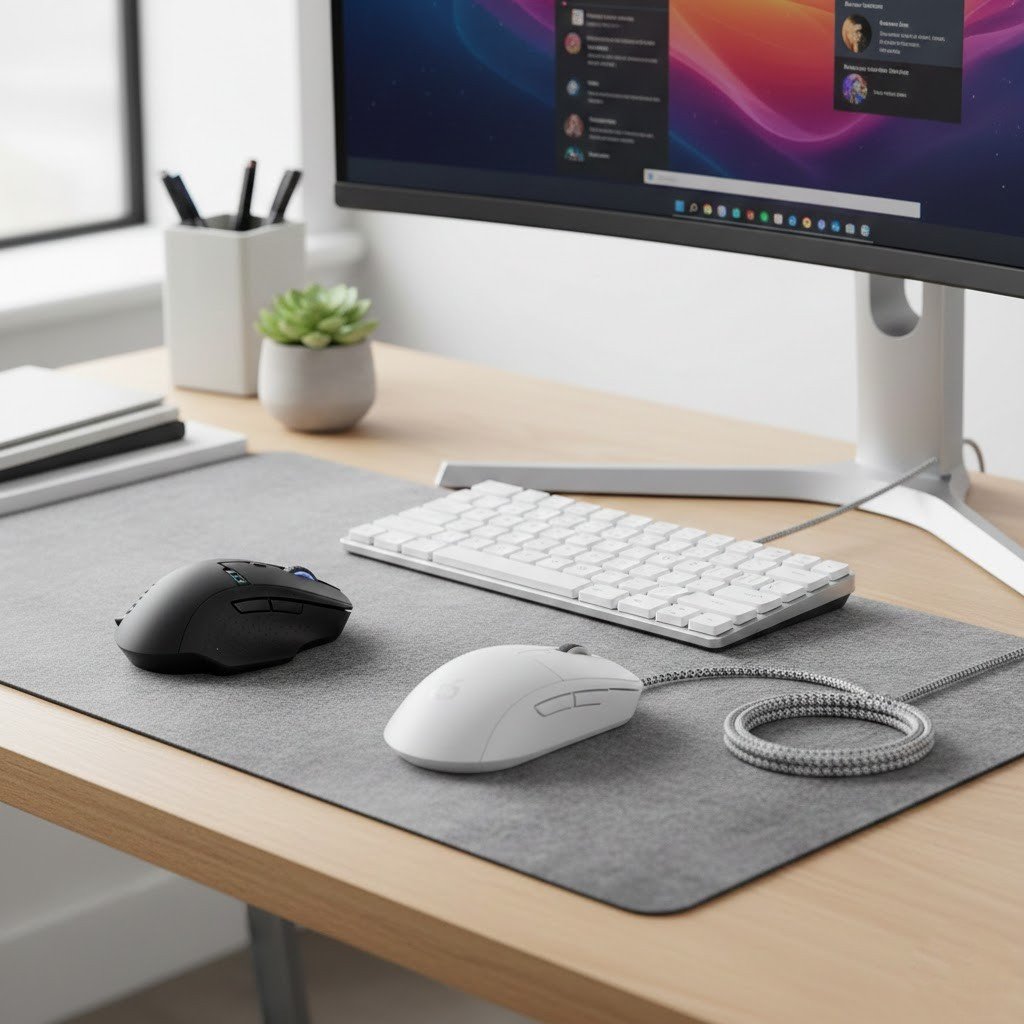
Both wireless mouse and cable based mouse are good for daily tasks. Many users prefer wireless mouse due to fast response, prolong life, and sturdy design. Well, both devices offer specific features, it’s up to you which one you like. But looking at a few pros and cons of these gadgets may help you get the right one. Consider these points when you are thinking about buying a wireless mouse for your desk.
Tidy Workspace

It seems that a wireless mouse helps keep your desk looking very tidy. Standard mice have long cables that might get tangled with other wires today. By removing the cord, you may have more space. Perhaps this look is nice for a home office.
Travel and Portability

A wireless mouse is a smart choice for school trips. You might pack it away without worrying about a messy cable. Most models are small and very light. It seems that they do not take up much room in bags.
Dependency on Batteries

Indeed, a wireless mouse runs on batteries which means it’s a power source to work properly. Some types use removable batteries that run out eventually. Other models have a battery inside that you can charge.
Connection Distance

One of the biggest advantages of using a wireless mouse is that you can control your computer from a distance. This is a useful feature if you’re connected to a large screen for watching movies or giving presentations.
The Cost Factor

It seems that a high quality mouse for gaming or design might be quite pricey. Perhaps you should look at your budget before you buy one. Many users find that the convenience is worth the extra cost.
Input Lag Issues
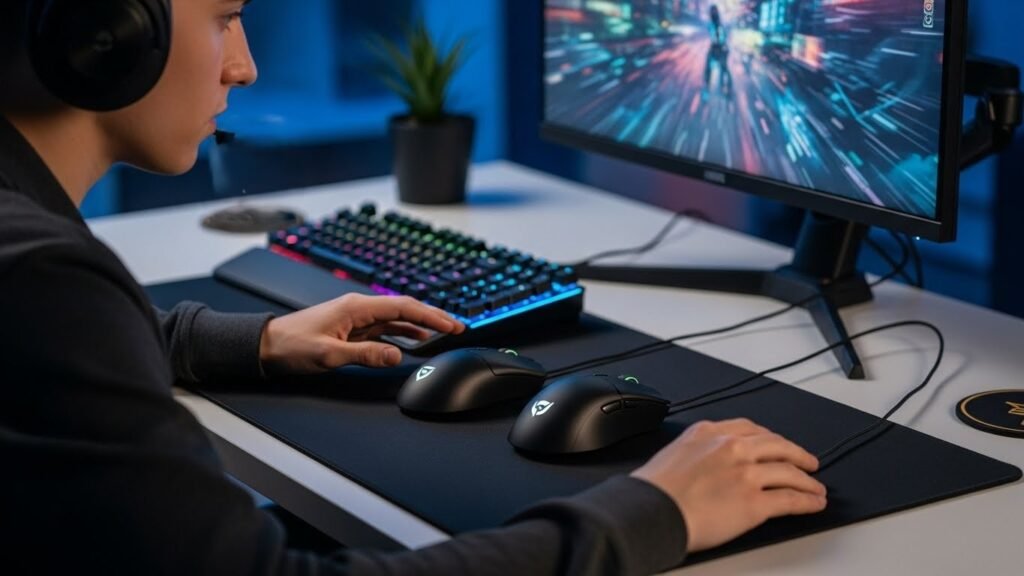
Wireless gadgets are much better now than they were before. Some experts might still choose a wired connection for their daily tasks. It seems to depend on how you use your computer.
Weight and Feel

Not a major difference you will notice in weight and feel but wireless mouse feels lighter and comes in various designs. Some expensive models allow you to add or remove small weights to find the perfect feel for your hand.
USB Port Usage
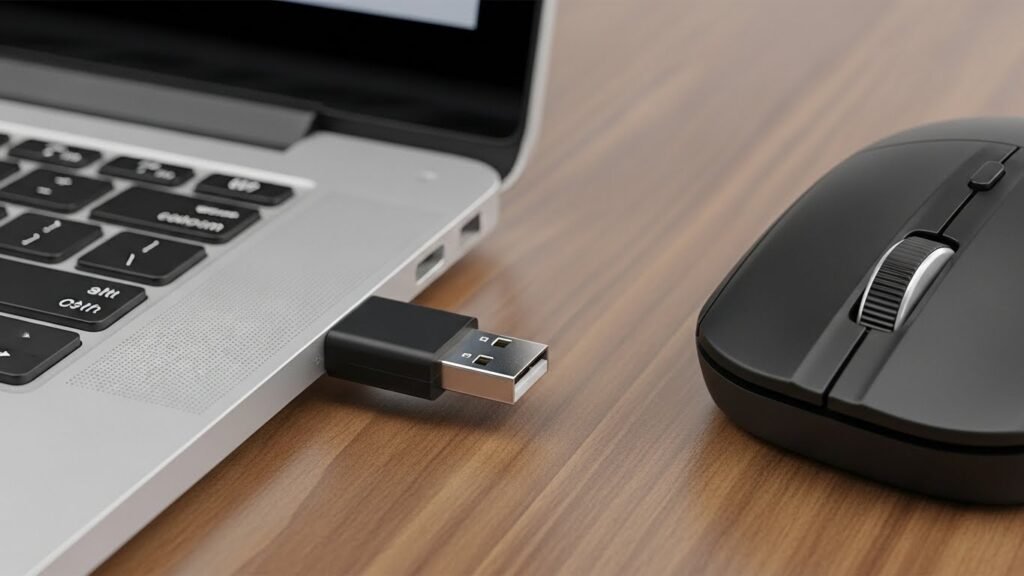
Yes, you need a dongle that plugs into a usb port to enable the functionality of a wireless mouse. Many computers do have usb ports which means you can easily access these devices without any problem.
Signal Interference

The drawback is that wireless mouse can sometimes contact with signal interference which may cause the cursor to jump or stop moving for a second. This happens when too many signals are using the same frequency in the air.
