
A poor Wi-Fi connection is capable of transforming an easy online activity into a frustrating one. Interrupted video calls, buffering videos, and lagging smart devices may have an impact on productivity and home relaxation. Luckily, it does not necessarily mean that you have to pay or be a tech to upgrade your internet infrastructure. The appropriate tools and devices can be used to improve the coverage, increase speed, and provide a stable connection in all rooms. Even smart routers, signal extenders, and others are used to solve typical issues with Wi-Fi and enjoy your connection online. Below are 11 useful tools that I apply to repair my home internet.
Mesh Wi-Fi System

Mesh Wi-Fi systems are not installed with a single router but with several units, which are scattered around your property. This provides a reliable coverage eliminating the dead spots and weak signals, particularly in expansive homes.
Wi-Fi Range Extender

Extenders of the range will boost your current Wi-Fi signal to cover more areas within your home. They are simple to install and perform in the rooms where the primary router can hardly reach.
Powerline Adapter
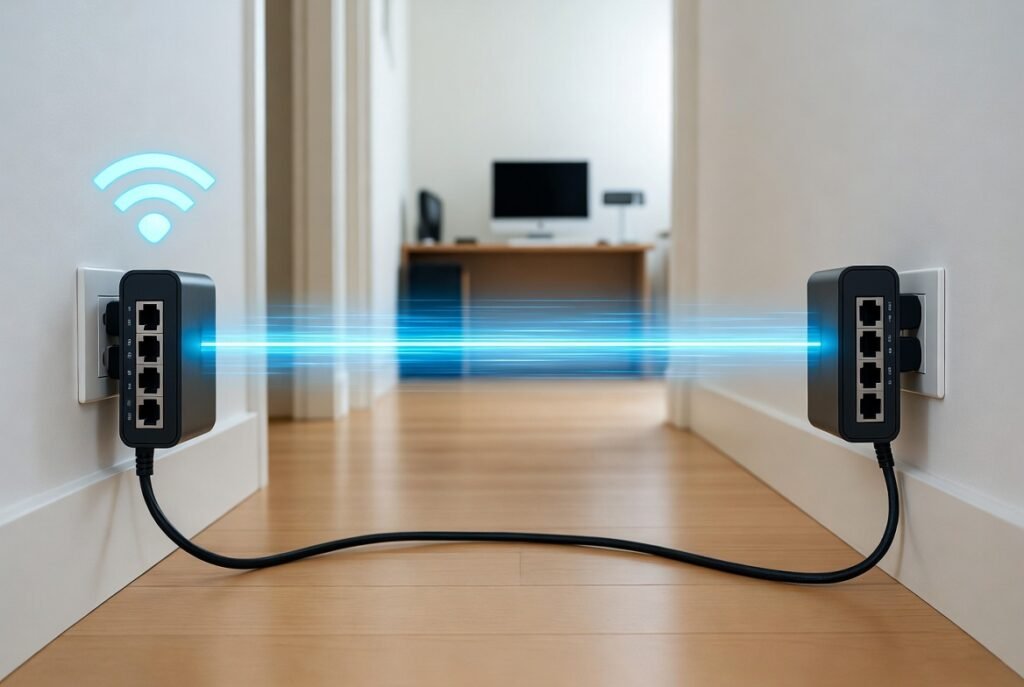
Powerline adapters utilise electrical wiring in your home to transmit internet signals. They offer steady wired-like connections without the use of long Ethernet connections, which are ideal in devices that require a stable connection.
High-Gain Antenna
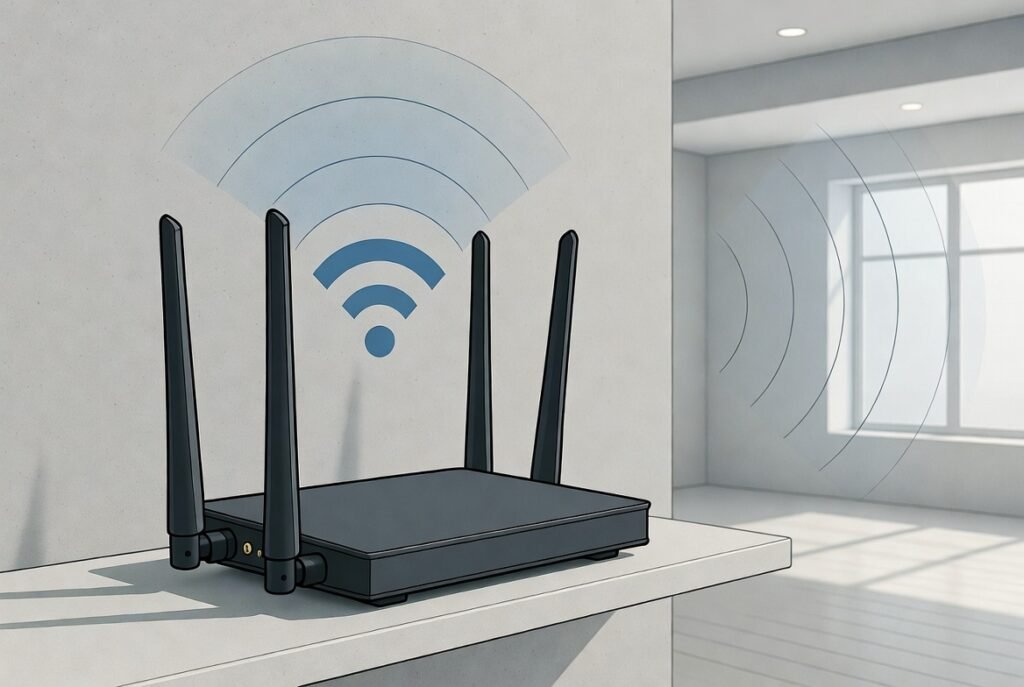
A router has an antenna built in, which can be upgraded to a high-gain type that can transmit the signal even further. It focuses the Wi-Fi signal in those areas where you need it most to cover longer distances.
Dual-Band Router
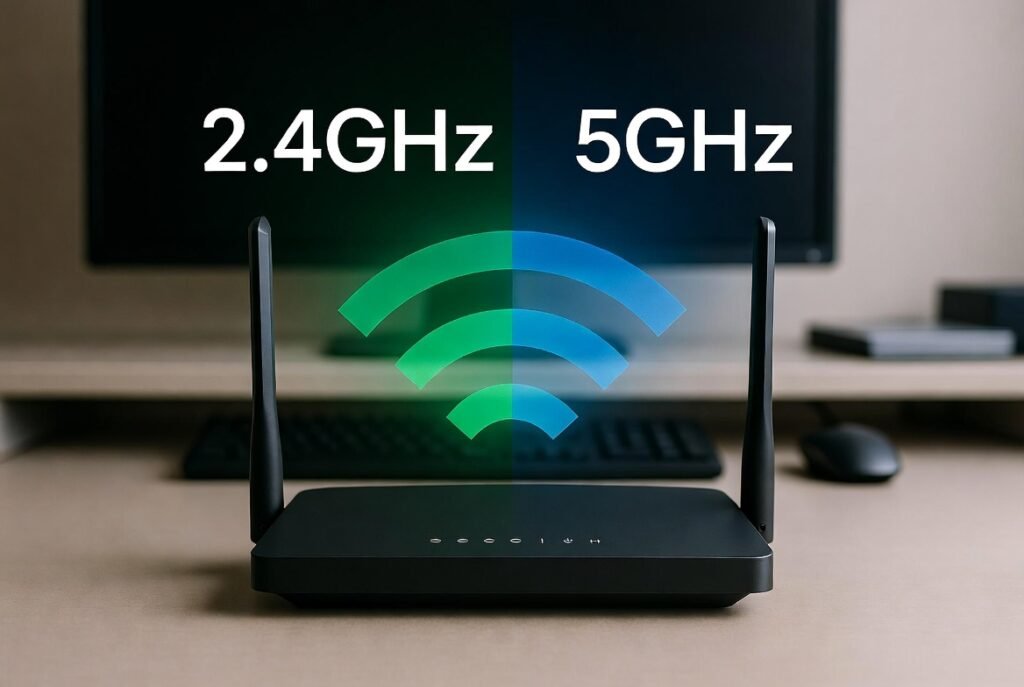
A dual-band router will broadcast 2.4 GHz and 5 GHz. This enables devices to network at the optimal frequency, which balances between speed and range as well as reduces congestion between devices.
Wi-Fi Analyser App

With the help of the Wi-Fi analyser app, it is possible to detect the problems with the signal strength and the interference in your home. It indicates which channels are busy so that you can optimise your network to work better.
Quality Ethernet Cables

We sure can’t trust those wireless connections, and no connection is more trustworthy than a wired one. Be sure to use a high-end Ethernet cable for a gaming console, PC or smart TV so you can achieve a fast speed without network failures.
Router Placement Optimiser
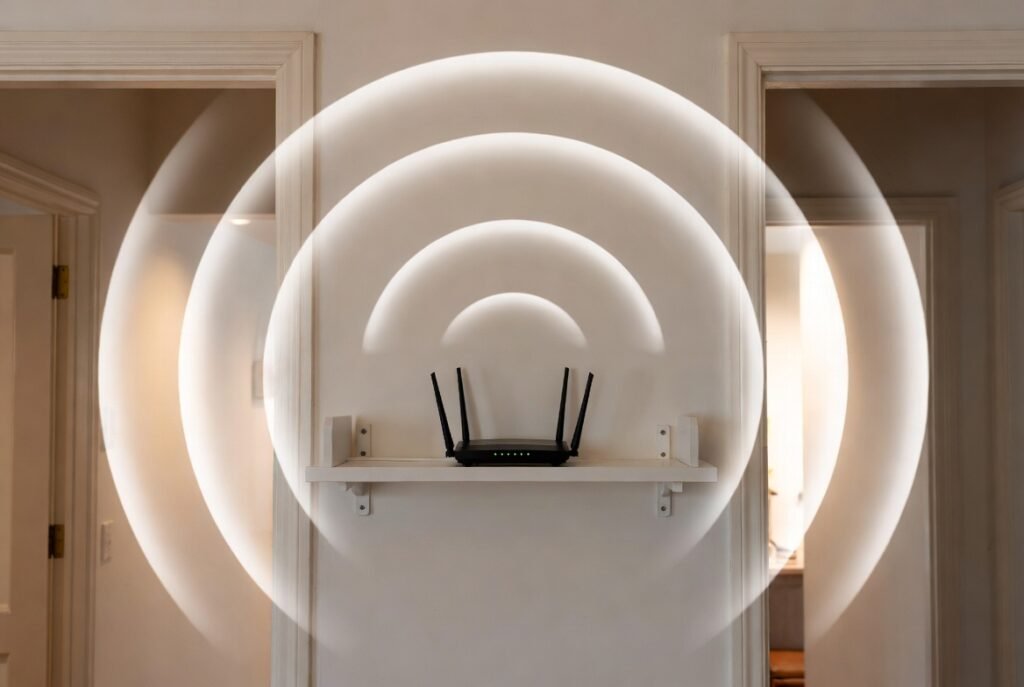
A big difference can indeed be achieved by merely changing a router. It should be positioned in the centre of the house, not near walls or electronic devices that create interference, to increase its coverage and signal strength.
Network Switch
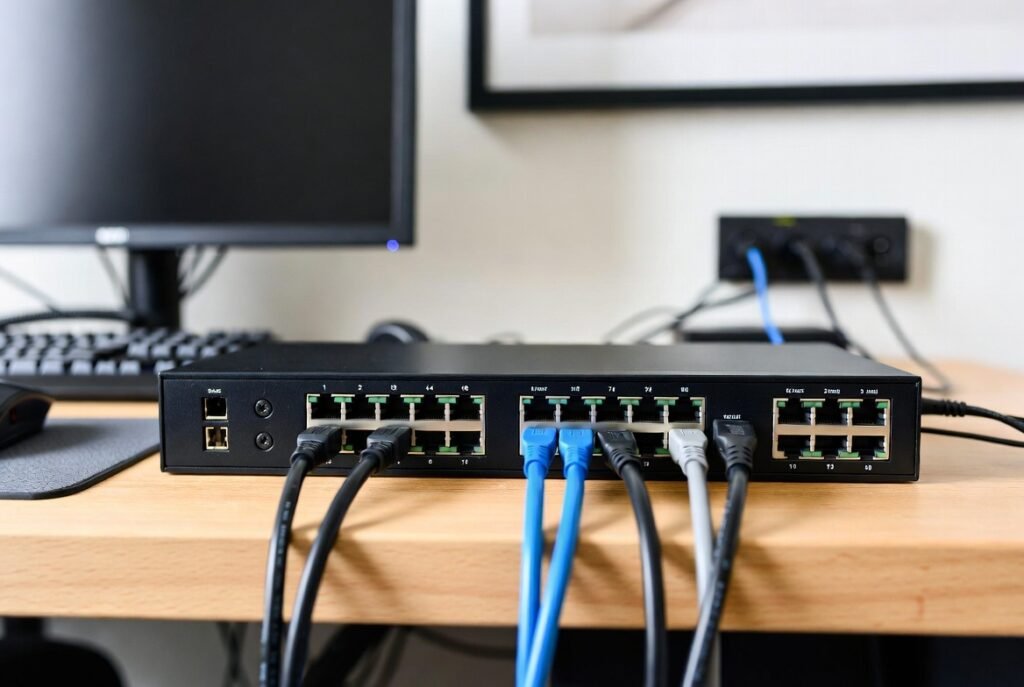
A network switch can be used to increase the reach of the wired devices that are linked to your router. It comes in handy with home offices or media systems, where there are several devices that require connection at high speed and reliability.
Wi-Fi Signal Booster
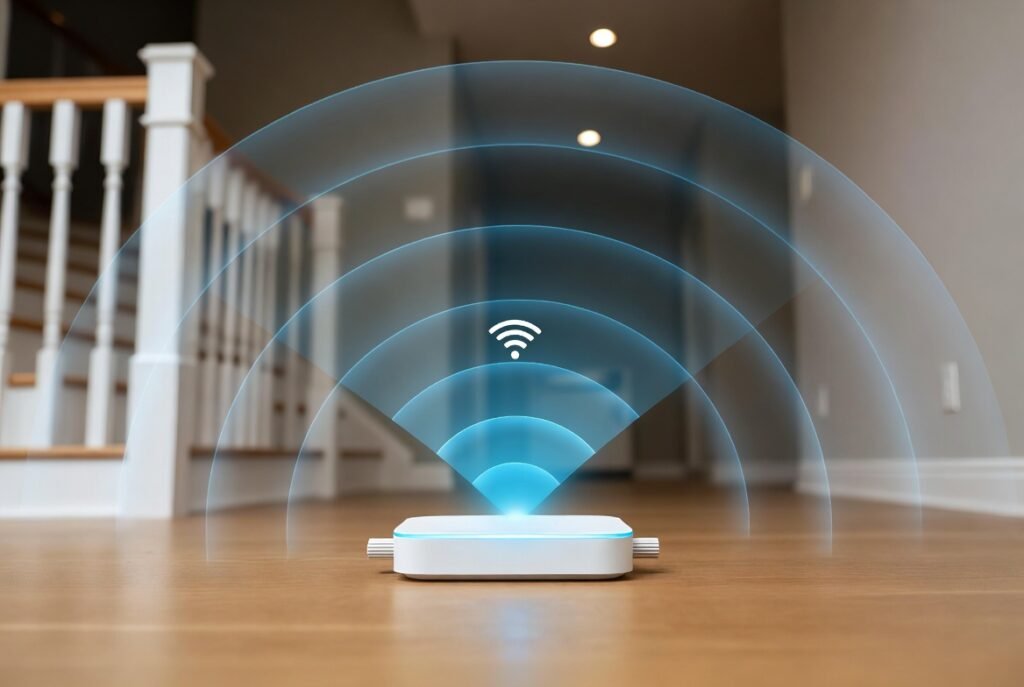
An independent Wi-Fi booster reinforces poor signals within particular locations. These are small and useful in areas that have a dilemma with coverage, such as basements or upstairs rooms.
Firmware Updates

It is recommended that you regularly update your router with new firmware, which helps to correct bugs, increase security and also improve speed. Most routers automatically inform you about updates, and thus, they make your network optimised and do not require any extra hardware.
