
You feel happy and excited when you buy a new smartphone or computer. Usually, you set up your device on the first day and later learn some of its functions. This often includes exploring settings, trying photos and videos, and testing network connectivity. However, many people skip checking important setup steps. Default settings focus on general use, not personal comfort or safety. Taking time to adjust a few key settings makes devices easier, safer, and less stressful to use every day.
Display Settings
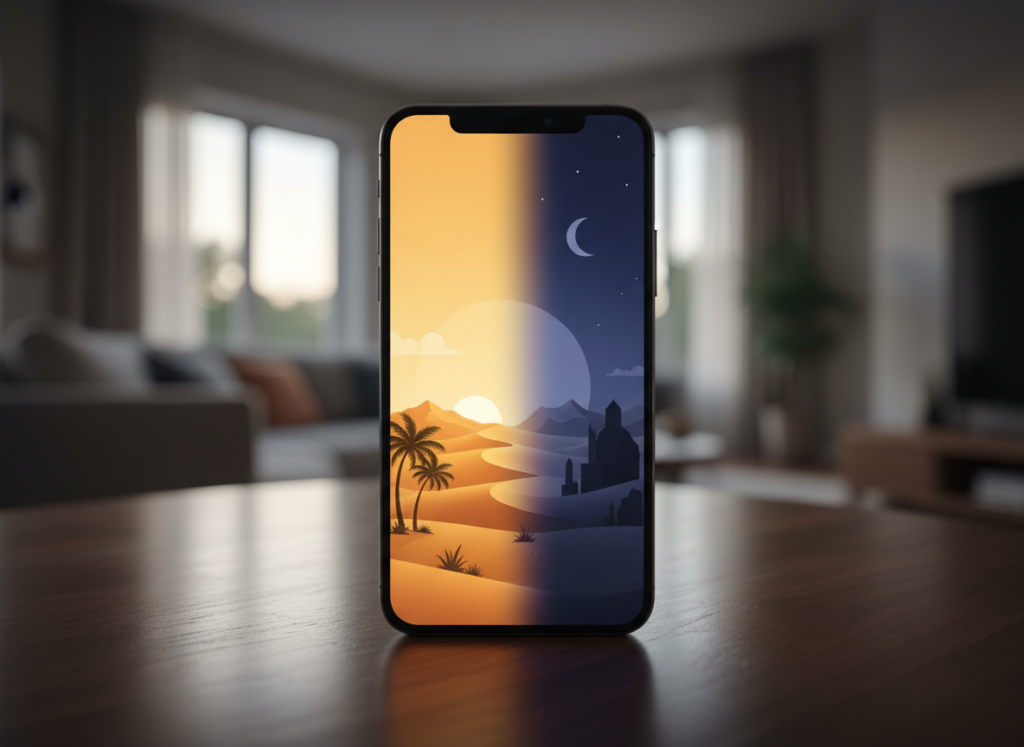
Do you know that each company offers different display settings or brightness adjustment criteria. Adjusting brightness helps reduce eye strain, especially at night. Additionally, many devices also offer text size, contrast, and dark mode options. Remember that a comfortable screen reduces headaches and tired eyes during daily use.
Privacy and App Permissions

It is important to explore privacy and app permissions settings to seek what apps control what things. For example, camera, microphone, location, and contacts should match actual needs. Reviewing permissions creates better awareness of how the device interacts with personal information.
Automatic Updates

Many modern devices come with automatic update features for free. These updates grant security fixes and improved performance that earlier systems. Checking to make sure automatic updates are enabled ensures you explicit downloading of updates so your devices always adhere to important fixes and experience the latest improvement.
Lock Screen Security

Another important change in your new device is applying a strong lock screen method that protects personal data. You can think of numeric PINs, passwords, fingerprints, or face recognition as per your requirements. Lock screen security also protects saved emails, photos, and apps from casual access by others.
Backup and Sync Settings

You know the importance of backups so periodically backup to protect photos, files, and contacts if something goes wrong. Enabling automatic backups stores copies safely in the cloud or on another device. This reduces stress during device damage or replacement.
Notifications and Alerts

You can adjust applications based on your needs to adjust notifications you may want to receive. Choosing which apps can send alerts keeps attention focused. This makes daily use calmer and prevents constant interruptions during work, rest, or conversations.
Location Services

Limiting location access to only needed apps supports privacy and saves battery usage at a glance. Check which app requires location access and disable others which you may not be important. Adjusting this setting keeps control in your hands and reduces background tracking.
Battery Management
If you are buying a new device, you will probably get better battery management and usage. But it’s worth tweaking battery settings as per your needs. Background apps, screen timeout, and charging limits matter more than people realize.
Default Apps and Browser Settings

Devices come with default apps that may not suit personal preference. Changing default browser, email app, or media player makes daily tasks smoother. Using familiar or trusted apps improves comfort and reduces frustration during regular use.
Accessibility Settings

Accessibility settings are provided in each device so you adjust some settings related to text size, voice assistance, keyboard options, and touch sensitivity adjustments to improve comfort.
