
People experience a sudden internet outage as a crisis which disrupts their entire online world. People usually start by blaming their service provider because they do not understand the complex path that their data needs to travel. The network connection faces multiple hidden challenges which exist between underwater cables and the router that you keep on your shelf.
The “Frequency” Traffic Jam
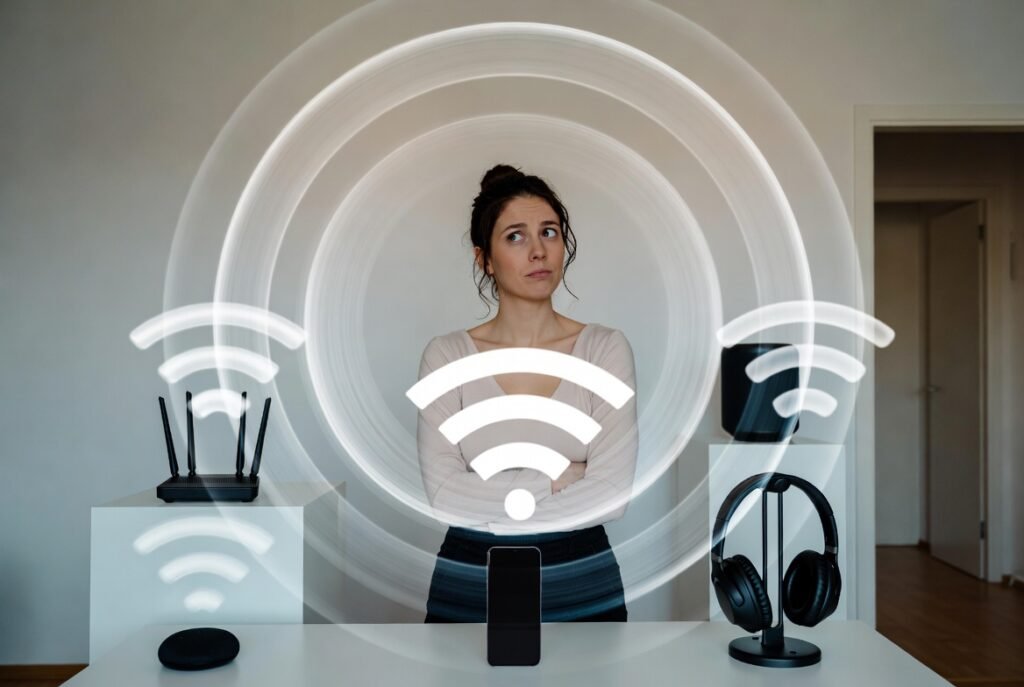
Today’s routers operate on two different frequency bands which include 2.4GHz and 5GHz. The 2.4GHz band operates like a congested street because it serves microwave ovens and baby monitors and Bluetooth devices. When too many devices operate on this frequency simultaneously they create interference which leads to video buffering problems.
Physical Obstacles

Wi-Fi signals exist as radio waves which experience strong interference from solid materials. Thick brick walls and metal pipes and large mirrors can either block or reflect the W-Fi signal. Hiding your router inside a wooden cabinet or placing it behind a television will create major obstacles that will decrease your network coverage.
Household “Bandwidth Hogs”

Your internet connection operates like a water pipe because only a specific volume of water can pass through the system. Your Zoom call will experience instability problems when someone downloads a 100GB video game and another person streams 4K movies because the system lacks sufficient pressure.
Peak Hour Congestion
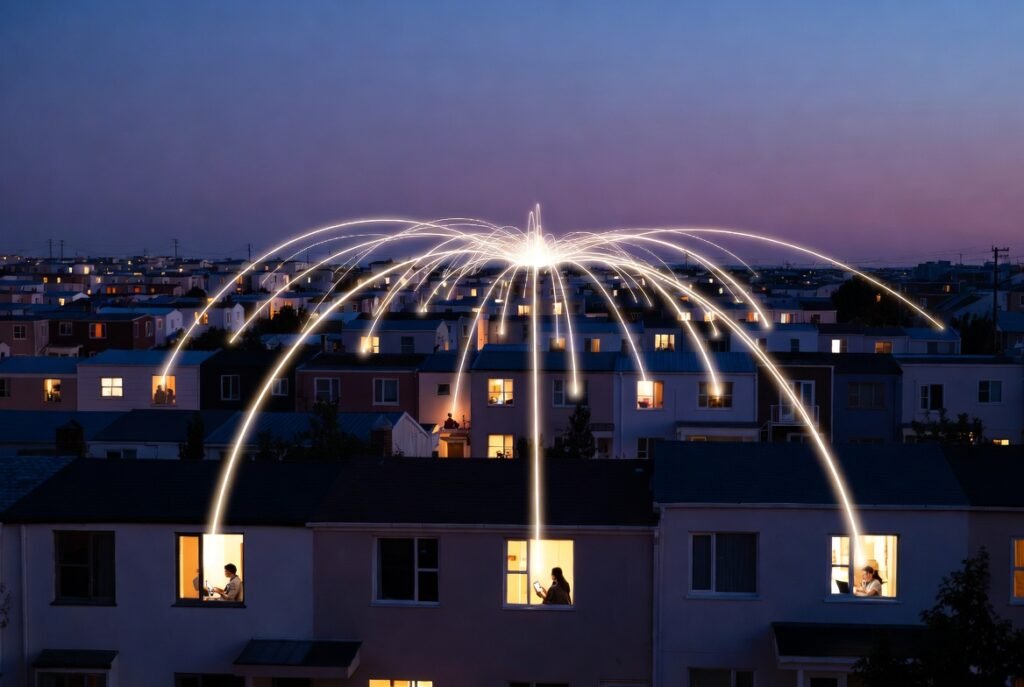
The internet experiences peak traffic periods which resemble rush hour traffic on highways. Most people in neighborhoods begin their internet sessions simultaneously during the hours between 6:00 PM and 9:00 PM. Your available internet speed will decrease because you share a local hub with your neighbors who use the same connection.
Outdated Hardware
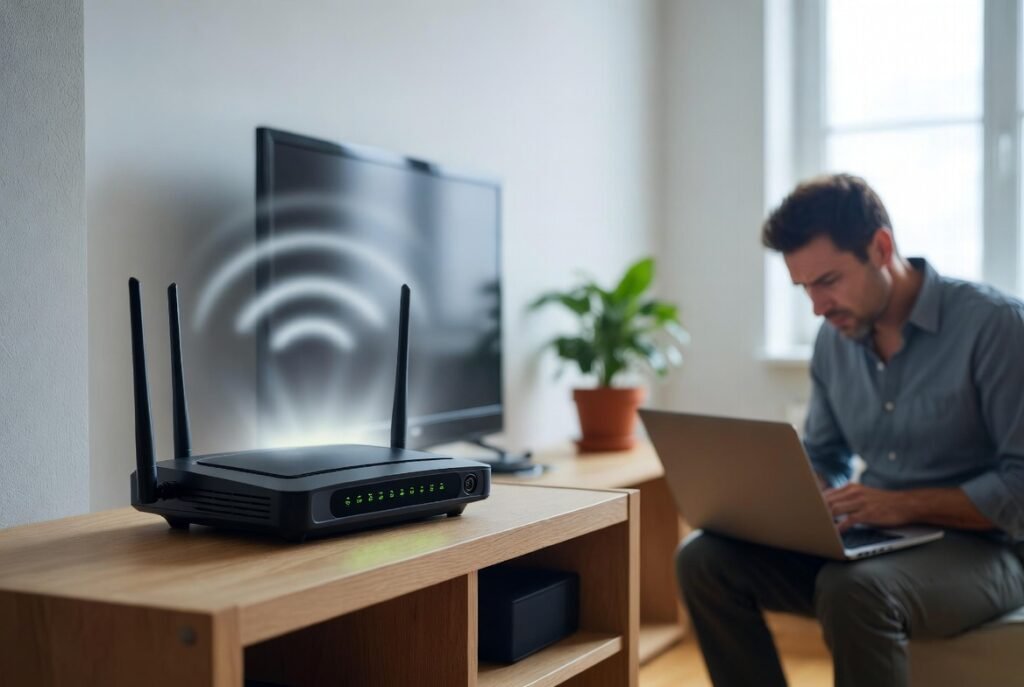
Technology evolves at a rapid pace. Your current router will not support modern high-speed data transmission if it has been in use for three to four years. Old hardware will either overheat or suffer performance degradation because its processor lacks sufficient strength to handle current web demands.
Background App Syncing

Your phone and laptop are constantly online even when you are not using them. Your active tasks will slow down because background automatic cloud backups (which include Google Photos and iCloud) and system updates will consume your internet bandwidth.
DNS Server Delays

A DNS (Domain Name System) functions as the internet’s directory service. Your computer needs to retrieve the website address from a server when you input the website name. Your internet connection will seem broken because your provider’s DNS server becomes overloaded or operates at low speed which prevents you from accessing the internet.
Loose or Damaged Cables
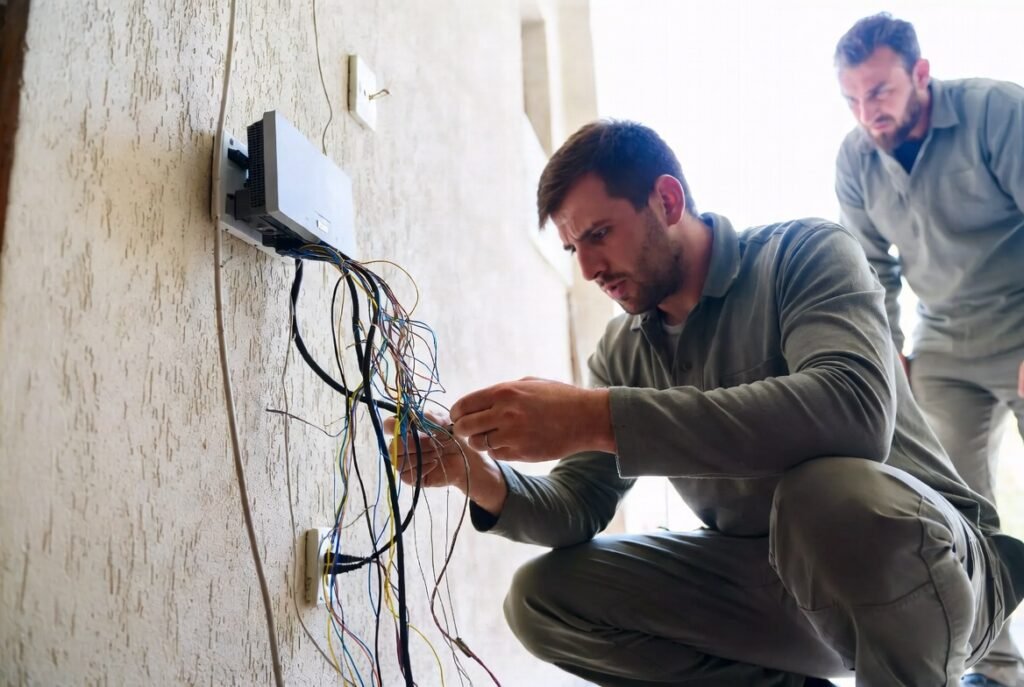
The “last mile” of wiring—the cables coming from the street into your home—is often the weakest link. Copper wires will begin to deteriorate after prolonged use while a small gap in the coaxial cable connection at your modem will result in intermittent connection problems.
Throttling by Providers

ISPs (Internet Service Providers) use traffic management techniques by purposefully reducing speed for specific types of online activities which include file sharing and high-definition streaming. Your internet connection experience will become unstable because throttling creates sudden speed changes which affect your network performance.
Distance from the Router

The router signals experience strength loss which increases with distance from the network device. The signal becomes more likely to experience “packet loss” when it travels longer distances because data transmission errors occur. The connection will function perfectly in your living room while it will experience major issues when you move to the bedroom.
