
The iPhone contains a hidden feature which transforms its rear side into a clandestine control element. Users can execute advanced tasks without needing to view their display because Apple developed the function specifically for accessibility but it gained popularity as a productivity tool. The new setting changes device interaction through physical Apple logo taps which enable instant screenshot capturing and flashlight activation.
The Secret Back Button

The back of your iPhone is actually a touch-sensitive surface. The accessibility settings contain a feature which detects two to three taps on the phone’s back. The system provides you with a physical button which you can program to execute almost any command.
A Faster Way to the Flashlight

You can map a “Triple Tap” to your flashlight. The function provides a practical solution for situations when you need to keep your screen dark while searching for the light function. The system provides instant illumination through multiple taps applied to the back of your case.
Control Center at Your Fingertips

Back Tap provides a solution for users who own a larger iPhone model which makes reaching the top corner of their screen difficult when they attempt to access control center functions. The back of the device lets you access control center functions through a simple backward tap which grants you control over brightness and Wi-Fi and Bluetooth settings.
Built-in White Noise Machine

The “Audio and Visual” settings menu has a hidden feature which operates as Background Sounds. The system enables your iPhone to stream continuous rain and ocean sounds and bright noise for focused work or sleep. The system continues functioning while users watch videos or listen to music.
Voice Isolation for Clearer Calls

During a phone call in a noisy environment, you can swipe down to your control center and tap “Mic Mode.” The system uses artificial intelligence to eliminate all ambient sounds from wind and traffic and conversation so that your voice reaches the recipient in crystal clear sound.
The Hidden Trackpad for Typing

The spacebar on your keyboard allows you to create space which you can use to locate letters between which you want to tap to correct your typing errors. The entire keyboard will turn into a blank trackpad, allowing you to slide your thumb to move the cursor exactly where it needs to go.
Lockdown Mode for Extreme Privacy

The privacy settings provide users with “Lockdown Mode” which delivers maximum protection against digital threats. The system creates a secure phone environment by limiting access to various features to block advanced hacking methods.
Real-Time Battery Charge Estimates

You can now determine exactly when your phone will finish its charging process. The battery settings now show the remaining time until your iPhone achieves full charge status which enables precise daytime scheduling.
Visual Intelligence for Photos
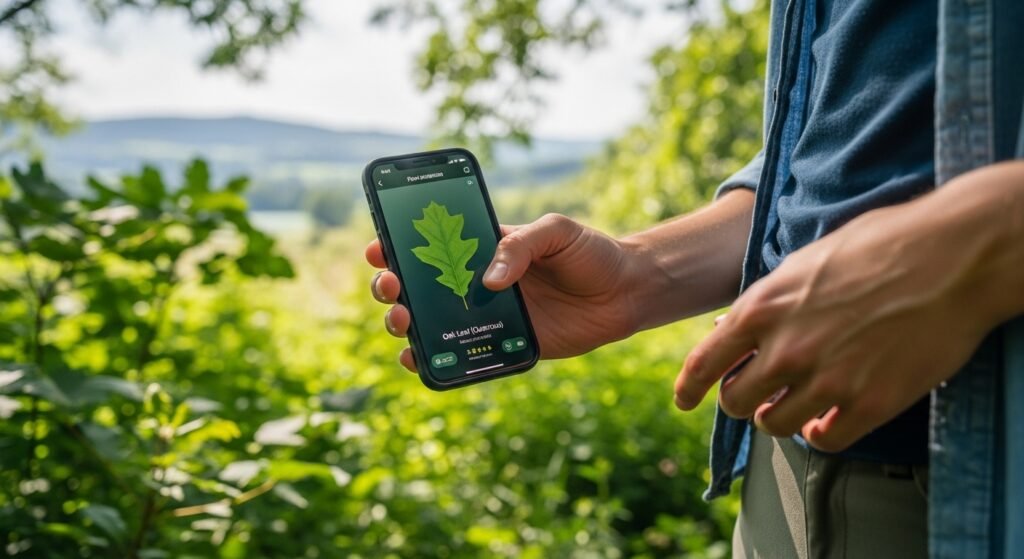
Your phone can identify most plants and dogs and landmarks which you photograph. The gallery’s photo section provides a small “info” icon which users can tap to see flower species or building history through the phone’s visual database.
Scientific Calculator Secret

The basic calculator application contains a hidden function which surprises most users. The application transforms into a full scientific calculator at which point users can access all complex functions, including square roots and logarithms, through landscape mode activation.
