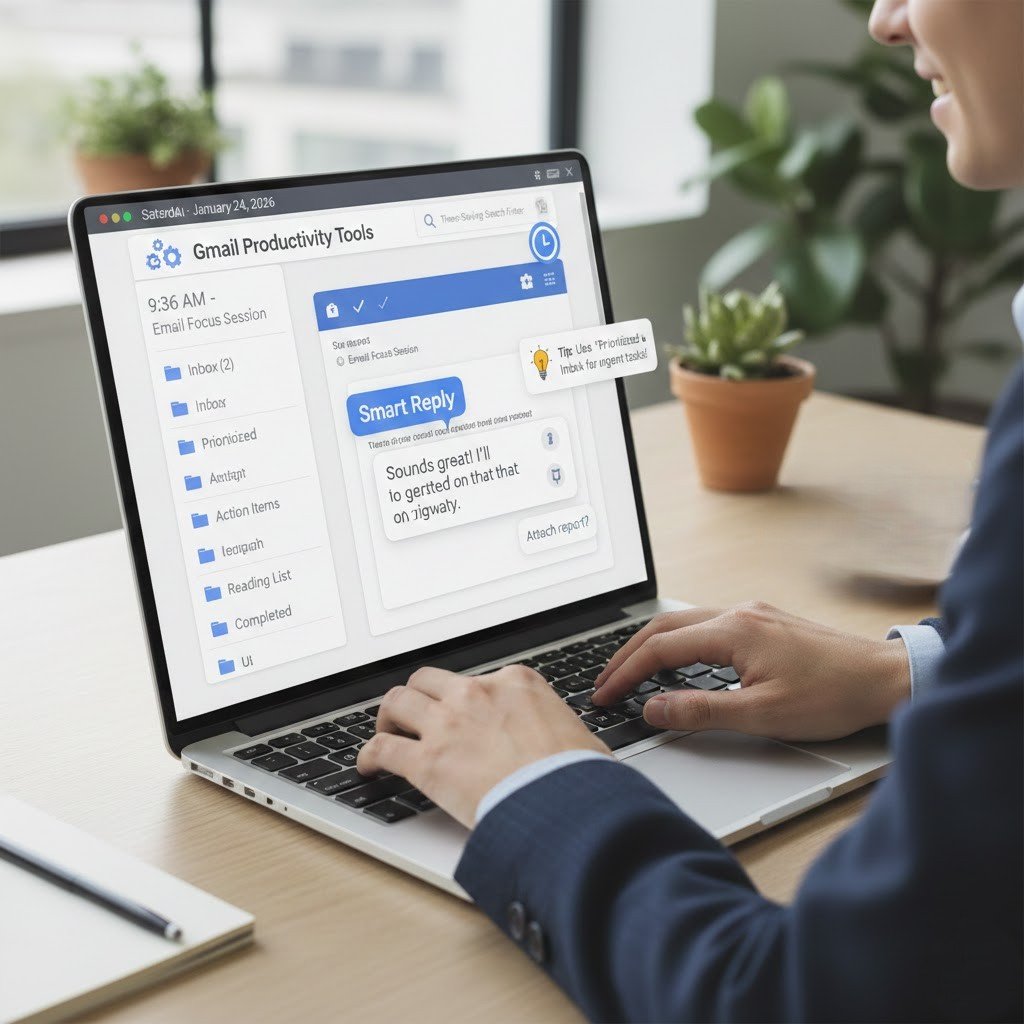
Gmail provides various beneficial features which users typically fail to notice. The correct implementation of these tools enables users to save time while decreasing their stress levels and maintaining their work organization. The following tips present straightforward methods which professionals can use to handle their email tasks through existing program functions.
Use Labels Instead of Folders

Labels let one email live in more than one place. The system enables users to organize their messages according to various categories which include different projects and clients and various levels of importance. The process of searching becomes more efficient and more understandable for users.
Turn On Priority Inbox
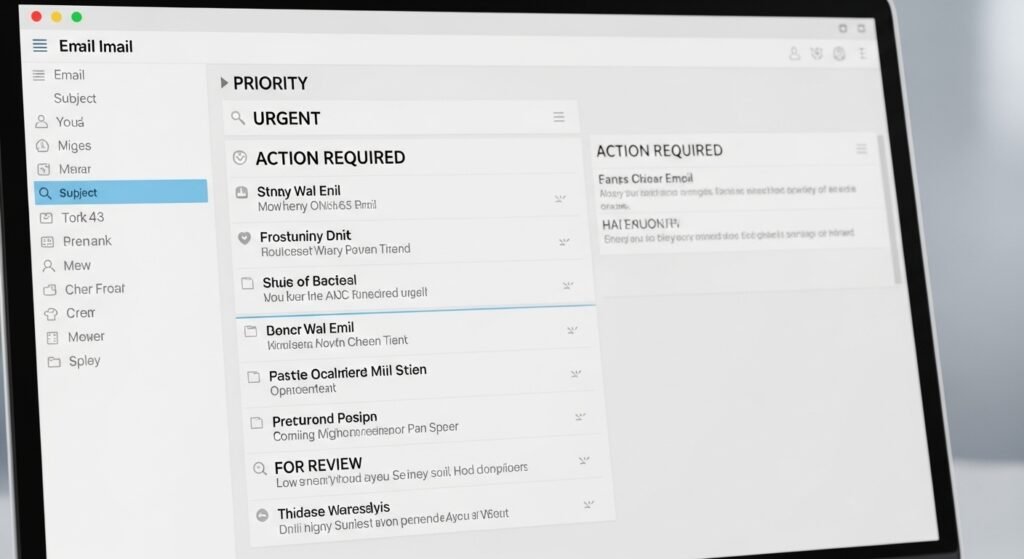
Priority Inbox creates two separate categories which separate important emails from less urgent emails. Over time Gmail identifies the messages which you consider most valuable. The system allows you to concentrate on your work by eliminating the need to check every detail.
Create Simple Filters
Filters start to organize incoming emails immediately after their delivery. You can use labels and archiving functions and the ability to skip the inbox for newsletters and updates. The system maintains a tidy inbox because it eliminates the need for users to perform any manual tasks.
Use Keyboard Shortcuts

Keyboard shortcuts enable users to accomplish tasks faster because they allow quick responses and archiving and searching functions. The system enables users to increase their productivity through quick activation of functions which results in time savings throughout their entire work period.
Schedule Emails to Send Later
The system lets you schedule your email responses to send at specific times while you stay offline. The tool functions effectively for scheduling messages which need to be sent during different time zones and for planning messages that will be sent before upcoming deadlines.
Use Snooze for Follow-Ups
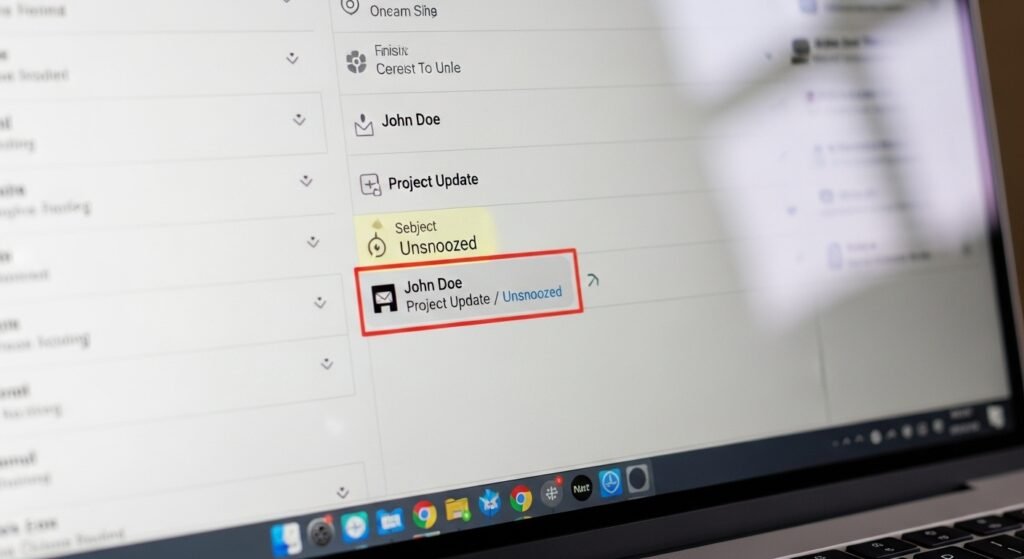
The snooze function lets users remove an email from their view until the moment they require it again. The system enables users to clear their mental clutter while maintaining access to crucial emails which need their attention.
Turn Off Notifications

Excessive notifications disrupt concentration. People can manage their email checking schedule more effectively by disabling all notifications that do not need their attention.
Use Search Operators
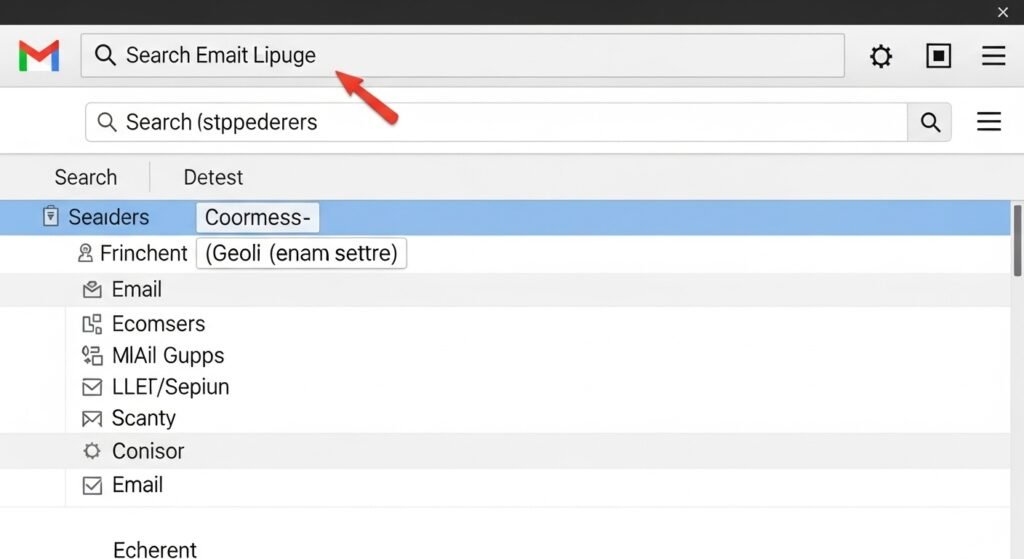
Gmail search works better with simple keywords like “from,” “has:attachment,” or dates. The system allows users to locate emails faster because they do not have to scroll through many pages.
Keep a Clean Signature
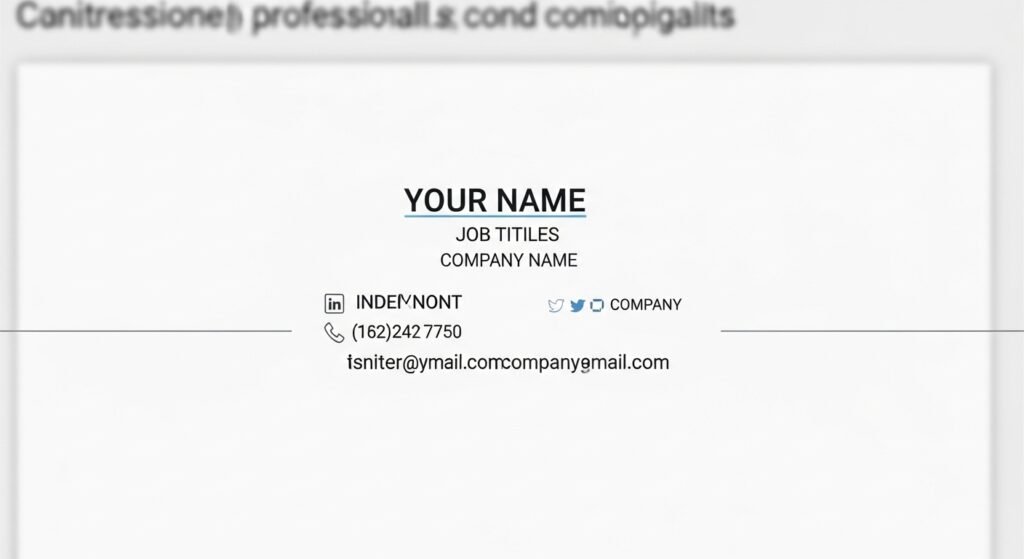
Gmail provides automatic signature add-on feature which is simple to use and makes email professional. Anyone can add this feature and save time on adding signatures manually. Avoid long quotes or extra details that distract from the message.
Clean Your Inbox Weekly
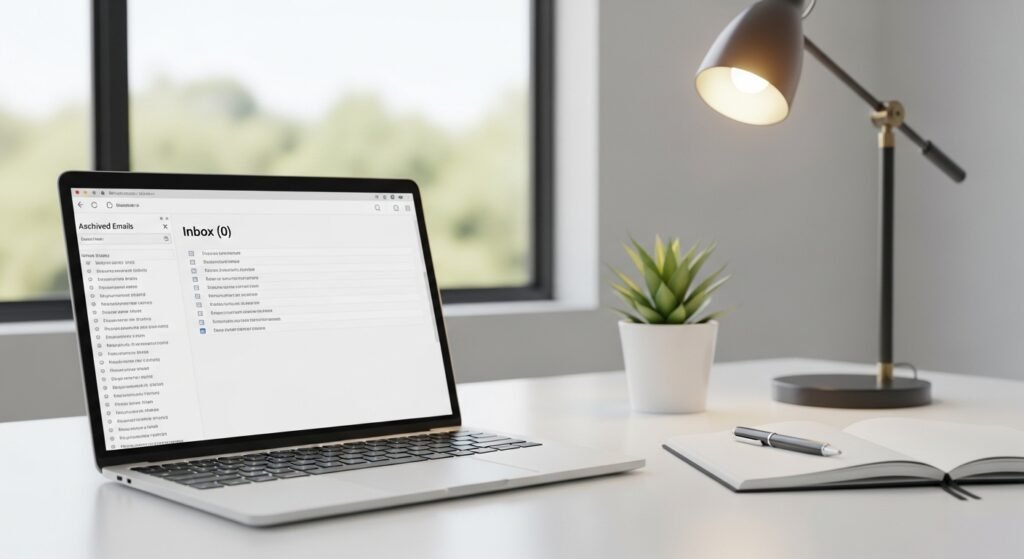
The process of archiving or deleting emails takes only five minutes which users need to perform every week for their inboxes to stay organized. The process of doing small cleanups allows users to maintain their work area in an organized state throughout the entire period.
