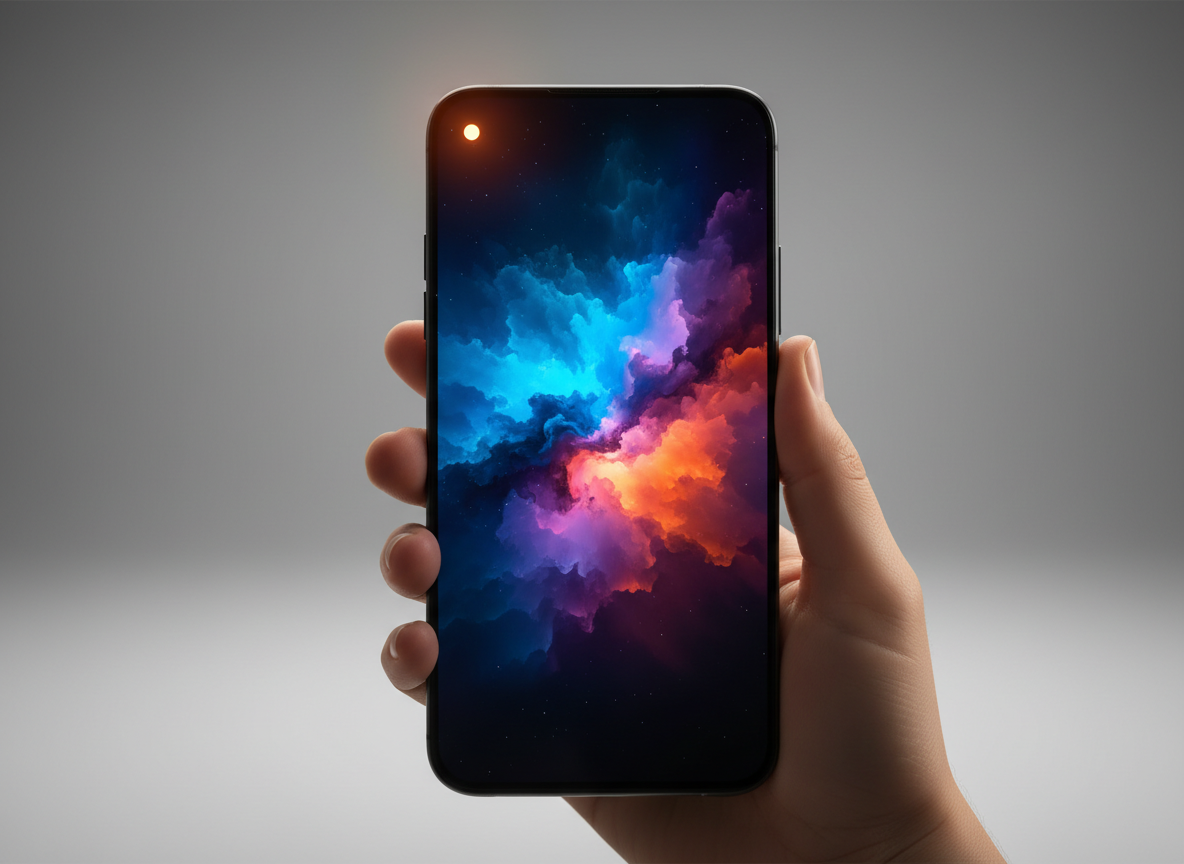
Many people who own iPhone observe this orange dot at the top of the screen. If you are seeing that too, it means you’re not alone. Many people spot it and feel confused at first. It’s actually part of Apple privacy features which is designed to give quick awareness about what your phone is doing. The dot isn’t random or a warning sign. These points explain what it means in a very clear and simple way.
Shows Microphone Use

The orange dot appears when an app uses your microphone. This usually happens during calls, voice messages, or voice typing. It’s simply letting you know sound access is active.
It Appears Near the Status Bar
You’ll see the dot near the top of the screen close to the battery or signal icons. This is its ideal spot to observe that orange dot. Its placement makes it easy to notice without blocking anything important.
Doesn’t Mean Something Is Wrong

Seeing the orange dot doesn’t mean your phone is hacked or something wrong happened to your phone. It only shows activity and most of the time, it connects to apps you’re already using.
Calls and Voice Notes Trigger It

Phone calls, FaceTime, voice notes, and audio messages often cause the dot to show. It means when you open such an app or they happen in the background, you mean see this dot at the top of the screen. Additionally, this is normal behavior during audio-related actions.
Some Apps Use the Mic

Apps like voice assistants or meeting apps may briefly activate the microphone which may cause the dot to show. The dot helps you stay aware of that access in time.
You Can Check Which App Used It

You can glance at which app triggers to show an orange dot on your iPhone screen. By opening the Control Center, you can see which app recently accessed the microphone. This adds extra clarity if something feels unfamiliar.
Different From the Green Dot
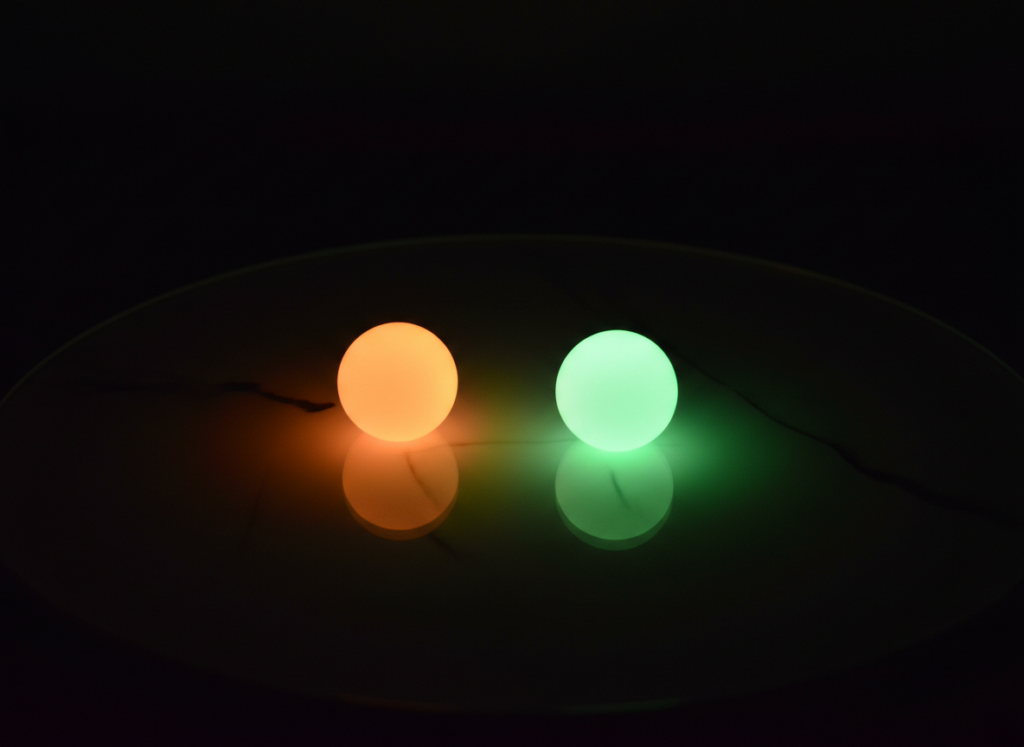
The green dot means the camera is being used. The orange dot only relates to sound. Both dots exist to improve transparency.
Started With Newer iOS Versions

Older iPhones didn’t show this indicator, meaning, this feature is new and started with the newer iOS version. Apple added it to give users more control and awareness over privacy.
Adjust App Permissions

If the dot appears too often, you can review microphone permissions in the settings. This helps you disable apps that have manual permission enabled and restrict them completely.
Simple Privacy Reminder

The orange dot acts like a quick heads up because it keeps you informed without interrupting usage, helping you feel more in control of your device.
