
Windows Outlook is a useful tool as it helps in organizing email, calendars, contacts, and tasks in one place. The new outlook app brings new features like capabilities of artificial intelligence, enhanced offline access, and better accessibility. But it feels frustrating when the outlook app freezes on the screen which can disturb your task. Here are a few settings you can try to resolve the outlook app freeze issue.
Restart the PC

Restarting your personal computer may give you a fresh start and prevent temporary processes that sometimes block apps. Additionally, it helps resolve launch issues without changing any settings.
Check Windows Updates
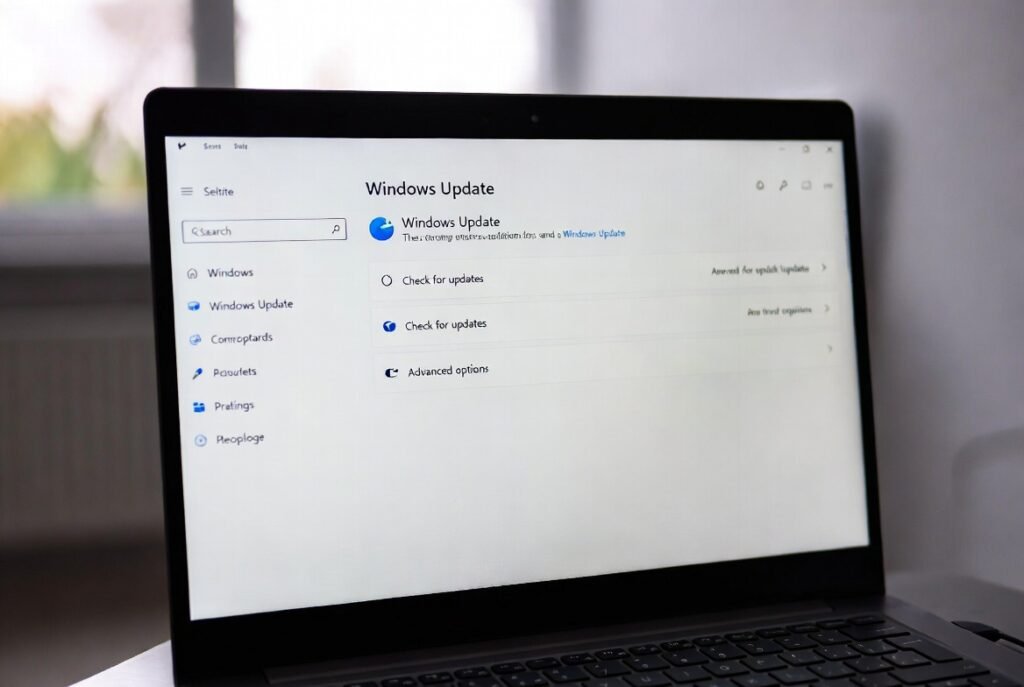
Pending updates sometimes affect app compatibility. It is recommended to update and install available updates timely to fix issues like this. Additionally, timely updates help align system files with newer apps.
Update Outlook From Microsoft Store

Outlook is an important application for daily tasks and thus it updates separately. Check Microsoft store and update outlook app may solve this issue in time. It is recommended to update older version applications to match its performance with newer systems.
Reset the Outlook App

You can try resetting the application if the above tricks won’t work. Resetting clears corrupted app data and offers fresh application usage. You can explore this option under app settings in installed apps on your computer.
Check Internet Connection

These apps require internet connection to function properly. The issue may also arise from disturbed internet connection or slow connectivity. Switching networks or reconnecting Wi-Fi helps rule this out quickly.
Disable Conflicting Startup Apps

Some startup programs interfere with background services. Checking startup apps in the task manager helps identify unnecessary items. Restrict those you think can improve app responsiveness.
Check Date and Time Settings

Incorrect date or time settings may also affect outlook to not function properly. Enabling automatic time and time zone keeps system sync accurate and helps cloud-based apps open properly.
